


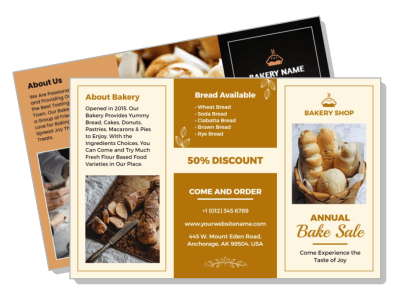
Bakery Brochure Templates
DesignWiz Bakery Brochure Templates help you showcase your baked goods fast with ready made tri-fold layouts, plus simple editing for menu items, pricing, seasonal specials, and contact details.
How to customize a bakery brochure
No design skills needed. Select a layout, add your menu items and prices, adjust colors to match your brand, then export a brochure you can print or share in minutes.

1. Pick a layout
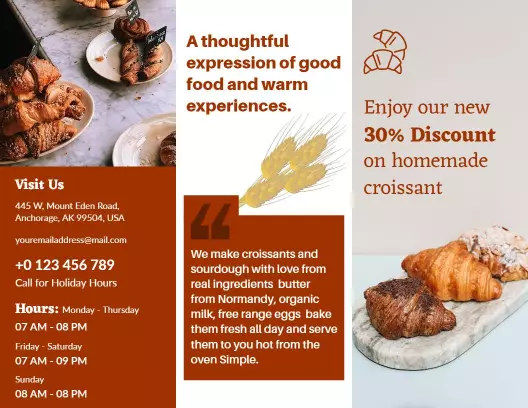
Choose a bakery brochure layout that fits your menu size and shop style. Set page size to letter or legal first. Add your bakery name and logo so customers recognize your brand right away.
2. Add your menu items
List your menu items grouped by category such as breads, pastries, cakes, and drinks. Include a short description and the price for each item. Keep descriptions brief and consistent.
3. Set pricing clearly
Place each price next to its item name and use the same font size across all categories. Highlight your signature or best selling item with a colored badge so customers notice it first.
4. Add location and contact
Include your full address, phone number, hours, and a small map on the back panel. Add website and social media links near the bottom. Use a QR code for easy mobile access to online ordering.
5. Export and share
Export a print ready PDF at 300 DPI with crop marks and a digital PNG for social media. Test the print version at actual size. Share the digital file on your website and in email newsletters.
Trusted by Thousands
 Tata Consultancy Services
 Boston Consulting
 AT&T
AT&T
 Avelo Airlines
 Procter & Gamble
 Ministry Of Health, Malaysia
 Veterans Affairs
 Detroit Government
 New York University
 Texas A&M University
 Decathlon America
 Warby Parker
Tata Consultancy Services
Boston Consulting
AT&T
Avelo Airlines
Procter & Gamble
Ministry Of Health, Malaysia
Veterans Affairs
Detroit Government
New York University
Texas A&M University
Decathlon America
Warby Parker
Warby Parker
Tata Consultancy Services
Boston Consulting
AT&T
Avelo Airlines
Procter & Gamble
Ministry Of Health, Malaysia
Veterans Affairs
Detroit Government
New York University
Texas A&M University
Decathlon America
Warby Parker



Other Brochure templates
Bakery Brochure Templates Design Ideas and Examples
Customize colors, photos, and product descriptions to match your bakery brand, then keep the layout clean so customers can find menu items and prices in seconds. DesignWiz offers bakery brochure templates across multiple styles, so you can start from a ready made layout and edit it for your shop. Use these ideas to decide what to feature on each panel, then browse brochure templates when you want more options beyond your first pick.
Bread menu and artisan showcase
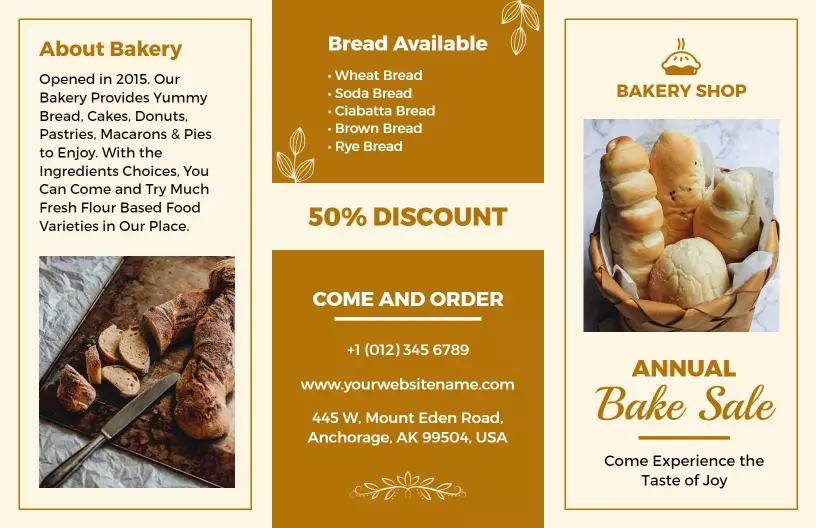
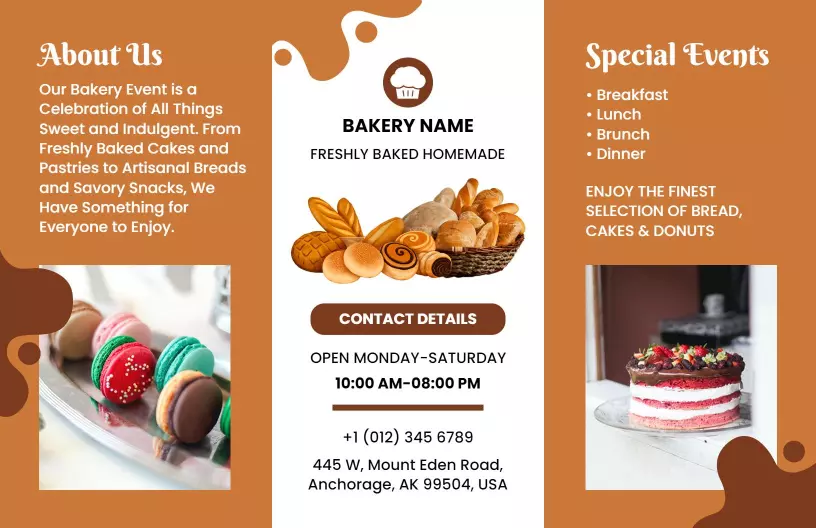
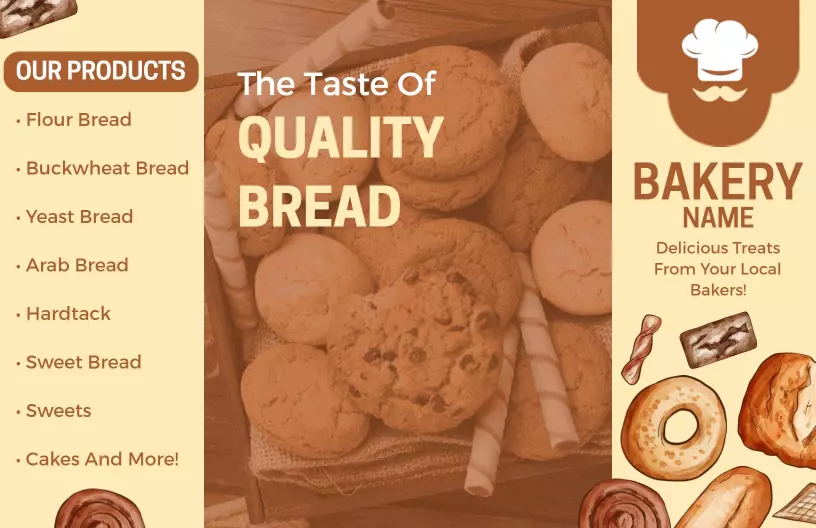
List your bread varieties by type such as sourdough, whole wheat, rye, and ciabatta with a short description and price for each. Use appetizing photos of freshly baked loaves to draw customers in. Keep the layout simple so the bread selections are the main focus. For a warm and rustic starting point, look at warm rustic bakery fresh bread and treats brochure template and update the bread list and prices for your shop.
Cake catalog and celebration orders
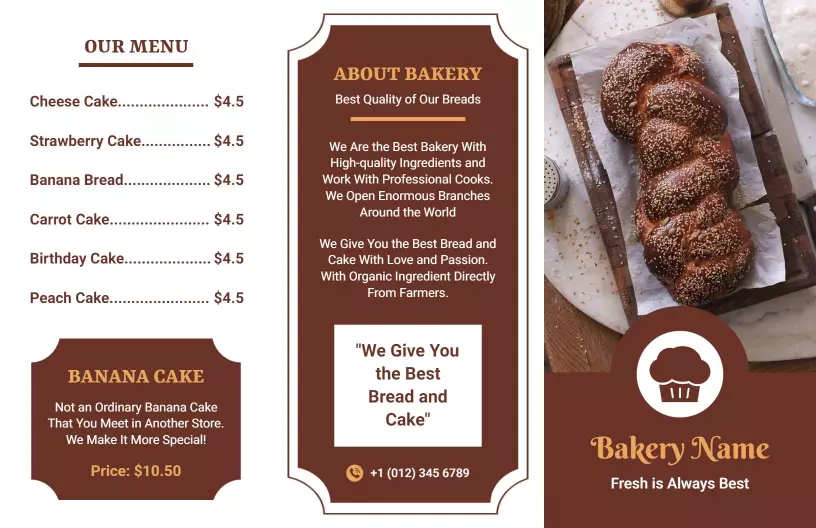
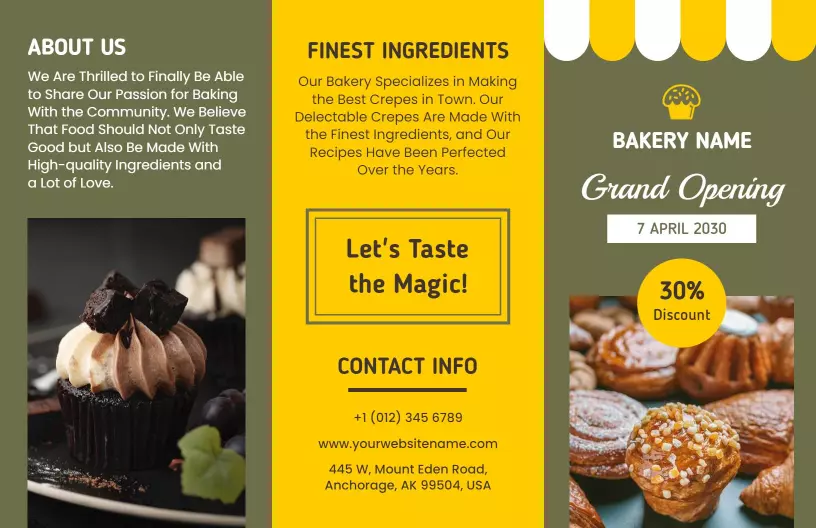
Dedicate a panel to cakes and pastries with flavor options, size choices, and price ranges. Include a note about custom orders and how far in advance customers should place them. Use short descriptions for each cake type such as chocolate, vanilla, fruit, and specialty flavors. For a layout that works well with multiple product categories, try the delicious homemade bakery offering cakes and pastries brochure template and add your own cake varieties and pricing.
Seasonal specials and catering promotions
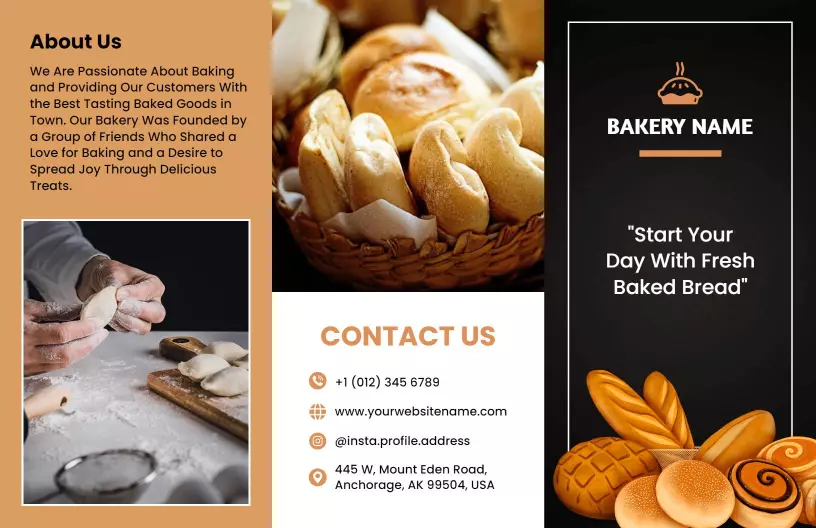
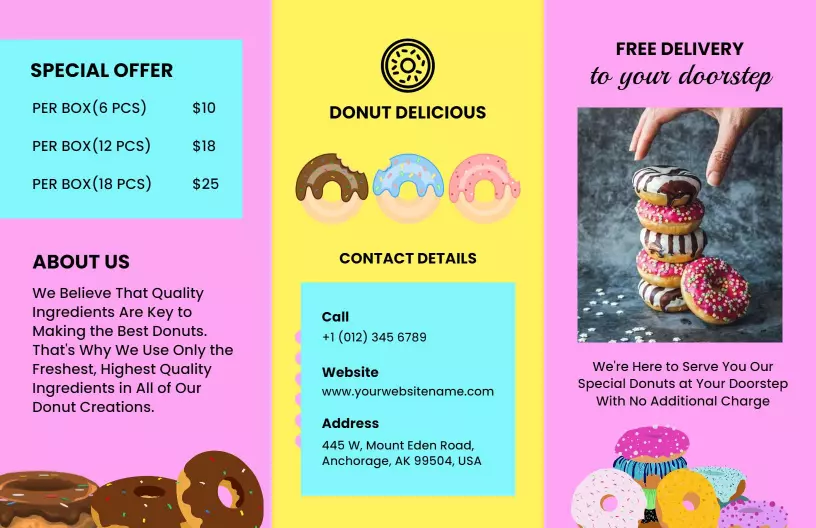
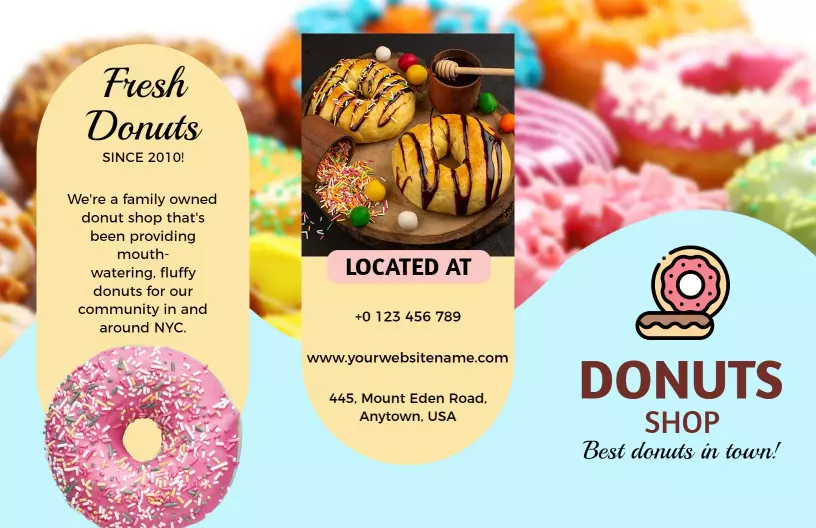
Use a front or back panel to promote seasonal items, holiday gift boxes, and catering packages. Keep the offer text short and include a clear call to action such as Order now or Call for catering. Highlight time sensitive deals with a colored background or badge so they stand out. For a bright promotional layout, start from colorful donut special offers and delivery bakery brochure template and replace the offers with your seasonal specials and holiday menus.