


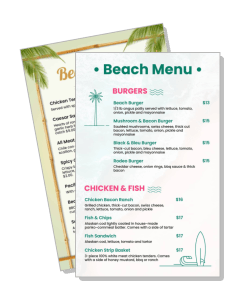
Beach Menu Templates
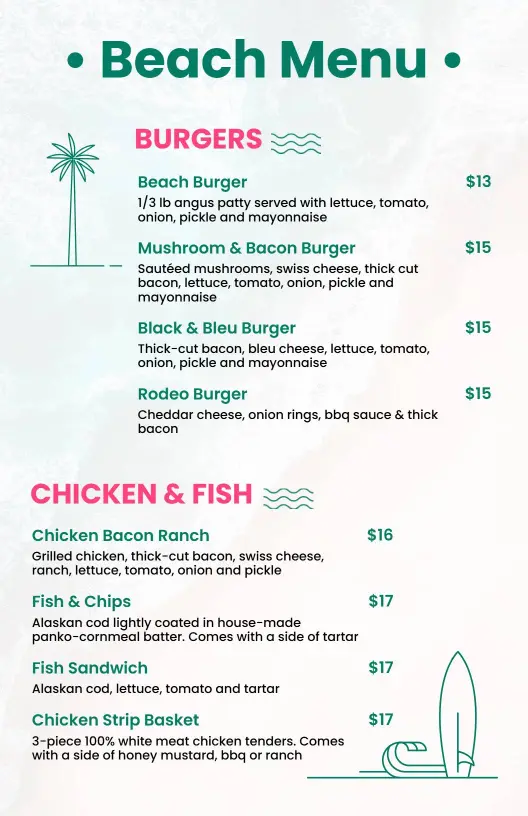
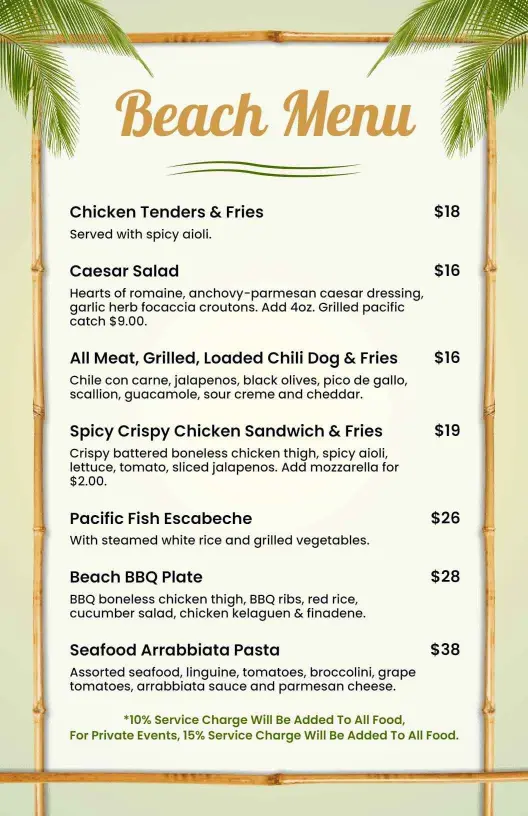
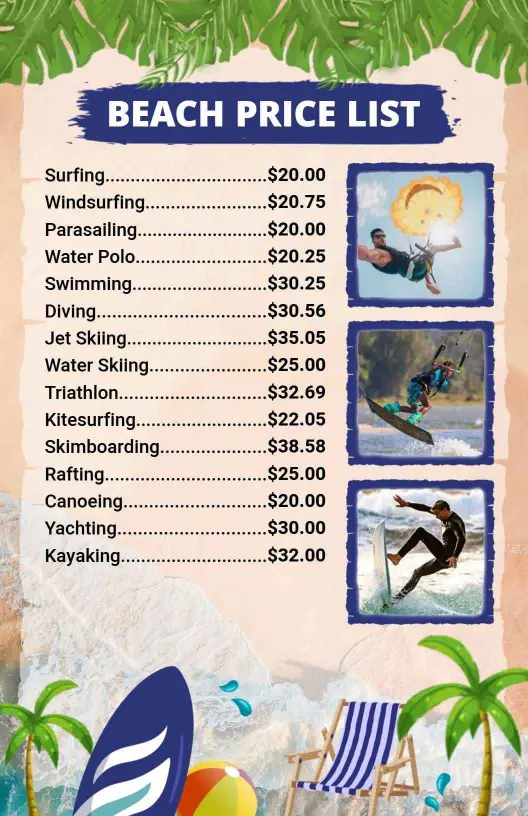
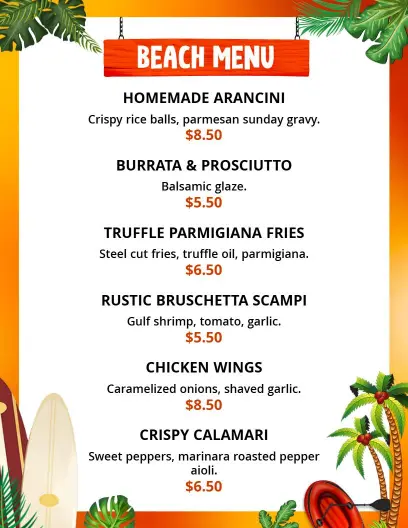
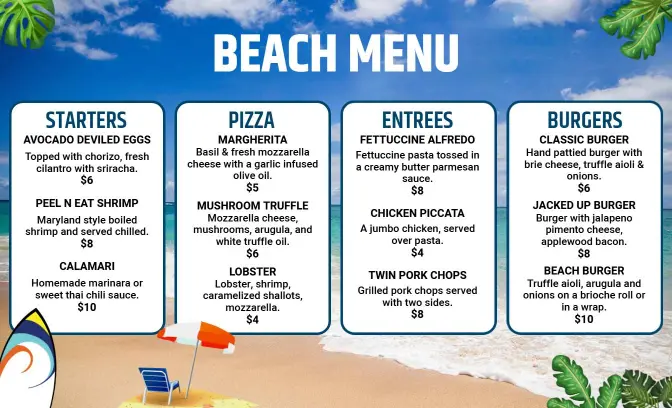
DesignWiz Beach Menu Templates help you present seaside dishes, casual bites, and drink specials in a clean layout that is simple to edit for restaurants, cafes, beach bars, and holiday venues.

Trusted by Thousands
 Tata Consultancy Services
 Boston Consulting
 AT&T
AT&T
 Avelo Airlines
 Procter & Gamble
 Ministry Of Health, Malaysia
 Veterans Affairs
 Detroit Government
 New York University
 Texas A&M University
 Decathlon America
 Warby Parker
Tata Consultancy Services
Boston Consulting
AT&T
Avelo Airlines
Procter & Gamble
Ministry Of Health, Malaysia
Veterans Affairs
Detroit Government
New York University
Texas A&M University
Decathlon America
Warby Parker
Warby Parker
Tata Consultancy Services
Boston Consulting
AT&T
Avelo Airlines
Procter & Gamble
Ministry Of Health, Malaysia
Veterans Affairs
Detroit Government
New York University
Texas A&M University
Decathlon America
Warby Parker



Other Menu templates
Entice Seaside Diners with Fresh Beach Menu Designs
Seaside dining calls for a lively and fresh aesthetic that captures the essence of beachside relaxation. DesignWiz beach menu templates incorporate vibrant ocean blues, sandy beige backgrounds, and light, airy typography that perfectly frame sun-kissed cocktails and sea-inspired dishes.
Present your full culinary offerings clearly so patrons can savor the choices as much as the view. List your catch-of-the-day specials, tropical drink selections, kids' meal options, vegetarian and gluten-free notations, side dish pairings, and prices for each item, ensuring there's something for everyone.
Lay out laminated menus on your beachfront tables, tuck them neatly inside takeout bags for tourists, or upload digital menus to your restaurant's social media pages and ordering platforms for diners ready to order from the comfort of their beach chairs.