


Popcorn Menu Templates
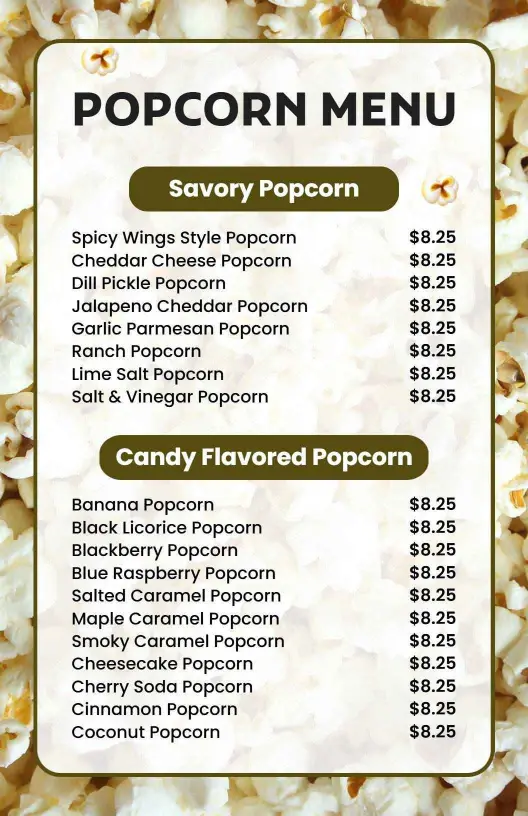
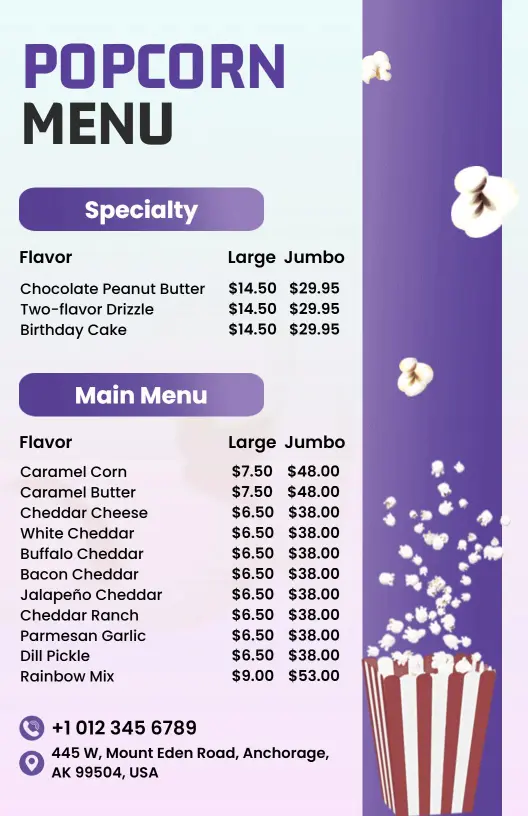
DesignWiz Popcorn Menu Templates help you showcase snack flavors and prices with a clear layout, quick editing, and polished styles for theaters, parties, snack counters, and event stands.

Trusted by Thousands
 Tata Consultancy Services
 Boston Consulting
 AT&T
AT&T
 Avelo Airlines
 Procter & Gamble
 Ministry Of Health, Malaysia
 Veterans Affairs
 Detroit Government
 New York University
 Texas A&M University
 Decathlon America
 Warby Parker
Tata Consultancy Services
Boston Consulting
AT&T
Avelo Airlines
Procter & Gamble
Ministry Of Health, Malaysia
Veterans Affairs
Detroit Government
New York University
Texas A&M University
Decathlon America
Warby Parker
Warby Parker
Tata Consultancy Services
Boston Consulting
AT&T
Avelo Airlines
Procter & Gamble
Ministry Of Health, Malaysia
Veterans Affairs
Detroit Government
New York University
Texas A&M University
Decathlon America
Warby Parker



Other Menu templates
Attract Snack Lovers with Tempting Popcorn Menu Designs
Create an enticing snack experience with menus that capture the fun and flavor of your popcorn offerings. DesignWiz popcorn menu templates use vibrant yellows, cool blues, and playful typography that highlight the unique charm of every crunch-worthy option on your list.
Ensure snack enthusiasts know exactly what to expect by detailing each popcorn variety with clear, inviting descriptions. Clearly list gourmet flavors, portion sizes, toppings options, allergen information, combo deals, and specialty seasonings right alongside competitive pricing for perfect snack decisions every time.
Place printed menus prominently at concession stands, include them in catering packets for events, or share digital versions through your website and social media profiles to reach snackers wherever they crave your delightful popcorn treats.