


Frozen-Food Menu Templates
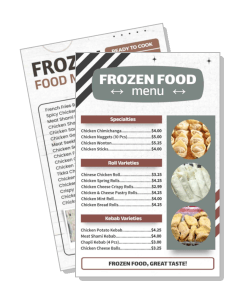
Frozen-Food Menu Templates help frozen meal brands, takeaway kitchens, food stores, and delivery businesses present products, prices, pack sizes, and ordering details in a clear, appetizing layout.
How to create a frozen-food menu
Start with your product range, then build a clear menu that helps customers compare options, understand preparation needs, and place an order without confusion.

1. Choose a menu structure
List every product you plan to sell, then group the range into useful sections such as meals, snacks, meat, seafood, vegetarian options, desserts, or bulk packs.
2. Add essential product details
Write each item name with its pack size, price, key ingredients, and short preparation note. Keep descriptions practical so customers can compare products quickly.
3. Apply your food brand
Replace the sample logo, colors, fonts, and images with brand assets that match your packaging. Use strong contrast so product names and prices stay easy to read.
4. Clarify ordering and storage
Add a phone number, website, QR code, pickup point, delivery area, and storage notes. Place these details together so customers know how to buy and handle each item.
5. Review and export
Check prices, spelling, pack sizes, availability, and contact details before export. Save suitable versions for printing, social posts, messages, and online ordering pages.
Trusted by Thousands
 Tata Consultancy Services
 Boston Consulting
 AT&T
AT&T
 Avelo Airlines
 Procter & Gamble
 Ministry Of Health, Malaysia
 Veterans Affairs
 Detroit Government
 New York University
 Texas A&M University
 Decathlon America
 Warby Parker
Tata Consultancy Services
Boston Consulting
AT&T
Avelo Airlines
Procter & Gamble
Ministry Of Health, Malaysia
Veterans Affairs
Detroit Government
New York University
Texas A&M University
Decathlon America
Warby Parker
Warby Parker
Tata Consultancy Services
Boston Consulting
AT&T
Avelo Airlines
Procter & Gamble
Ministry Of Health, Malaysia
Veterans Affairs
Detroit Government
New York University
Texas A&M University
Decathlon America
Warby Parker



Other Menu templates
Build a frozen-food menu customers can scan and order from
A frozen-food menu should do more than list products. It should help customers compare meal types, flavors, pack sizes, prices, and preparation needs without slowing down their decision. DesignWiz frozen-food menu templates are created for practical food promotion, so businesses can replace sample content with their own products and keep the layout useful for print, social sharing, messaging apps, or digital ordering.
Group ready-to-cook meals by product type
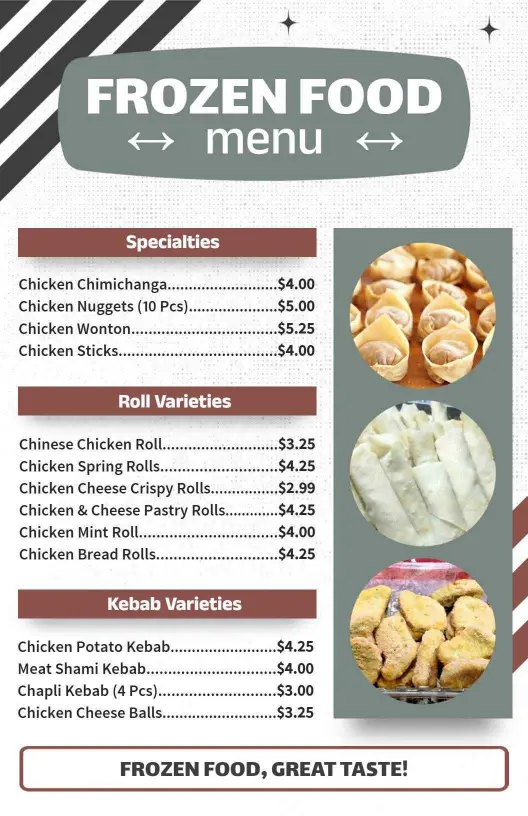
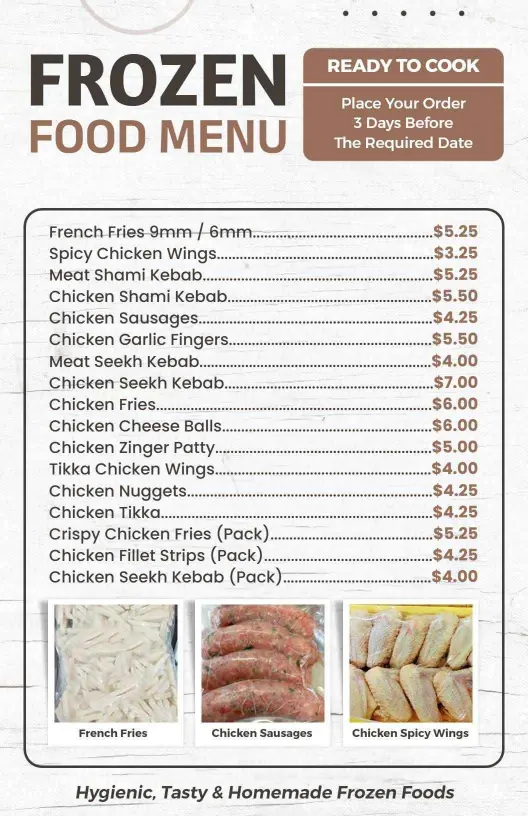
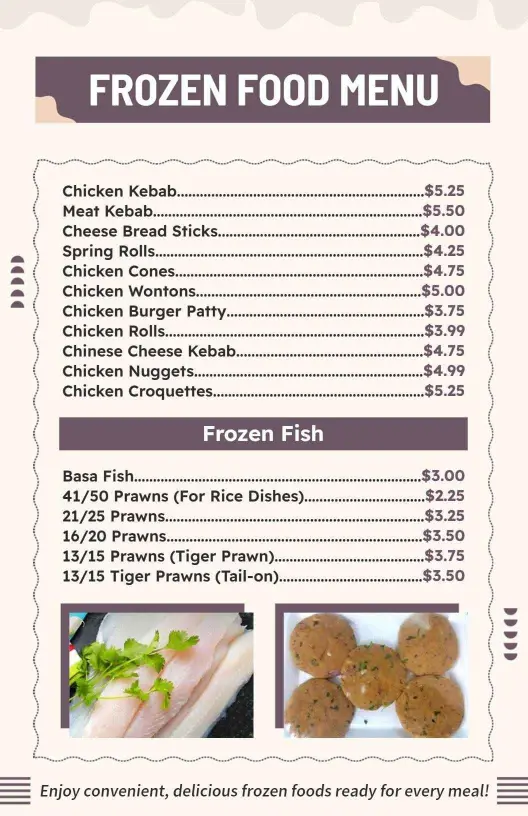
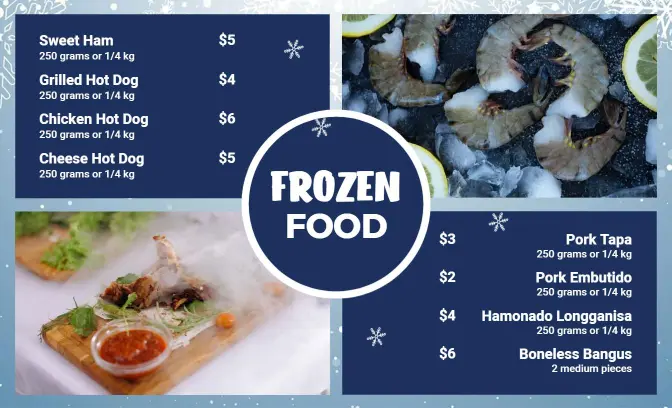
Separate kebabs, rolls, wings, curries, seafood, or family meal packs into clear sections. The Modern Frozen Food Selection Menu Template supports a structured product list, while the Rustic Style Ready-to-Cook Frozen Food Menu Template suits brands selling homestyle or prepared meal ranges.
Show prices, pack sizes, and preparation details
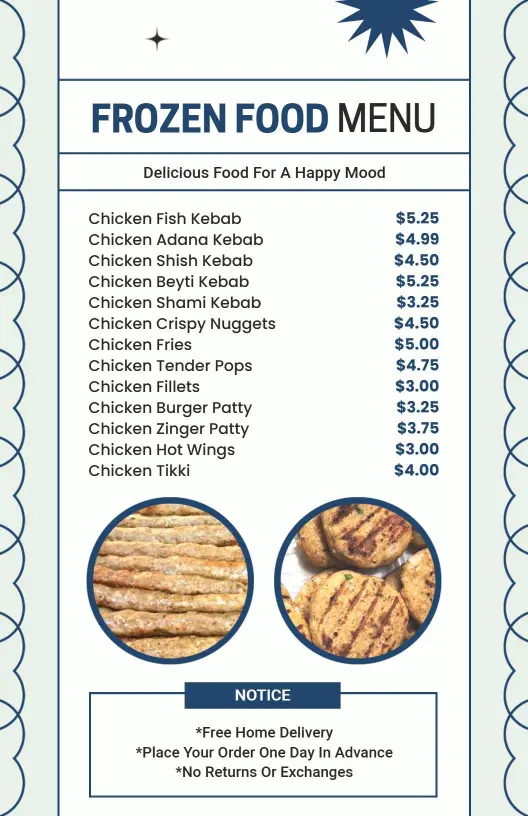
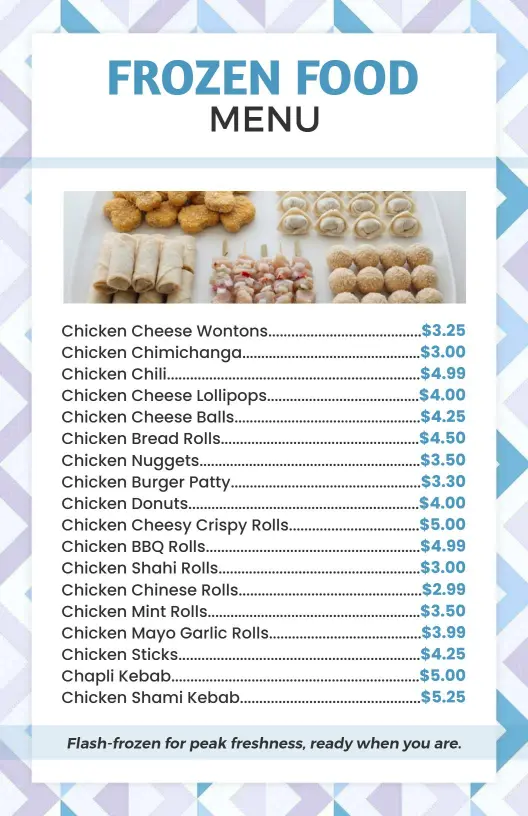
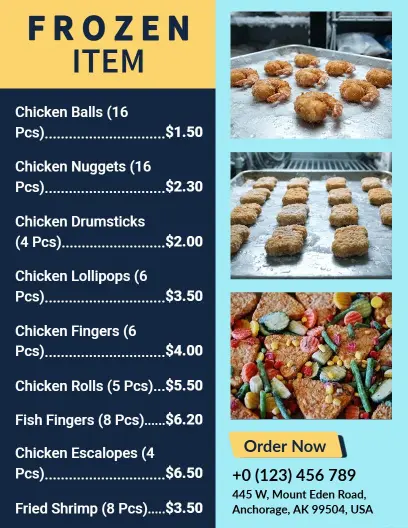
Place the product name, quantity, price, and cooking method close together so customers know exactly what they are buying. The Classic Navy and White Frozen Food Selection Menu Template offers a clean presentation for organized ranges, combo packs, and premium frozen selections.
Promote snacks, desserts, and specialty ranges
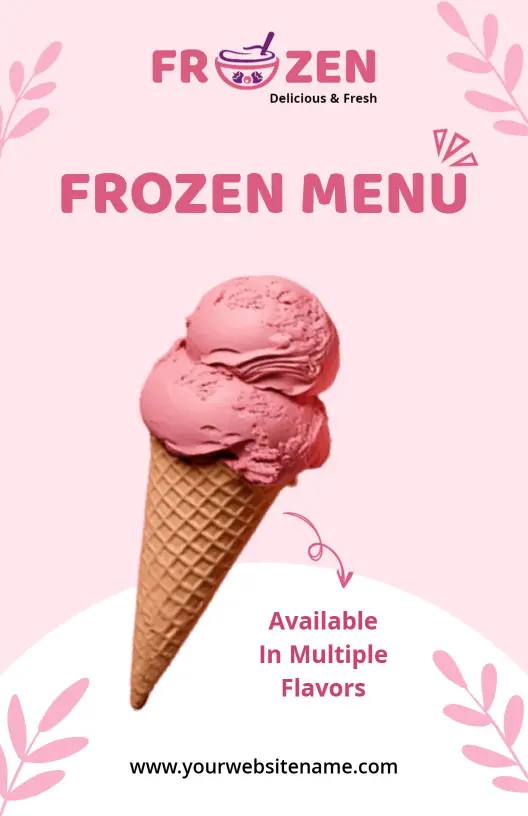
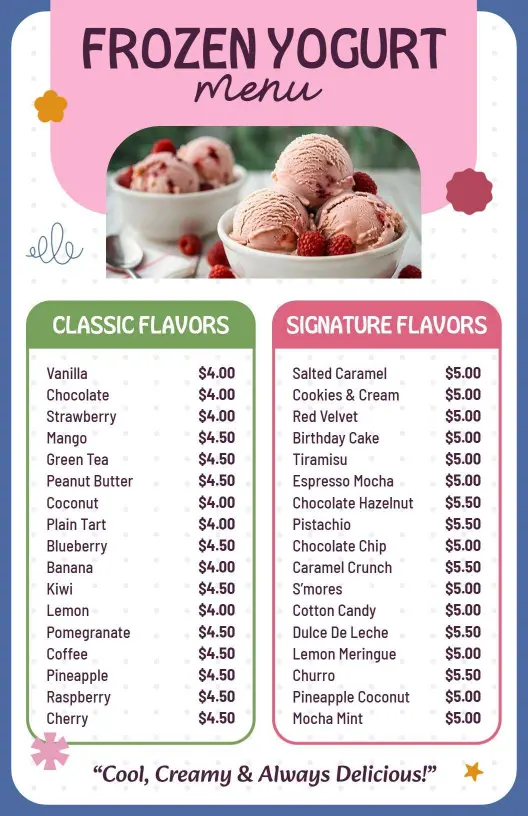
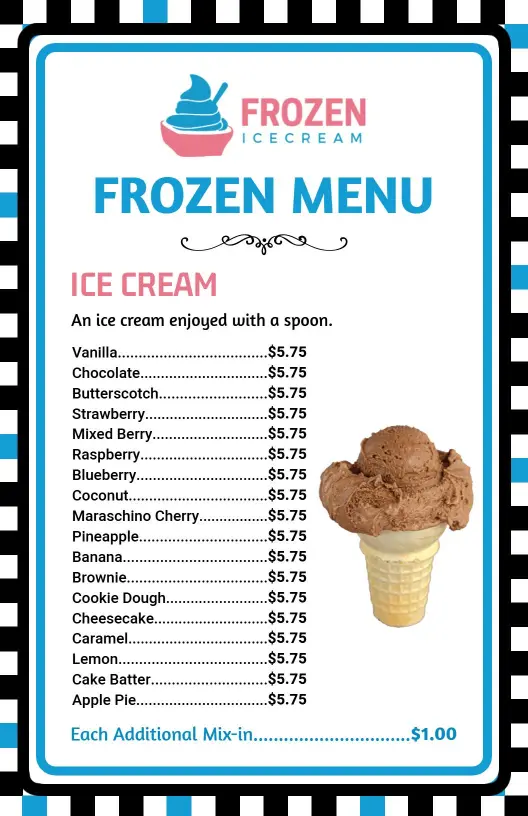
Use separate blocks for frozen snacks, ice cream, yogurt, desserts, or limited flavors so customers can browse quickly. The Elegant Light Pink Ice Cream Cone Frozen Menu Template is suited to dessert-led menus that need room for flavors, toppings, sizes, and featured combinations.
Keep ordering information visible
Finish the menu with a direct ordering path, such as a phone number, website, delivery area, pickup location, or QR code. Keep allergy notes, storage instructions, availability, and minimum-order details readable without competing with the main product list.