


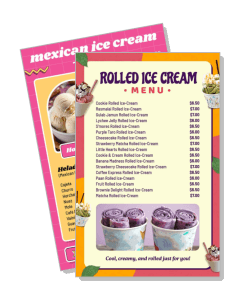
Ice Cream Menu Templates
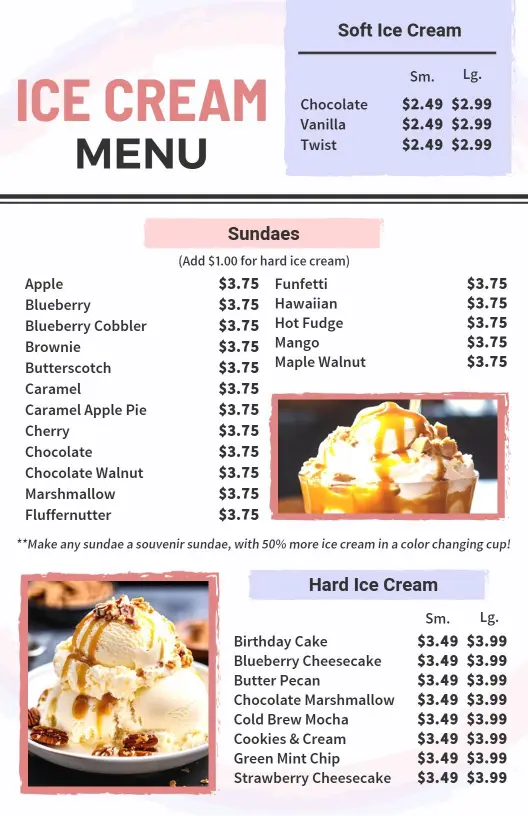
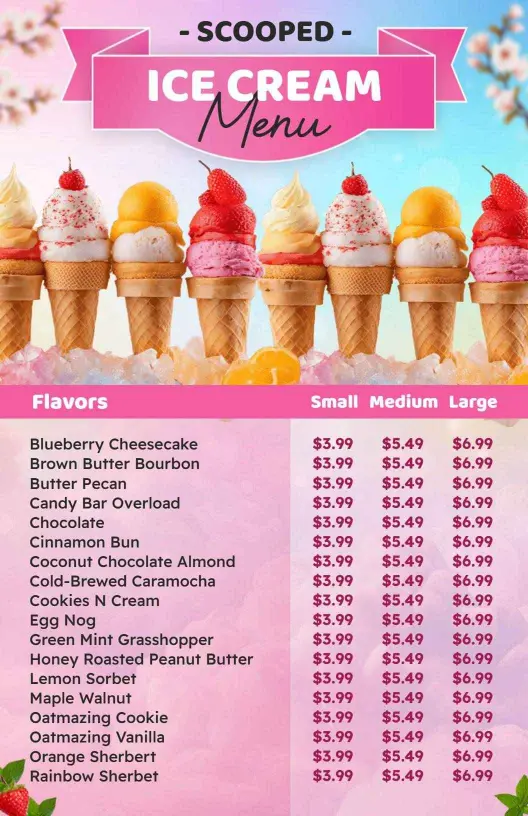
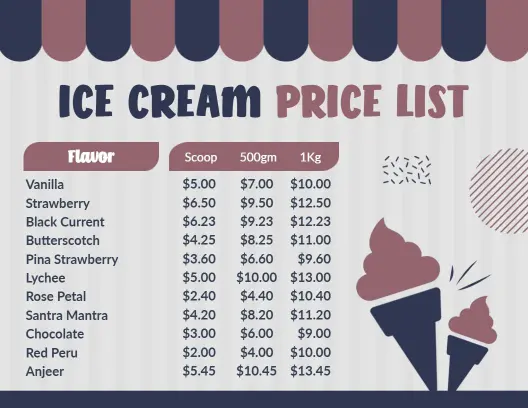
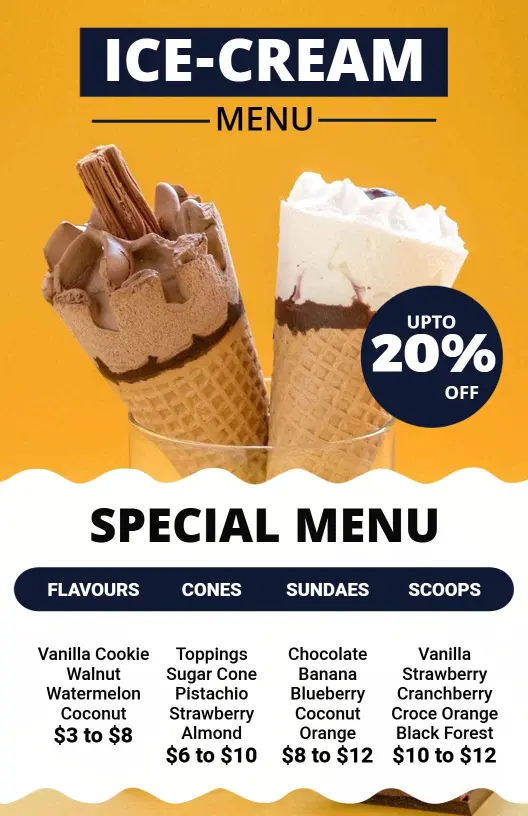
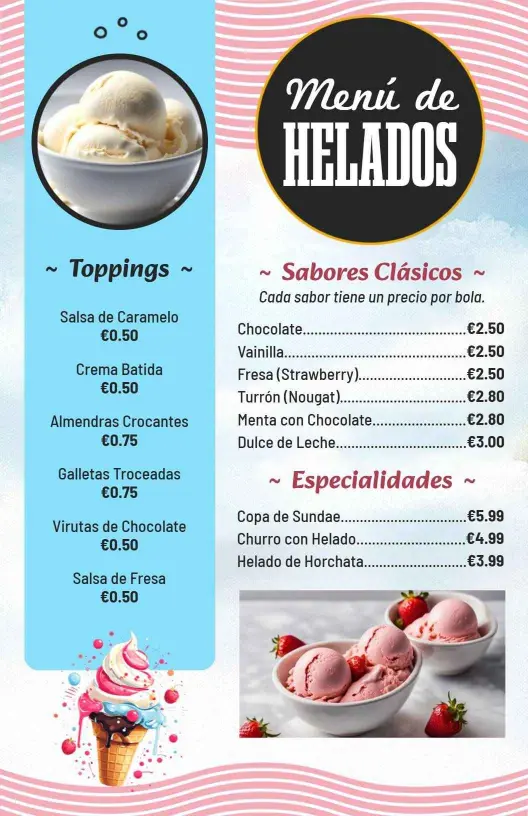
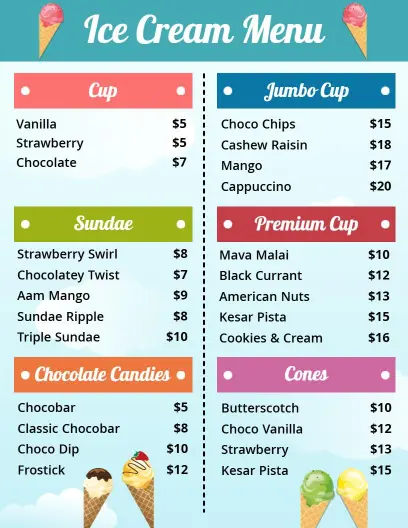
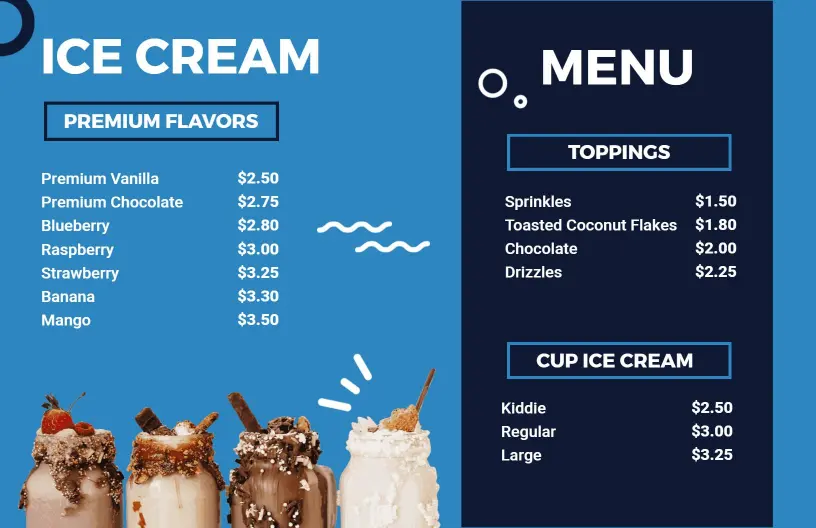
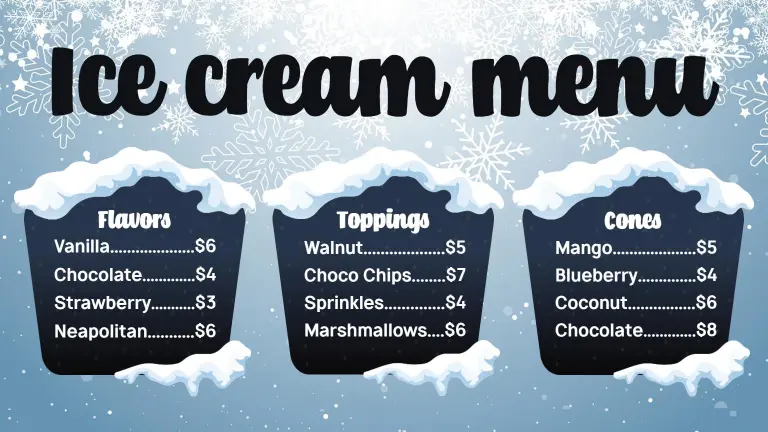
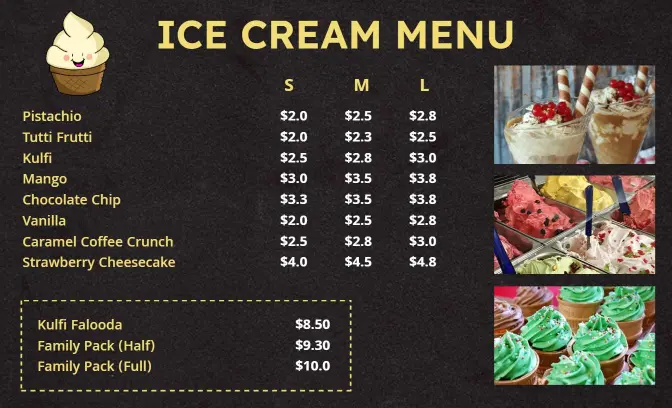
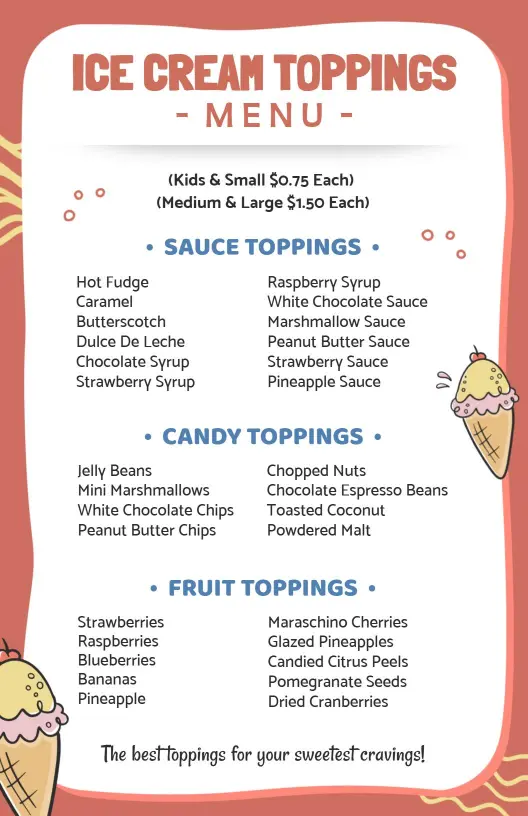
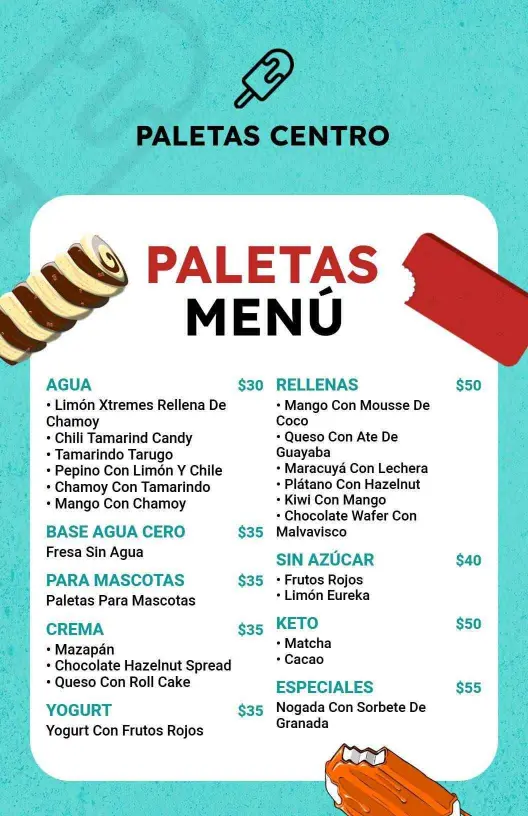
Ice cream menu templates help shops present flavors, toppings, cones, sundaes, and specialty desserts in a layout that is simple to scan for walk-in guests, counter service, or QR ordering.
Trusted by Thousands
 Tata Consultancy Services
 Boston Consulting
 AT&T
AT&T
 Avelo Airlines
 Procter & Gamble
 Ministry Of Health, Malaysia
 Veterans Affairs
 Detroit Government
 New York University
 Texas A&M University
 Decathlon America
 Warby Parker
Tata Consultancy Services
Boston Consulting
AT&T
Avelo Airlines
Procter & Gamble
Ministry Of Health, Malaysia
Veterans Affairs
Detroit Government
New York University
Texas A&M University
Decathlon America
Warby Parker
Warby Parker
Tata Consultancy Services
Boston Consulting
AT&T
Avelo Airlines
Procter & Gamble
Ministry Of Health, Malaysia
Veterans Affairs
Detroit Government
New York University
Texas A&M University
Decathlon America
Warby Parker



Other Menu templates
Boost Ice Cream Sales with Irresistible Menu Designs
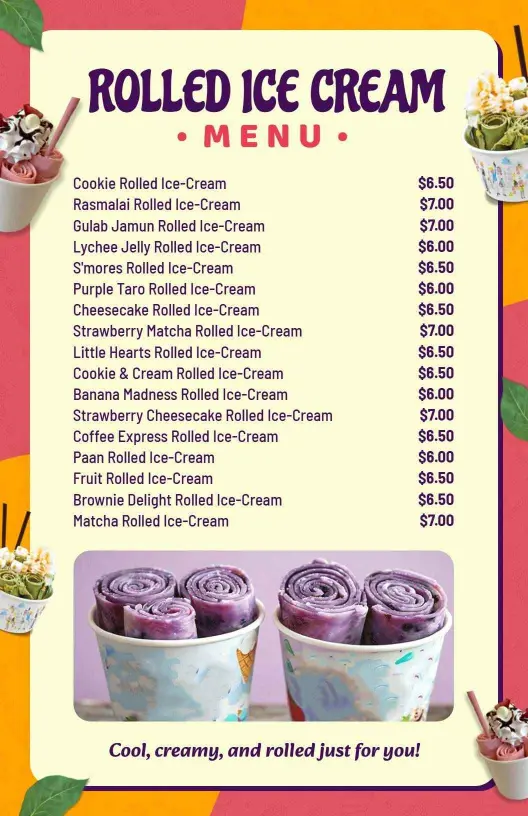
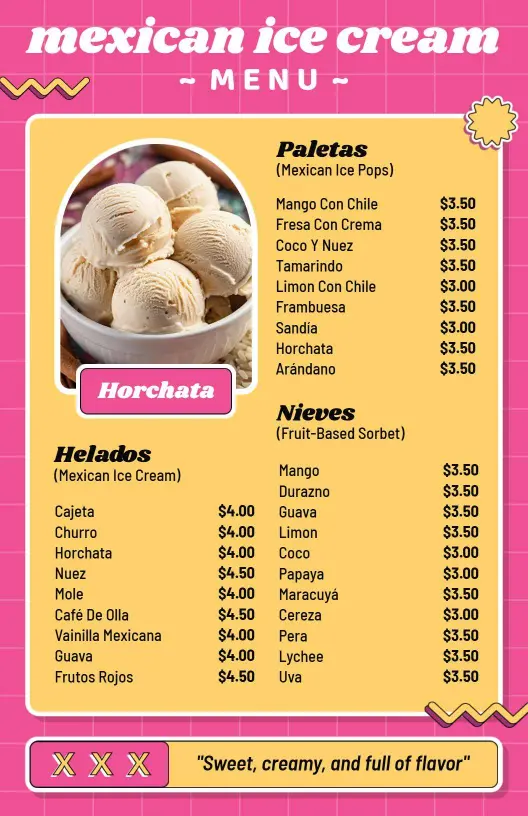
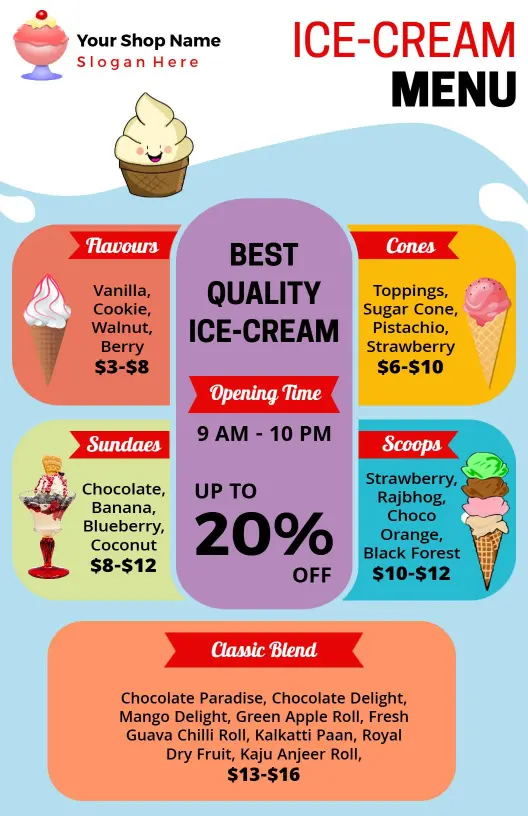
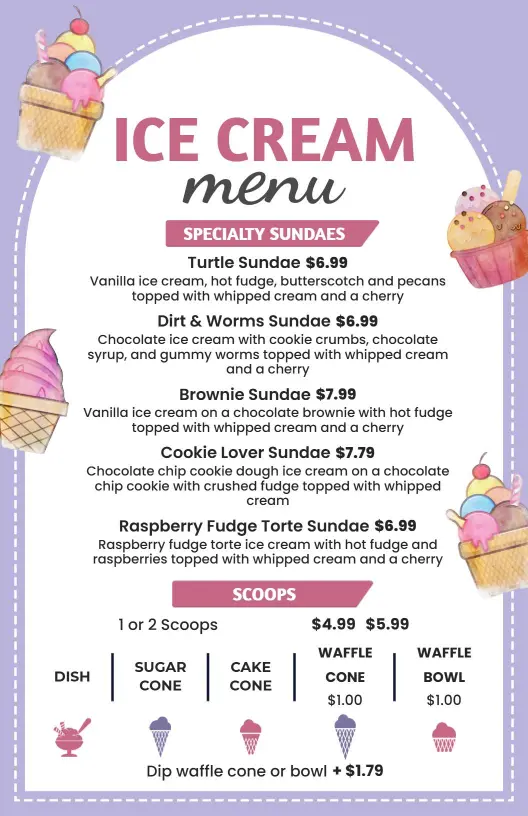
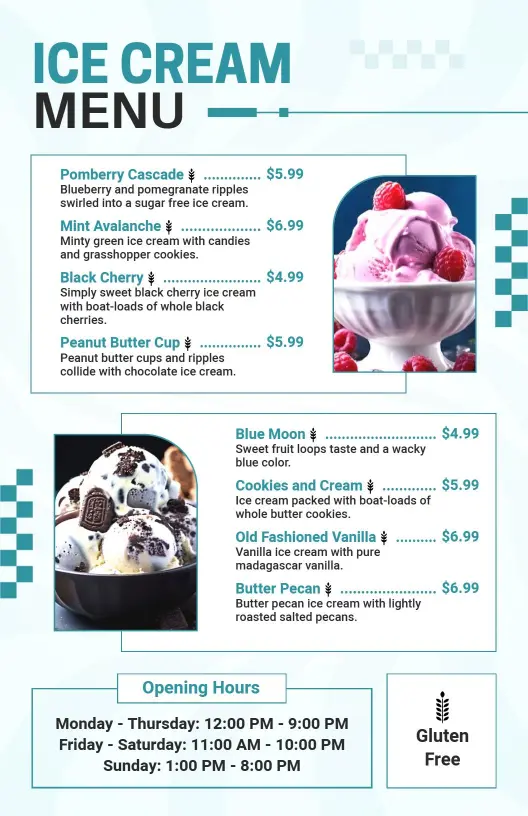
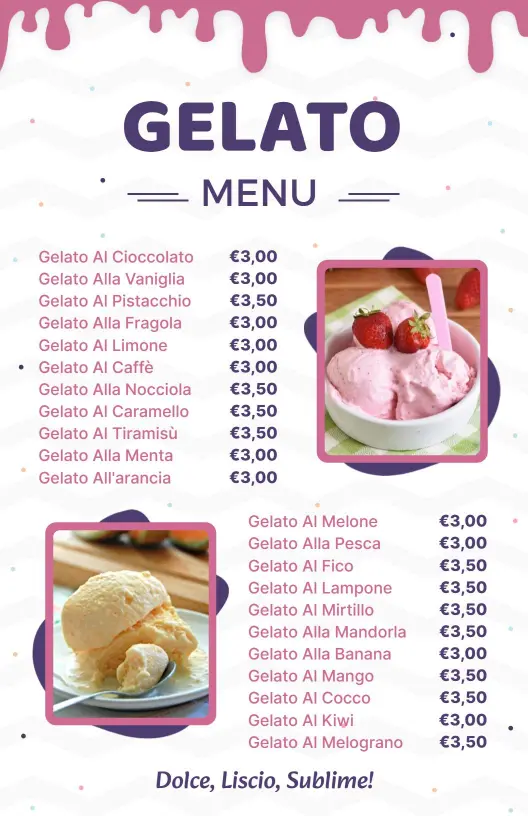
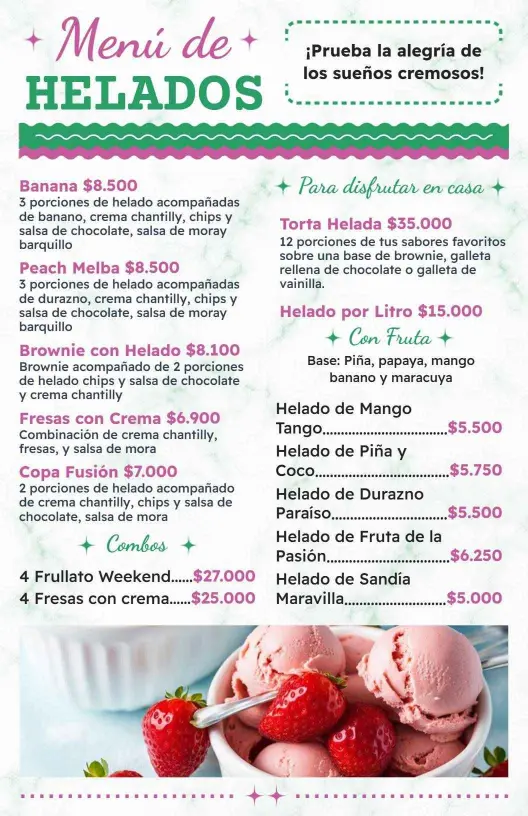
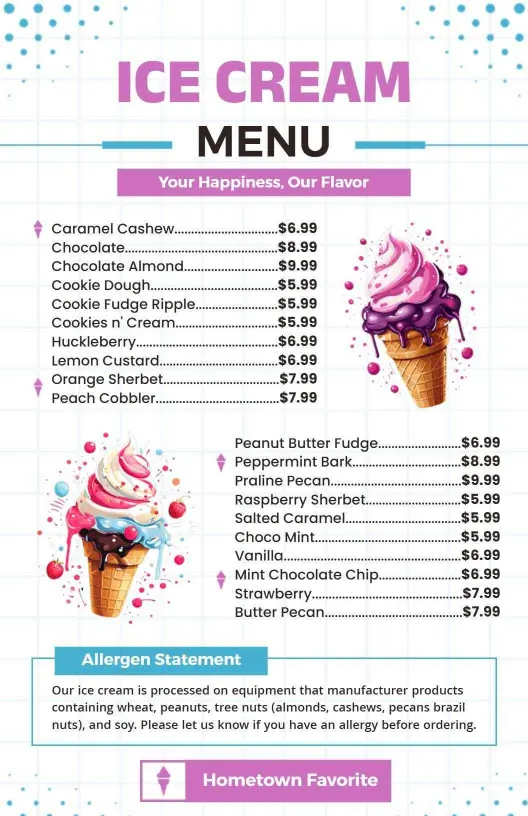
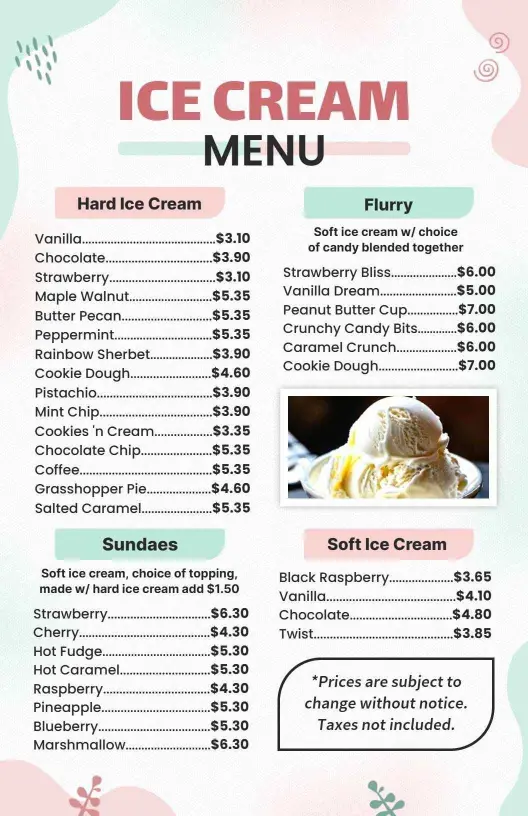
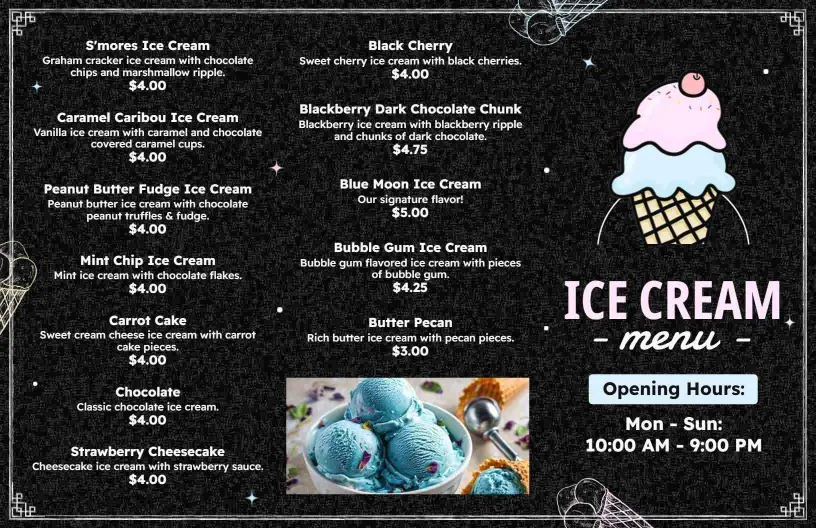
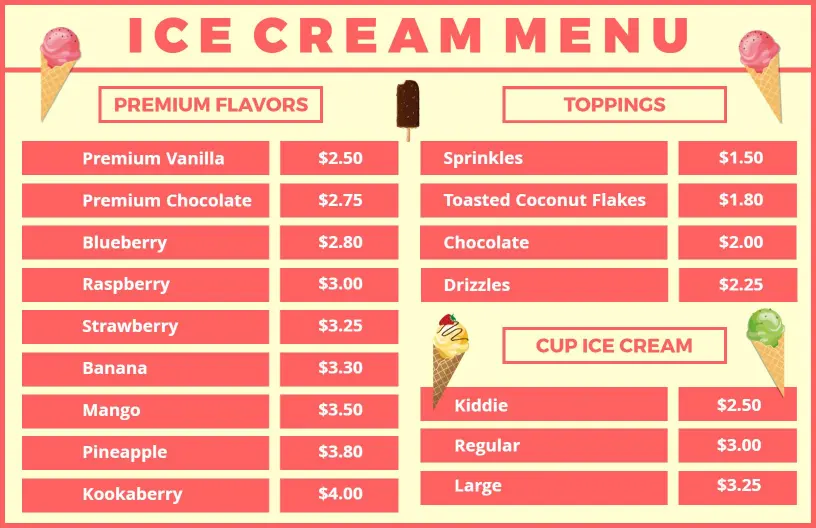
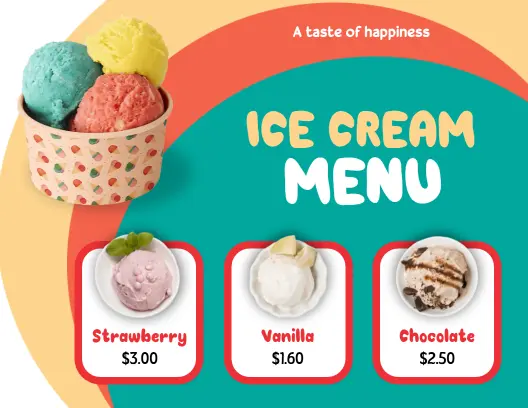
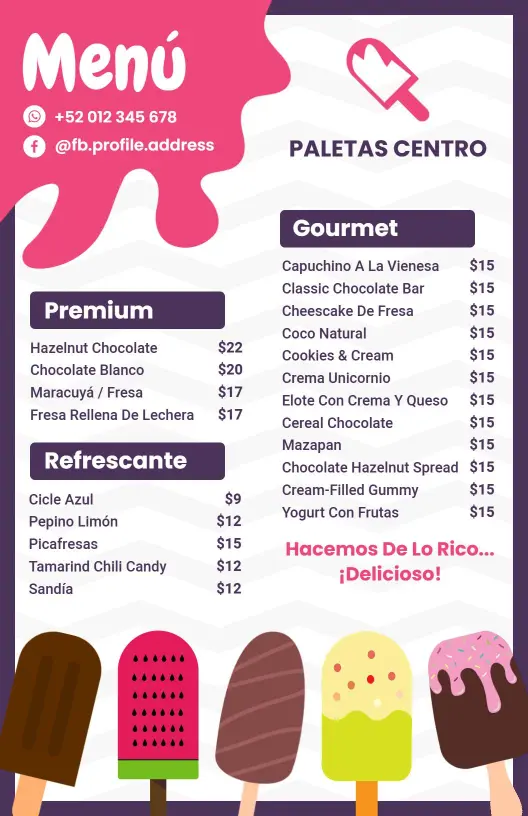
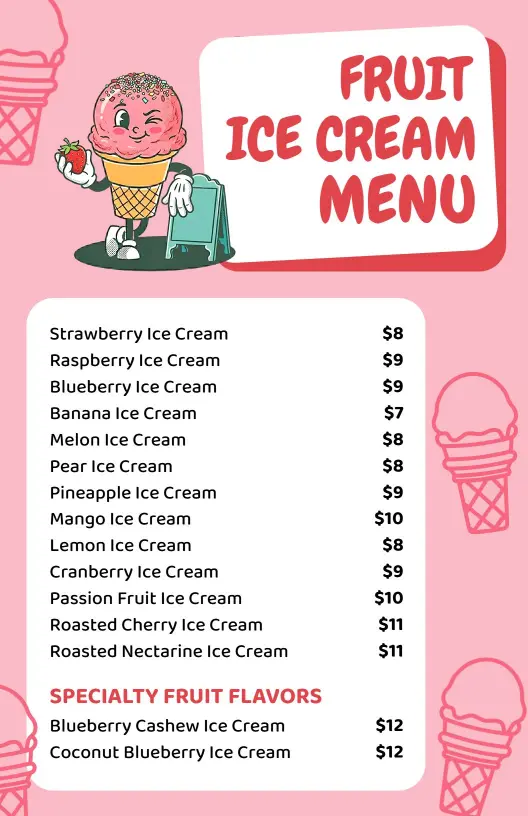
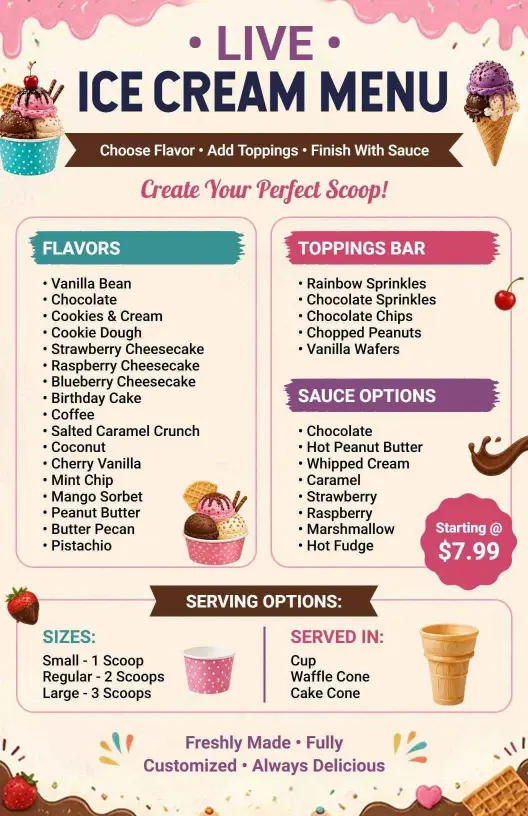
Present your ice cream shop as the go-to dessert destination with menus that are both vibrant and clear. DesignWiz ice cream menu templates feature cheerful pastel palettes, inviting dessert photography, and organized layouts that let your flavorful offerings shine. Capture attention with eye-catching headers and appetizing visuals that stimulate sweet cravings.
Display your full selection of ice cream delights, ensuring customers easily find their favorites. Include options such as cones, cups, sundaes, and shakes, along with a variety of flavors, allergy-friendly choices, toppings, and mix-ins. Clearly outline scoop prices, dietary symbols like nut-free or vegan options, and pairings for an easy and delightful choosing experience.
Place sturdy, laminated menus on countertops for dine-in guests, add them to takeaway orders, or share contactless versions on your website and social media profiles so customers can enjoy browsing from anywhere, encouraging both in-store visits and online orders.