


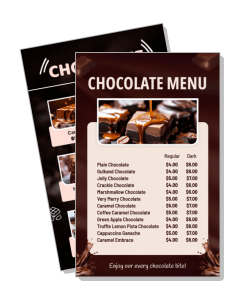
Chocolate Menu Templates
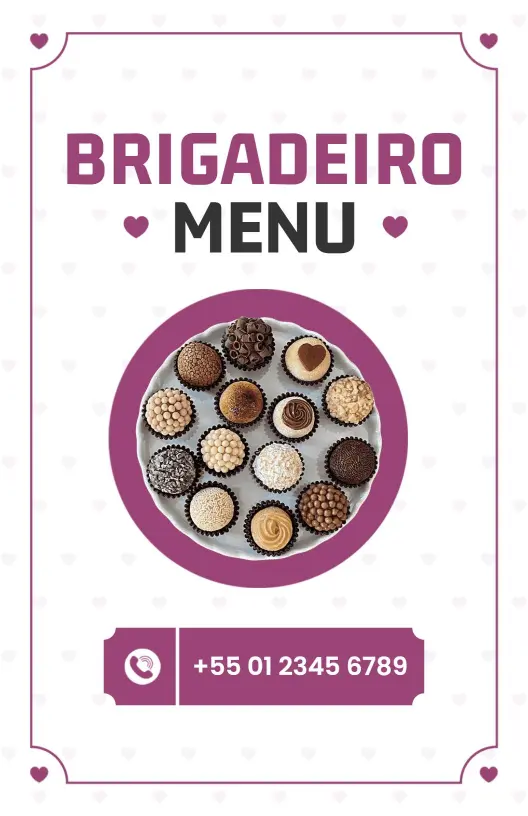
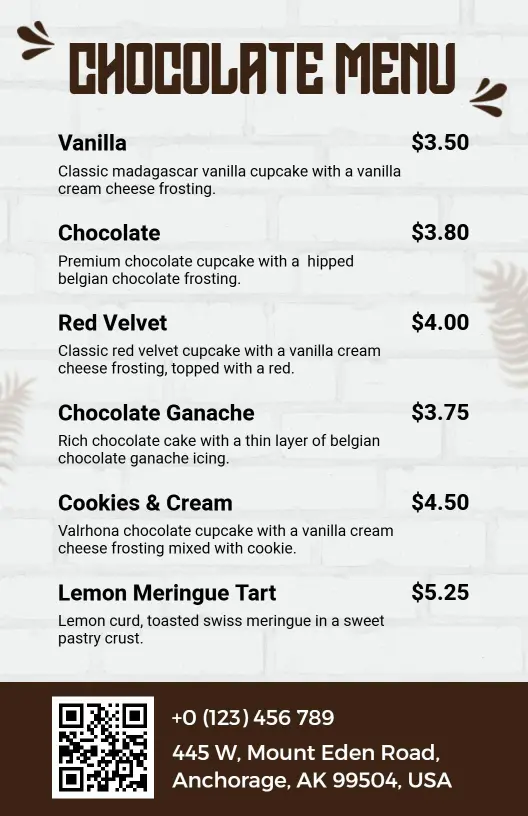
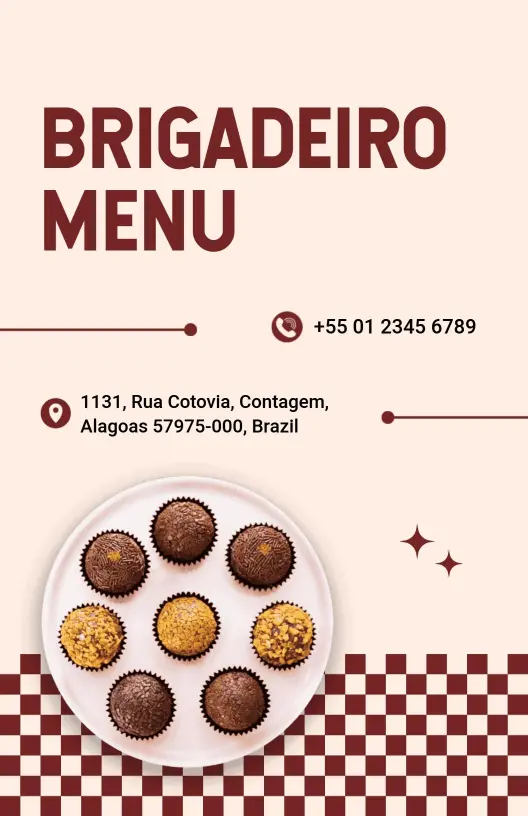
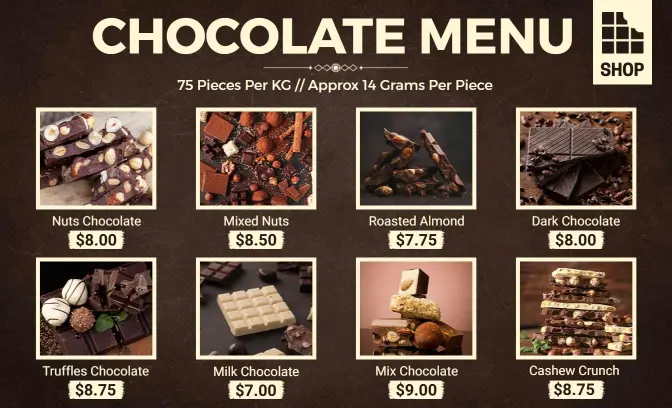
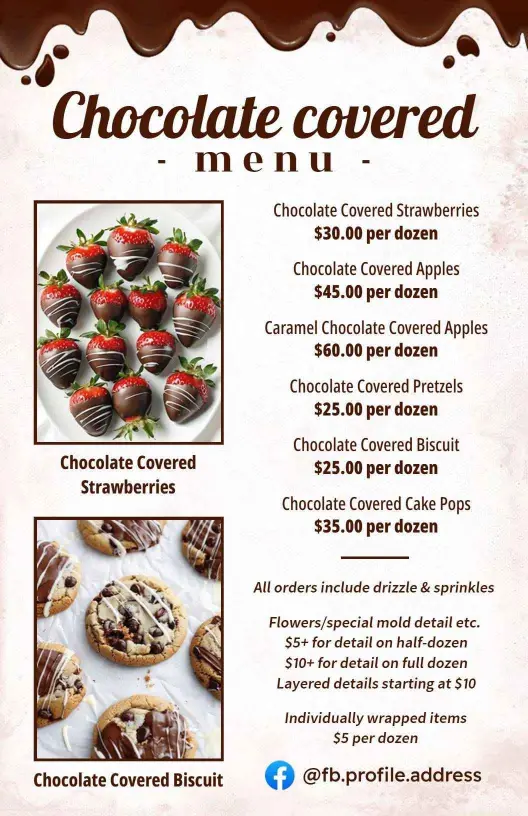
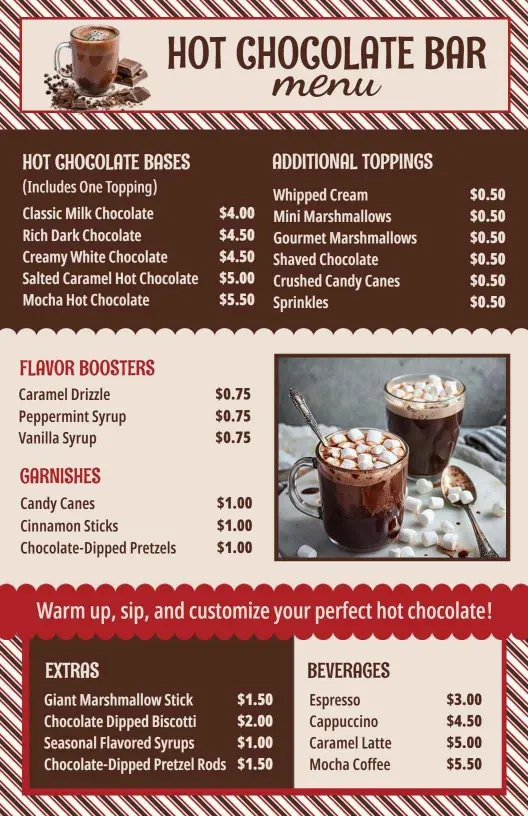
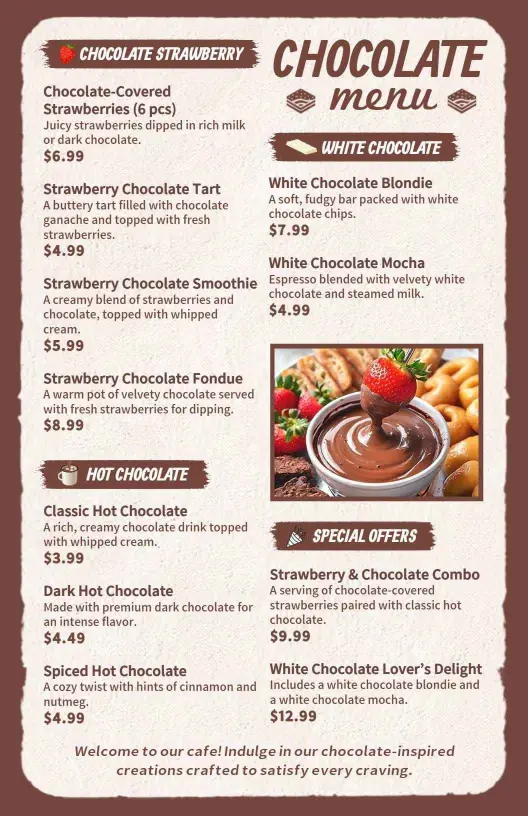
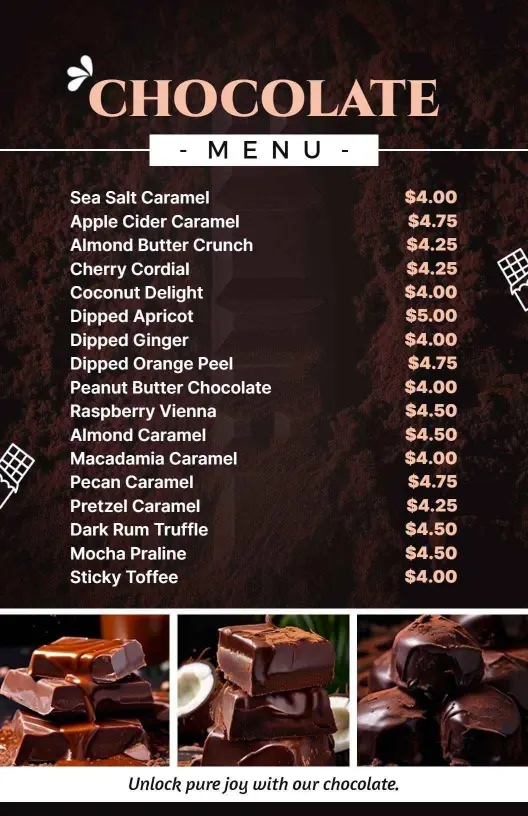
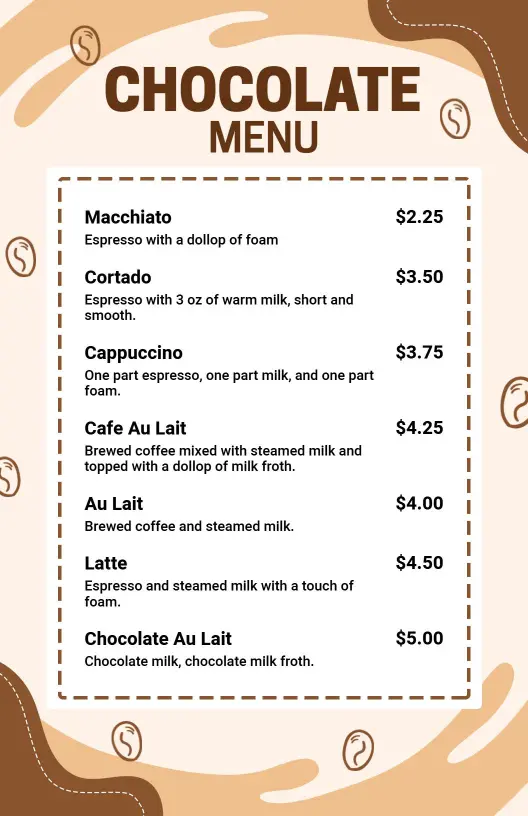
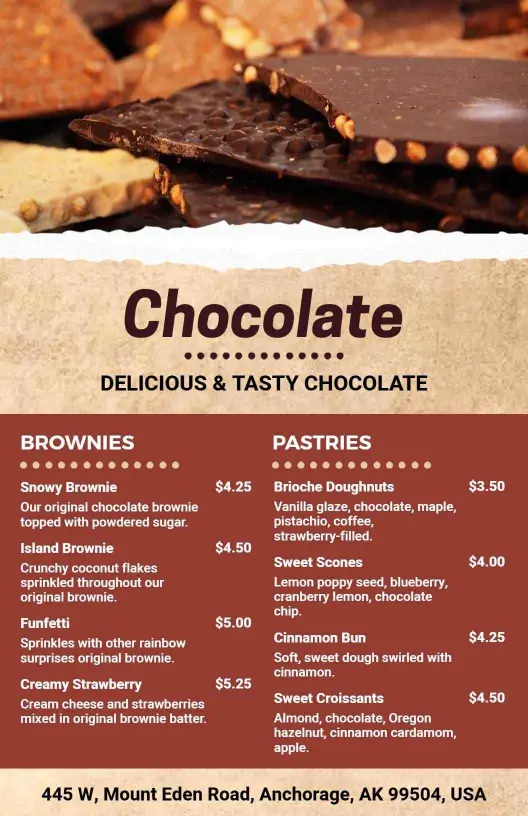
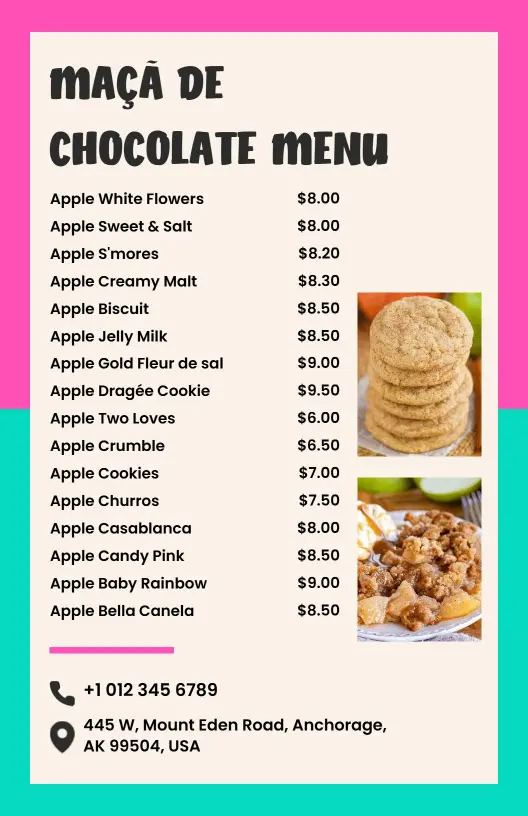
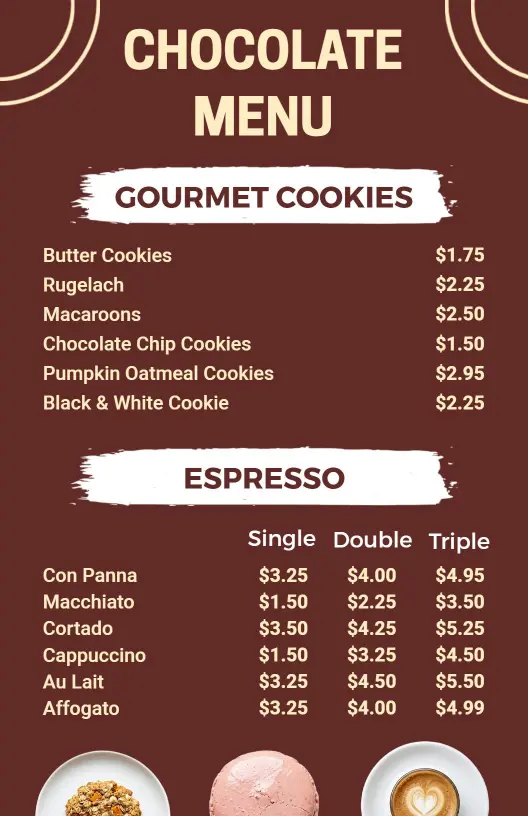
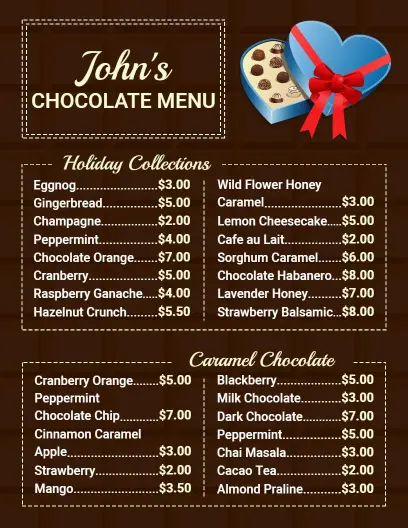
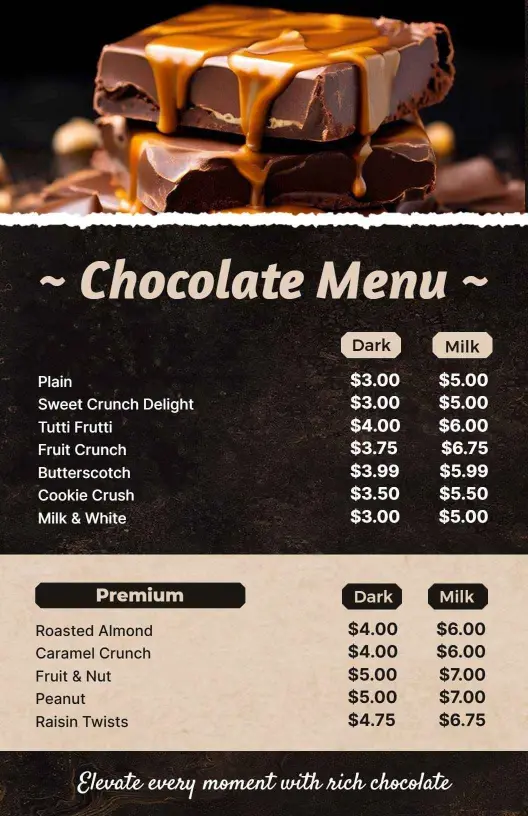
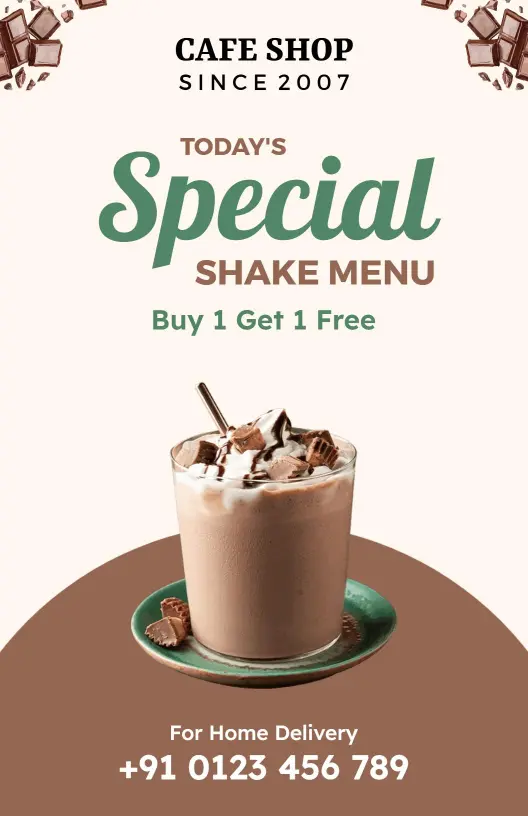
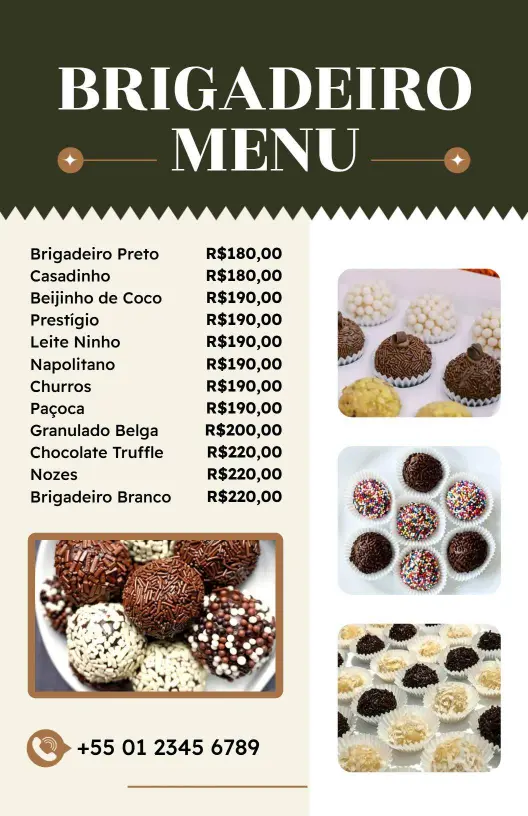
Chocolate menu templates help dessert shops, cafes, and bars present chocolate drinks, desserts, toppings, and specials in a layout that is quick to scan and simple to update.


Trusted by Thousands
 Tata Consultancy Services
 Boston Consulting
 AT&T
AT&T
 Avelo Airlines
 Procter & Gamble
 Ministry Of Health, Malaysia
 Veterans Affairs
 Detroit Government
 New York University
 Texas A&M University
 Decathlon America
 Warby Parker
Tata Consultancy Services
Boston Consulting
AT&T
Avelo Airlines
Procter & Gamble
Ministry Of Health, Malaysia
Veterans Affairs
Detroit Government
New York University
Texas A&M University
Decathlon America
Warby Parker
Warby Parker
Tata Consultancy Services
Boston Consulting
AT&T
Avelo Airlines
Procter & Gamble
Ministry Of Health, Malaysia
Veterans Affairs
Detroit Government
New York University
Texas A&M University
Decathlon America
Warby Parker



Other Menu templates
Entice Sweet Tooth Customers with Irresistible Chocolate Menus
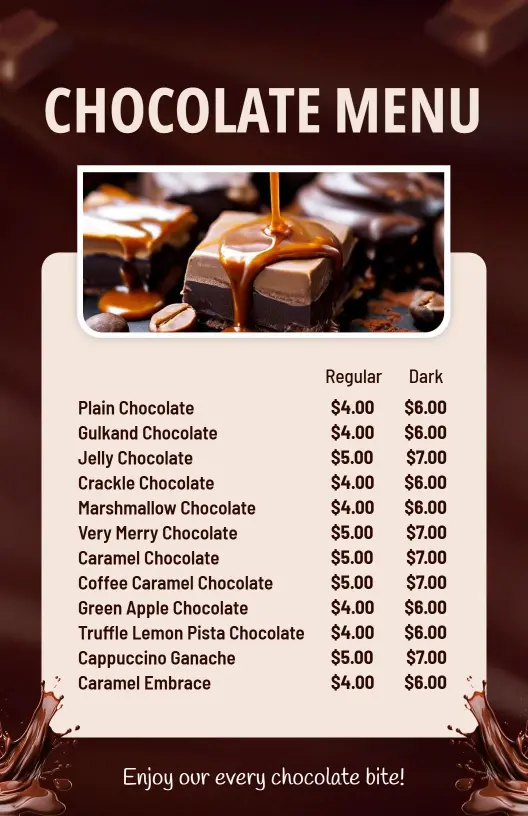
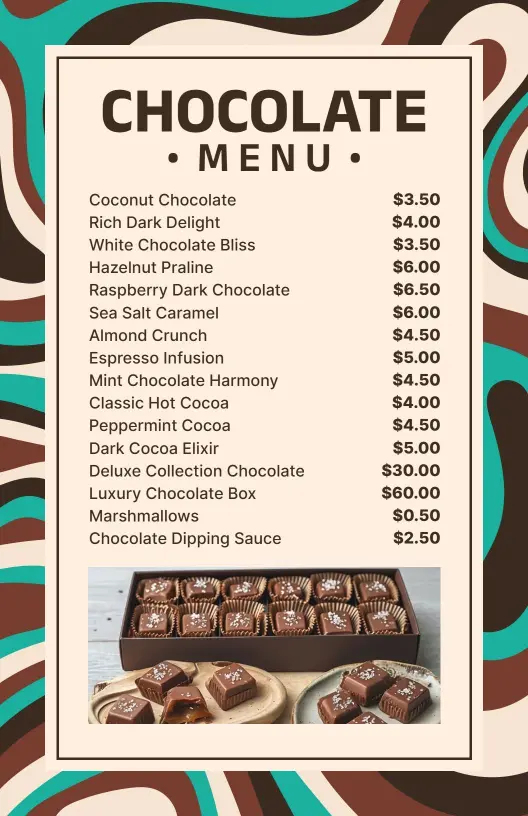
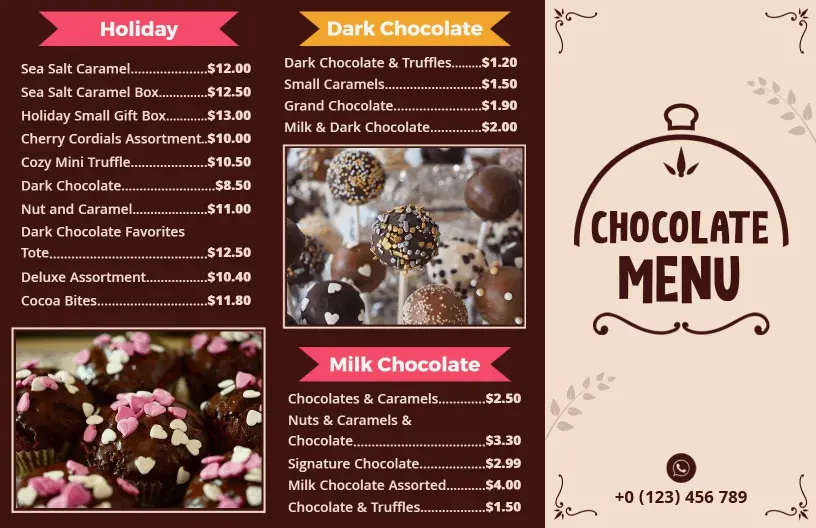
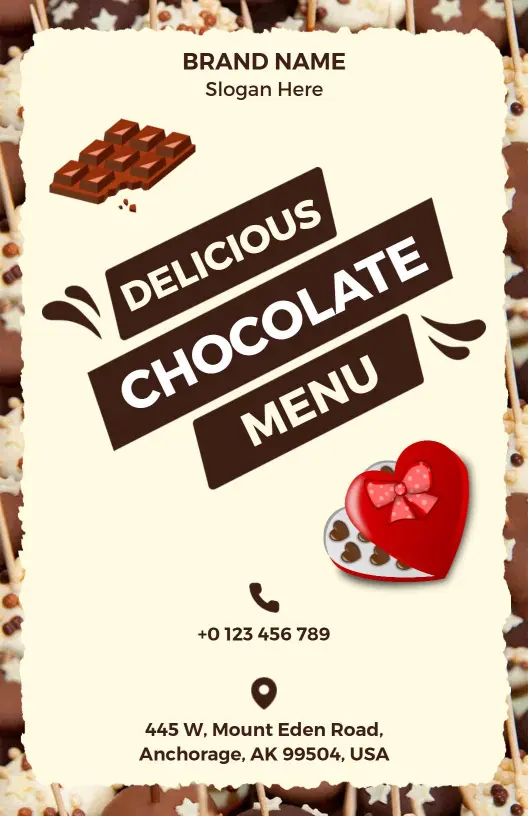
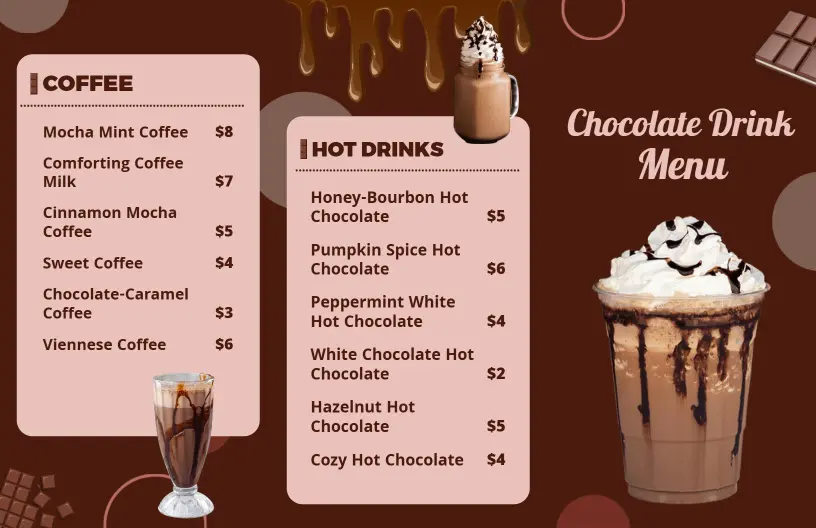
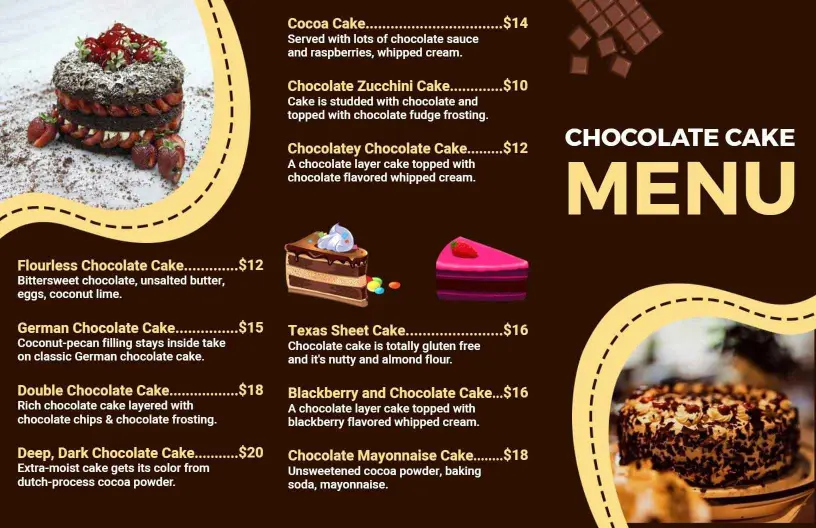
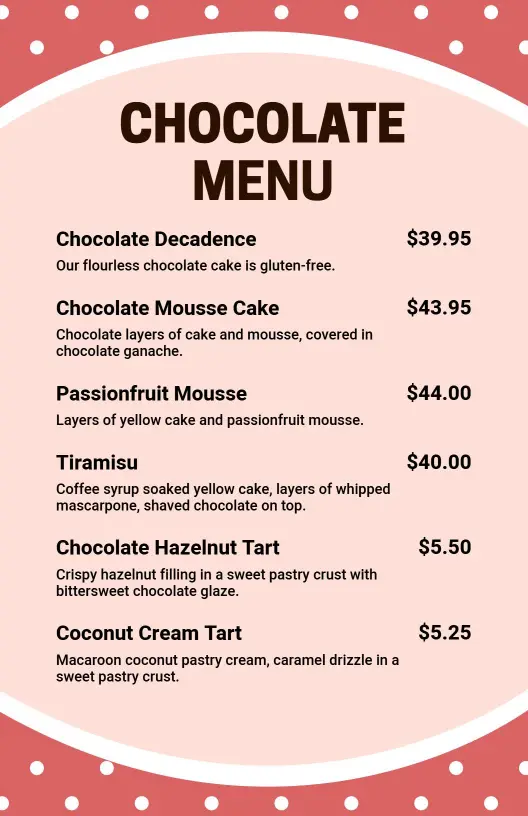
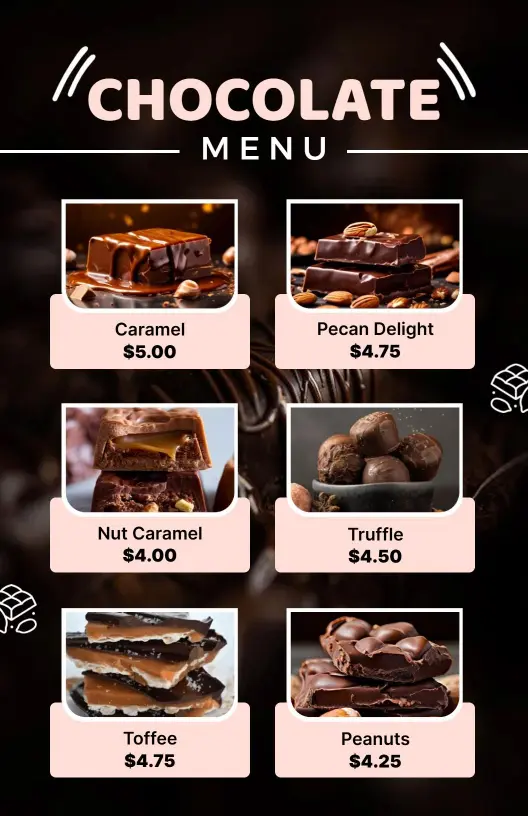
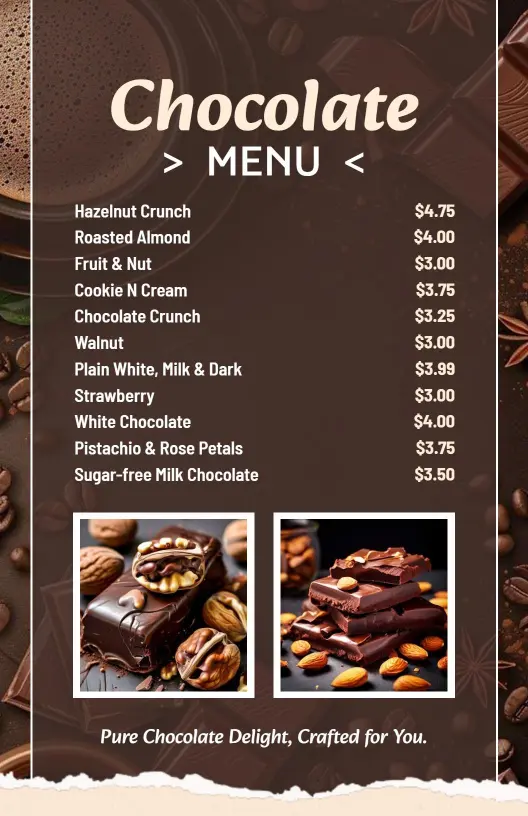
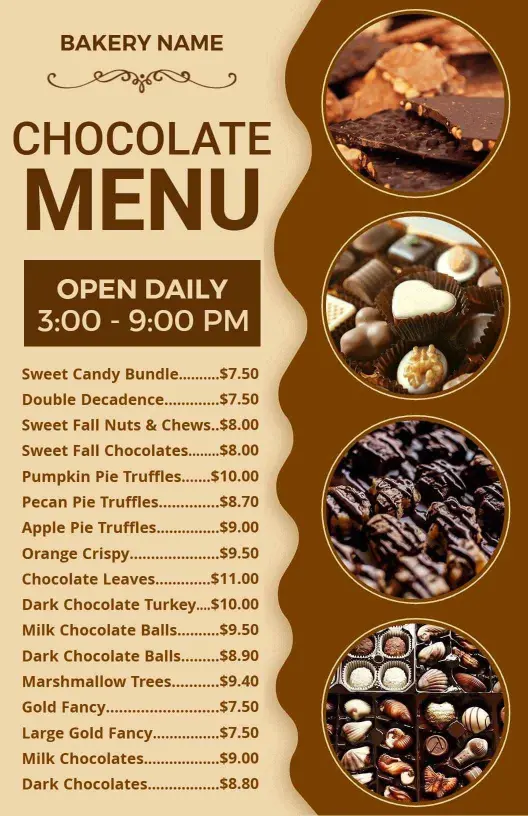
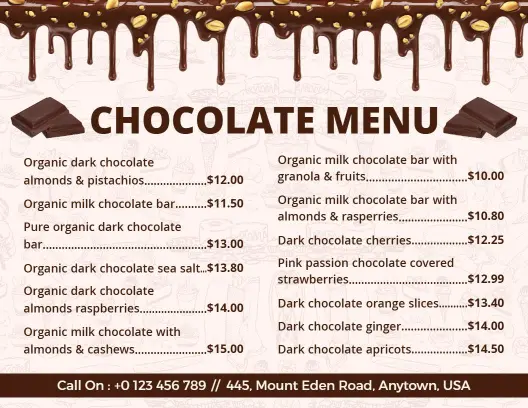
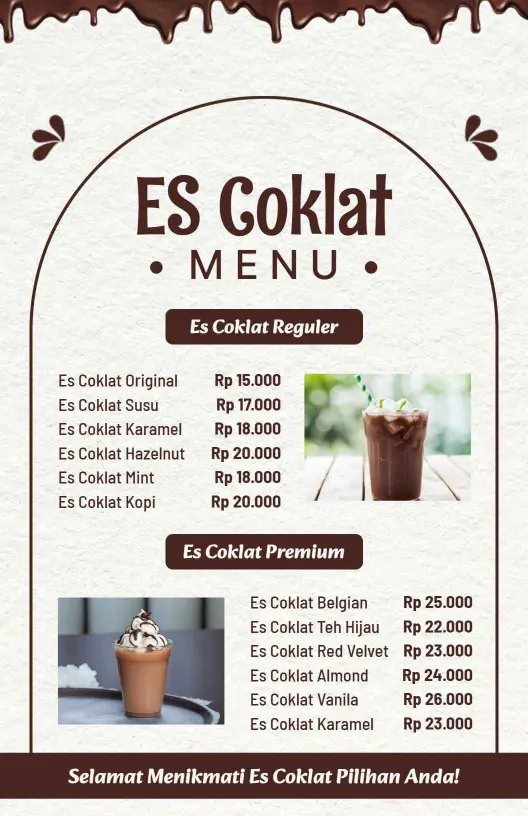
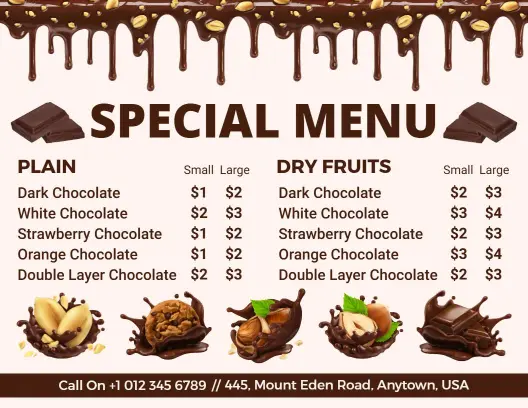
Captivating cocoa lovers starts with presenting your chocolate delicacies in an enticing manner. DesignWiz chocolate menu templates feature rich cocoa browns, soft cream accents, and well-spaced photo slots to beautifully showcase your handcrafted truffles, dark chocolate bars, and artisan desserts that promise indulgence at first glance.
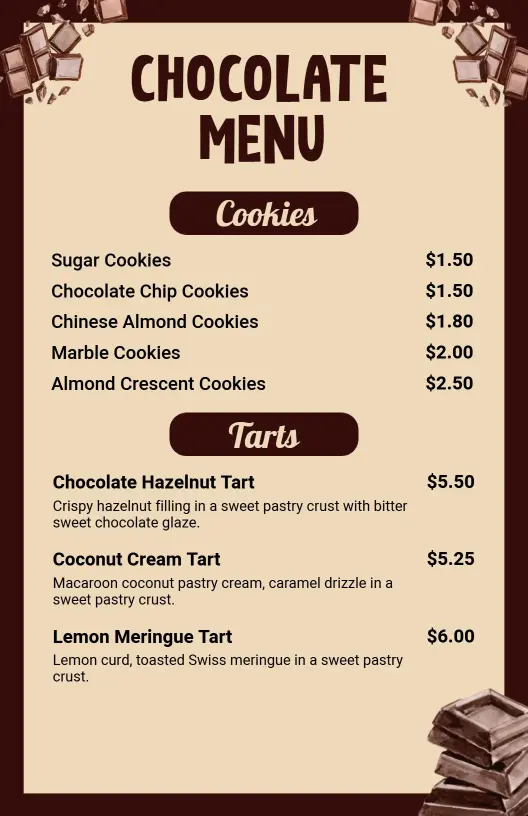
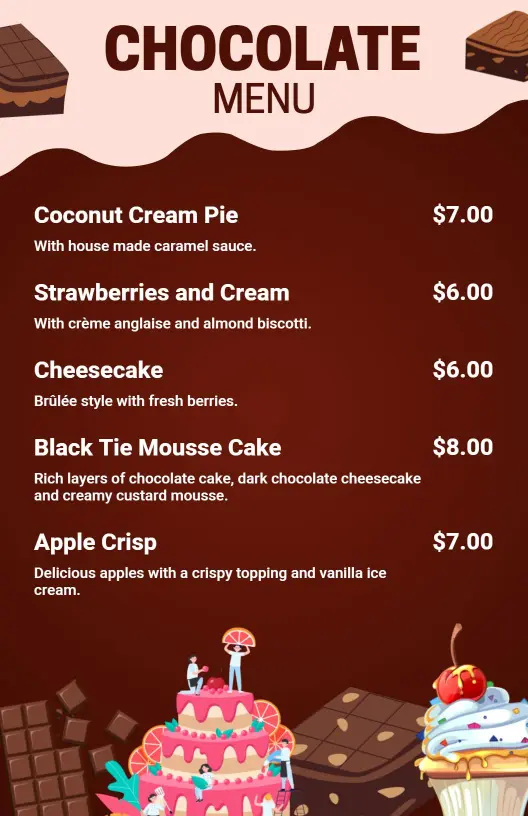
Ensure your menu caters to all tastes and preferences by clearly detailing each delicious offering. Include gourmet chocolate selections, infused flavor profiles, allergy information for nuts or dairy, pairing options such as coffee or wine, serving sizes, and distinct pricing tiers for tastings or gift packages.
Present these menus at your confectionery counters for browsing customers, slip copies into gift baskets for wedding and corporate clients, or publish digital PDFs on your website for eager online shoppers planning their sweet indulgence shopping sprees.