


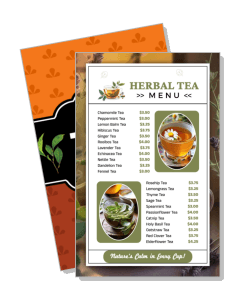
Tea Menu Templates
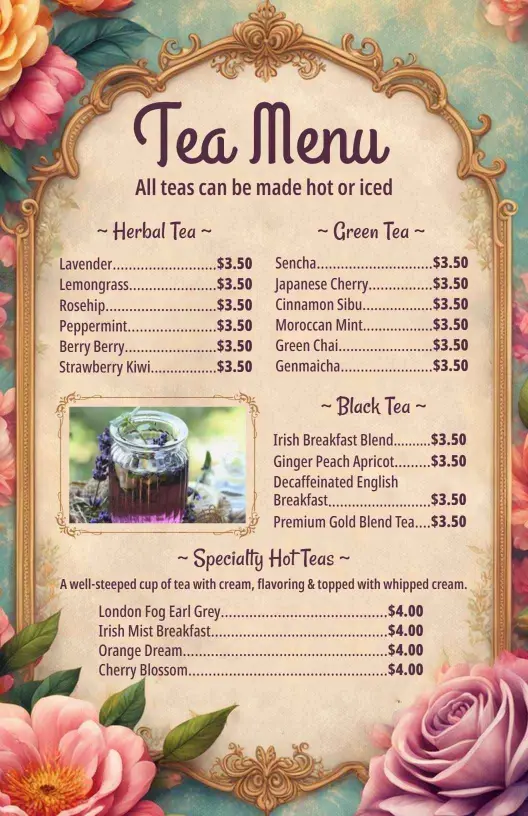
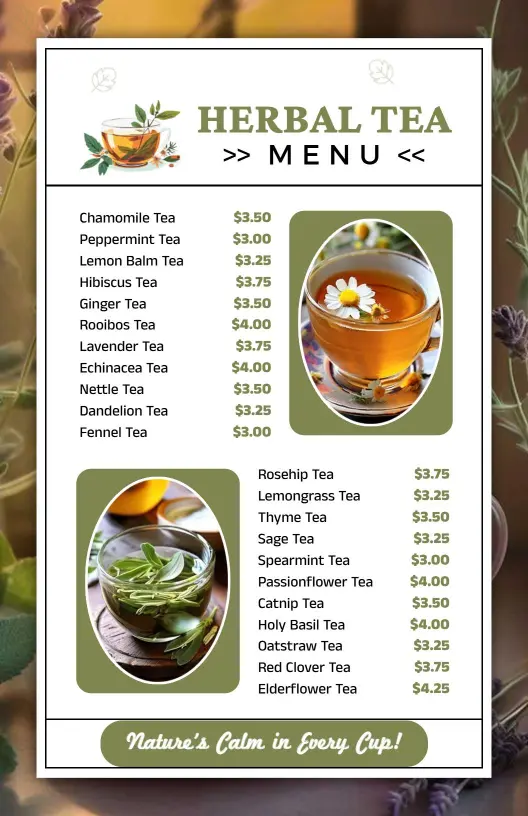
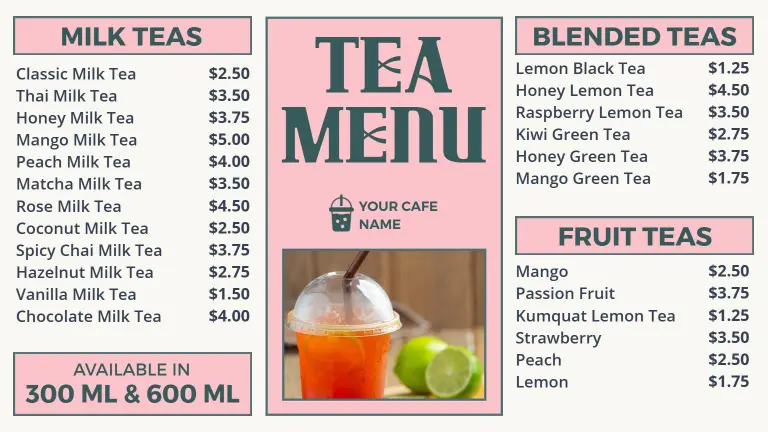
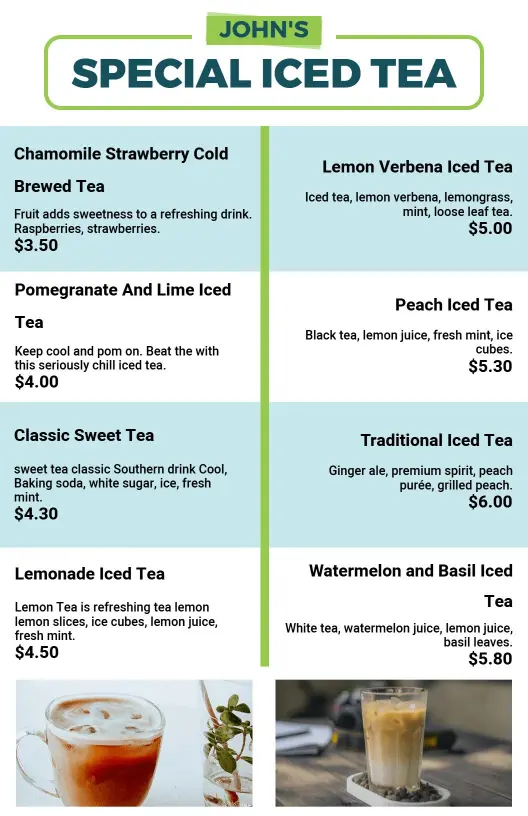
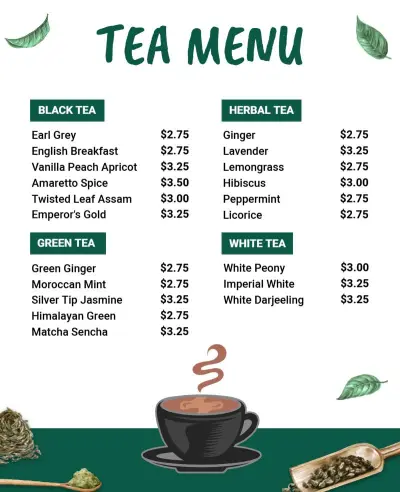
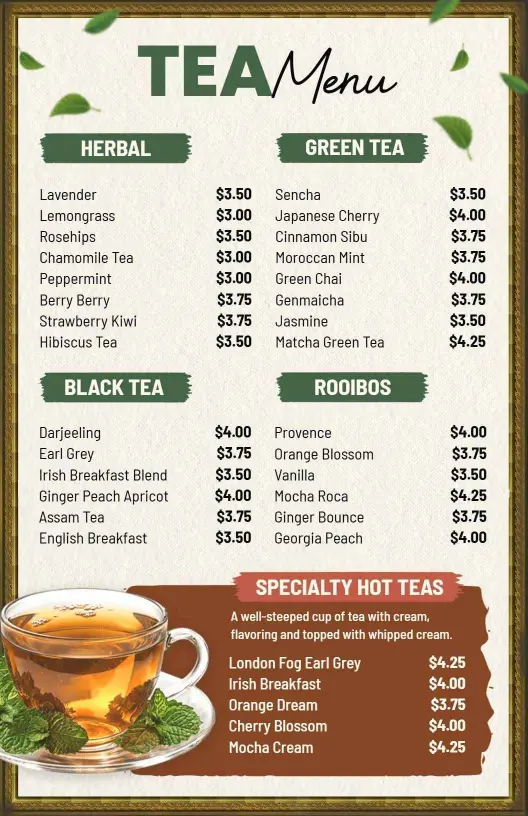
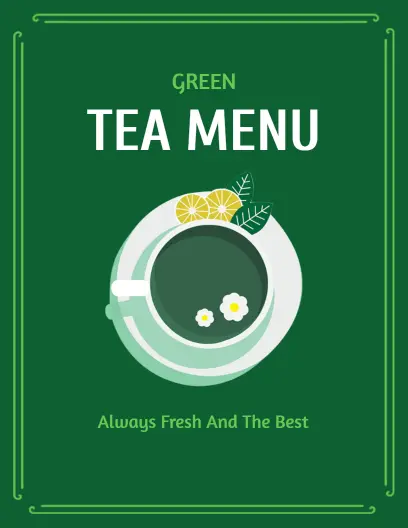
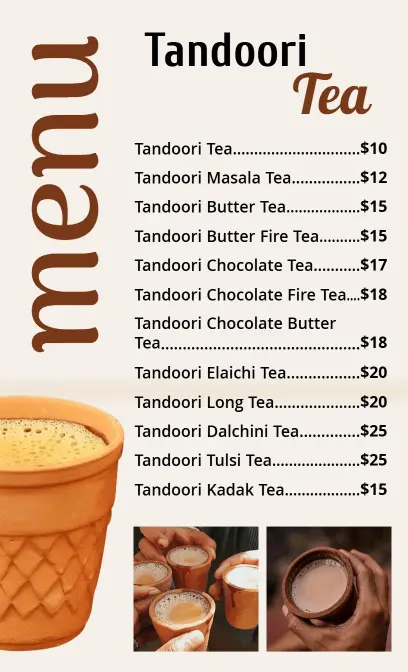
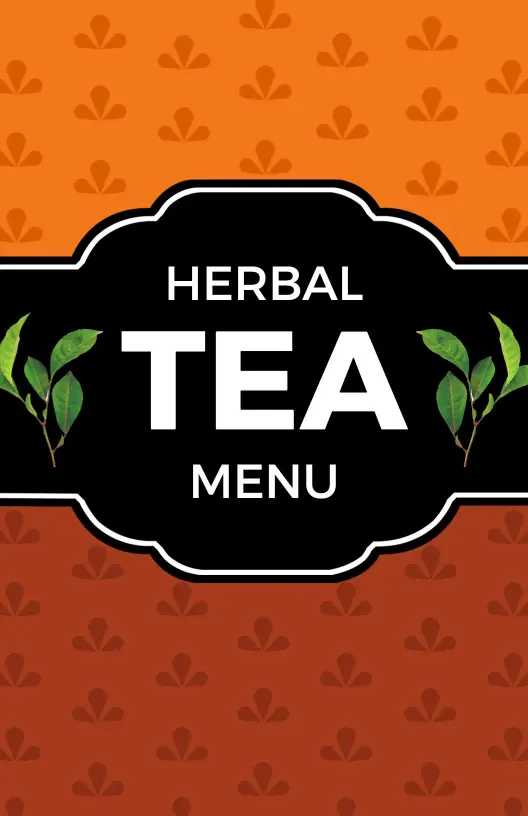
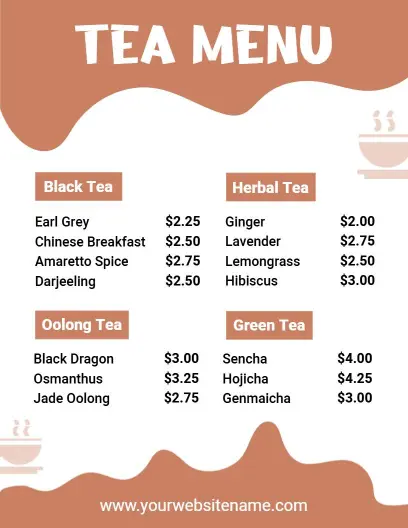
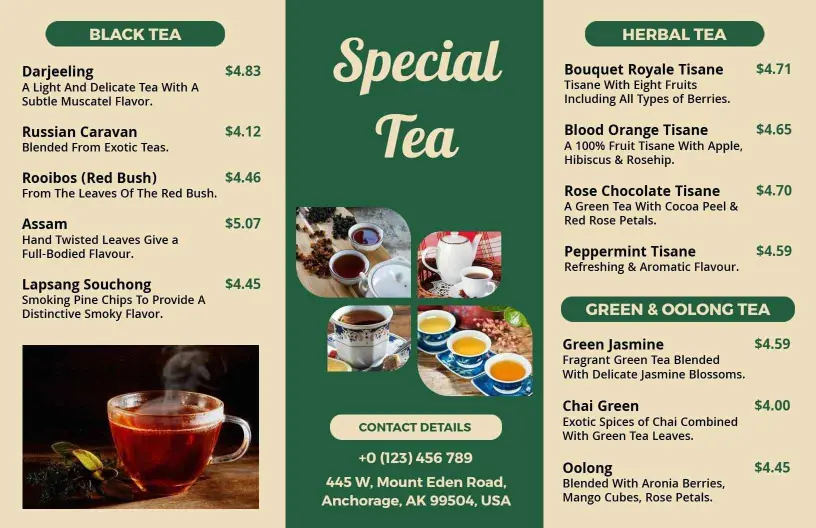
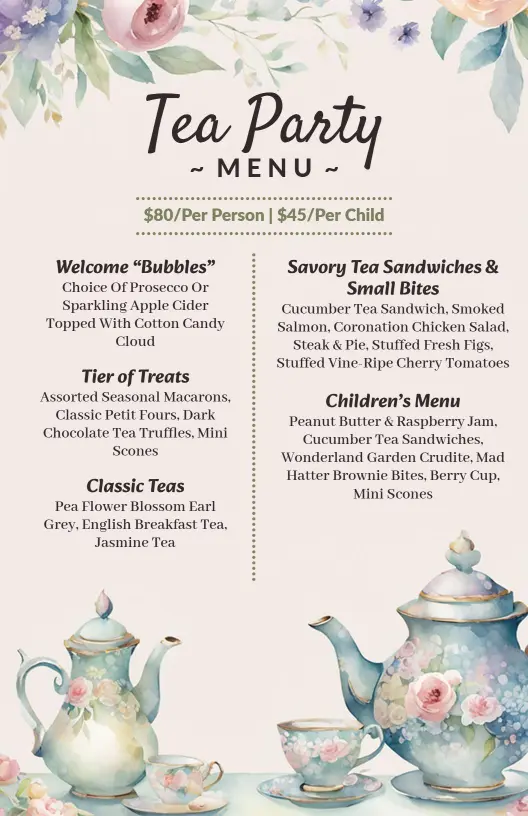
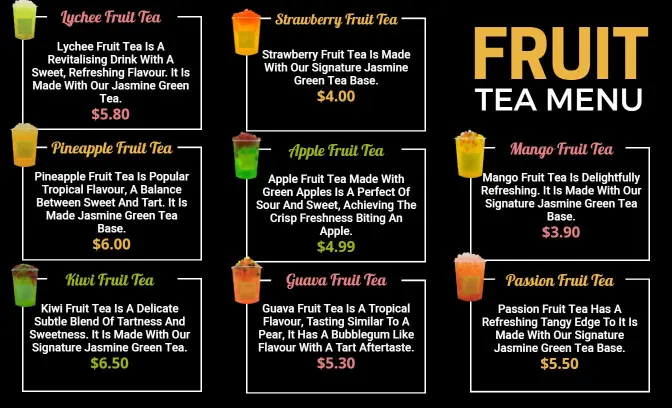
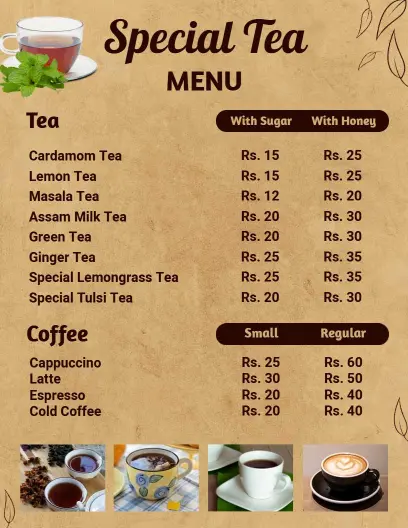
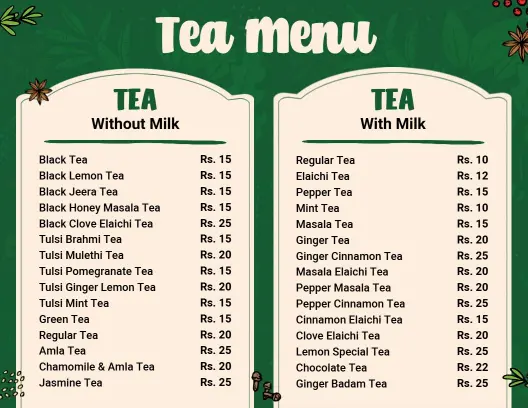
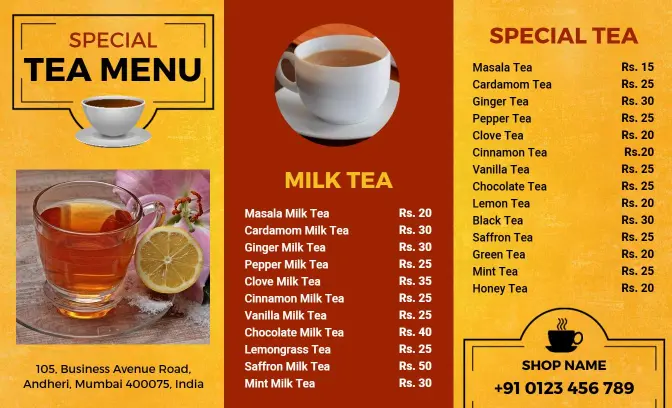
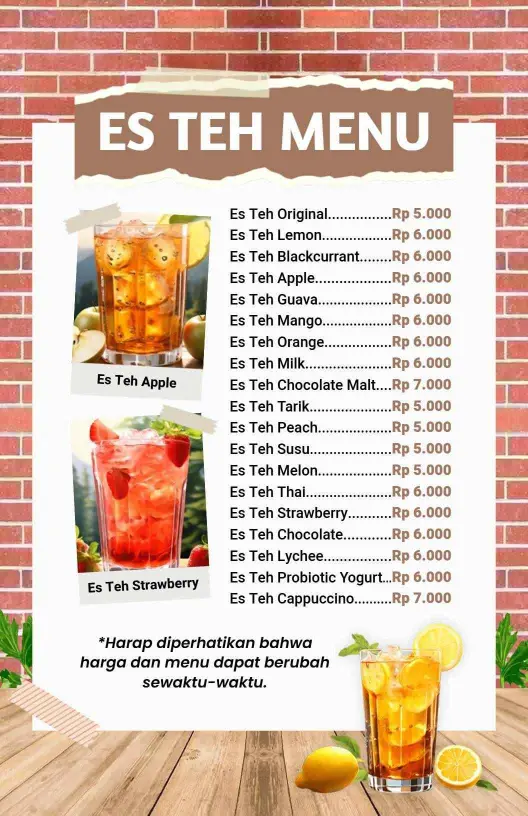
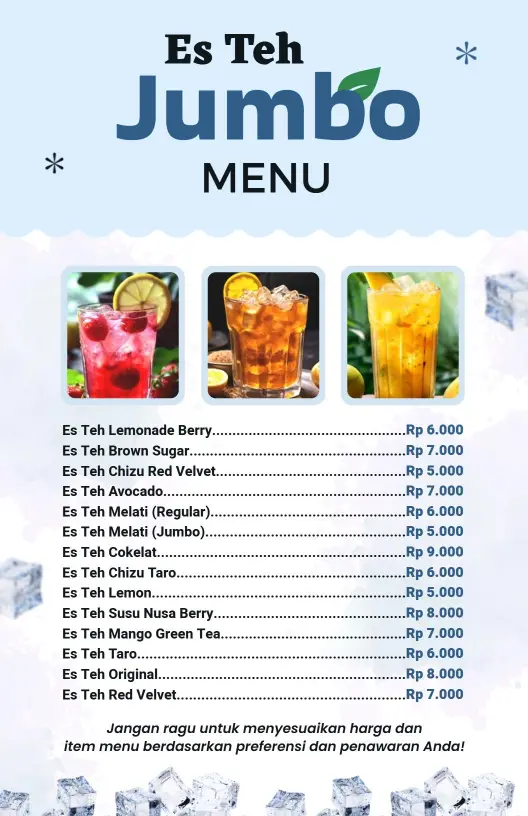
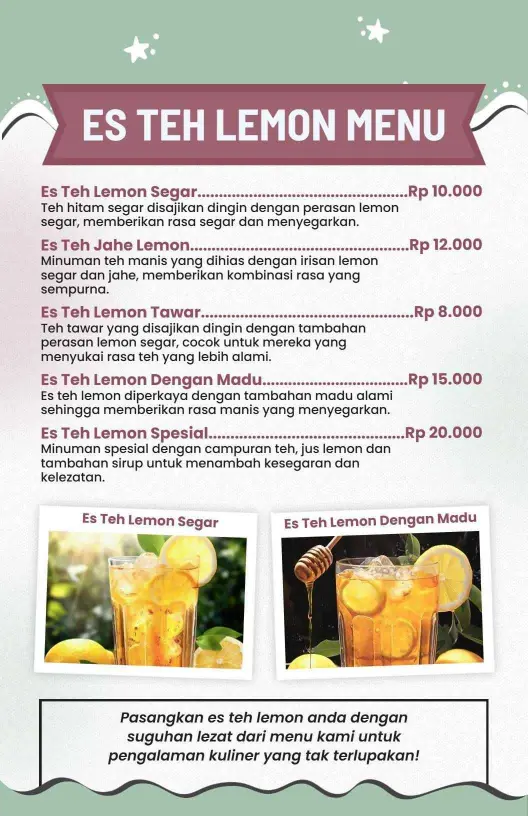
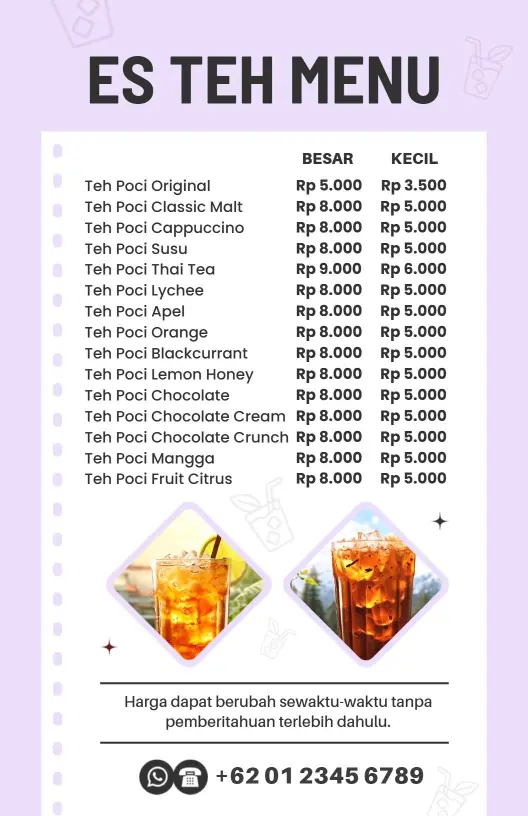
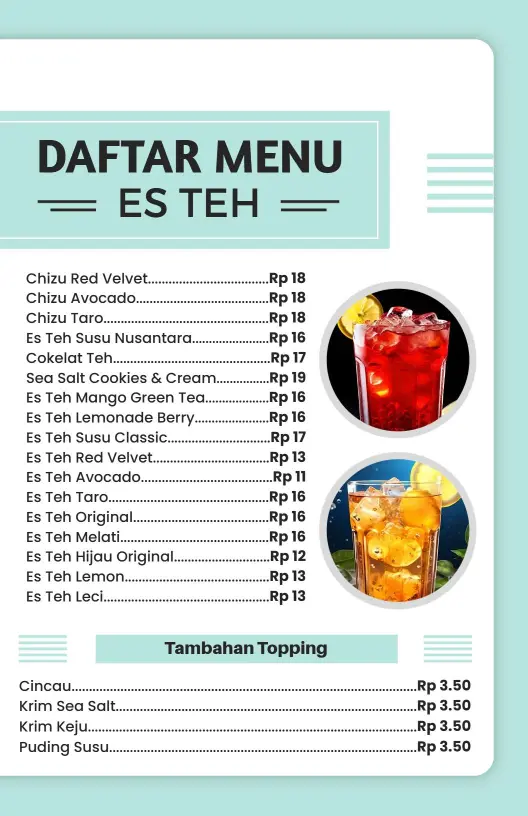
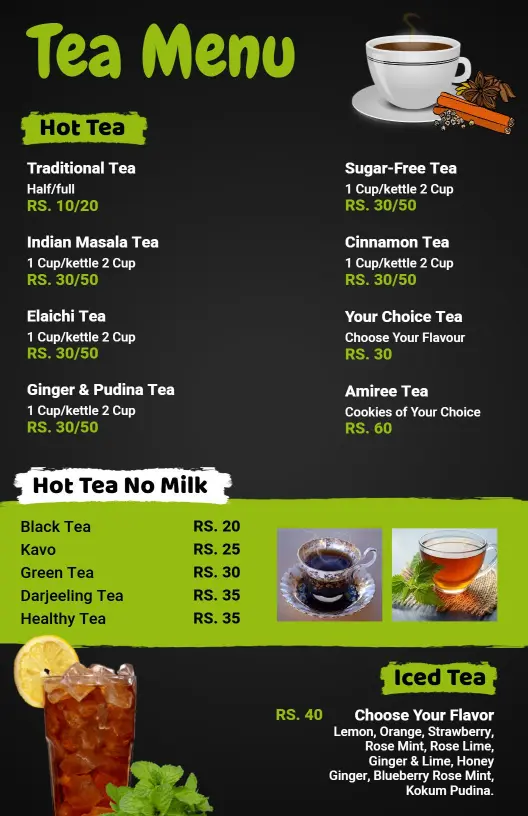
Tea menu templates help tea rooms, cafes, and counters present herbal, green, black, iced, and specialty teas in a layout that is quick to scan and simple to update.
Trusted by Thousands
 Tata Consultancy Services
 Boston Consulting
 AT&T
AT&T
 Avelo Airlines
 Procter & Gamble
 Ministry Of Health, Malaysia
 Veterans Affairs
 Detroit Government
 New York University
 Texas A&M University
 Decathlon America
 Warby Parker
Tata Consultancy Services
Boston Consulting
AT&T
Avelo Airlines
Procter & Gamble
Ministry Of Health, Malaysia
Veterans Affairs
Detroit Government
New York University
Texas A&M University
Decathlon America
Warby Parker
Warby Parker
Tata Consultancy Services
Boston Consulting
AT&T
Avelo Airlines
Procter & Gamble
Ministry Of Health, Malaysia
Veterans Affairs
Detroit Government
New York University
Texas A&M University
Decathlon America
Warby Parker



Other Menu templates
Increase Cafe Sales with Inviting Tea Menu Designs
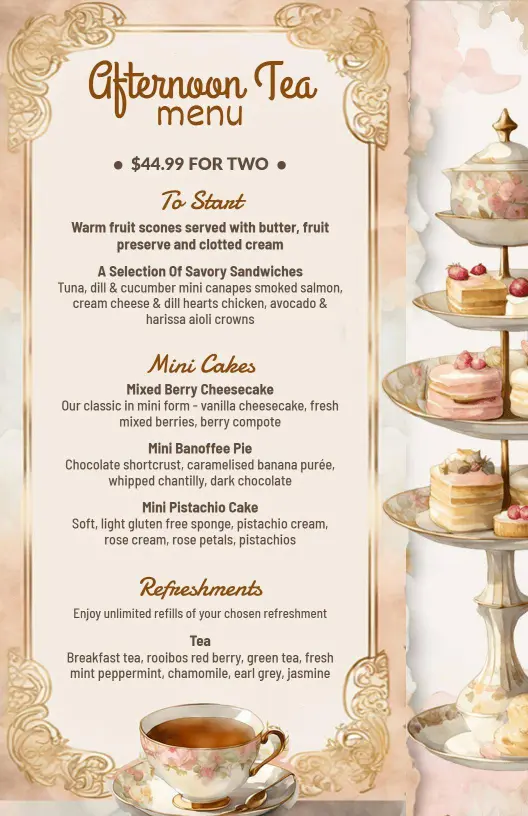
A well-crafted tea menu can enhance the customer experience and drive sales in your café or restaurant. DesignWiz tea menu templates offer soothing pastel hues, elegant serif fonts, and spacious layouts to perfectly showcase your tea selection and complement your establishment's atmosphere.
List your complete tea offerings clearly to help customers make informed choices. You'll want to include product names, detailed descriptions of flavor profiles, origin details, caffeine content, serving sizes, and special pairings like pastries or snacks. Highlight any seasonal specials, herbal infusions, or wellness teas to attract health-conscious patrons.
Display these menus prominently on tables or near the order counter for easy access. For maximum reach, print take-home versions for customers to tuck into their bags, and share digital versions on your website and social media channels to reach online audiences seeking your expert tea brews.