


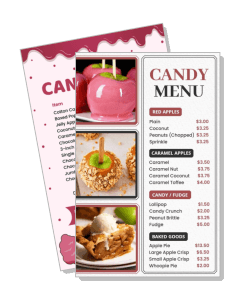
Candy Menu Templates
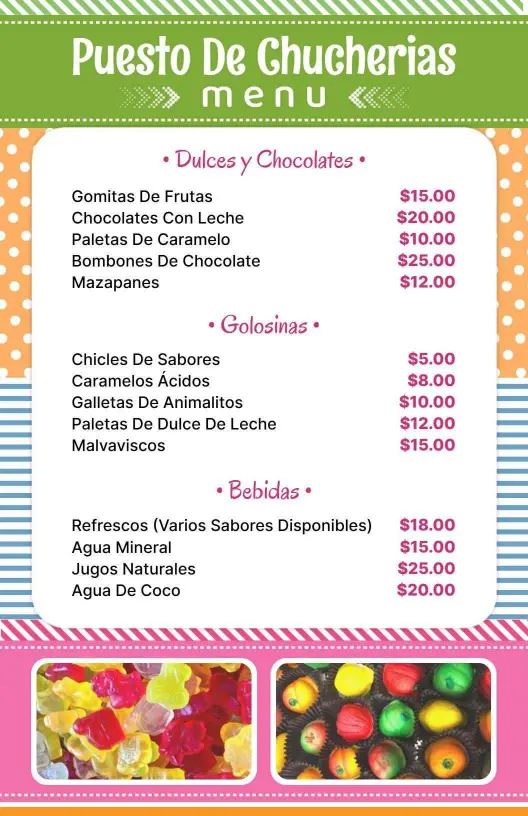
Build a candy menu that presents sweets, treats, and specialty items in a clean layout. Edit it for candy shops, dessert bars, retail counters, or event displays.
Trusted by Thousands
 Tata Consultancy Services
 Boston Consulting
 AT&T
AT&T
 Avelo Airlines
 Procter & Gamble
 Ministry Of Health, Malaysia
 Veterans Affairs
 Detroit Government
 New York University
 Texas A&M University
 Decathlon America
 Warby Parker
Tata Consultancy Services
Boston Consulting
AT&T
Avelo Airlines
Procter & Gamble
Ministry Of Health, Malaysia
Veterans Affairs
Detroit Government
New York University
Texas A&M University
Decathlon America
Warby Parker
Warby Parker
Tata Consultancy Services
Boston Consulting
AT&T
Avelo Airlines
Procter & Gamble
Ministry Of Health, Malaysia
Veterans Affairs
Detroit Government
New York University
Texas A&M University
Decathlon America
Warby Parker



Other Menu templates
Increase Candy Sales with Enticing Menu Templates
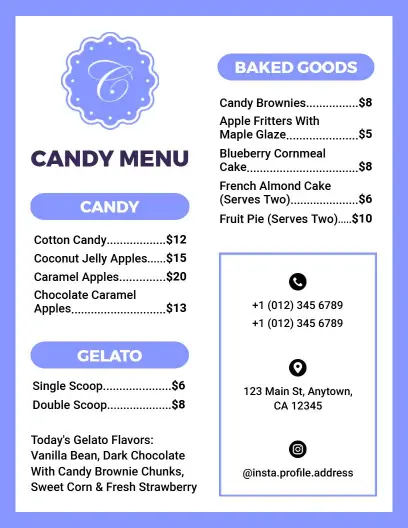
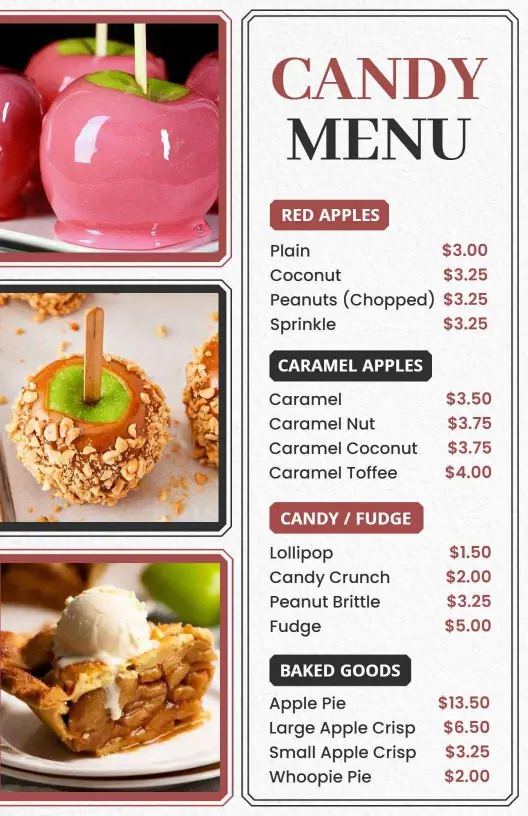
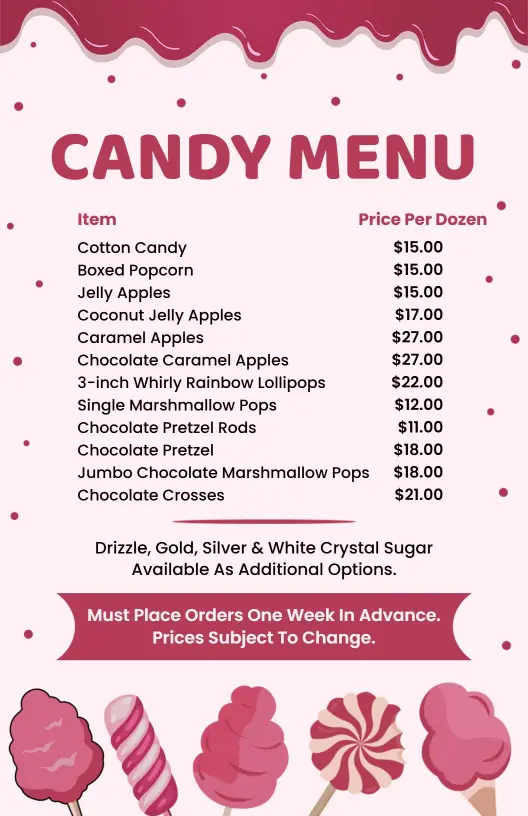
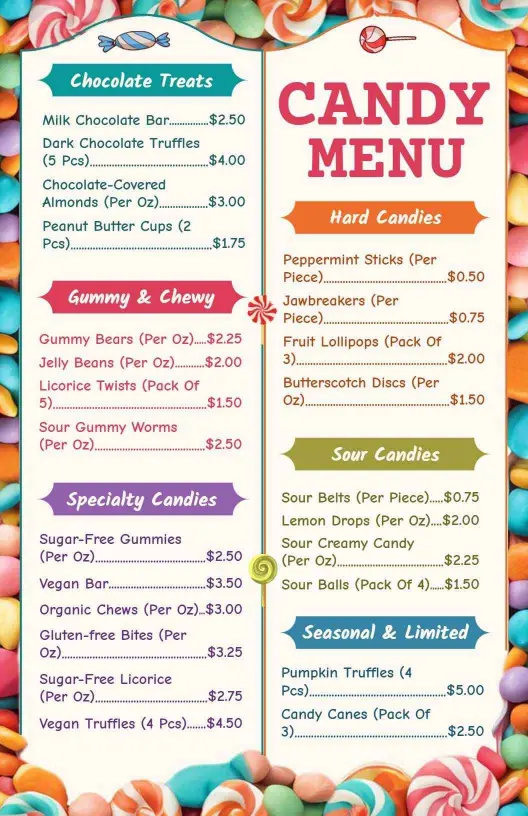
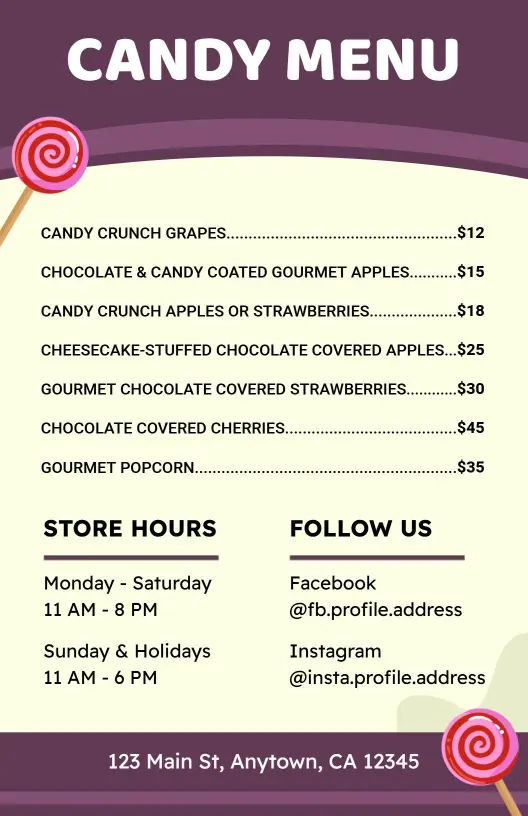
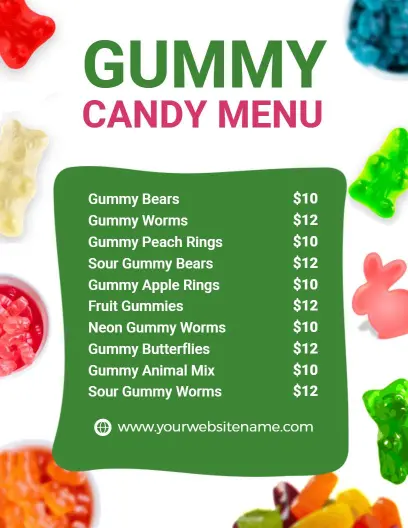
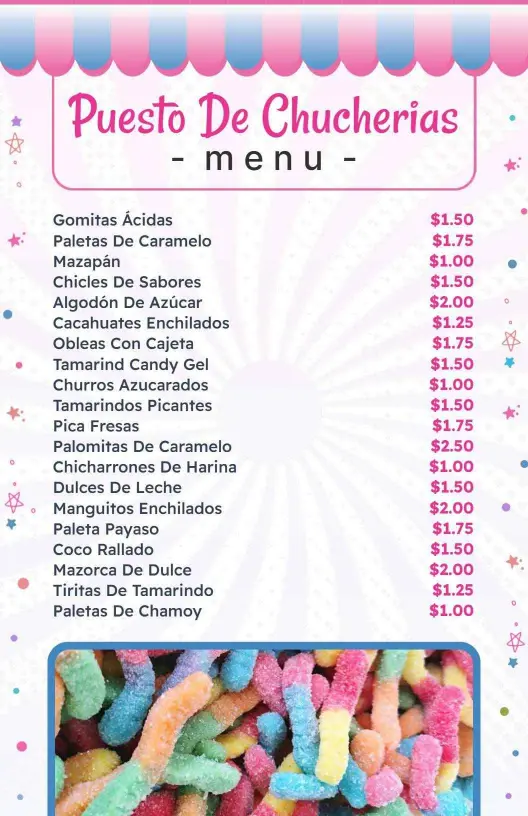
Candy enthusiasts are drawn to shops that display their tempting treats with vibrant flair and sweet charm. DesignWiz candy menu templates feature playful pastel color palettes, whimsical fonts, and ample photo slots to showcase your candies, chocolates, and confections in their most irresistible light.
Make it easy for customers to choose from your delightful collection by clearly listing candy varieties, chocolate flavors, packaging options like gift boxes, seasonal specials, allergy information such as nut or gluten contents, along with prices and calorie counts for the health-conscious sweet tooth.
Place printed menus prominently in your store for easy browsing, slip them into gift baskets for holidays and special occasions, or share digital versions on your shop's website and social media channels to attract online orders and visits to your candy paradise.