


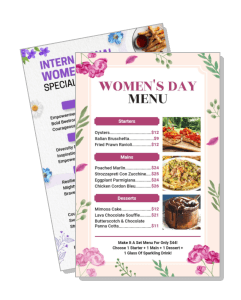
Womens Day Menu Templates
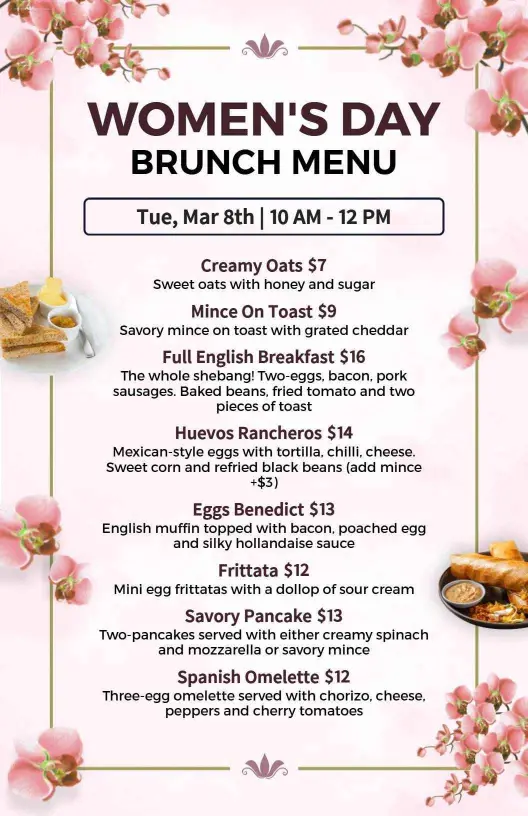
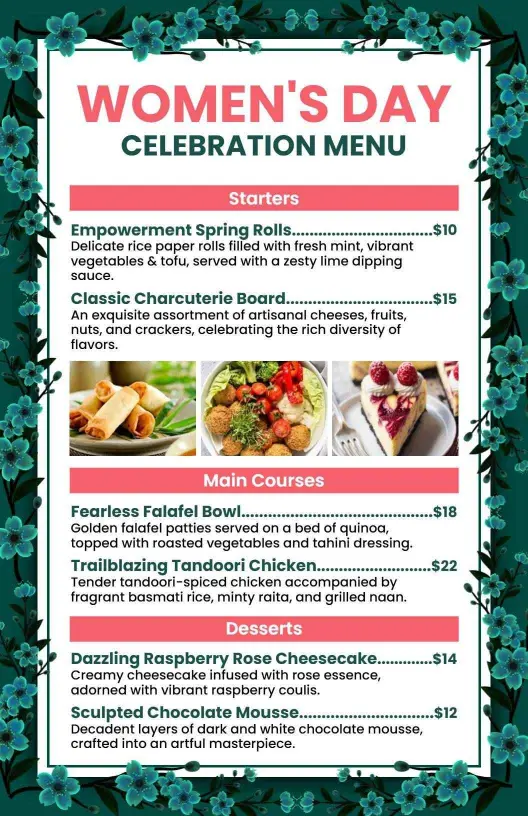
Build a Womens Day menu that presents celebration dishes, drinks, and desserts in a clean layout. Edit it for a brunch event, cafe counter, pop-up stall, or holiday promotion.
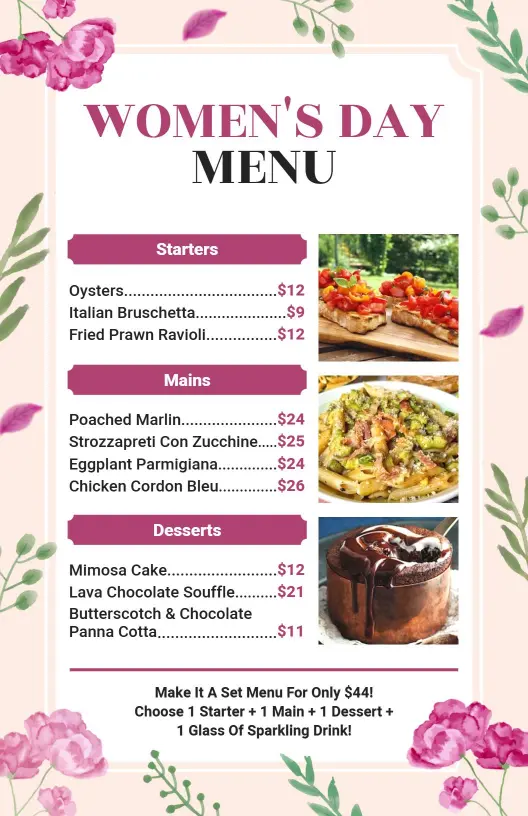
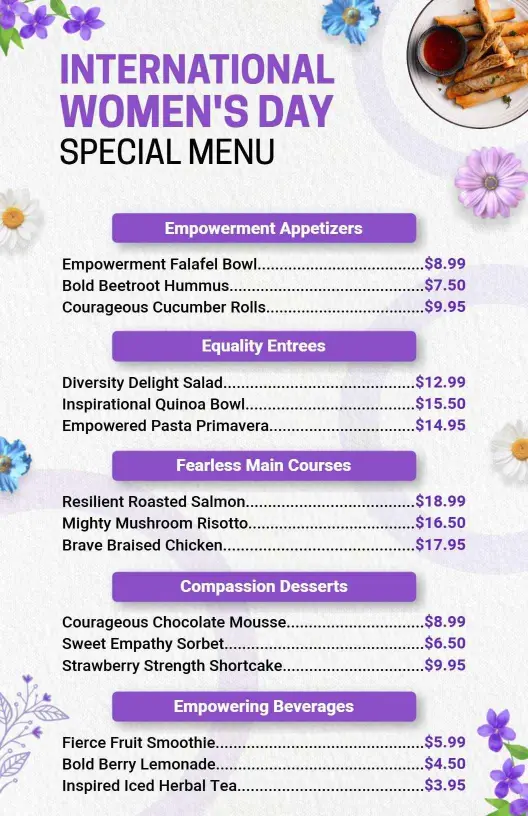
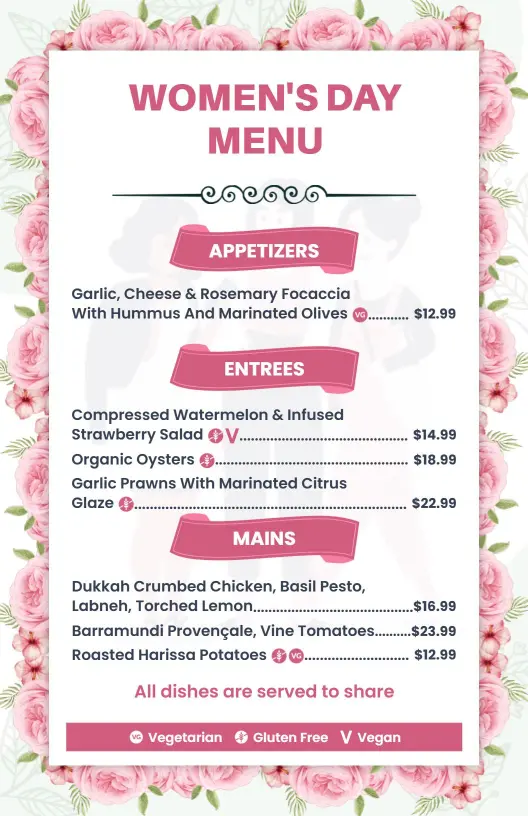
How to make a Womens Day menu in 5 steps
Start with the service format you need, then arrange the menu so guests can compare dishes, prices, and specials without slowing down the celebration.

1. Choose the layout
Choose a layout that matches your event flow and the number of items you need to feature. A one-page design suits short specials, while a taller format gives room for brunch, drinks, and desserts.
2. Group the menu
Group the menu by starters, mains, desserts, and drinks so guests can scan the celebration offer quickly. Clear sections also make it easier to swap items for different Womens Day events.
3. Add prices and notes
Add prices, serving notes, and any featured pairings with short labels. Keeping the copy compact helps staff update the menu fast when the event lineup or specials change.
4. Check readability
Check the design on a phone and on paper before publishing. Confirm contrast, spacing, and font size so the menu stays readable at a table, counter, or pop-up stall.
5. Export and reuse it
Save print-ready and digital versions for table cards, QR codes, and social posts. Reusing one layout keeps the Womens Day branding consistent across every touchpoint.
Trusted by Thousands
 Tata Consultancy Services
 Boston Consulting
 AT&T
AT&T
 Avelo Airlines
 Procter & Gamble
 Ministry Of Health, Malaysia
 Veterans Affairs
 Detroit Government
 New York University
 Texas A&M University
 Decathlon America
 Warby Parker
Tata Consultancy Services
Boston Consulting
AT&T
Avelo Airlines
Procter & Gamble
Ministry Of Health, Malaysia
Veterans Affairs
Detroit Government
New York University
Texas A&M University
Decathlon America
Warby Parker
Warby Parker
Tata Consultancy Services
Boston Consulting
AT&T
Avelo Airlines
Procter & Gamble
Ministry Of Health, Malaysia
Veterans Affairs
Detroit Government
New York University
Texas A&M University
Decathlon America
Warby Parker



Other Menu templates
Womens Day menu templates for brunches, cafes, and celebration service
A Womens Day menu should feel festive, readable, and easy to update when the event lineup changes. DesignWiz keeps the layout practical for brunch service, dessert counters, drinks, and special offers so small businesses can present the menu clearly without crowding the page.