


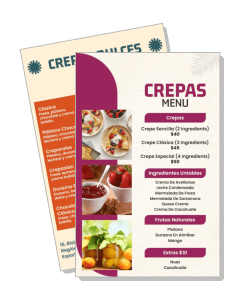
Crepas Menu Templates
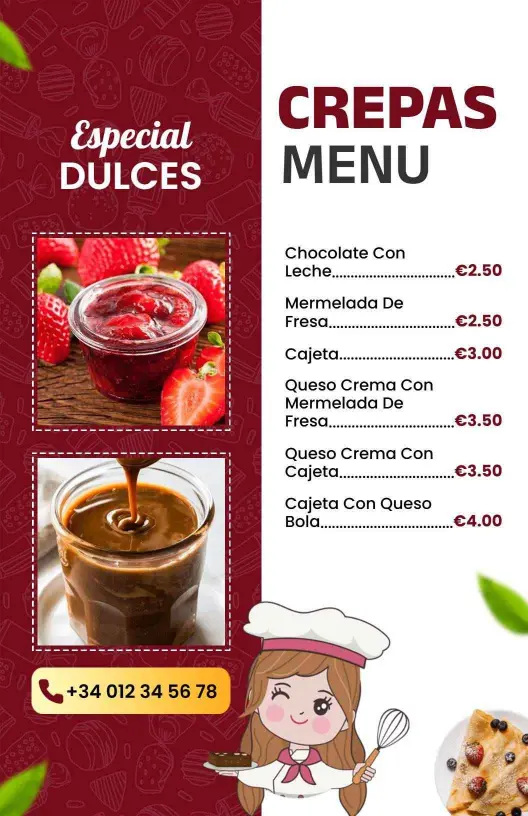
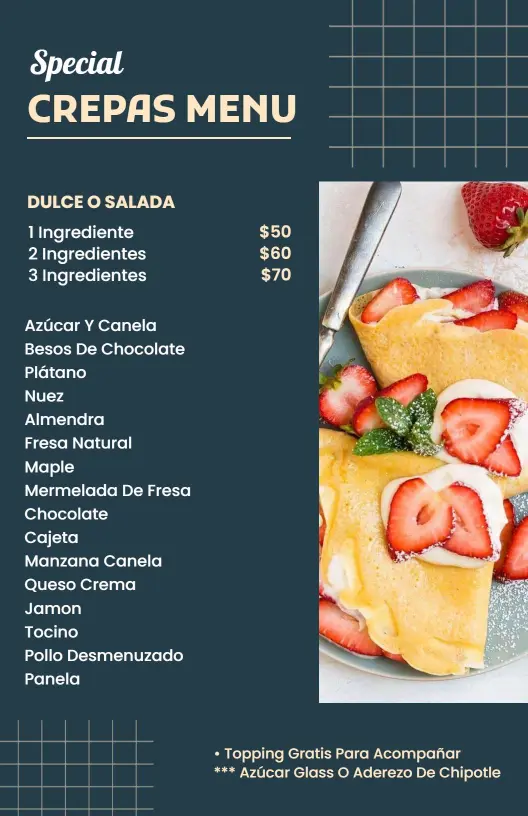
Build a crepas menu that keeps sweet and savory options easy to compare. Edit the layout for a cafe counter, dessert bar, brunch service, or a quick seasonal refresh.
Trusted by Thousands
 Tata Consultancy Services
 Boston Consulting
 AT&T
AT&T
 Avelo Airlines
 Procter & Gamble
 Ministry Of Health, Malaysia
 Veterans Affairs
 Detroit Government
 New York University
 Texas A&M University
 Decathlon America
 Warby Parker
Tata Consultancy Services
Boston Consulting
AT&T
Avelo Airlines
Procter & Gamble
Ministry Of Health, Malaysia
Veterans Affairs
Detroit Government
New York University
Texas A&M University
Decathlon America
Warby Parker
Warby Parker
Tata Consultancy Services
Boston Consulting
AT&T
Avelo Airlines
Procter & Gamble
Ministry Of Health, Malaysia
Veterans Affairs
Detroit Government
New York University
Texas A&M University
Decathlon America
Warby Parker



Other Menu templates
Attract More Customers with Irresistible Crepas Menus
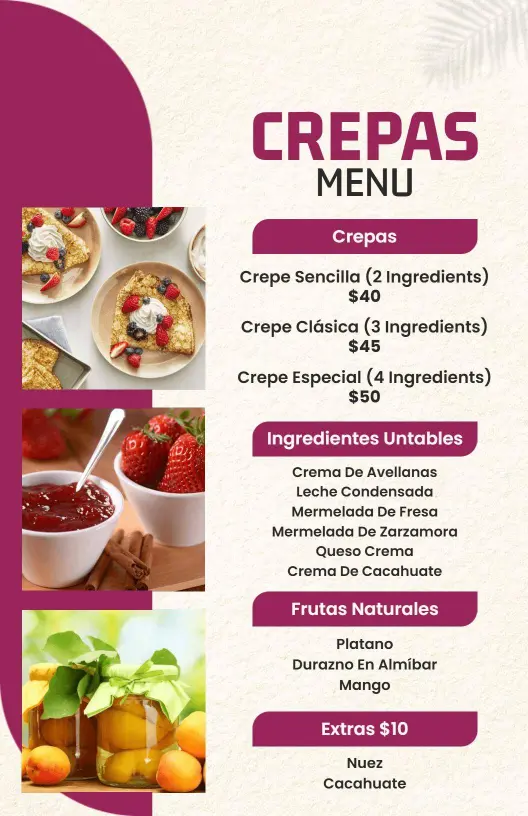
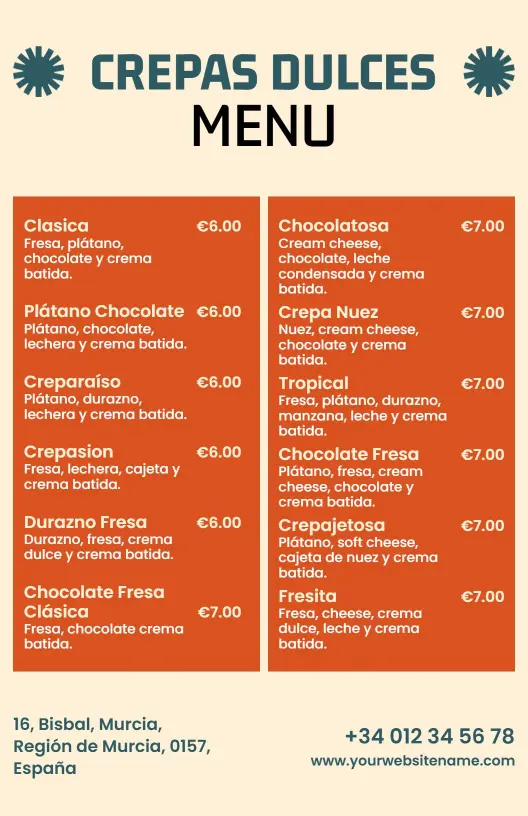
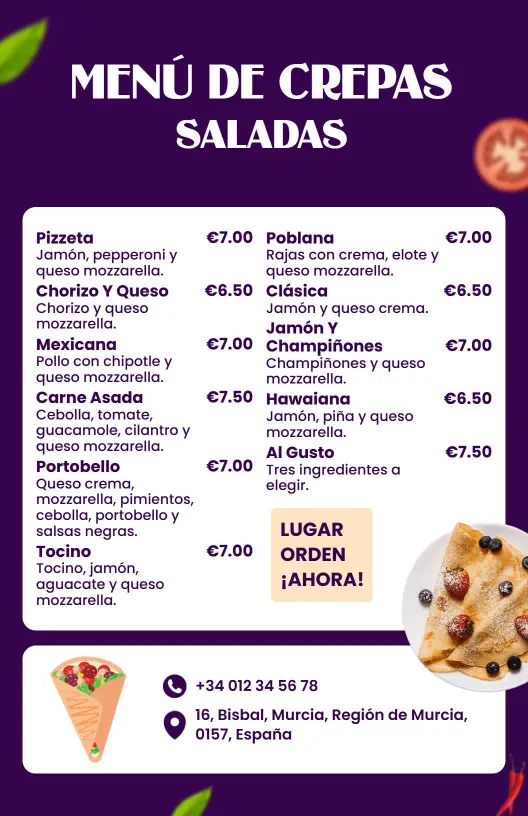
Customers often decide where to eat based on how appetizing your menu looks. DesignWiz crepas menu templates feature vibrant pastel colors that reflect the variety of your crepes, with inviting header designs and high-quality food imagery that capture the essence of your offerings.
Ensure your menu covers every detail diners need to make a satisfying choice. List classic crepe fillings, seasonal special editions, sweet and savory options, pricing for extras like chocolate or whipped cream, and dietary information for gluten-free or vegan crepes clearly next to each item.
Display these printed menus on each table to heighten anticipation, include them in delivery orders to entice return customers, or upload digital versions on your restaurant’s social media pages for maximum reach during peak dining hours.