


Soup Menu Templates
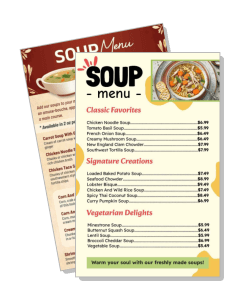
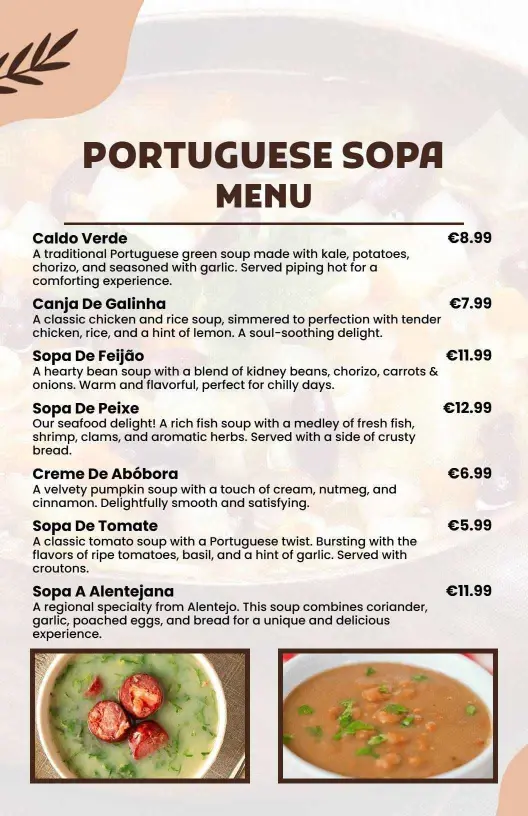
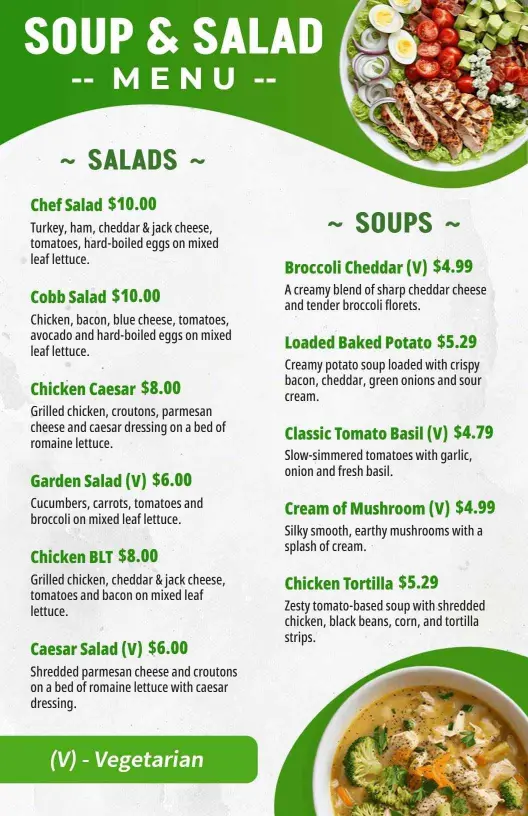
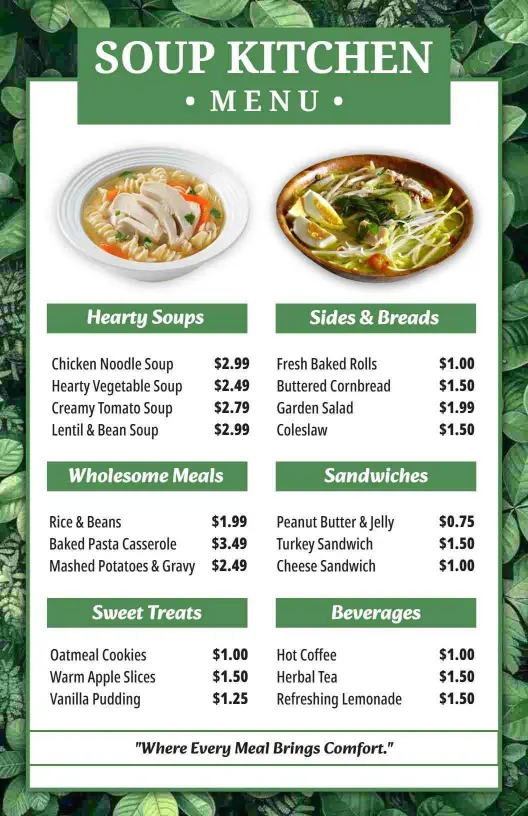
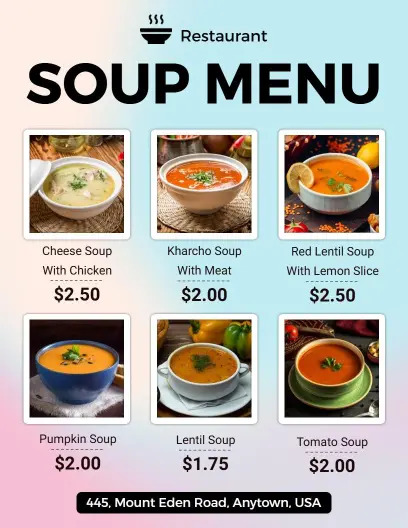
Build a soup menu that keeps daily bowls, cup-and-bowl pricing, and seasonal specials easy to read. Edit the layout for tabletop, wall, or digital use, then update it as your menu changes.
Trusted by Thousands
 Tata Consultancy Services
 Boston Consulting
 AT&T
AT&T
 Avelo Airlines
 Procter & Gamble
 Ministry Of Health, Malaysia
 Veterans Affairs
 Detroit Government
 New York University
 Texas A&M University
 Decathlon America
 Warby Parker
Tata Consultancy Services
Boston Consulting
AT&T
Avelo Airlines
Procter & Gamble
Ministry Of Health, Malaysia
Veterans Affairs
Detroit Government
New York University
Texas A&M University
Decathlon America
Warby Parker
Warby Parker
Tata Consultancy Services
Boston Consulting
AT&T
Avelo Airlines
Procter & Gamble
Ministry Of Health, Malaysia
Veterans Affairs
Detroit Government
New York University
Texas A&M University
Decathlon America
Warby Parker



Other Menu templates
Attract Diners with Inviting and Flavorful Soup Menus
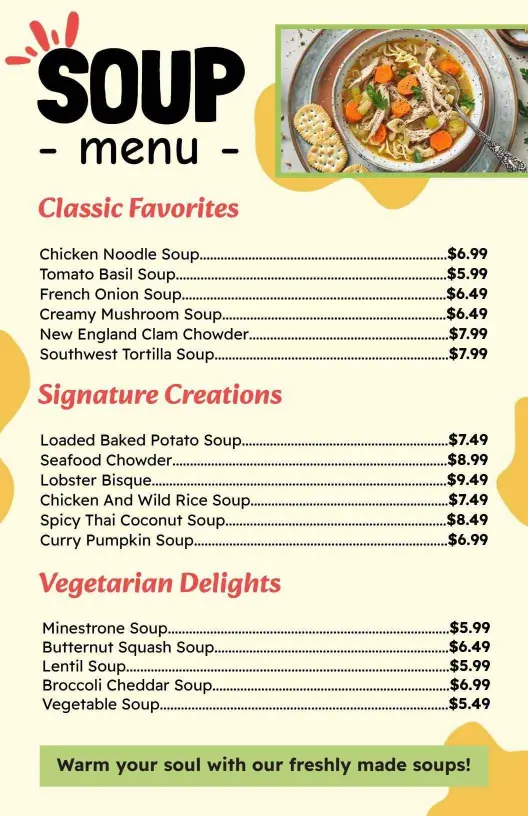
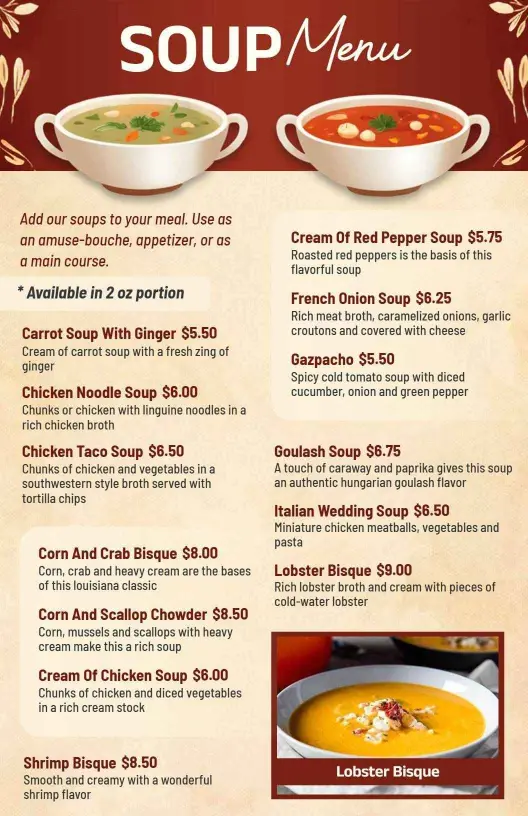
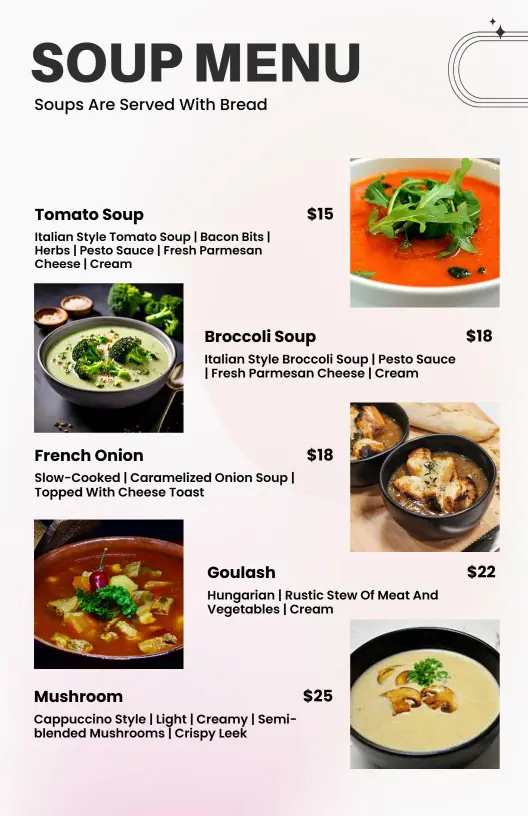
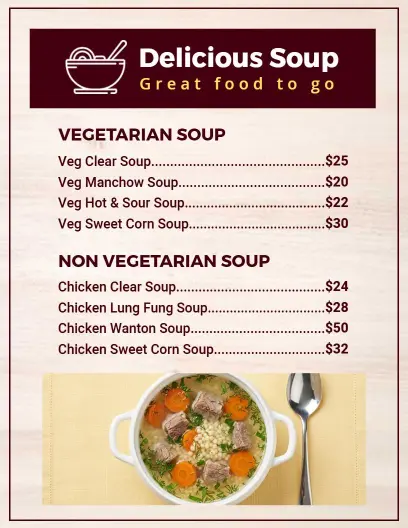
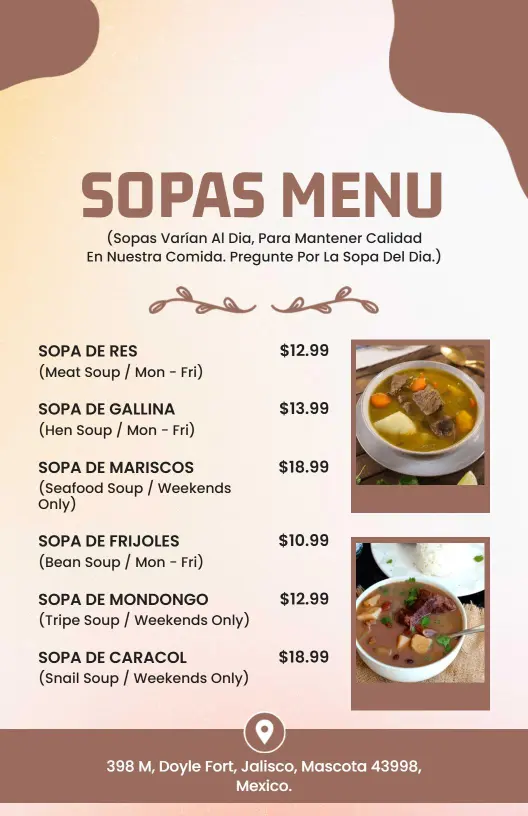
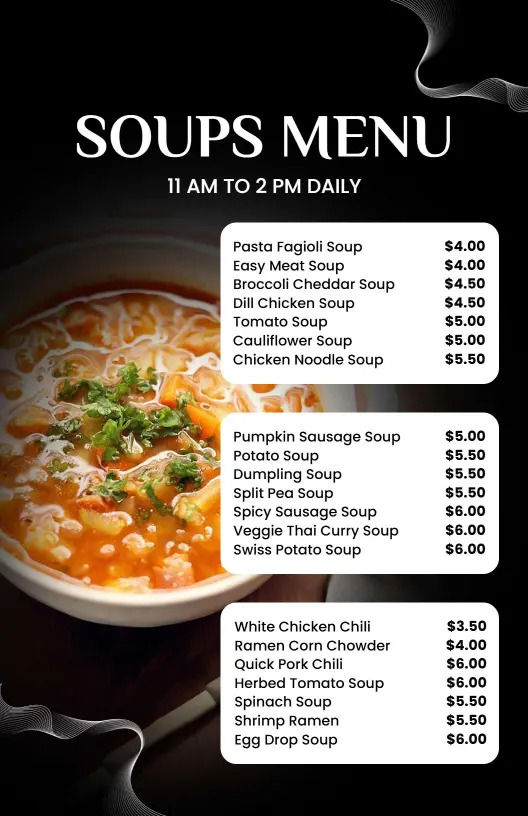
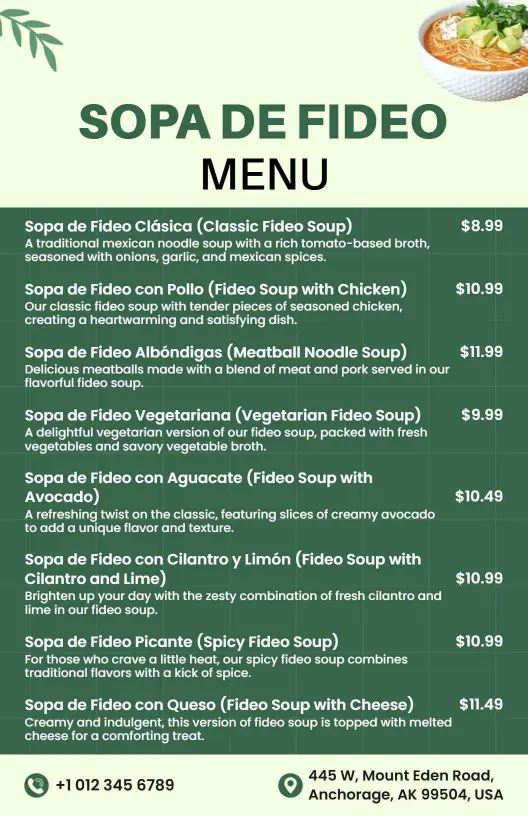
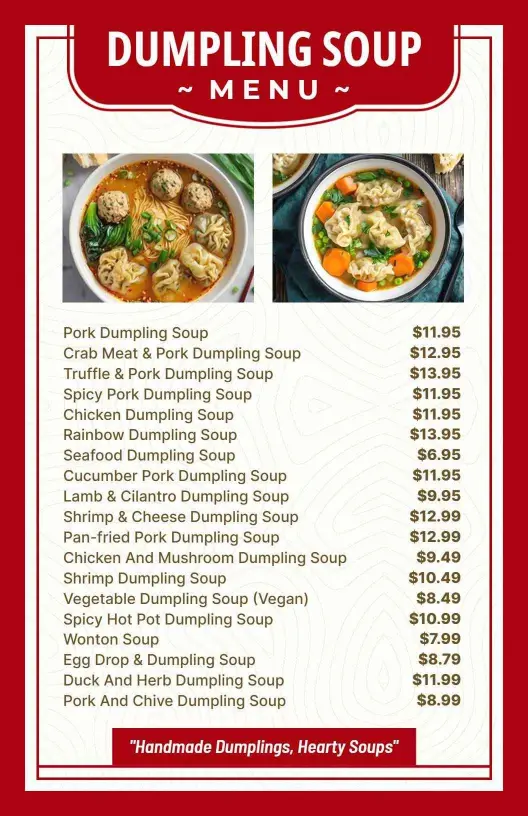
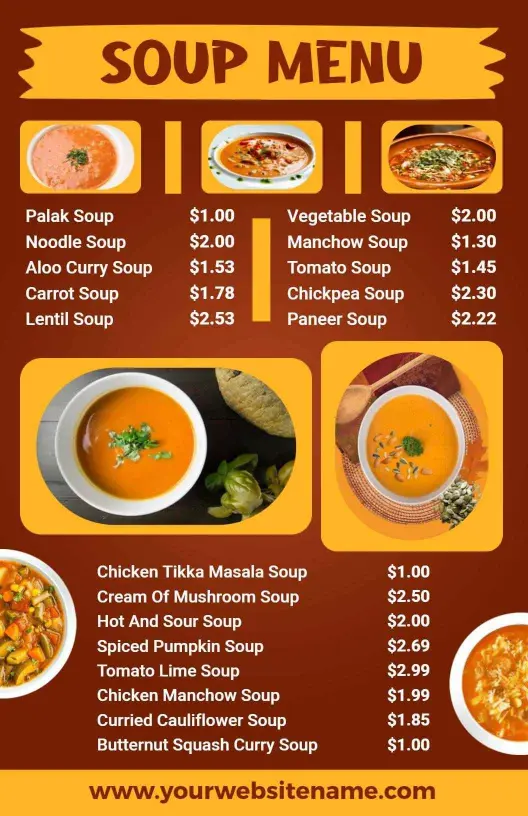
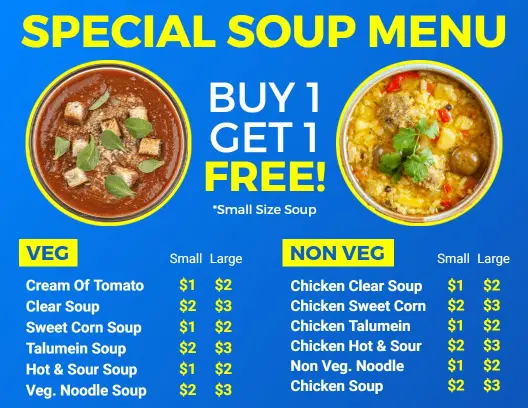
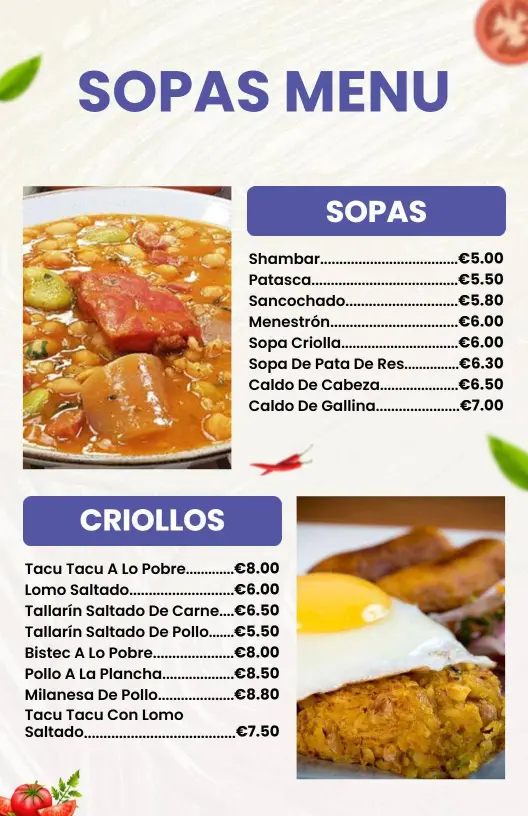
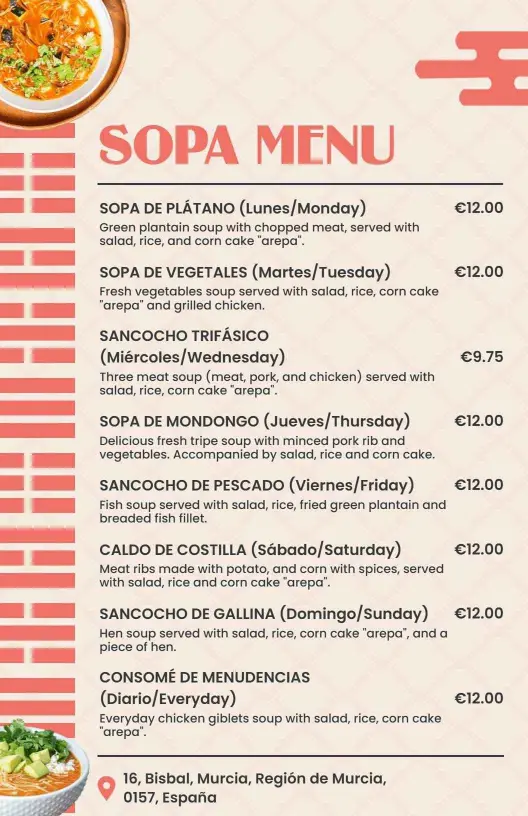
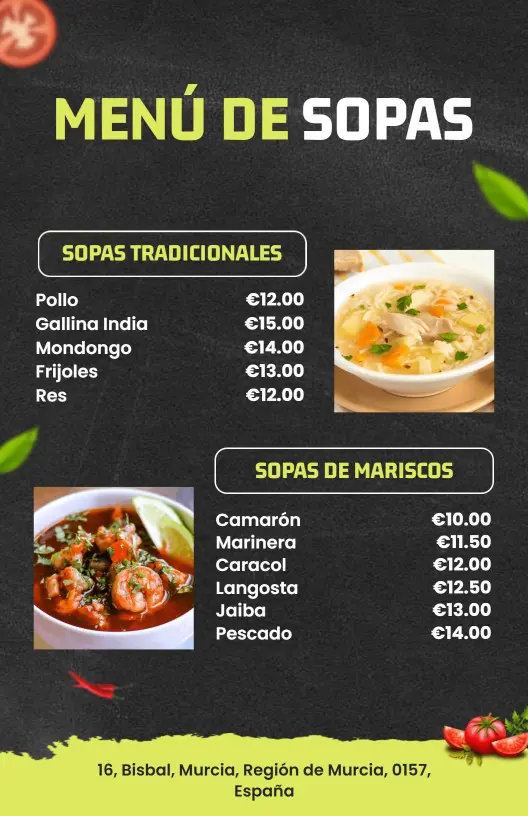
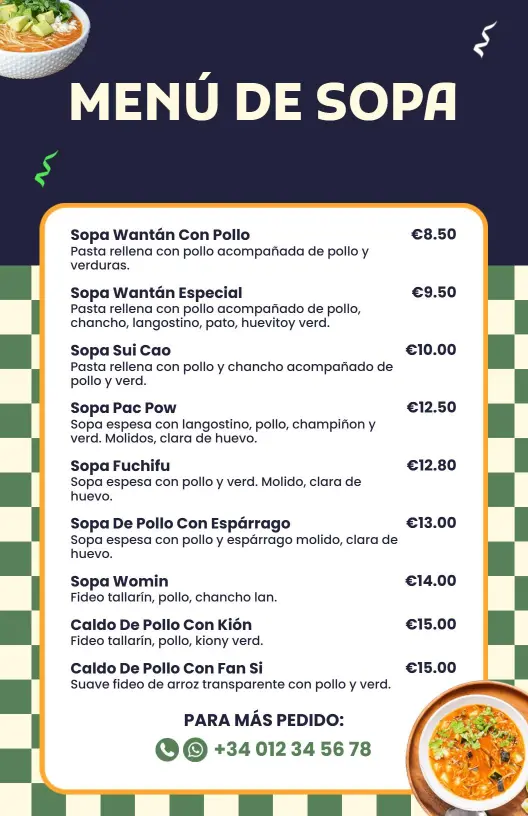
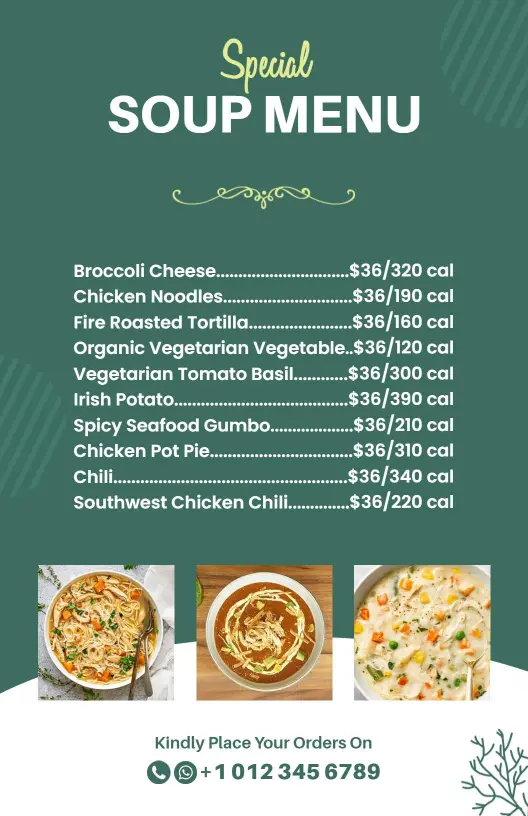
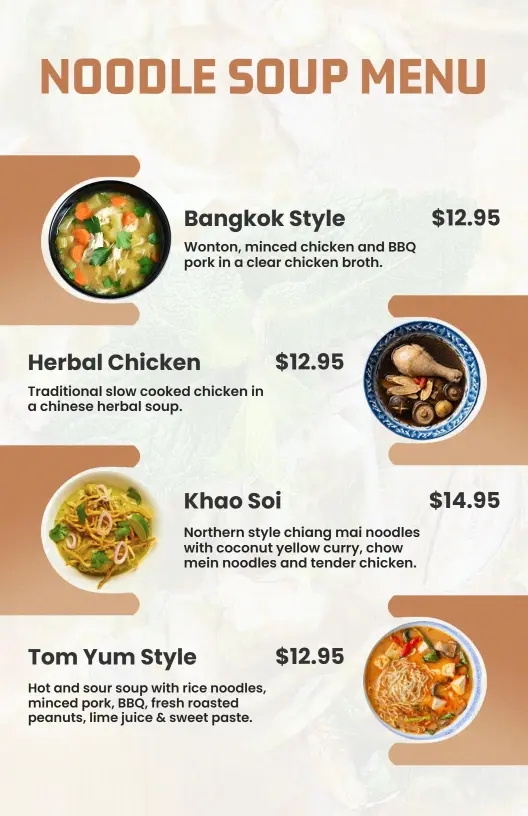
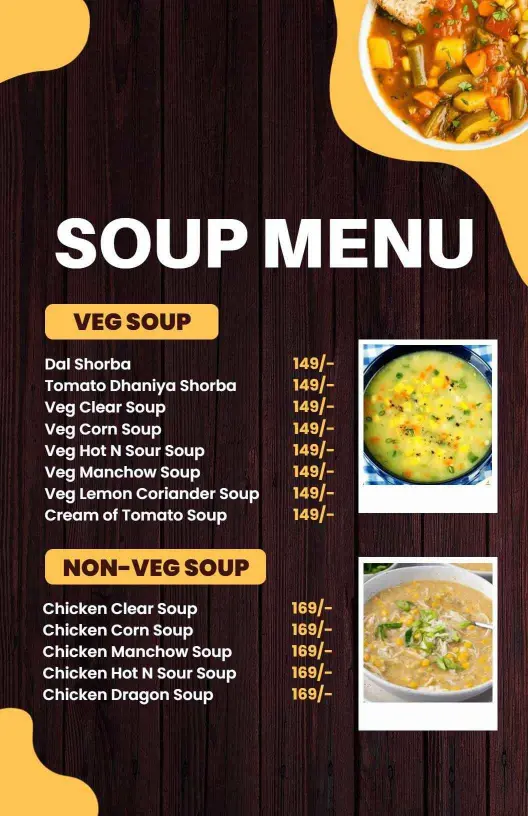
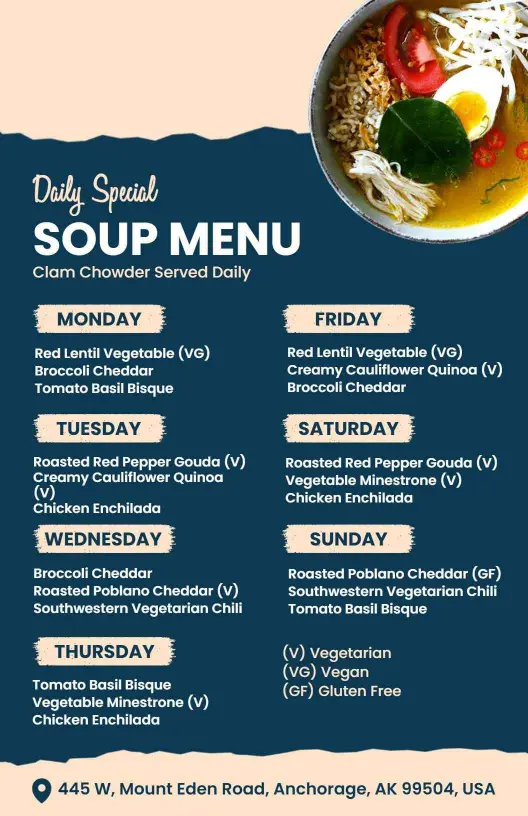
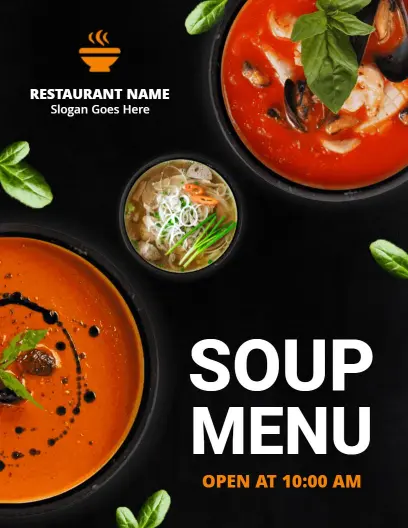
Creating an appealing soup menu involves showcasing a warm atmosphere that entices guests. Our soup menu templates feature comforting earth tones, cozy visuals of steaming bowls, and elegant typographic choices that evoke the sensations of a hearty meal shared around a welcoming table.
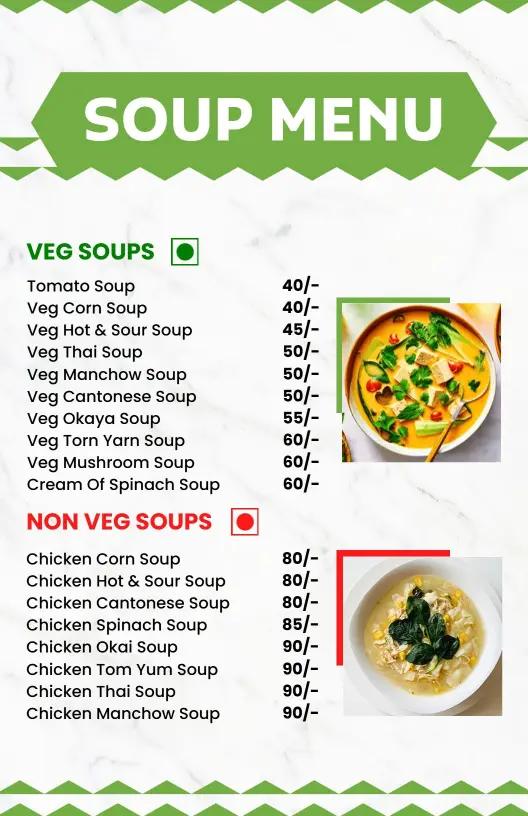
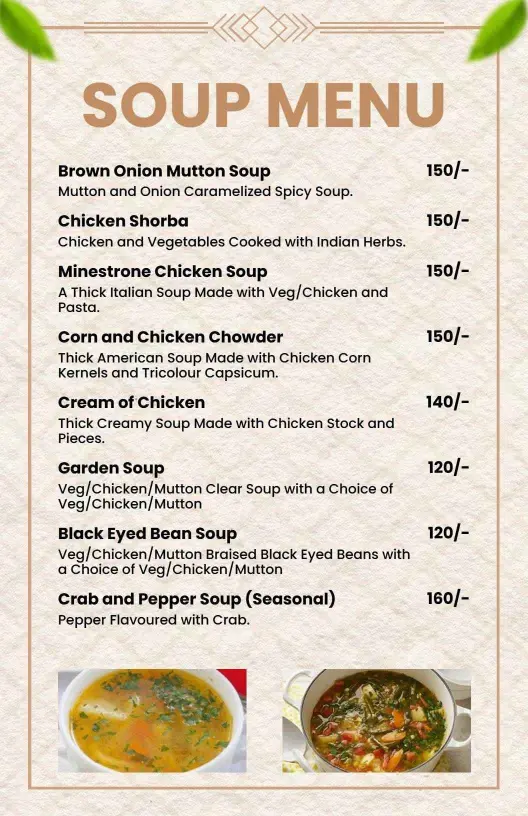
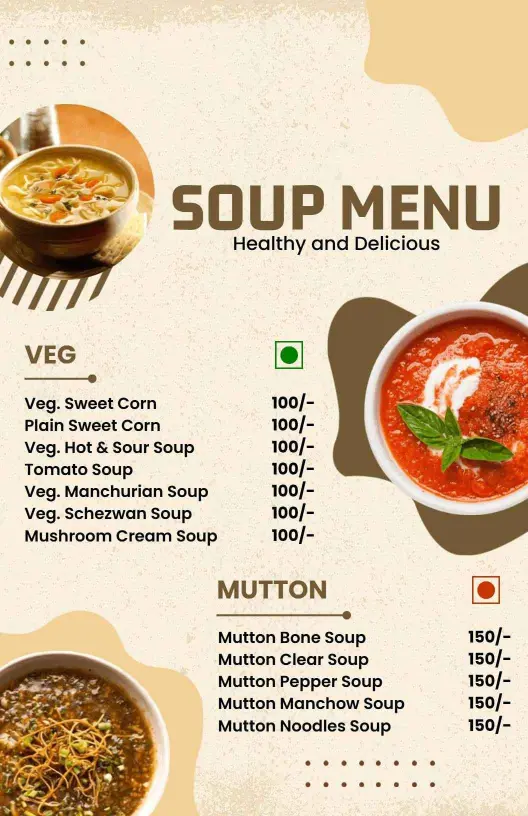
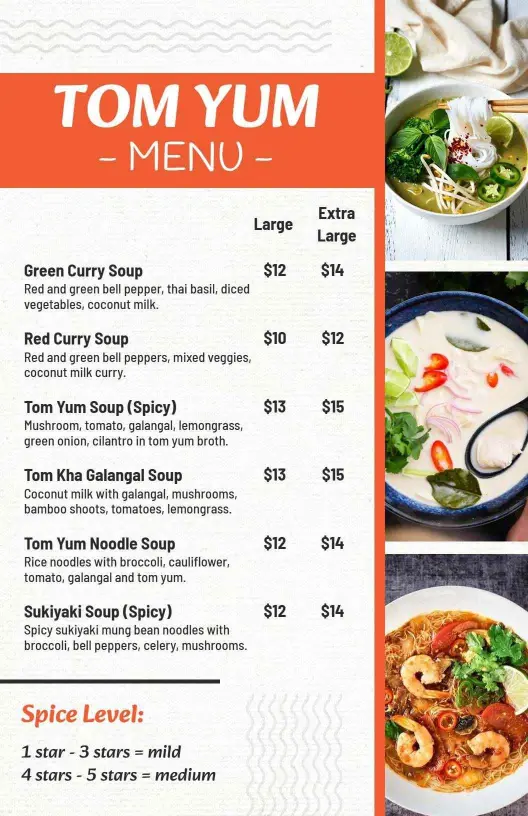
List essential menu details to ensure clear and easy choices for customers. Include distinct sections for classic and seasonal soups, detailed descriptions with main ingredients, dietary options such as vegan or gluten-free, combo meal deals, and clearly marked prices. Adding a section for daily specials can inspire guests to indulge in new flavors regularly.
Place printed menus on restaurant tables for easy access during dining service, include a copy in takeout bags for at-home diners, and convert the menu to digital formats for upload to your website and delivery platforms, ensuring your hearty offerings reach more soup lovers beyond your restaurant's doors.