


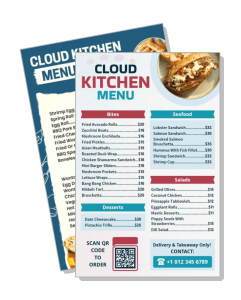
Cloud Kitchen Menu Templates
Cloud Kitchen Menu templates help delivery-first kitchens present bowls, wraps, snacks, soups, and combo meals in a layout customers can scan quickly on mobile or desktop. Use them for online ordering, QR menus, or printed support sheets when you want the menu to stay clear and easy to update.
How to make a cloud kitchen menu
Start with the dishes you sell most often, then build a layout that stays easy to read in app views, QR menus, and printed support copies.

1. Choose the menu structure
Start with the dishes you sell most often, then decide whether the menu should lead with bowls, wraps, snacks, or combos. A clear order keeps delivery choices fast.
2. Sort items into sections
Group items by cuisine, meal type, or course so the menu is easier to scan on a phone. That also makes it simpler to move specials, test combos, or rename sections later.
3. Add prices and brief notes
Add prices, short flavor notes, and any sides or add-ons in one consistent pattern. Keep the wording brief so the menu stays readable in app previews and QR views.
4. Check the layout on screen
Preview the layout at full size on paper and at phone size before you publish it. Check that contrast, spacing, and section labels still work when the menu is viewed quickly.
5. Save the final versions
Export a print-ready version and a digital copy, then reuse the same layout when you change prices or rotate dishes. That keeps updates faster for the next delivery cycle.
Trusted by Thousands
 Tata Consultancy Services
 Boston Consulting
 AT&T
AT&T
 Avelo Airlines
 Procter & Gamble
 Ministry Of Health, Malaysia
 Veterans Affairs
 Detroit Government
 New York University
 Texas A&M University
 Decathlon America
 Warby Parker
Tata Consultancy Services
Boston Consulting
AT&T
Avelo Airlines
Procter & Gamble
Ministry Of Health, Malaysia
Veterans Affairs
Detroit Government
New York University
Texas A&M University
Decathlon America
Warby Parker
Warby Parker
Tata Consultancy Services
Boston Consulting
AT&T
Avelo Airlines
Procter & Gamble
Ministry Of Health, Malaysia
Veterans Affairs
Detroit Government
New York University
Texas A&M University
Decathlon America
Warby Parker



Other Menu templates
Cloud kitchen menu templates for delivery-first kitchens and QR ordering
Cloud kitchen menu templates are built for speed, clarity, and frequent updates. Keep the structure focused on the dishes people order most often, then add short notes for portion size, spice level, or add-ons so the menu supports faster decisions in an app or QR view.
Menus that keep delivery items easy to compare
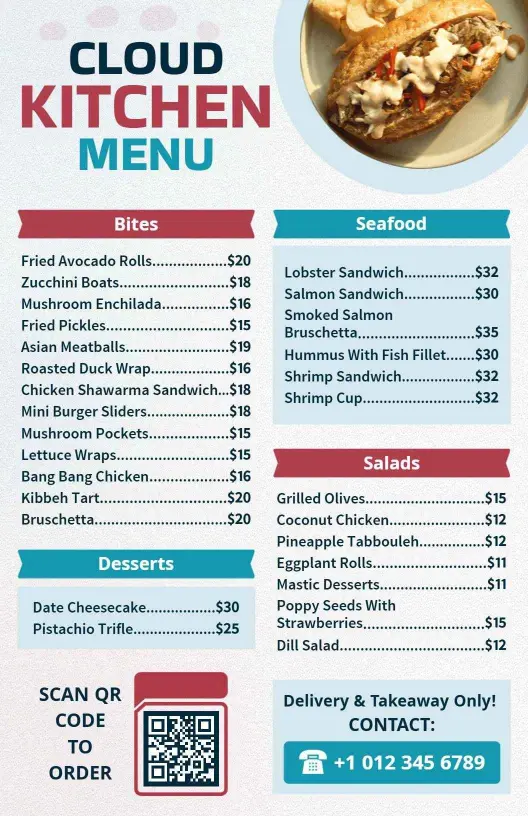
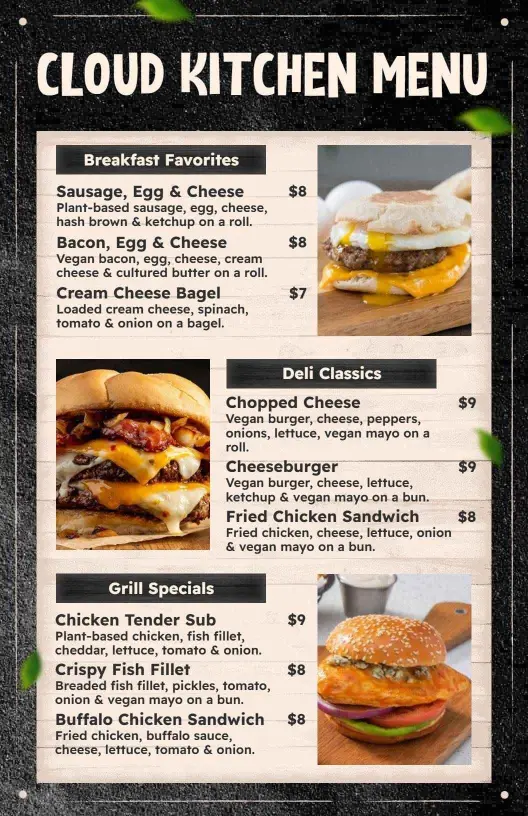
Cloud kitchens often need menus that can show quick bites, mains, and combos without making the screen feel crowded. Group items by meal type or flavor style so customers can move through the menu quickly and staff can update it without rebuilding the full layout. The Contemporary Cloud Kitchen Menu Template works well when you want a clean, modern base for a delivery-focused menu.
Color-driven layouts for strong brand recognition
If your brand relies on color and visual clarity, choose a layout that helps the food stand out without overwhelming the page. Use bold sections for featured dishes and keep the item names readable at small sizes. The Contemporary Blue Cloud Kitchen Flavorful Menu Template is a strong fit when you want a cooler, polished look that still feels practical for delivery ordering.
Specialty menus with focused categories
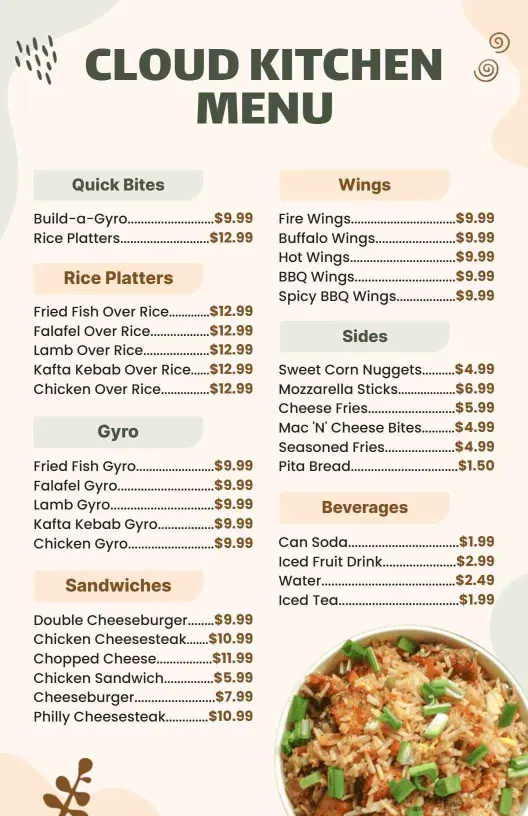
Some cloud kitchens lean on one or two standout categories, such as fish plates, falafel, or other specialty items. That kind of menu works best when the sections are direct and the flavors are easy to compare. The Flavorful Fried Fish and Falafel Delights Cloud Kitchen Menu Template is useful when the menu needs a tighter, category-led structure.
Flexible side and soup layouts for rotating offers
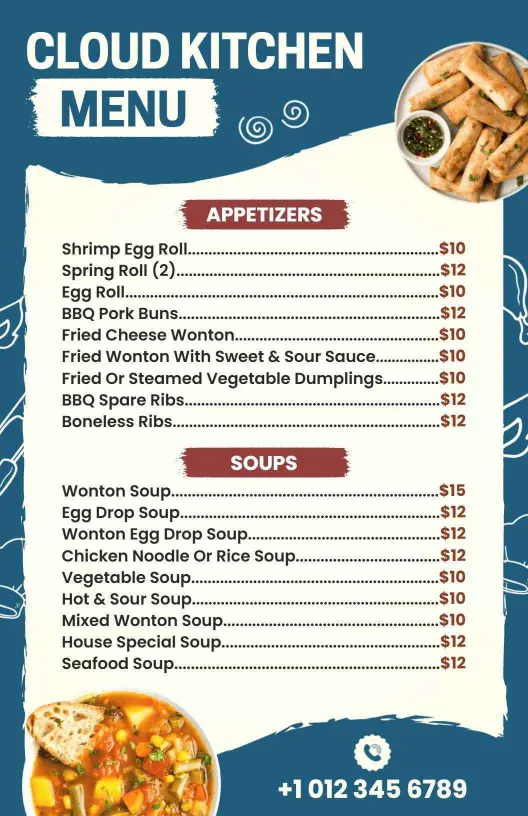
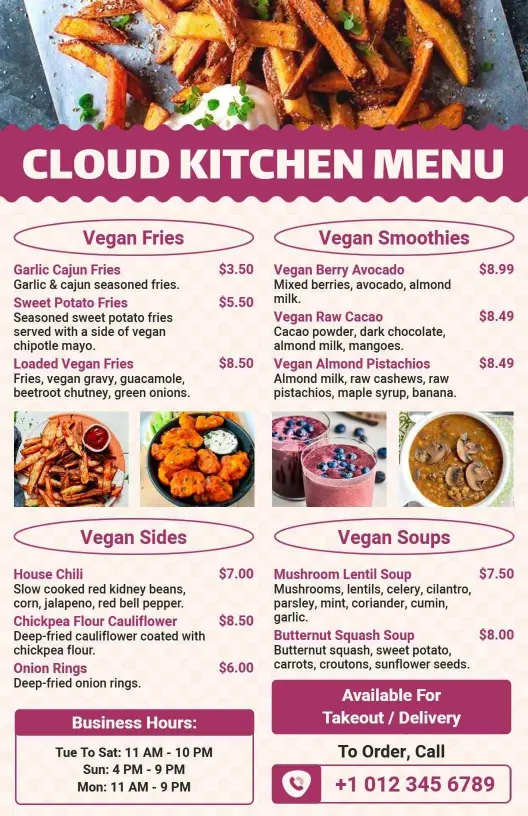
Cloud kitchens that rotate sides, soups, or add-on dishes need a layout that can change often without losing balance. Keeping those items in their own block makes the menu easier to refresh for lunch, dinner, or seasonal shifts. The Vibrant Maroon Cloud Kitchen Sides and Soups Menu Template is a useful option when the secondary items deserve their own space. For kitchens that want a more casual visual style, the Contemporary Chalk Style Cloud Kitchen Menu Template gives you a looser, handwritten feel without sacrificing readability.
The best cloud kitchen menu keeps ordering simple, supports fast edits, and stays readable across apps, QR menus, and printed backups.