


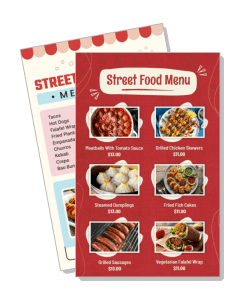
Street Food Menu Templates
Street Food Menu templates help food trucks, carts, and pop-up stalls show tacos, skewers, snacks, drinks, and specials in a layout customers can scan fast. Use them for print boards, counter menus, or QR ordering when you want the page to stay clear and easy to update.
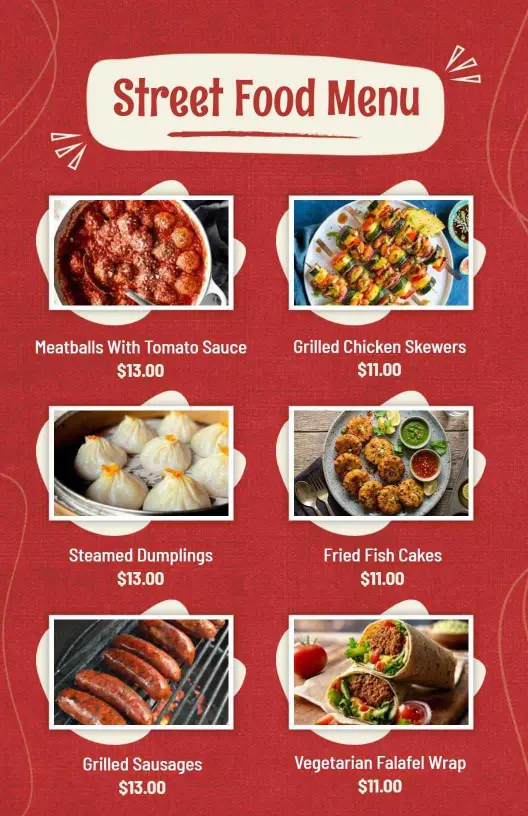
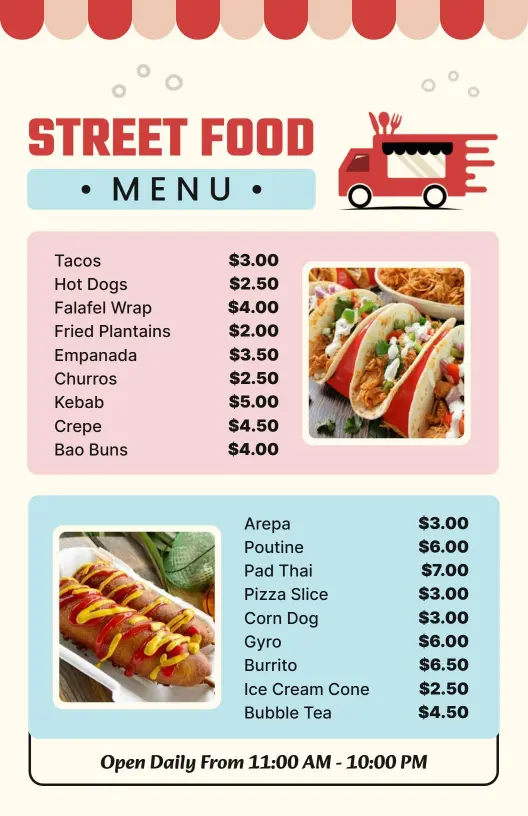
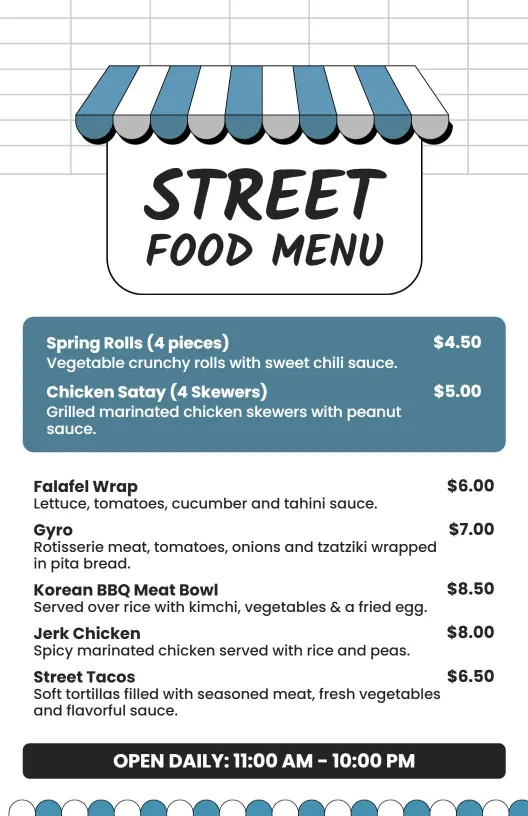
How to make a street food menu
Start with the food you sell most often, then build a layout that stays readable during busy service and easy to update before the next event.

1. Choose the main structure
Start with the items you sell most often, then decide whether the page should follow snacks, mains, drinks, or combo meals. A clear structure keeps ordering fast on busy service days.
2. Sort items into clear groups
Separate tacos, skewers, sandwiches, sides, and drinks into clear blocks so customers can spot what they want quickly. Grouping also makes specials easier to swap without redoing the page.
3. Place prices and notes carefully
Place prices in one consistent spot and keep notes short for heat levels, sauces, or portion size. Use a small specials block for rotating items so the main list stays uncluttered.
4. Test the menu in real use
Print a test copy or preview it on a phone and check whether names, prices, and section labels still read clearly at a glance. If anything feels crowded, reduce copy before exporting.
5. Save the print and digital versions
Save one file for print and another for digital sharing, then reuse the same menu structure when you update items for the next event or service window.
Trusted by Thousands
 Tata Consultancy Services
 Boston Consulting
 AT&T
AT&T
 Avelo Airlines
 Procter & Gamble
 Ministry Of Health, Malaysia
 Veterans Affairs
 Detroit Government
 New York University
 Texas A&M University
 Decathlon America
 Warby Parker
Tata Consultancy Services
Boston Consulting
AT&T
Avelo Airlines
Procter & Gamble
Ministry Of Health, Malaysia
Veterans Affairs
Detroit Government
New York University
Texas A&M University
Decathlon America
Warby Parker
Warby Parker
Tata Consultancy Services
Boston Consulting
AT&T
Avelo Airlines
Procter & Gamble
Ministry Of Health, Malaysia
Veterans Affairs
Detroit Government
New York University
Texas A&M University
Decathlon America
Warby Parker



Other Menu templates
Street food menu templates for food trucks, carts, and pop-up stalls
Street food menu templates help you present fast-moving items in a layout that is easy to read, easy to edit, and practical for daily service. Keep the structure focused on the items people order first, then add prices and short notes where they help the customer decide faster.
Food trucks with fast-moving orders
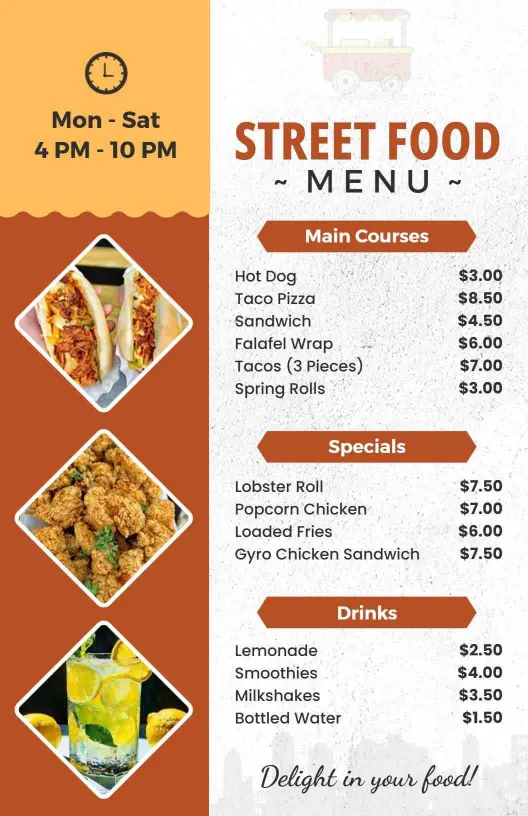
When the line moves quickly, the menu should separate bestsellers, combo boxes, and sides so guests can decide without extra questions. Keep the most ordered items near the top and leave enough space for prices, add-ons, and short descriptions. The Vibrant Red Street Food Menu Template works well when you want a bold, high-contrast layout that reads easily from a window or counter.
Pop-up stalls and market setups
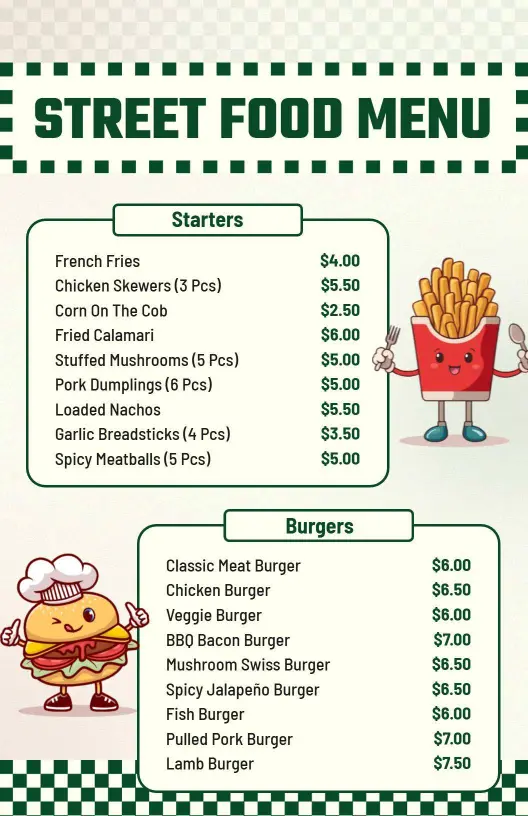
Pop-up vendors often need menus that look polished but still edit fast before each market day. Group items by snack type or meal size so the page stays balanced even when the list changes. The Playful Green Checkered Street Food Menu Template is a good fit when you want a lighter, friendly layout for small stalls and weekend events.
Snack plates, empanadas, and shareable items
Street food menus sell better when savory snacks, handheld plates, and sides have their own section. That makes it easier to feature empanadas, loaded fries, dumplings, or skewers without crowding the page. The Delicious Empanadas and Snack Selections Street Food Menu Template helps keep mixed-item menus organized.
Drinks, add-ons, and limited-time specials
If your menu includes fresh juices, sodas, bubble tea, or rotating specials, reserve space for those items so staff can update them quickly. The Refreshing Drinks with Classic Street Food Menu Options Template gives you room for beverages and seasonal add-ons without making the main menu feel busy.
The best street food menu keeps ordering simple, supports quick edits, and stays readable across printed boards, takeaway menus, and QR use.