


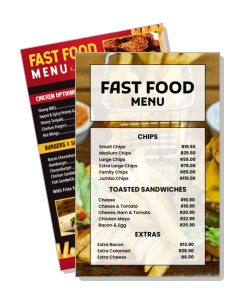
Fast Food Menu Templates
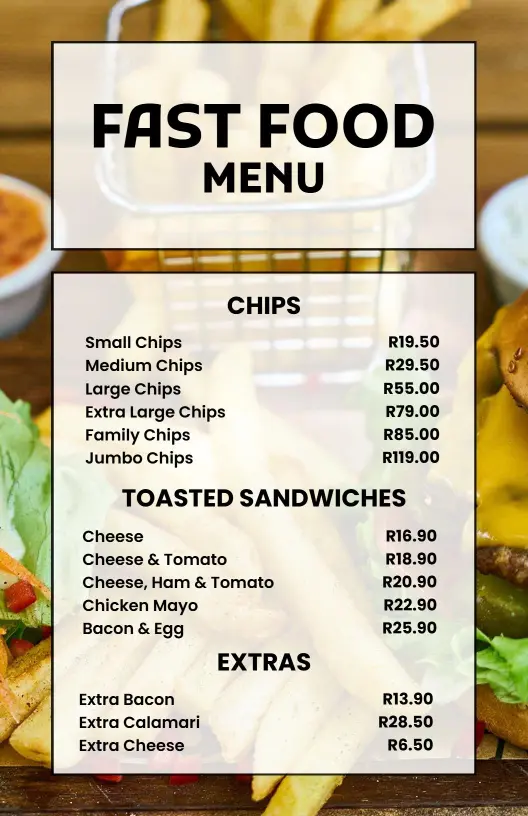
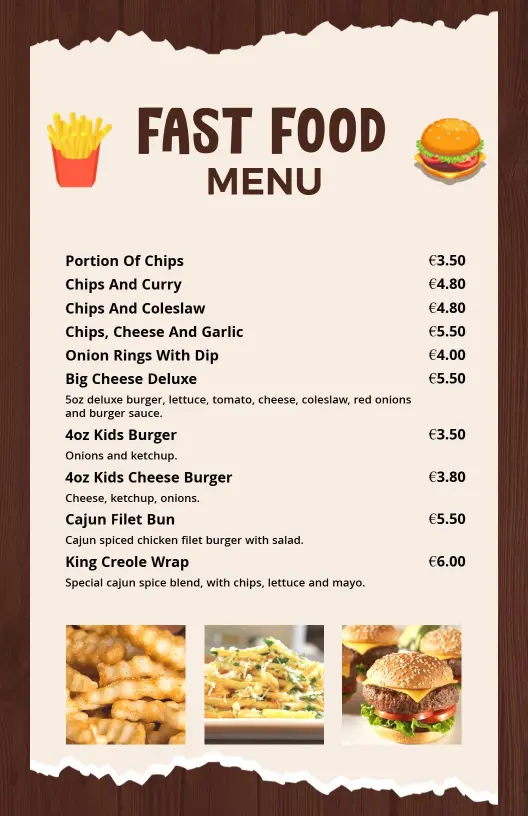
Fast food menu templates for diners, quick-service counters, drive-thrus, and takeout teams. Build a clean menu for burgers, fries, sandwiches, and combo meals, then print or share a file that is easy to scan on the wall or on a phone.
Trusted by Thousands
 Tata Consultancy Services
 Boston Consulting
 AT&T
AT&T
 Avelo Airlines
 Procter & Gamble
 Ministry Of Health, Malaysia
 Veterans Affairs
 Detroit Government
 New York University
 Texas A&M University
 Decathlon America
 Warby Parker
Tata Consultancy Services
Boston Consulting
AT&T
Avelo Airlines
Procter & Gamble
Ministry Of Health, Malaysia
Veterans Affairs
Detroit Government
New York University
Texas A&M University
Decathlon America
Warby Parker
Warby Parker
Tata Consultancy Services
Boston Consulting
AT&T
Avelo Airlines
Procter & Gamble
Ministry Of Health, Malaysia
Veterans Affairs
Detroit Government
New York University
Texas A&M University
Decathlon America
Warby Parker



Other Menu templates
Boost Sales with Captivating Fast Food Menu Designs
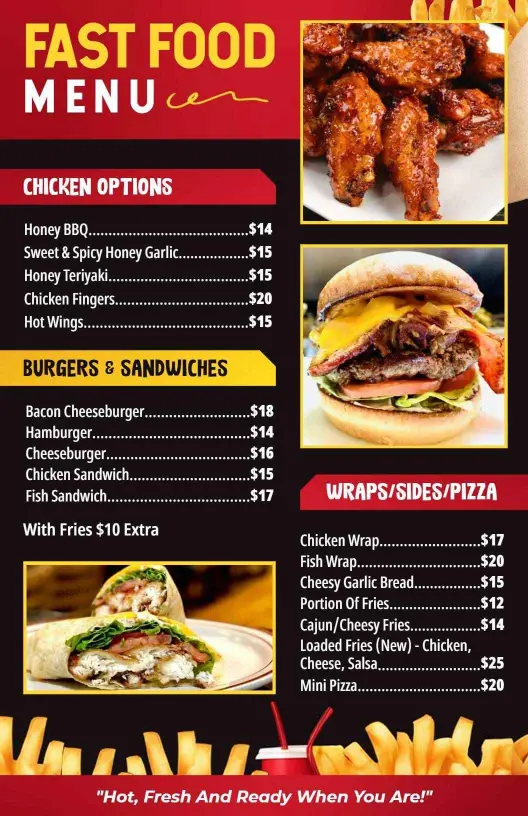
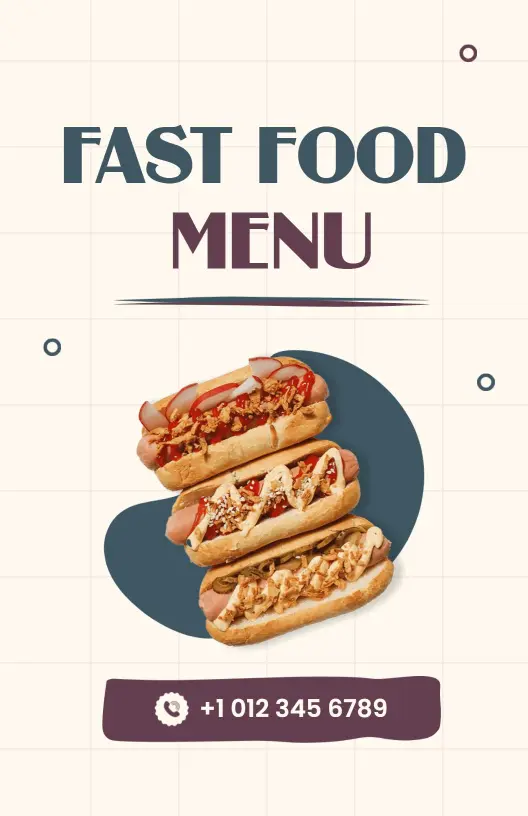
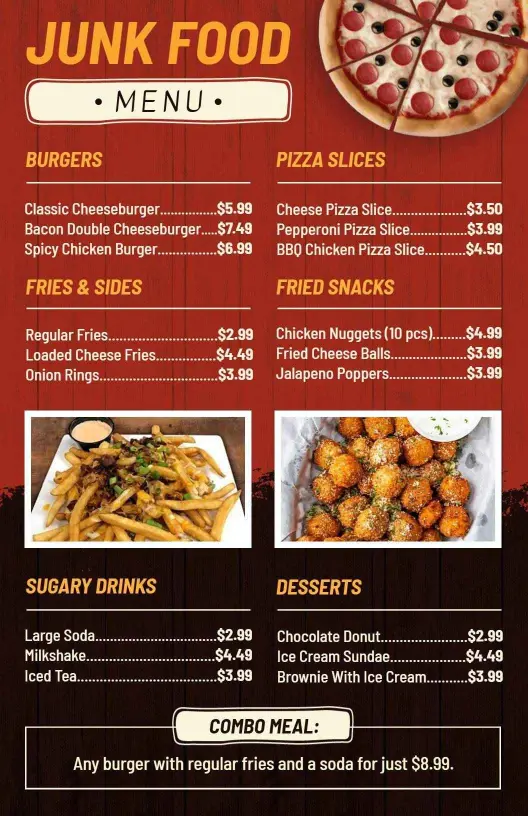
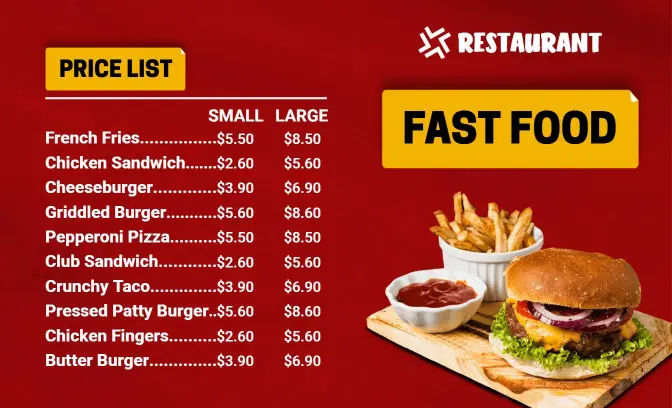
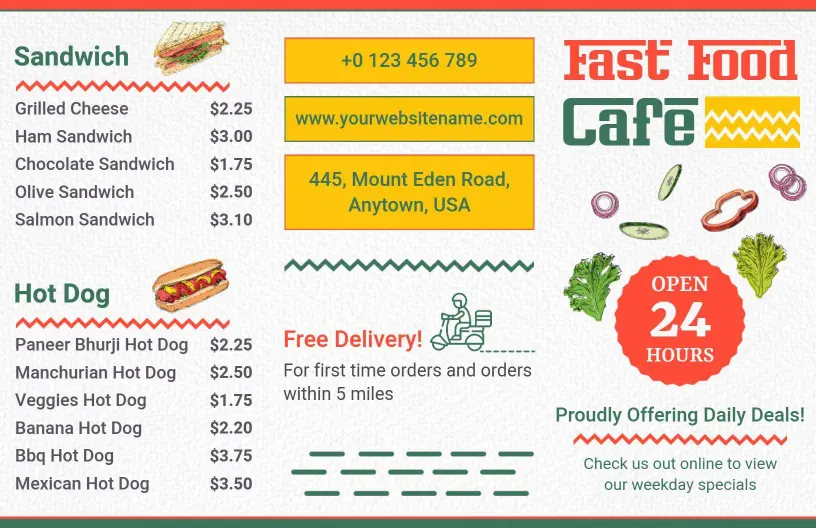
Fast food establishments thrive on dynamic menus that entice customers with their next delicious meal choice. DesignWiz fast food menu templates use vibrant, energizing colors like crispy golden yellows and tantalizing reds, ensuring your burgers, fries, and shakes stand out. Each template includes strategically placed mouthwatering images that stimulate appetites while still maintaining a clear, organized layout.
Ensure your menu captures all necessary details for a smooth customer experience. Clearly list your signature dishes, combo meal deals, addon options like extra cheese or bacon, and appetite-whetting sides with proper pricing. Incorporate dietary tags for vegetarian, gluten-free, or spicy options, and include quick order codes or featured item highlights to guide customer choices easily.
Place impactful, laminated versions on countertop displays or dining tables, include paper copies with takeout orders, and ensure your menu is available digitally on your website and social media for quick access. This way, customers can view your offerings from any device, enhancing their ordering experience.