


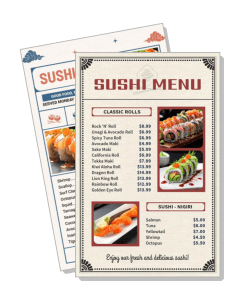
Sushi Menu Templates
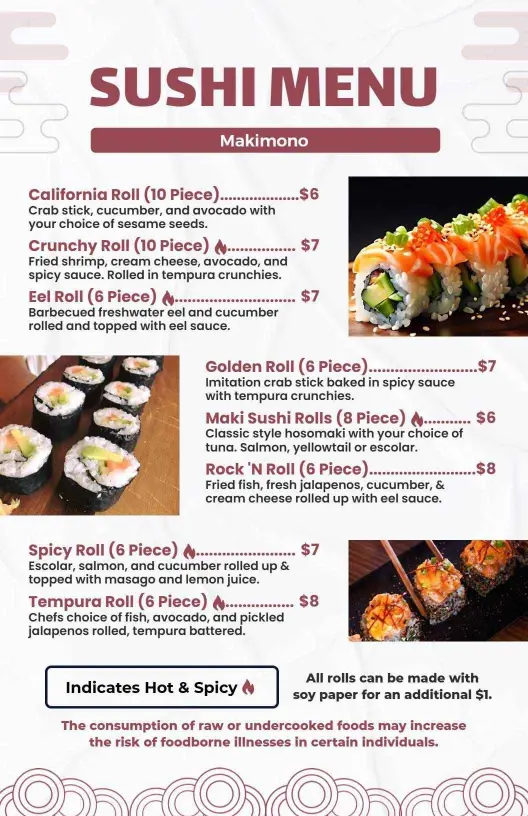
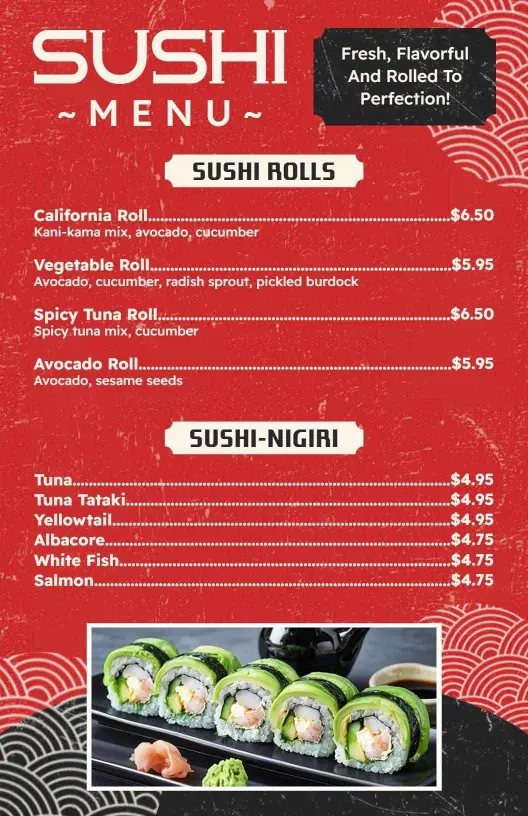
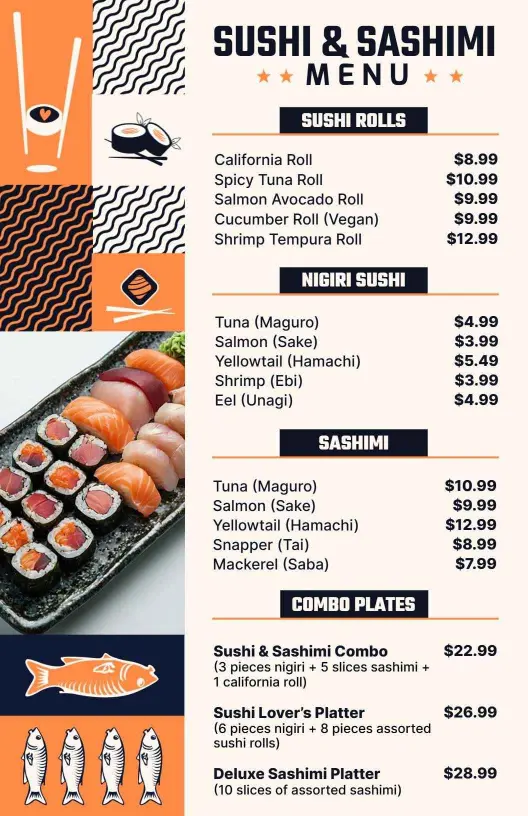
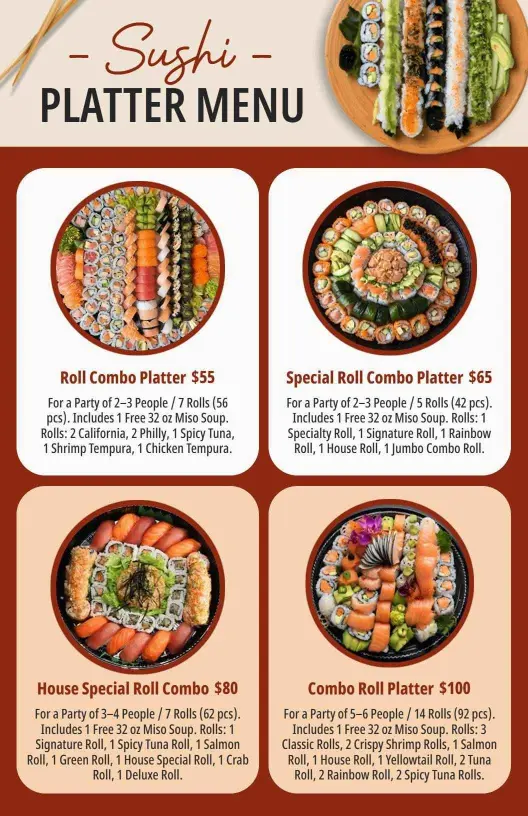
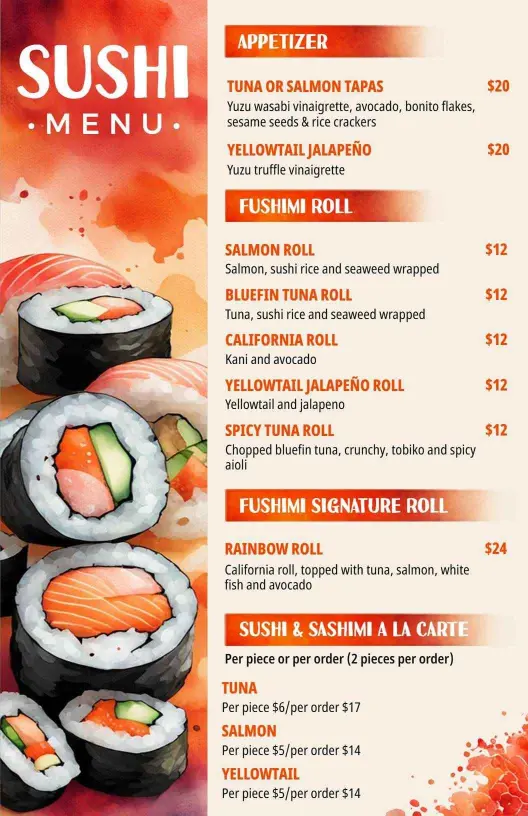
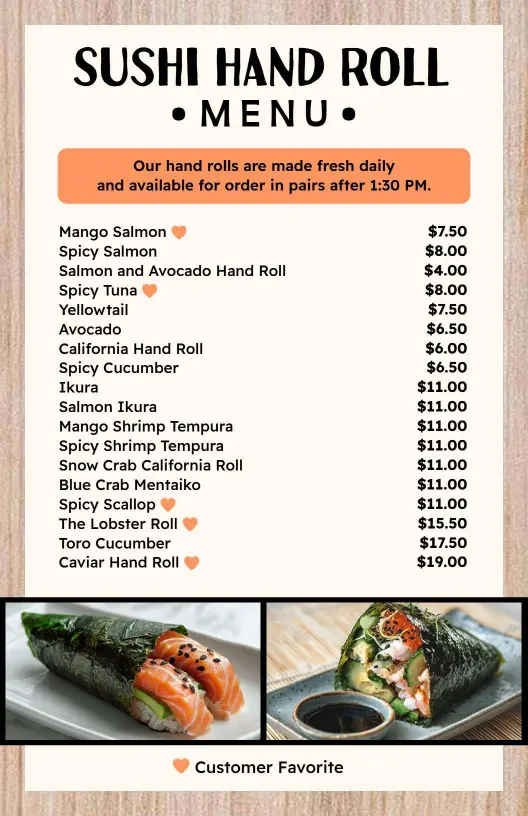
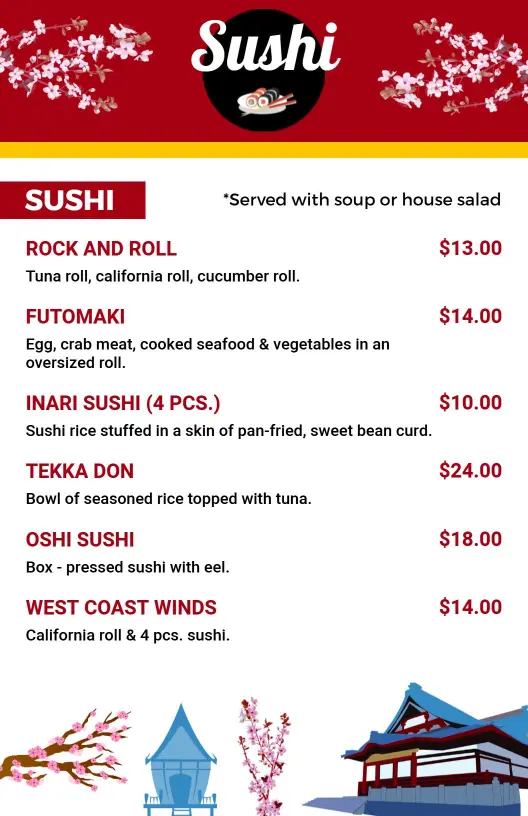
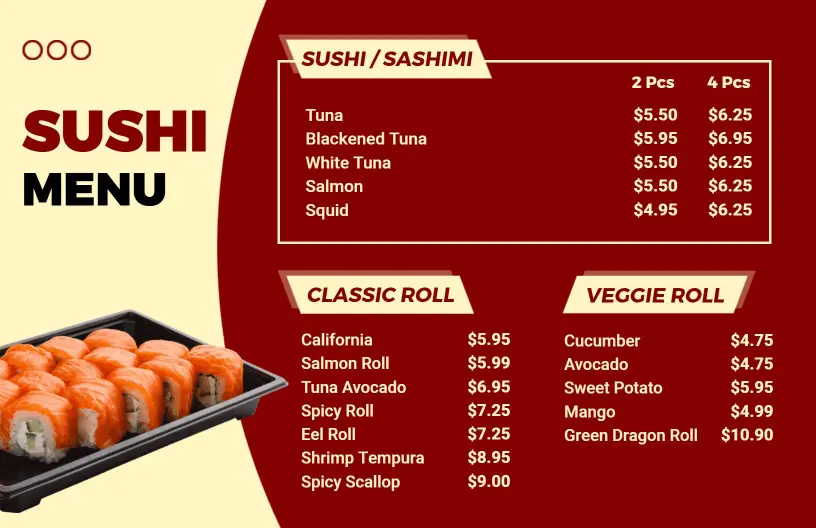
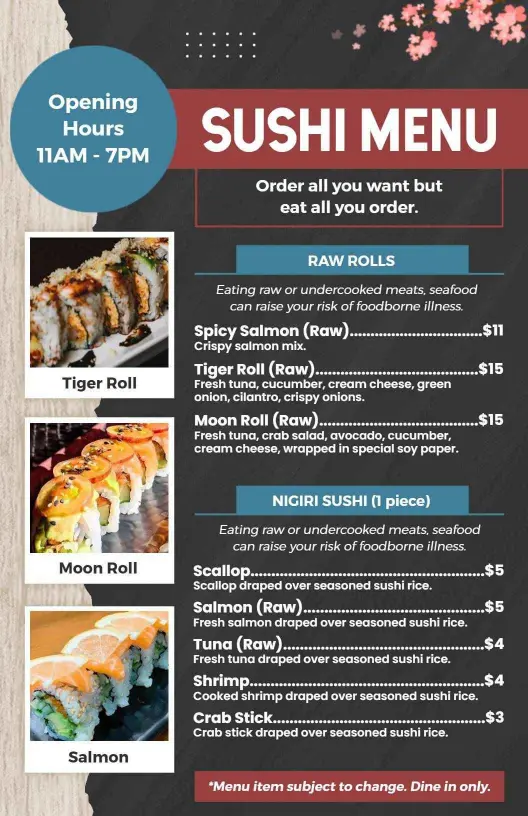
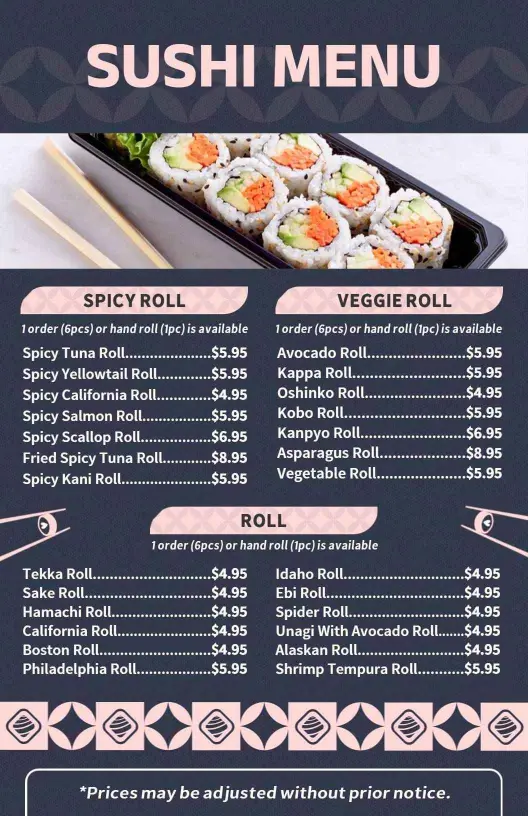
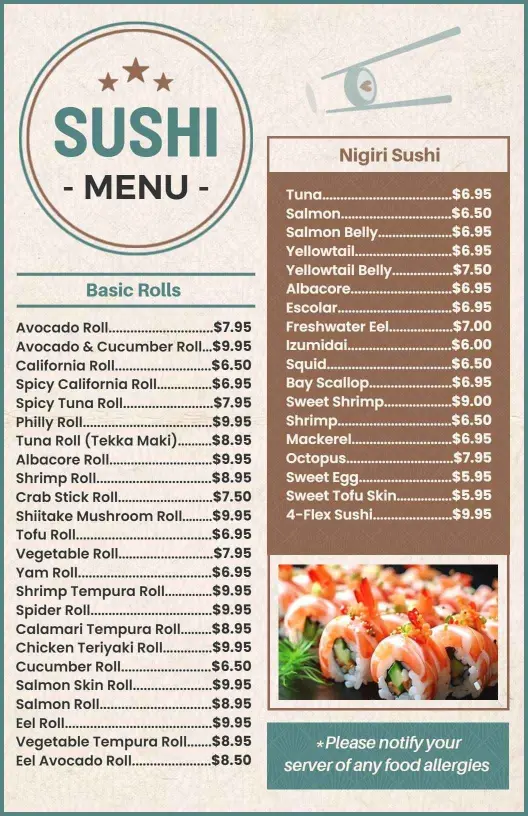
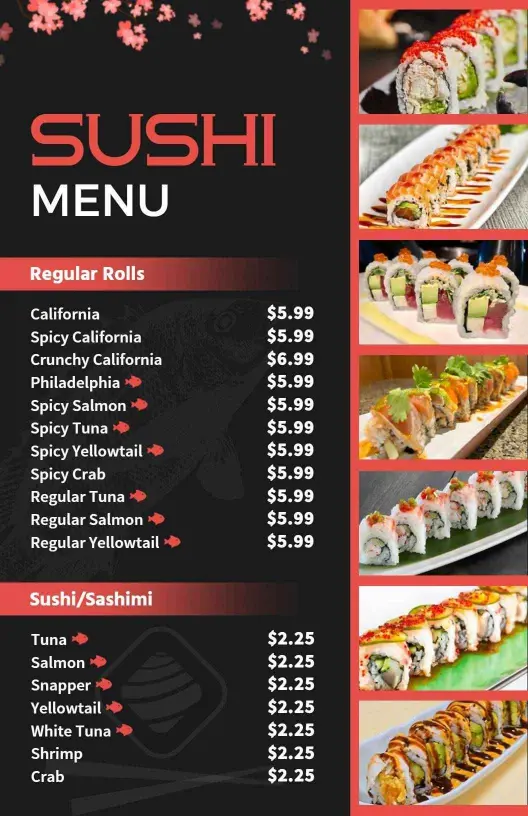
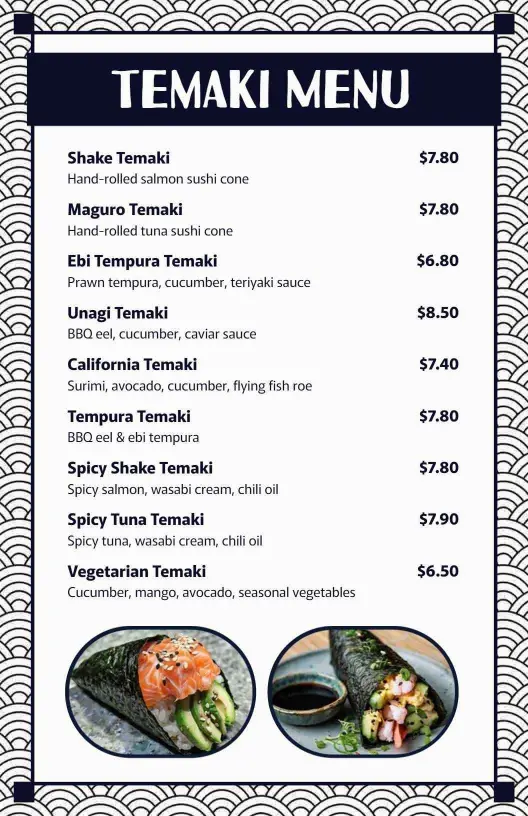
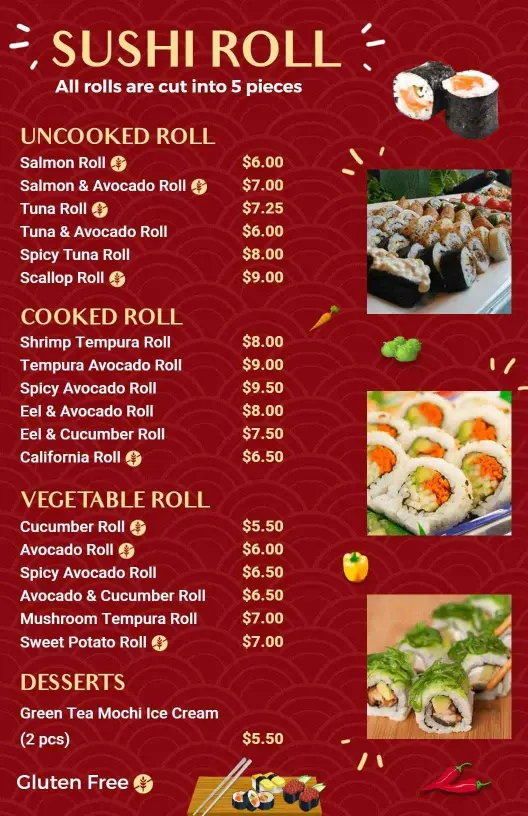
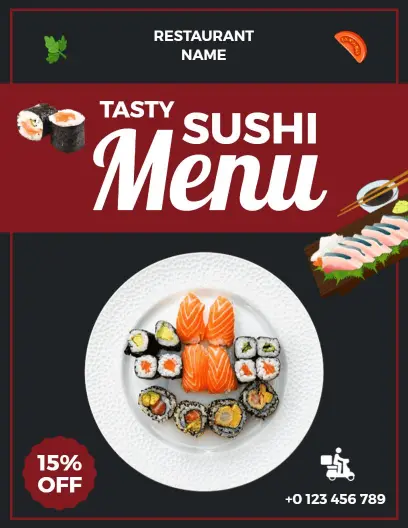
Sushi menu templates for sushi bars, Japanese restaurants, omakase-style service, and takeout counters. Build a clean menu for rolls, nigiri, sashimi, and platters, then print or share a file that is easy to scan on the table or on a phone.
Trusted by Thousands
 Tata Consultancy Services
 Boston Consulting
 AT&T
AT&T
 Avelo Airlines
 Procter & Gamble
 Ministry Of Health, Malaysia
 Veterans Affairs
 Detroit Government
 New York University
 Texas A&M University
 Decathlon America
 Warby Parker
Tata Consultancy Services
Boston Consulting
AT&T
Avelo Airlines
Procter & Gamble
Ministry Of Health, Malaysia
Veterans Affairs
Detroit Government
New York University
Texas A&M University
Decathlon America
Warby Parker
Warby Parker
Tata Consultancy Services
Boston Consulting
AT&T
Avelo Airlines
Procter & Gamble
Ministry Of Health, Malaysia
Veterans Affairs
Detroit Government
New York University
Texas A&M University
Decathlon America
Warby Parker



Other Menu templates
Attract Diners with Beautifully Designed Sushi Menu Templates
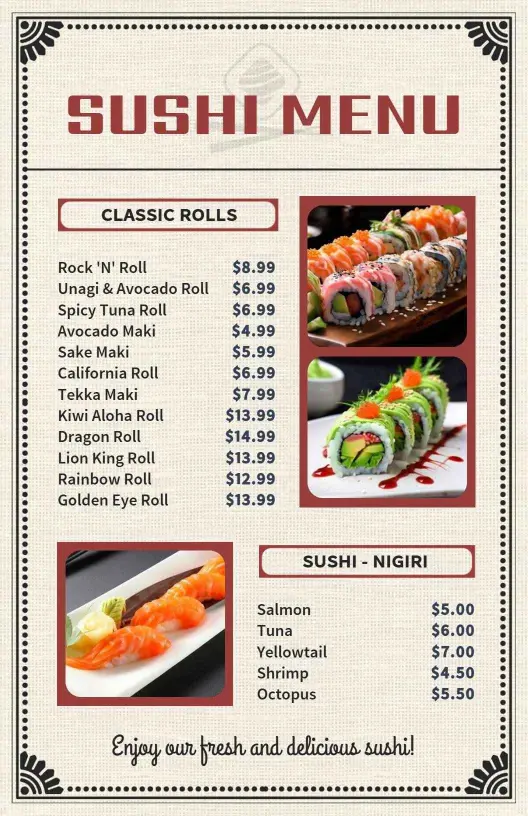
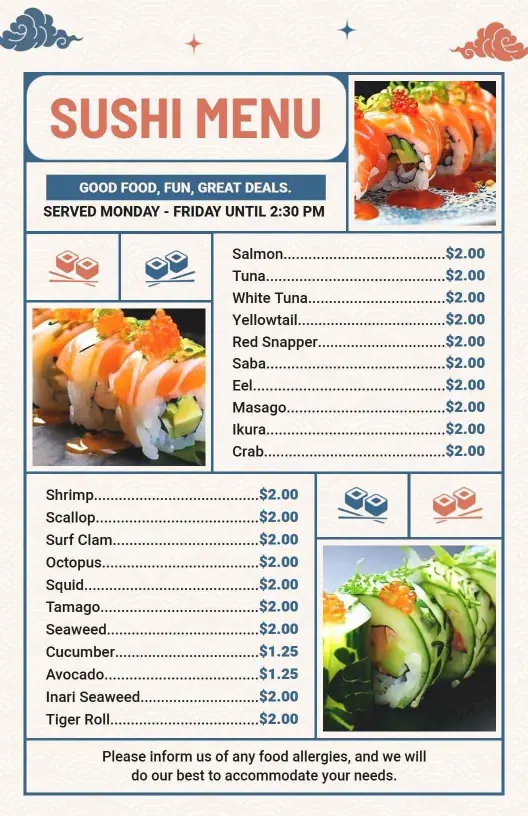
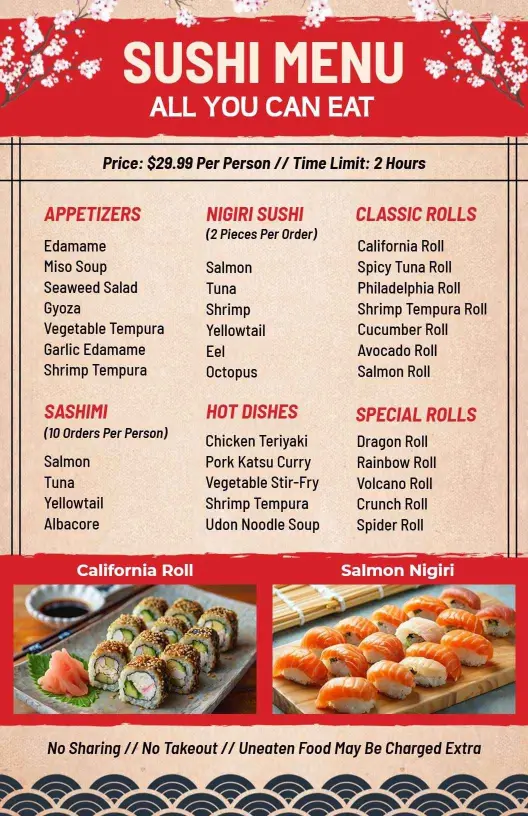
Capturing the attention of sushi lovers starts with an inviting and visually appealing menu. DesignWiz sushi menu templates use fresh sea greens, delicate whites, and gold accents to mirror the elegance and intricacy of your sushi creations. Photographic spaces highlight your signature rolls and vibrant ingredients, enticing patrons right from the first glance.
Clearly organize your menu items so guests can easily find their favorites or explore new options. List offerings such as nigiri, maki rolls, sashimi, chef's specials, and combination platters. Include details like spice levels, dietary icons for vegetarian or gluten-free options, and recommended sake pairings alongside descriptive dish names and pricing.
Place these sleek menu designs on dining tables, include printed versions in takeout orders, or upload digital menus to your restaurant's website and social media platforms, ensuring your sushi delights reach both in-house and online customers seamlessly.