


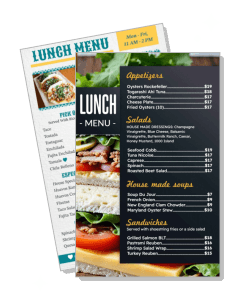
Lunch Menu Templates
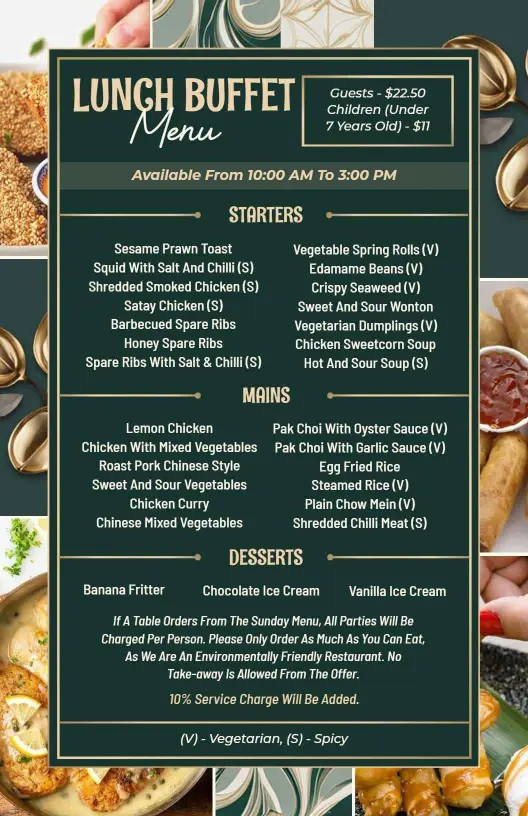
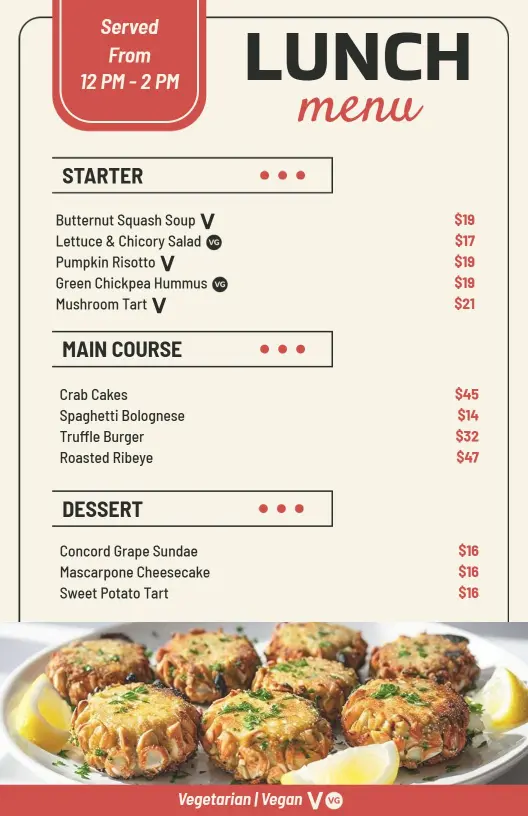
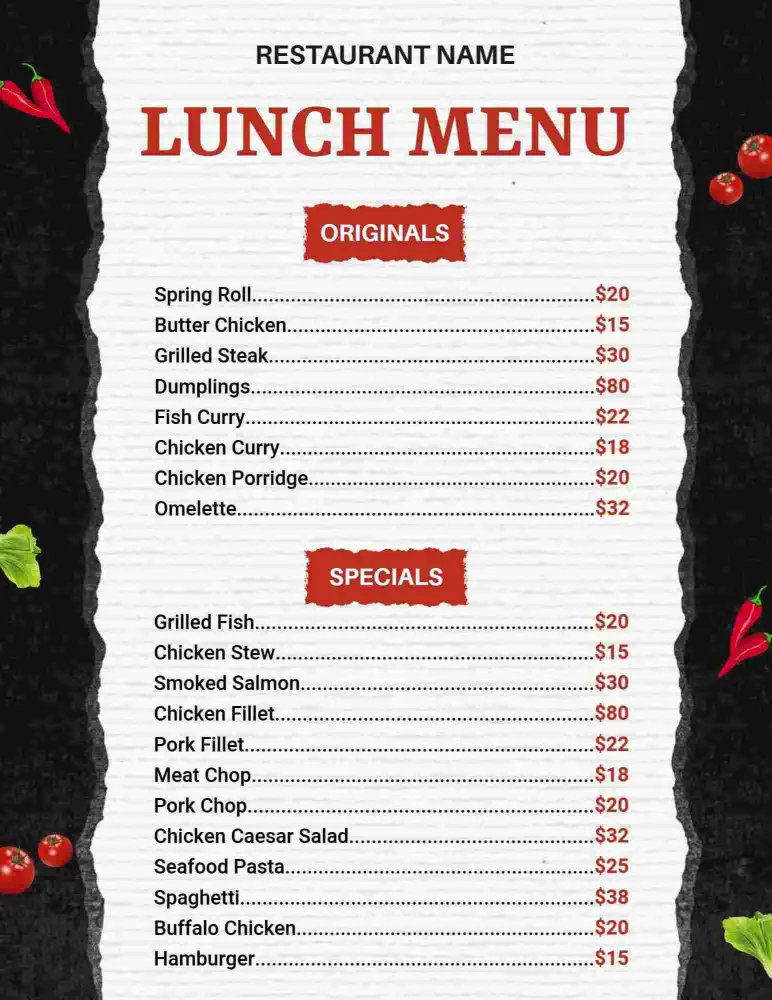
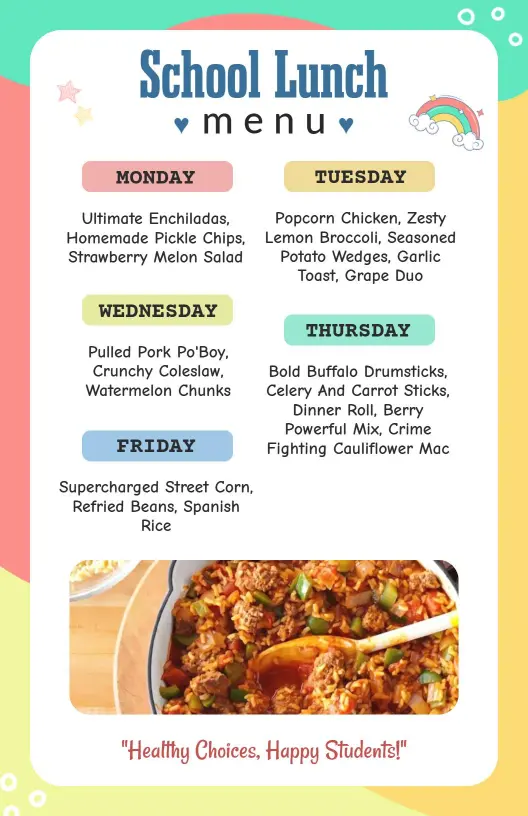
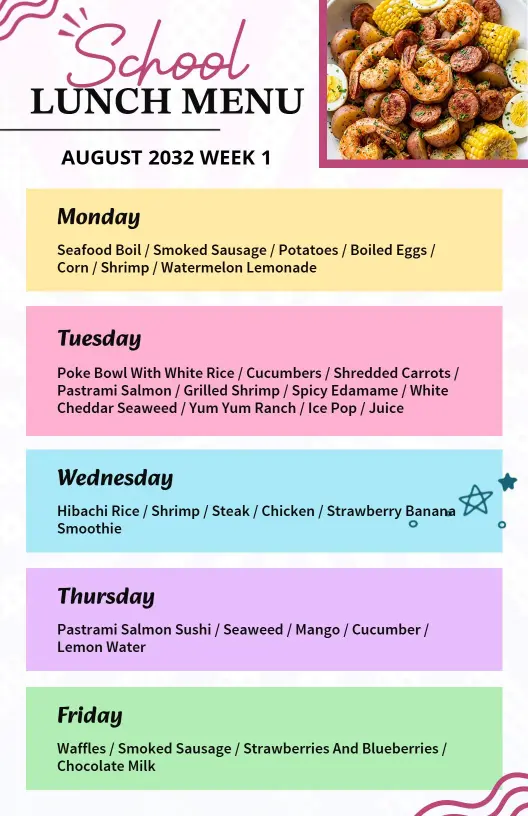
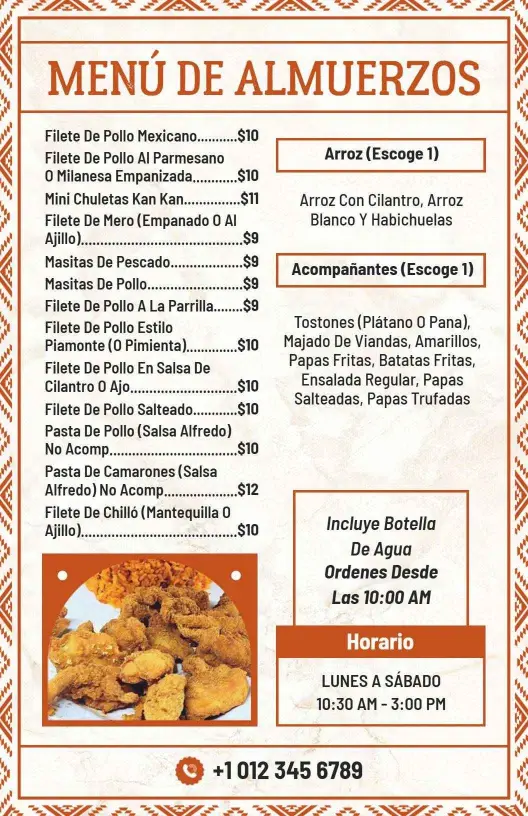
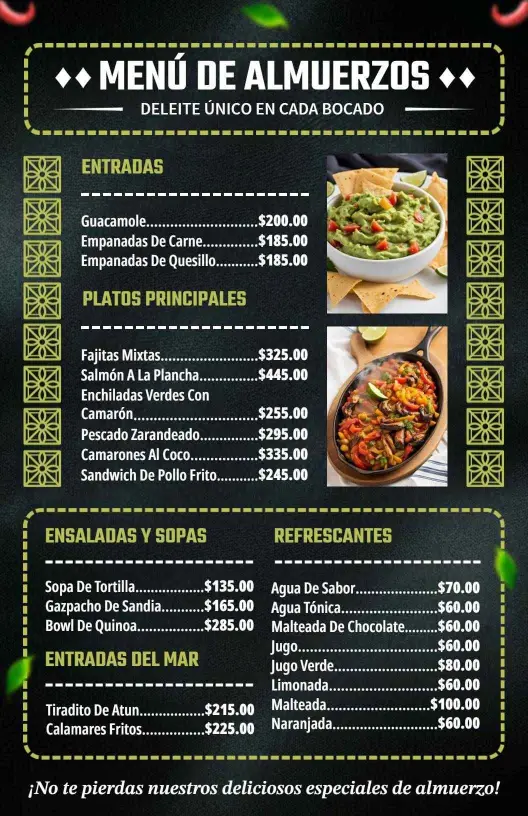
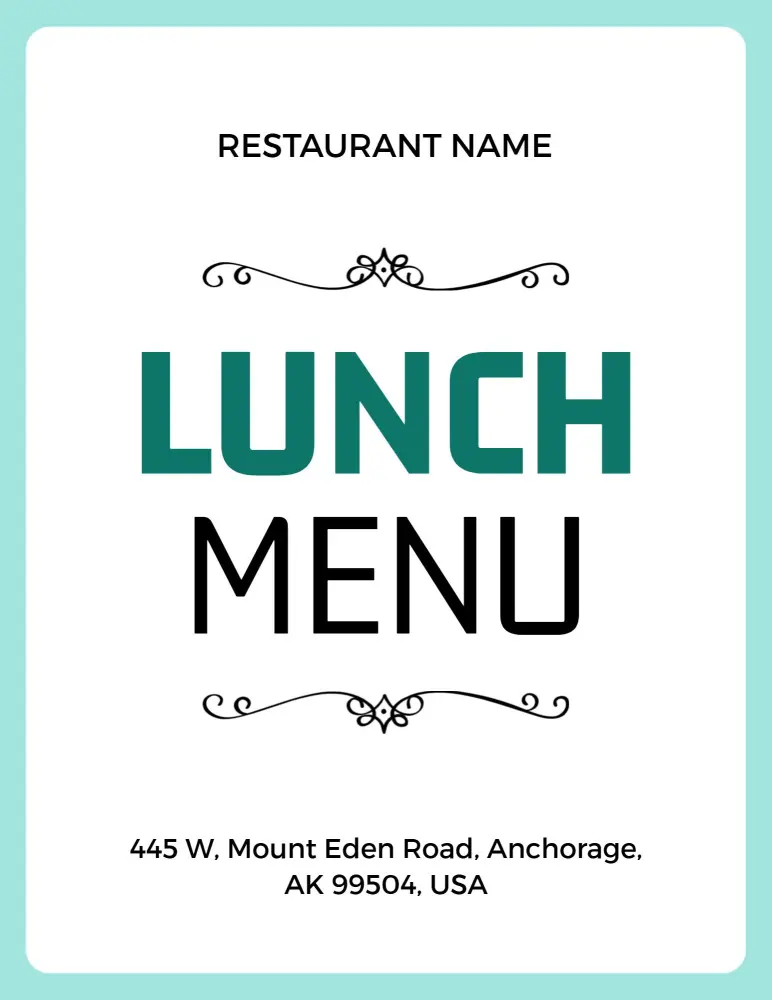
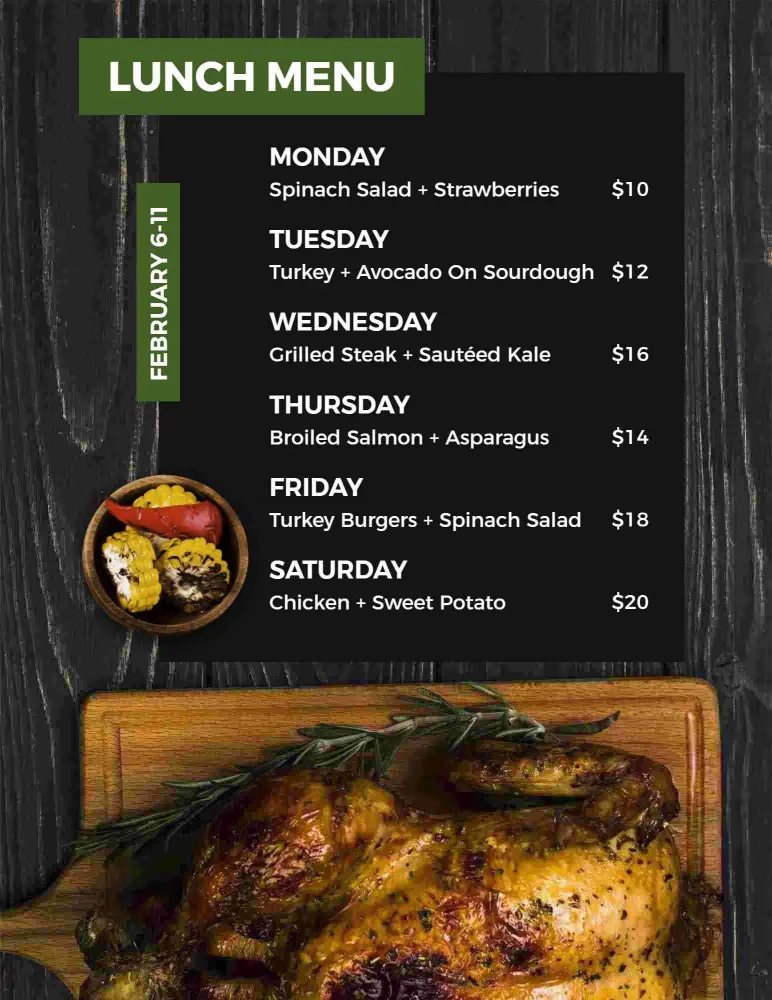
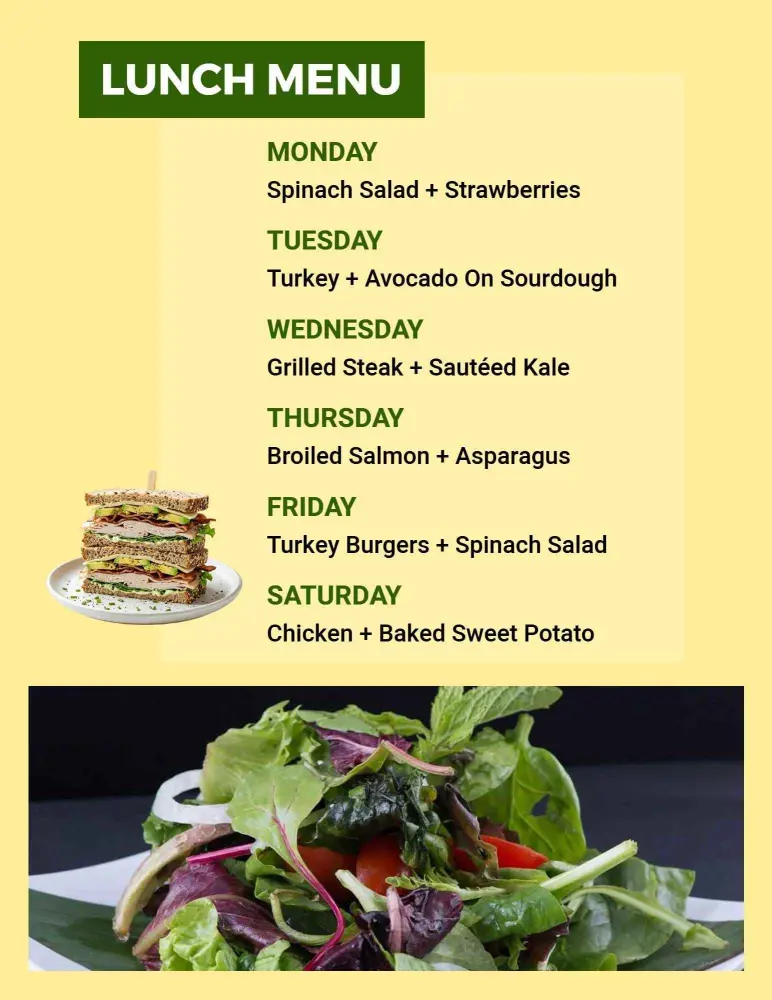
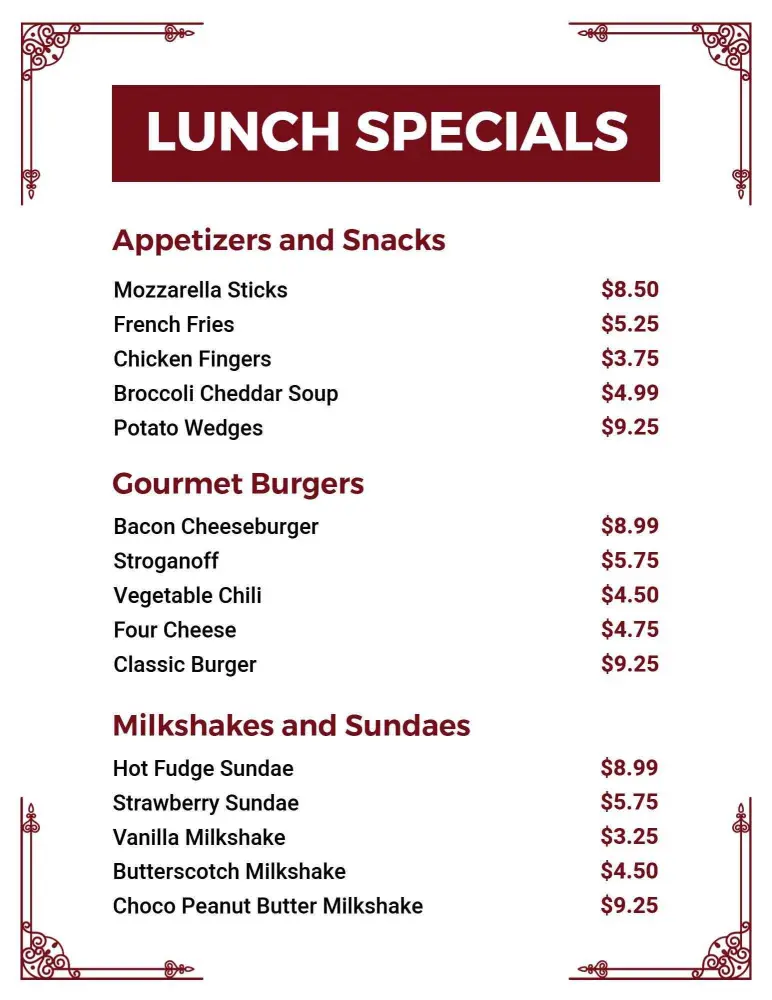
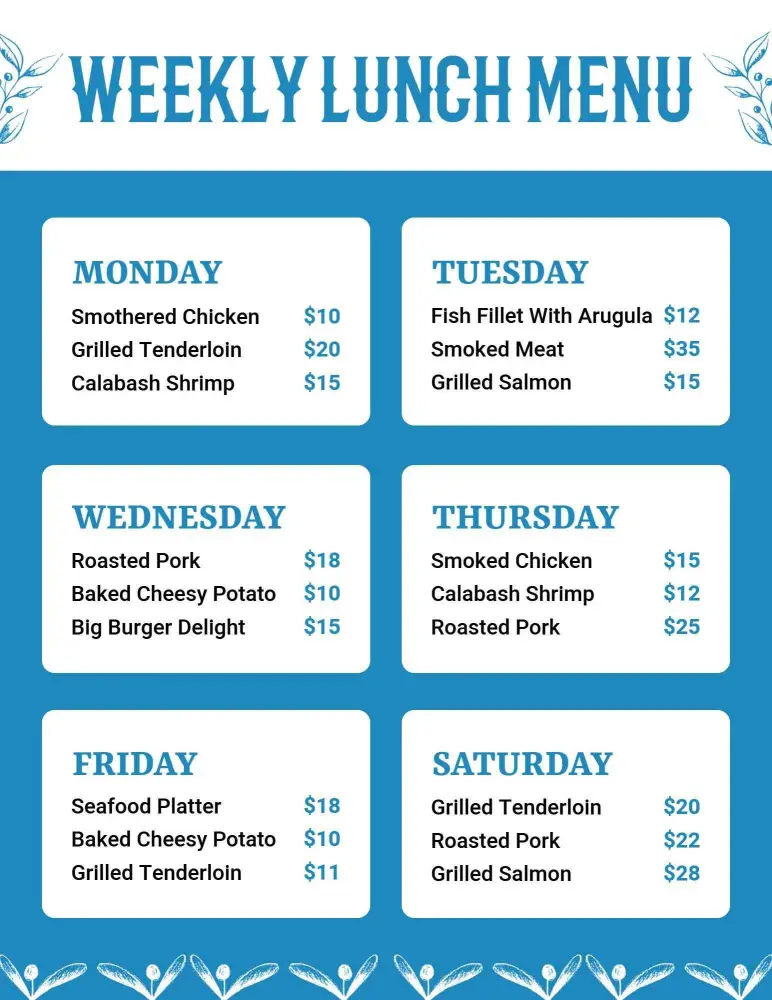
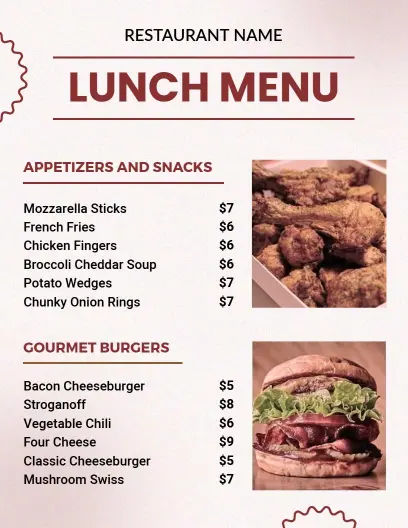
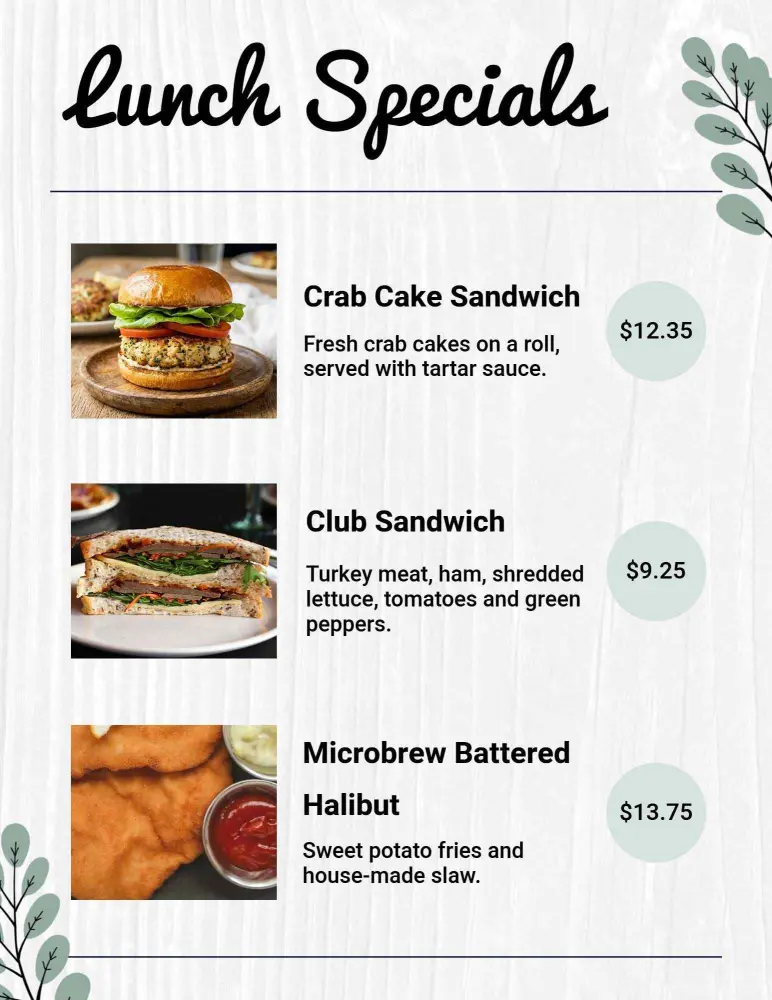
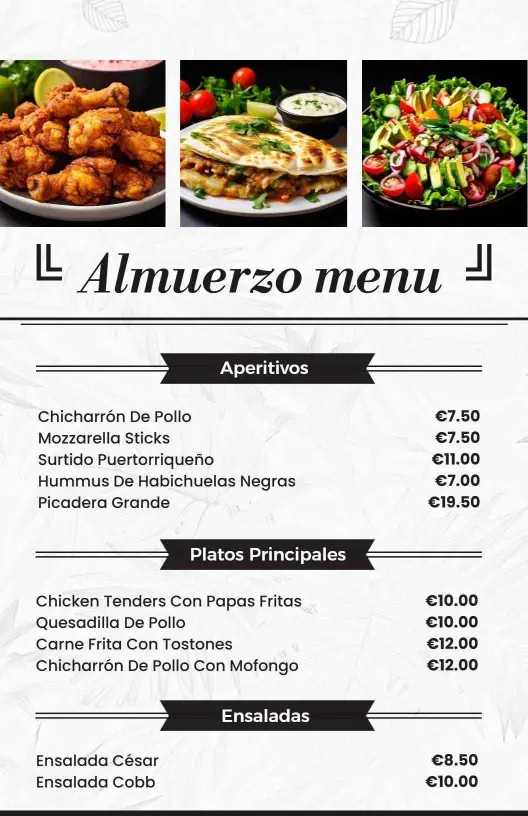
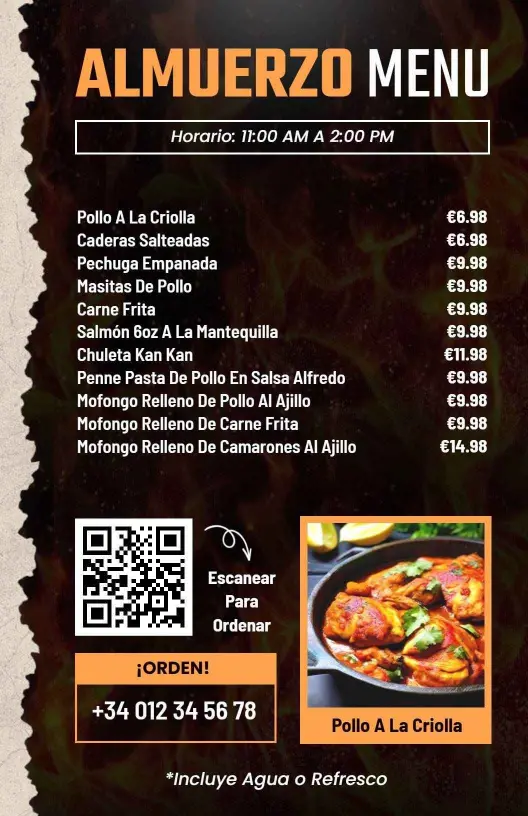
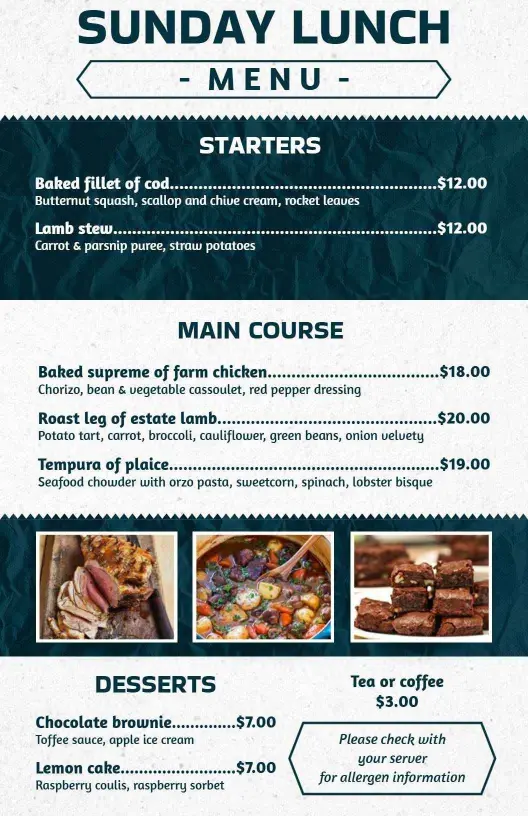
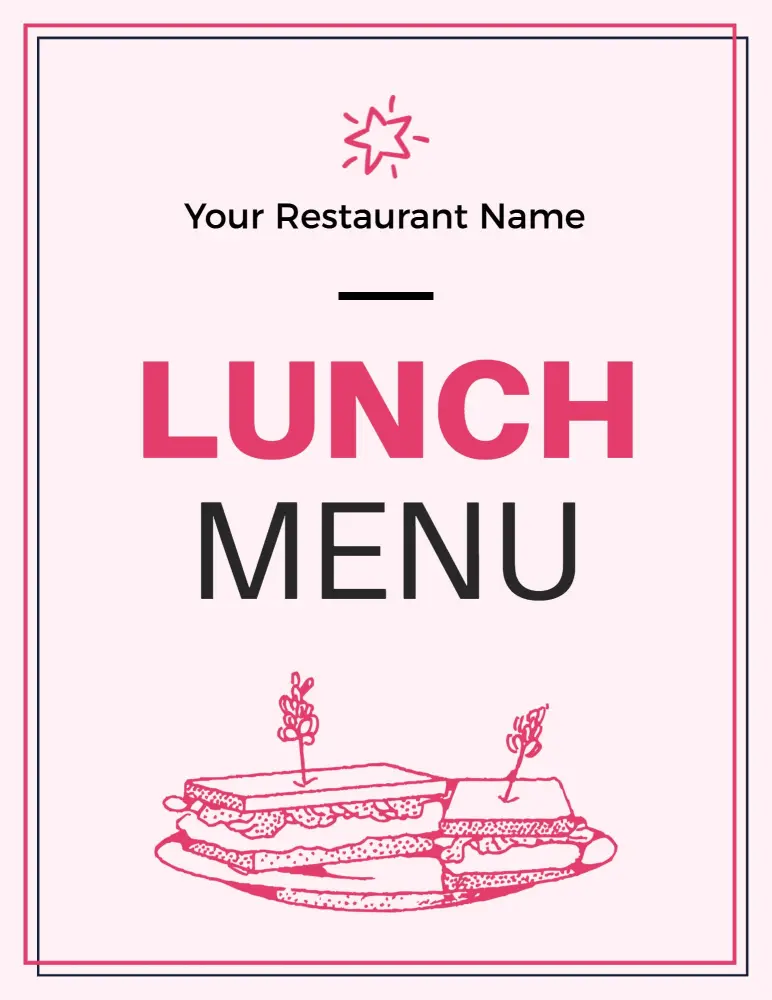
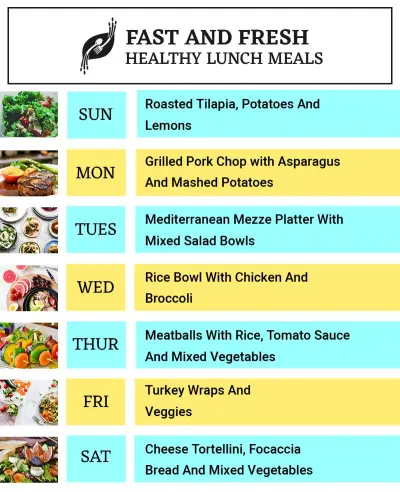
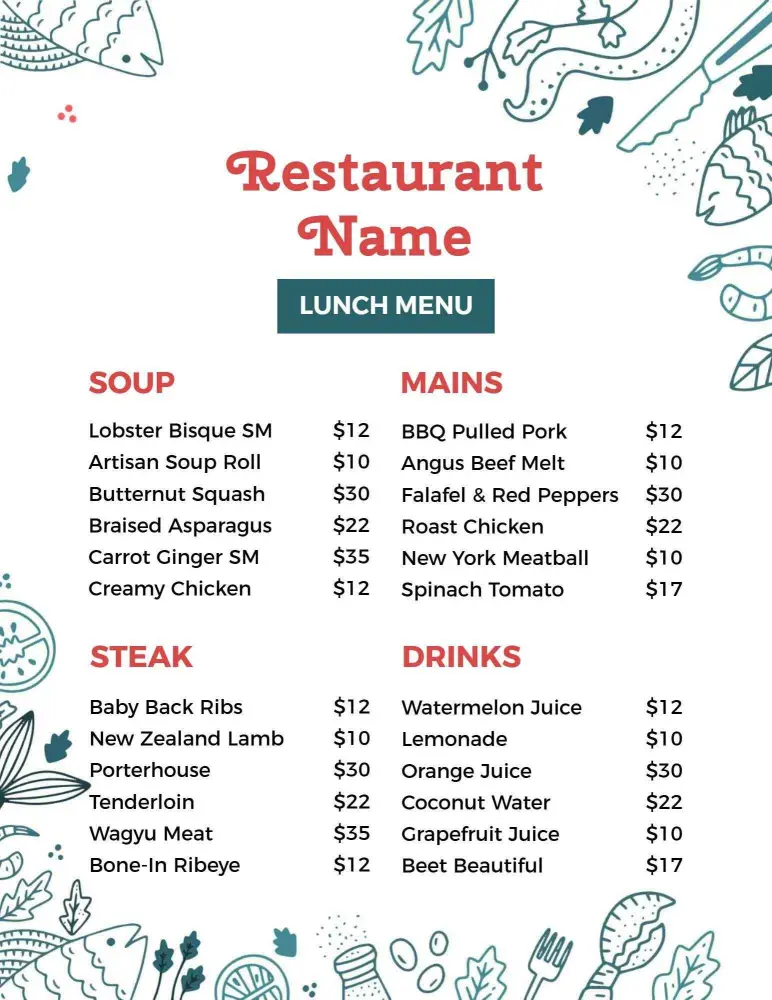
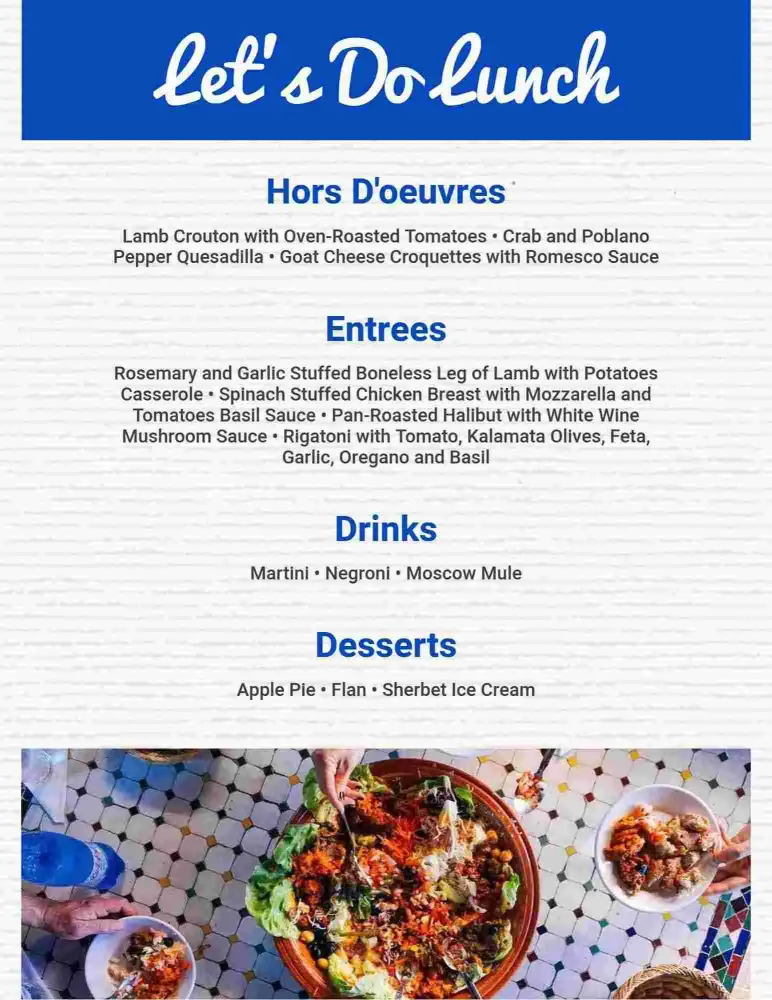
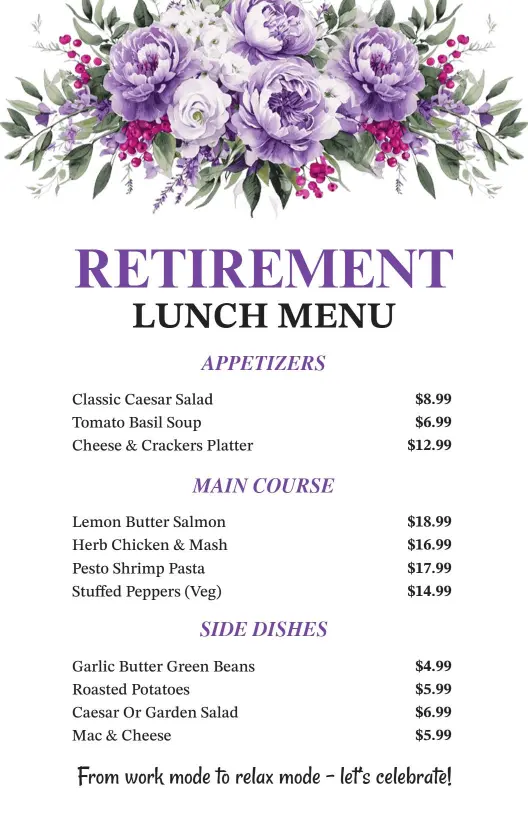
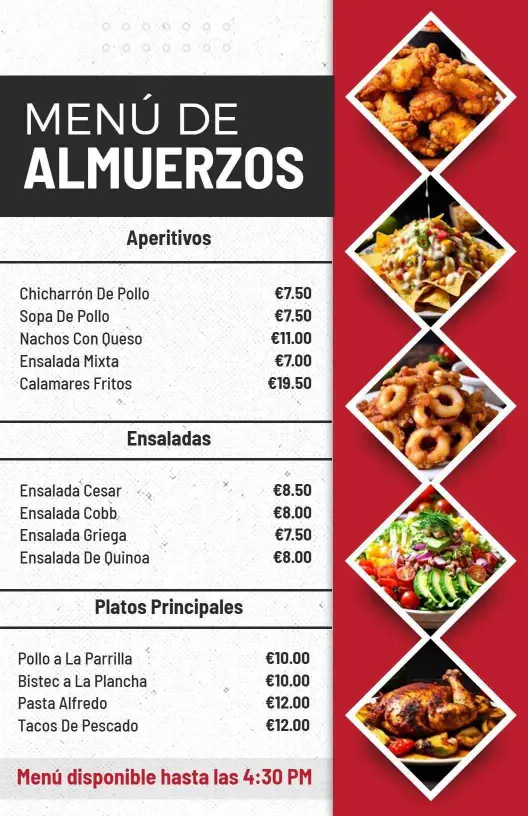
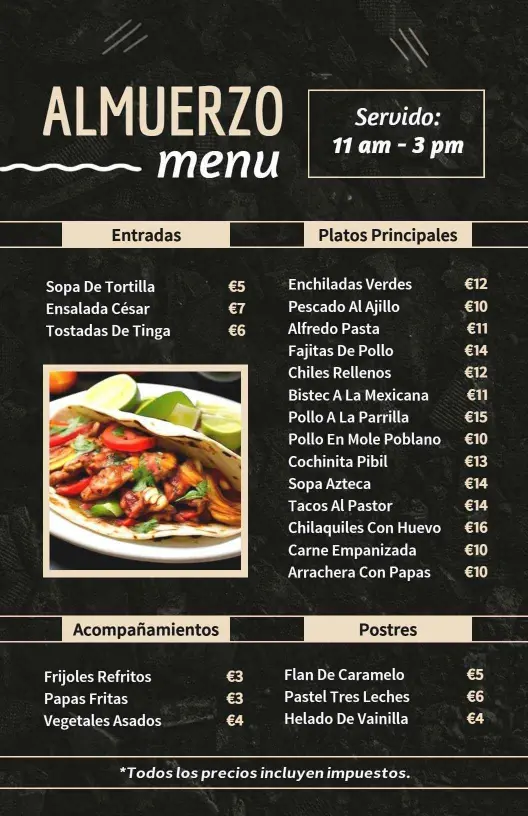
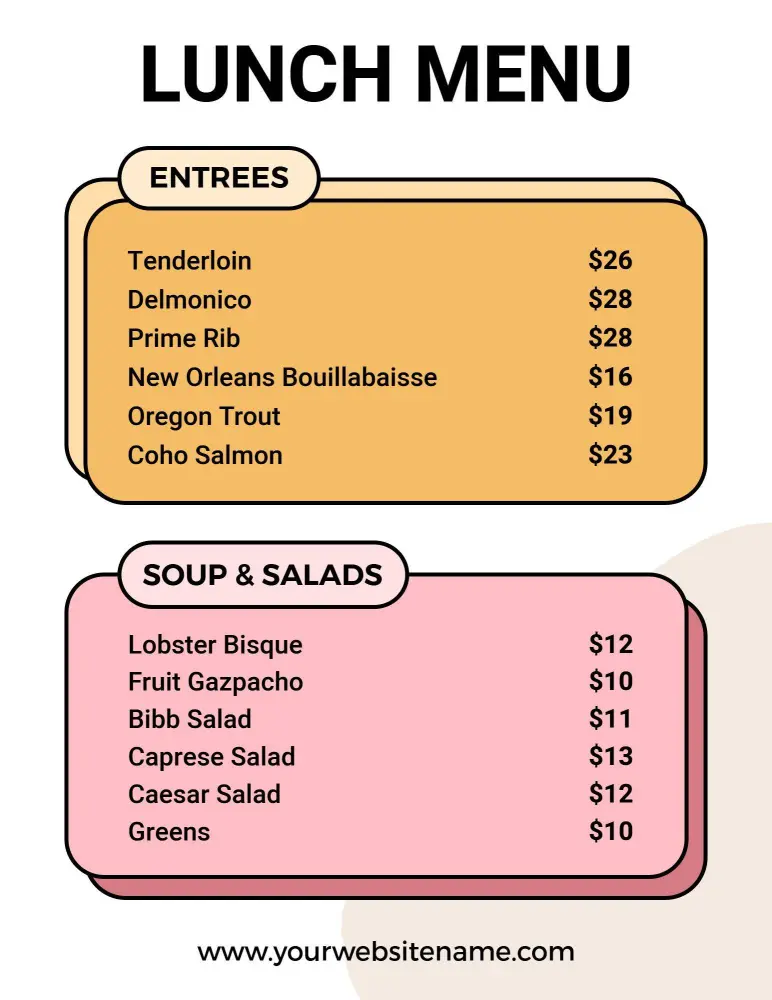
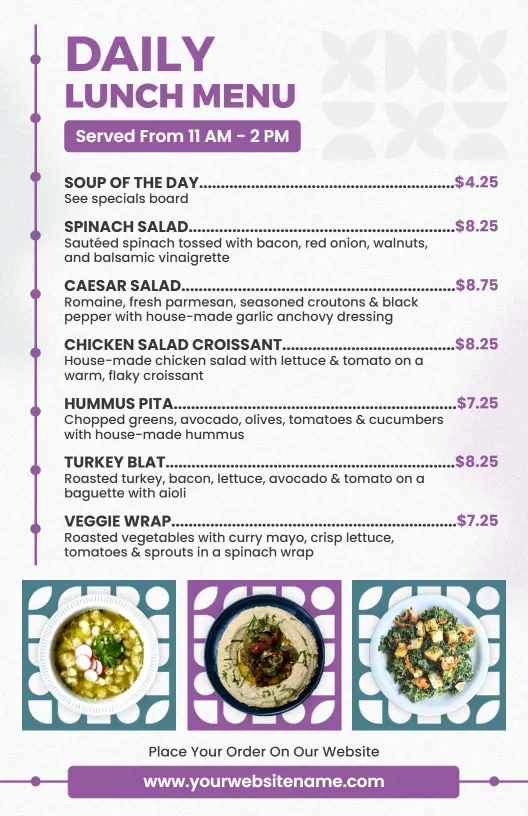
Lunch menu templates for cafes, school cafeterias, restaurants, and takeout counters. Build a clear midday menu for sandwiches, salads, entrees, and specials, then print or share a file that is easy to scan on the wall or on a phone.
Trusted by Thousands
 Tata Consultancy Services
 Boston Consulting
 AT&T
AT&T
 Avelo Airlines
 Procter & Gamble
 Ministry Of Health, Malaysia
 Veterans Affairs
 Detroit Government
 New York University
 Texas A&M University
 Decathlon America
 Warby Parker
Tata Consultancy Services
Boston Consulting
AT&T
Avelo Airlines
Procter & Gamble
Ministry Of Health, Malaysia
Veterans Affairs
Detroit Government
New York University
Texas A&M University
Decathlon America
Warby Parker
Warby Parker
Tata Consultancy Services
Boston Consulting
AT&T
Avelo Airlines
Procter & Gamble
Ministry Of Health, Malaysia
Veterans Affairs
Detroit Government
New York University
Texas A&M University
Decathlon America
Warby Parker



Other Menu templates
Entice Diners with Tempting and Well-Organized Lunch Menus
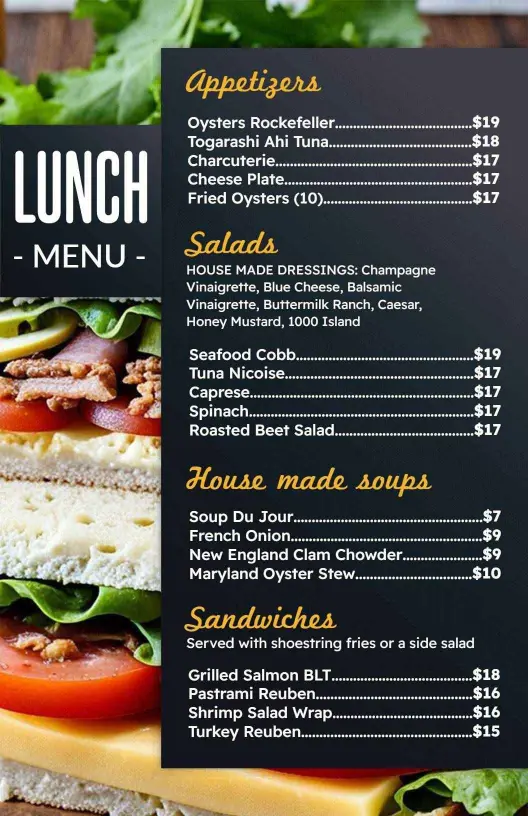
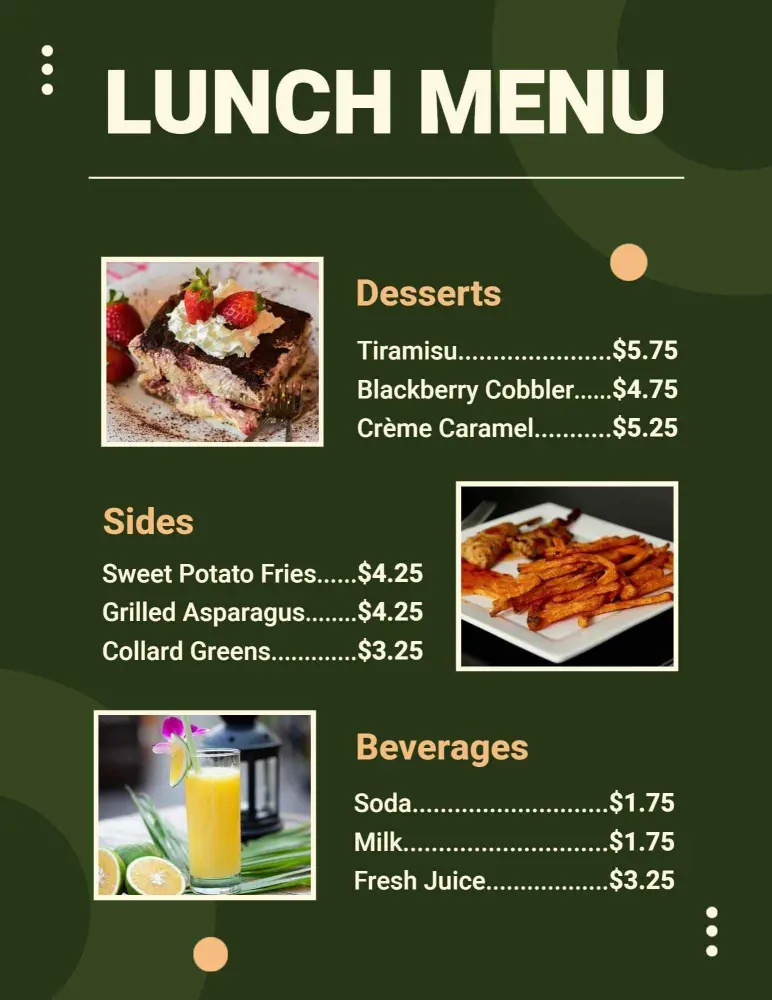
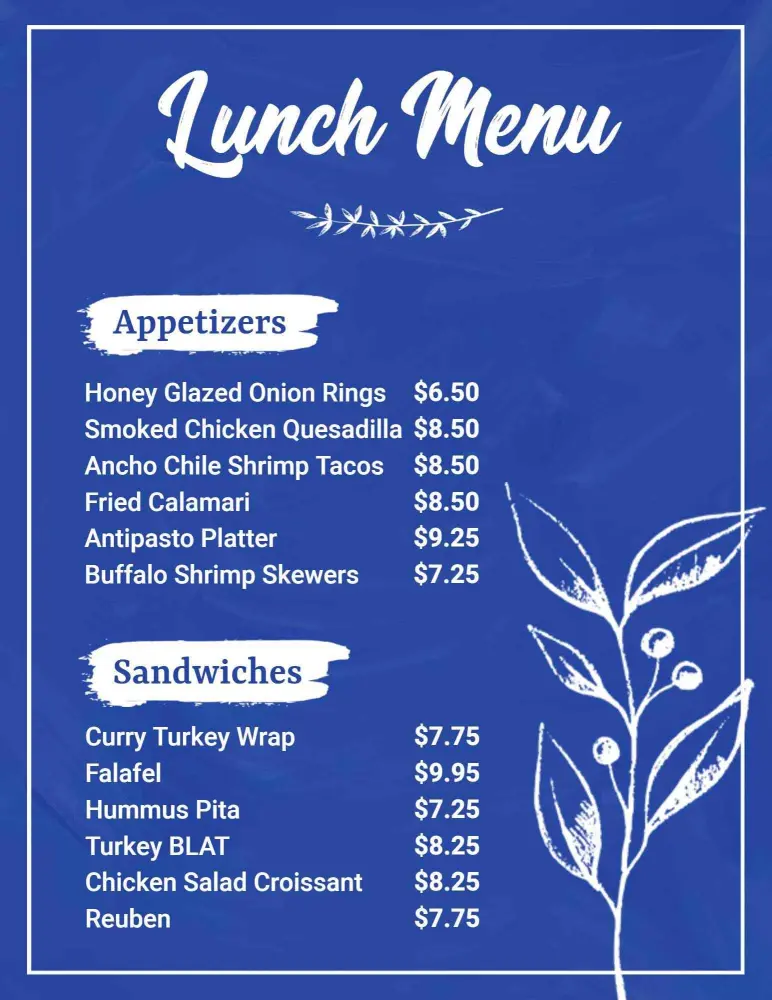
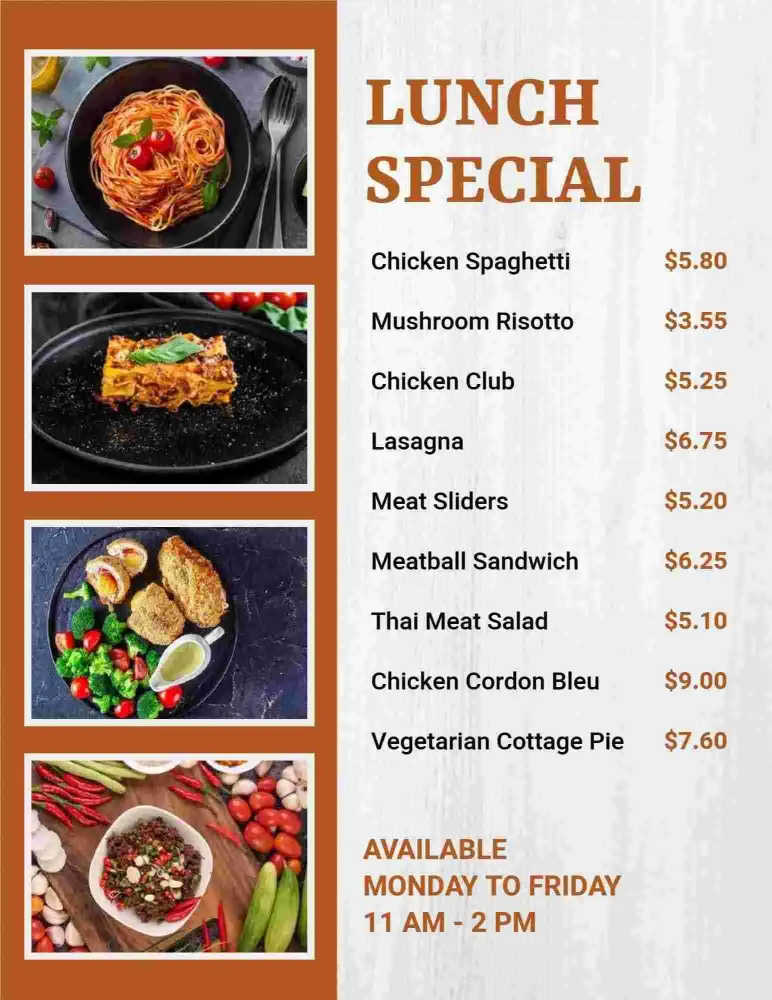
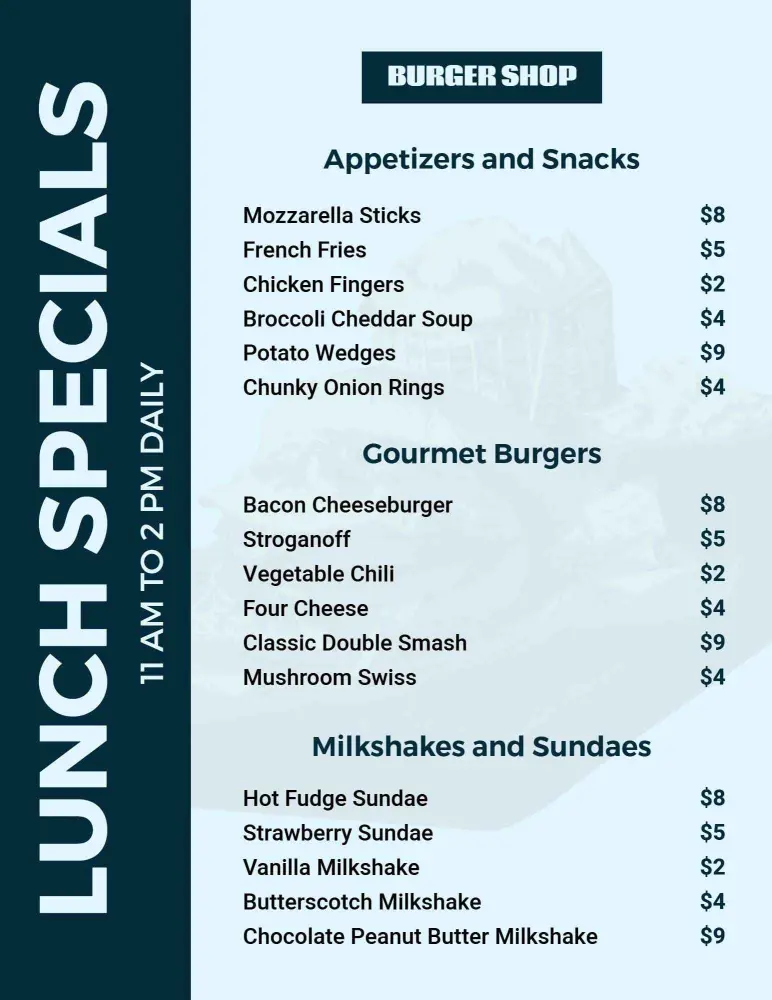
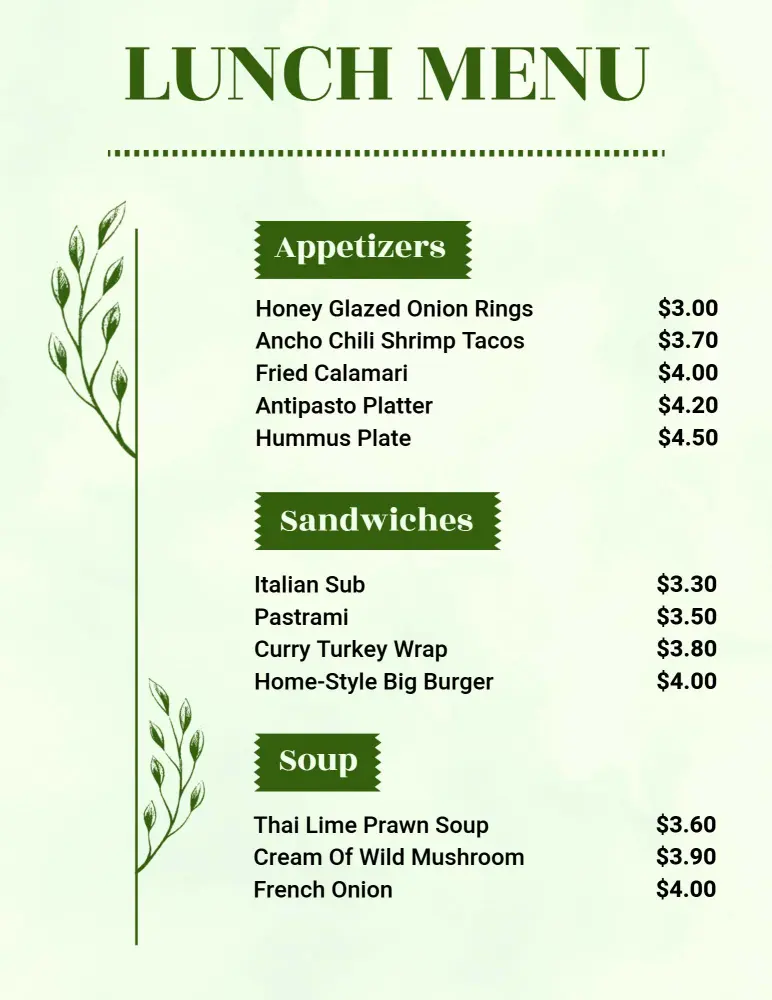
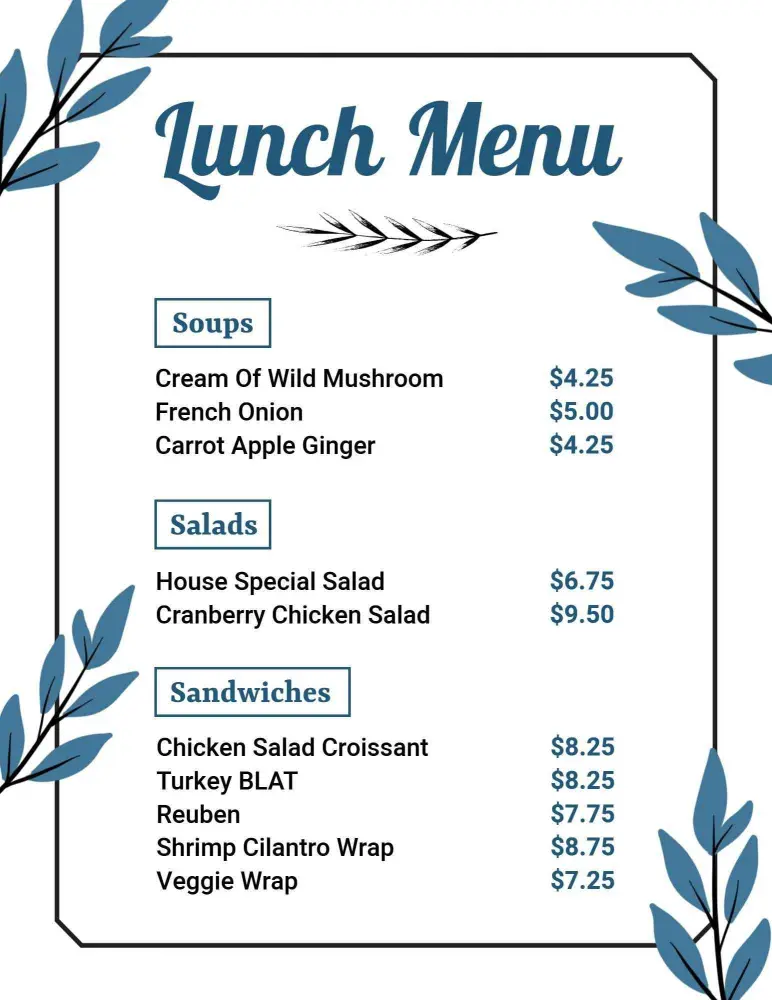
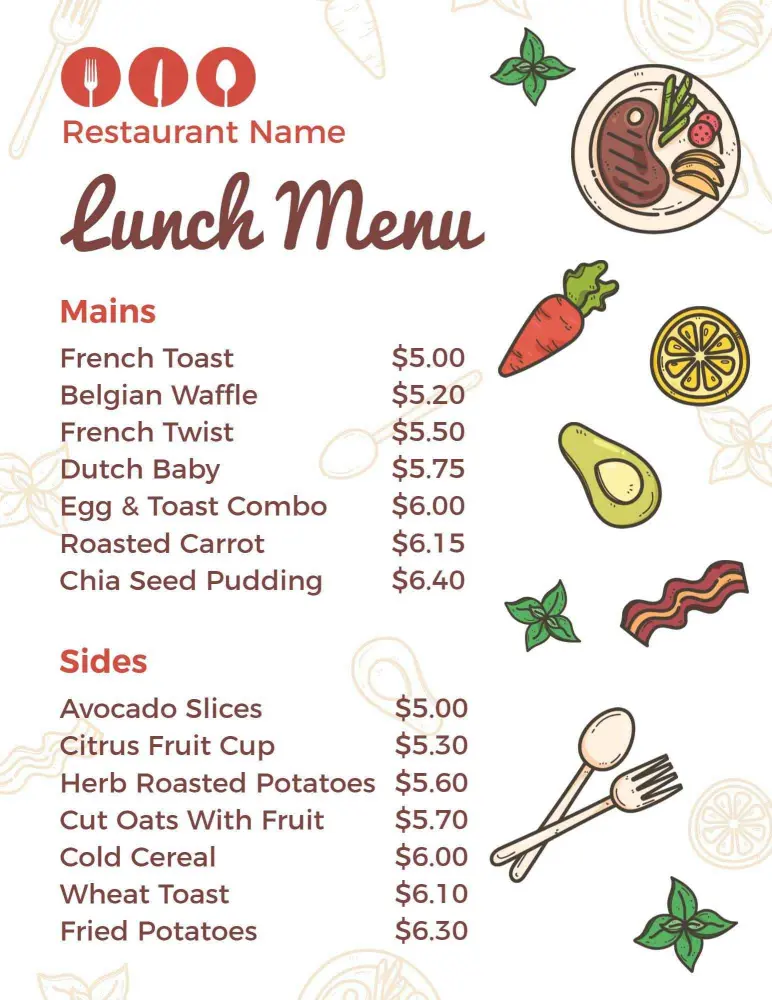
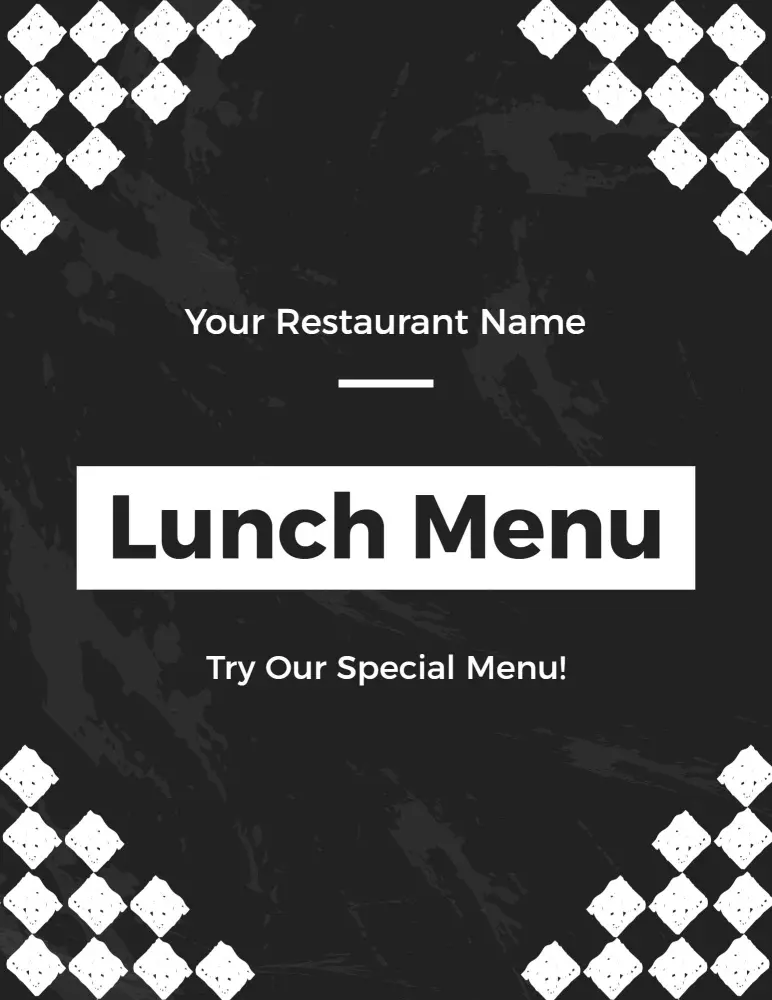
Great lunchtime sales start with menus that spark appetite while providing clarity. DesignWiz lunch menu templates feature a harmonious blend of fresh greens and inviting earthy tones that accentuate your dishes' appeal, with spacious sections highlighting your culinary offerings.
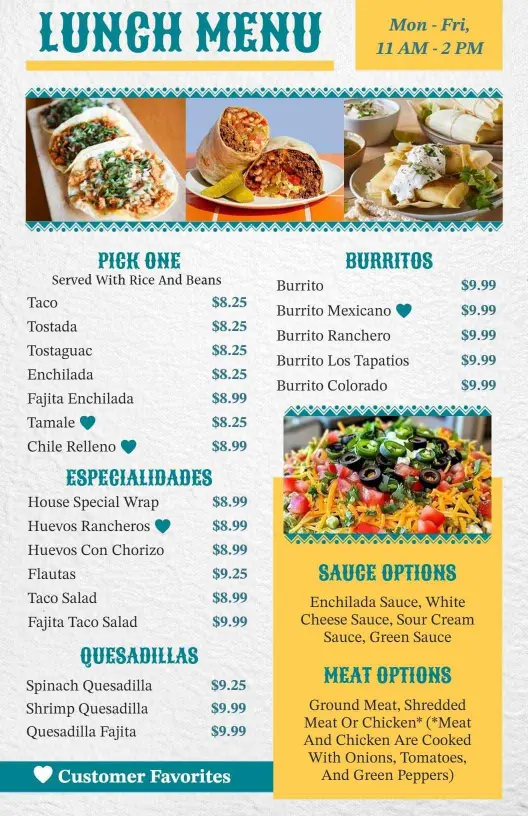
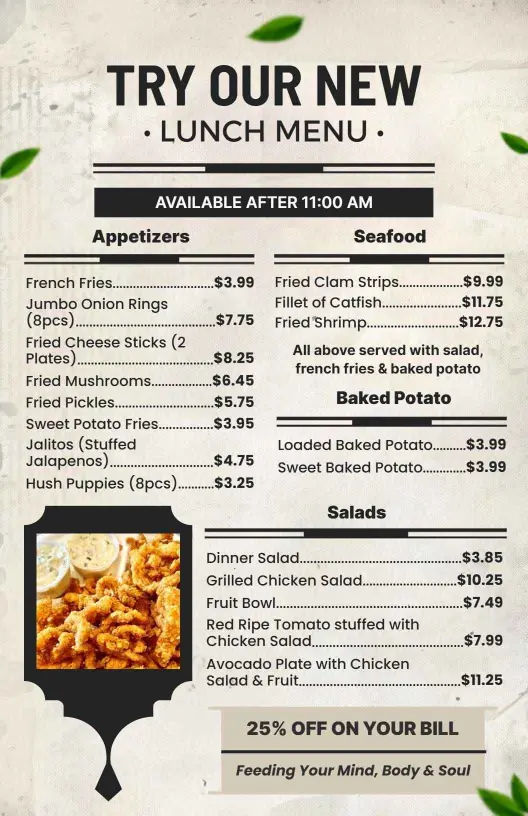
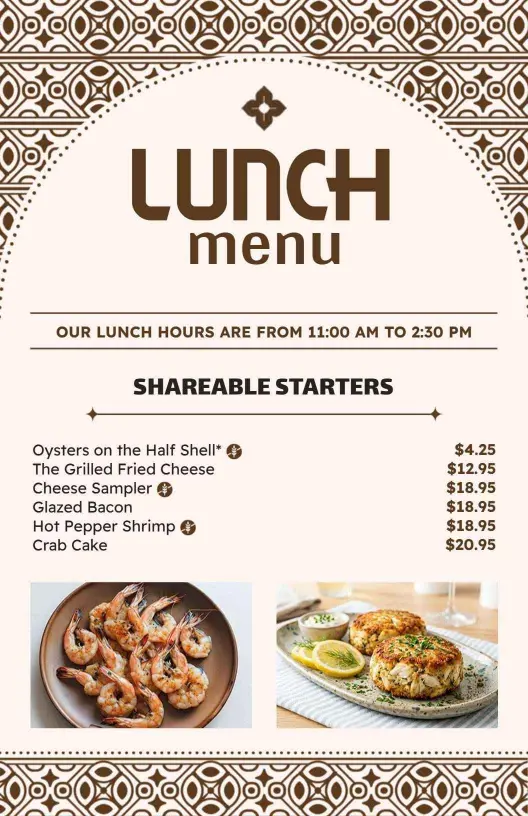
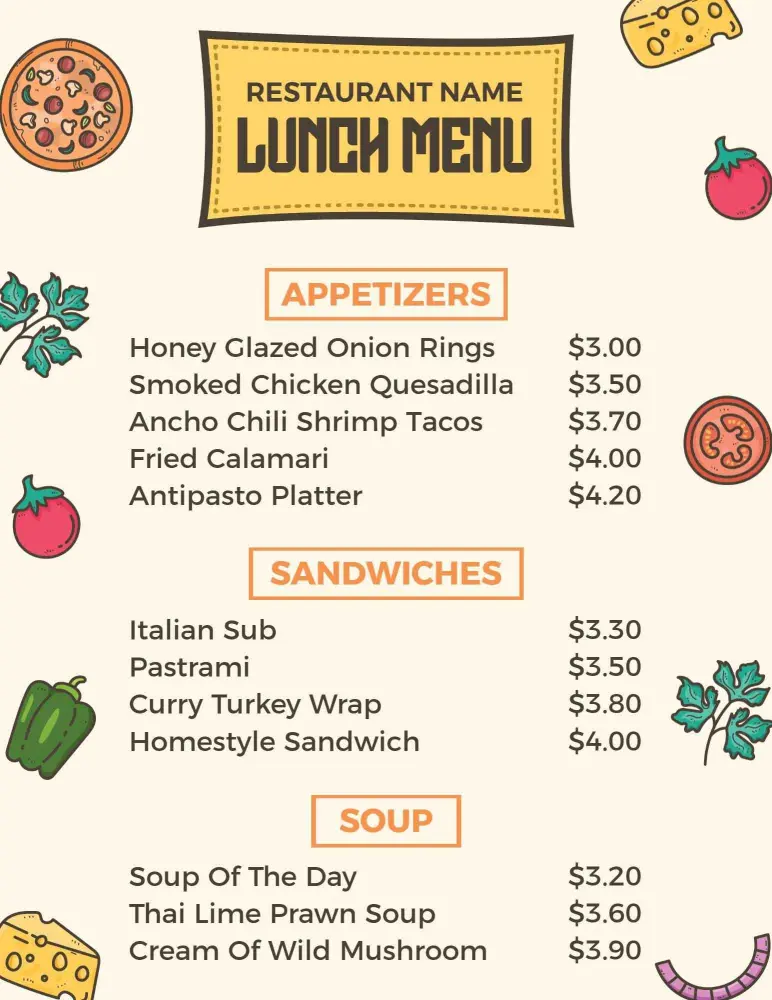
Present all your meal options so customers know exactly what to expect. Include clearly labeled categories like salads, sandwich specials, daily soups, and hearty entrees alongside portion sizes, price points, and dietary information such as vegan or gluten-free markers.
Position printed menus prominently on tables for lunchtime diners, tuck them into takeout packages for off-site customers, or upload digital formats to your restaurant’s website and social media pages to reach a broader audience.