


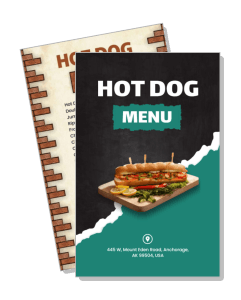
Hot Dog Menu Templates
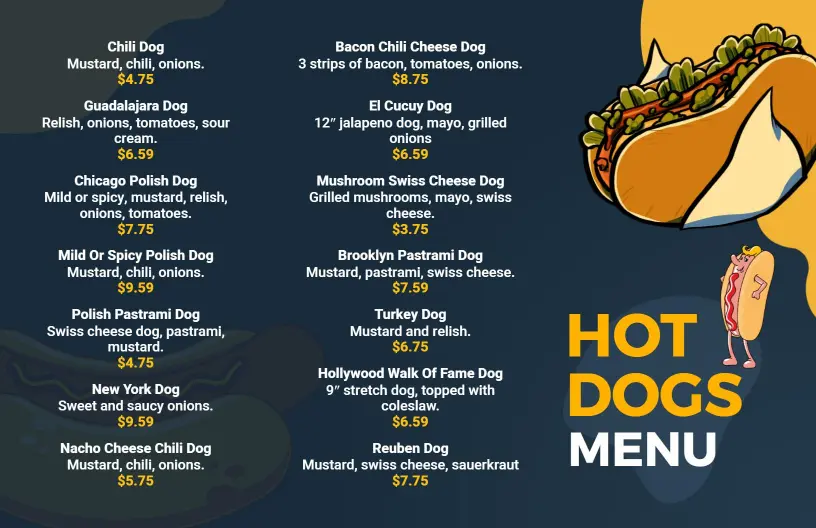
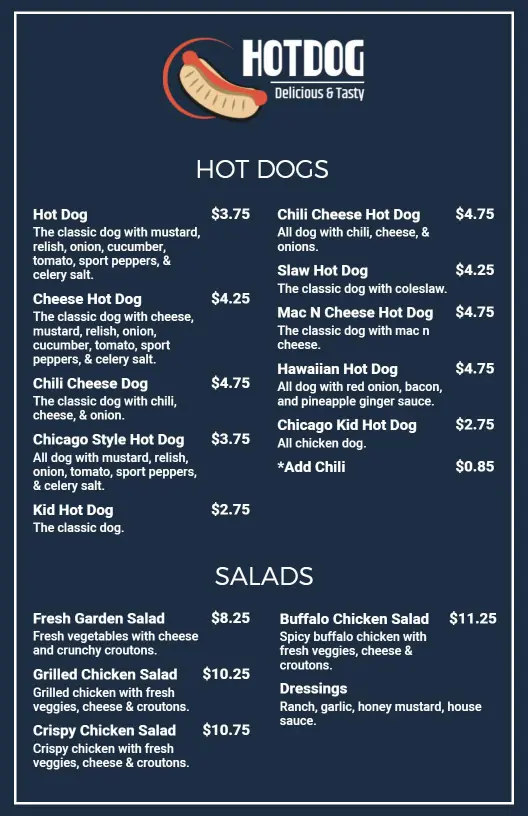
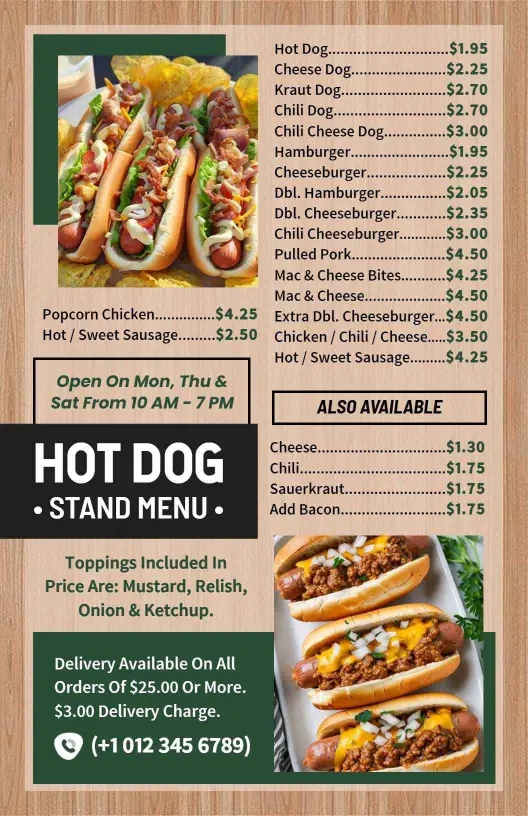
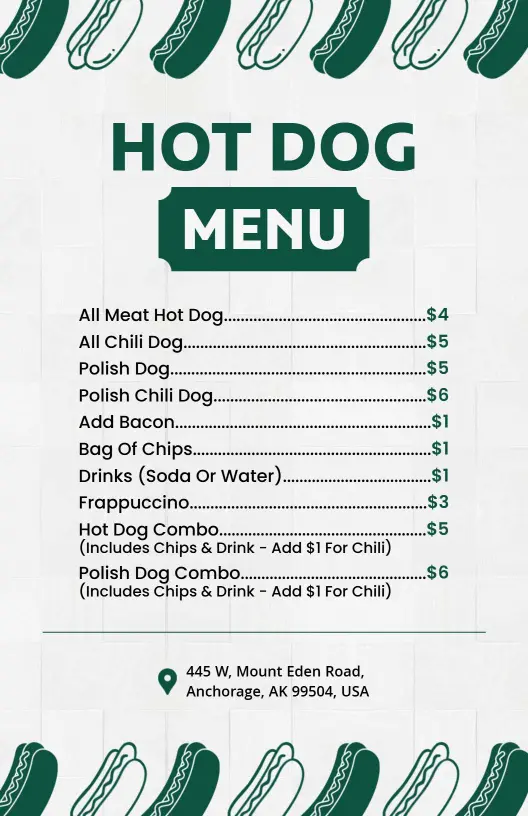
Create a hot dog menu that highlights classics, toppings, combos, and sides in a layout guests can read fast. Edit it for food trucks, stands, diners, or takeaway counters.
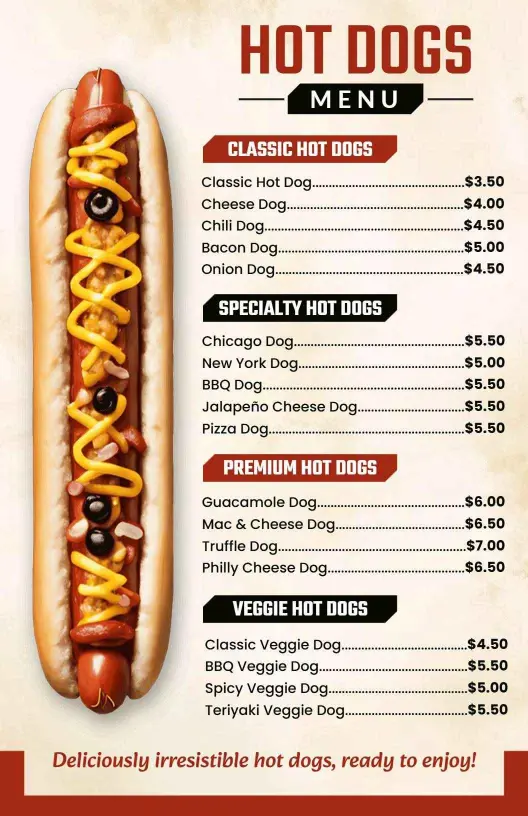

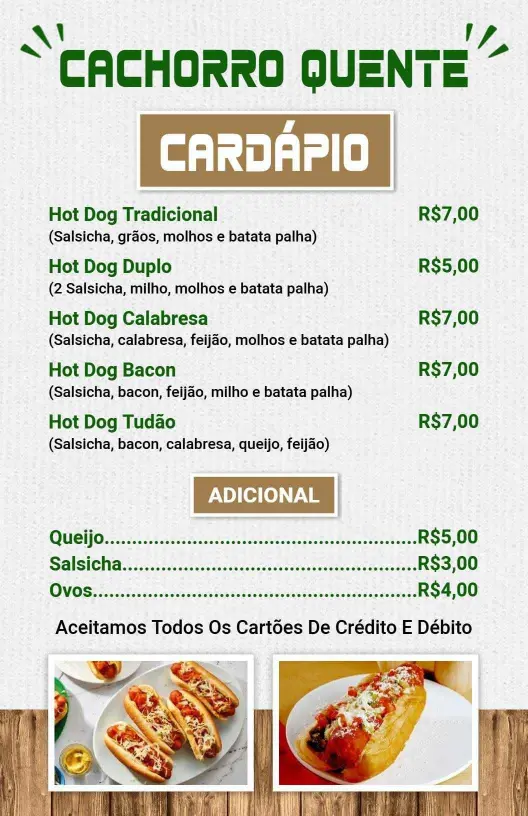
How to make a hot dog menu in 5 steps
Start with the service format you need, then arrange the menu so guests can choose quickly while the layout still supports add-ons and specials.

1. Choose the right layout
Choose a one-page or multi-section layout based on how many hot dogs, combos, and add-ons you serve. Match the size to your stand, truck, or counter so the menu stays practical.
2. Separate the core items
Place classic dogs, specialty builds, combos, and limited-time specials into clear sections. A clean order helps guests compare choices fast and keeps the page from feeling cluttered.
3. Add pricing and extras
Add prices, topping choices, and any side items that affect the final order. Keep each line short enough that staff can update it quickly without reworking the whole design.
4. Check readability in service
Review the menu on a phone and on paper to confirm contrast, spacing, and font size. The design should stay easy to read when the line is moving and the counter is busy.
5. Export and reuse it
Save a print-ready file for the counter and a digital version for QR codes or social posting. Reusing one layout keeps your branding consistent across every channel.
Trusted by Thousands
 Tata Consultancy Services
 Boston Consulting
 AT&T
AT&T
 Avelo Airlines
 Procter & Gamble
 Ministry Of Health, Malaysia
 Veterans Affairs
 Detroit Government
 New York University
 Texas A&M University
 Decathlon America
 Warby Parker
Tata Consultancy Services
Boston Consulting
AT&T
Avelo Airlines
Procter & Gamble
Ministry Of Health, Malaysia
Veterans Affairs
Detroit Government
New York University
Texas A&M University
Decathlon America
Warby Parker
Warby Parker
Tata Consultancy Services
Boston Consulting
AT&T
Avelo Airlines
Procter & Gamble
Ministry Of Health, Malaysia
Veterans Affairs
Detroit Government
New York University
Texas A&M University
Decathlon America
Warby Parker



Other Menu templates
Hot dog menu templates for stands, food trucks, and quick-service counters
A hot dog menu has to do three things well: help guests choose fast, make add-ons easy to spot, and stay readable in a busy service line. DesignWiz keeps the layout practical for classic dogs, specialty builds, fries, chips, and drinks so your team can update the menu without rebuilding the whole page.
Classic stands and counter service
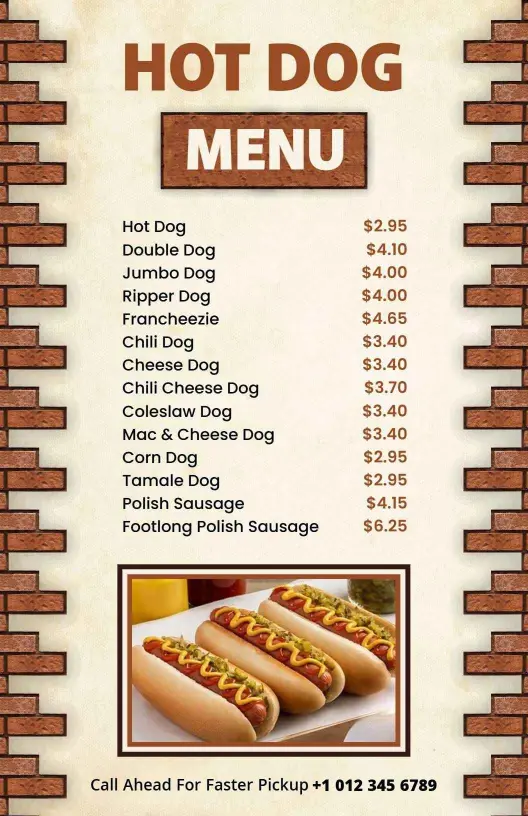
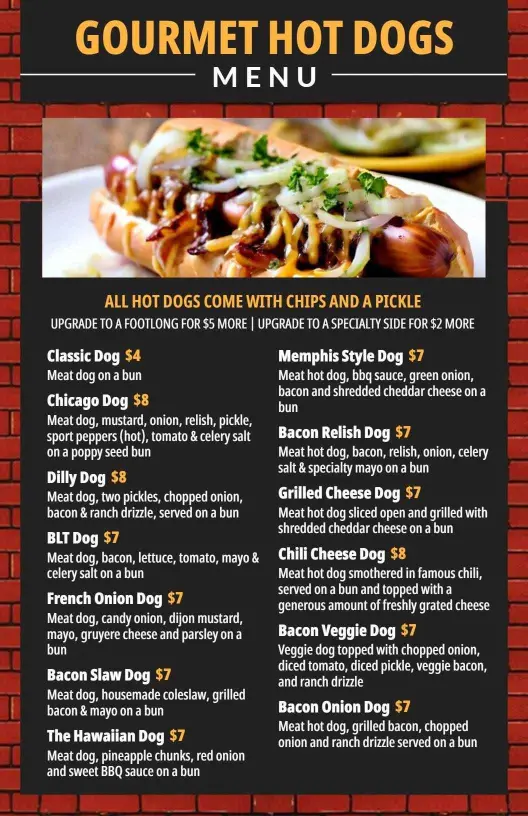
For a clean fast-food layout, the Classic Brick Design Fast Food Hot Dog Menu Template gives standard items, combos, and prices a simple structure that works well when customers are ordering quickly.Specials, toppings, and signature builds
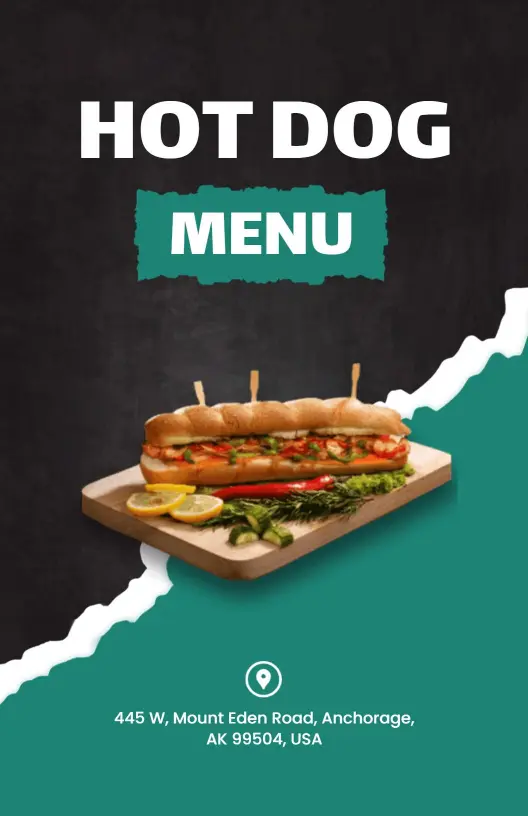
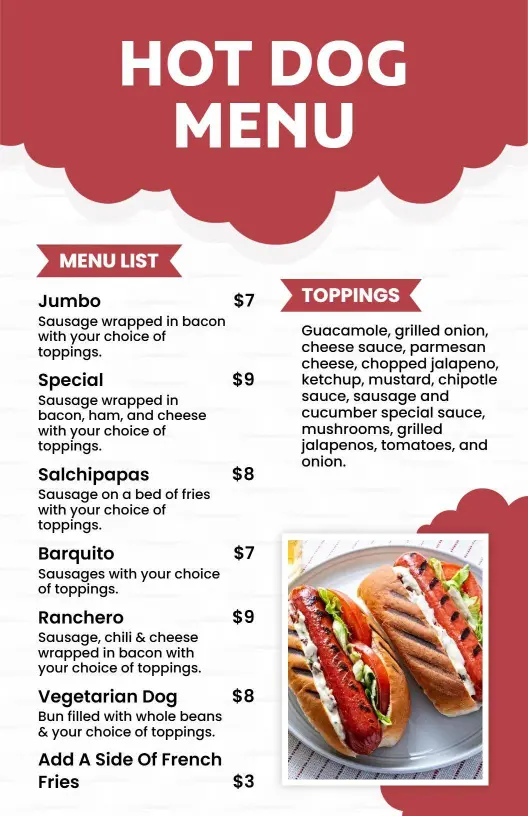
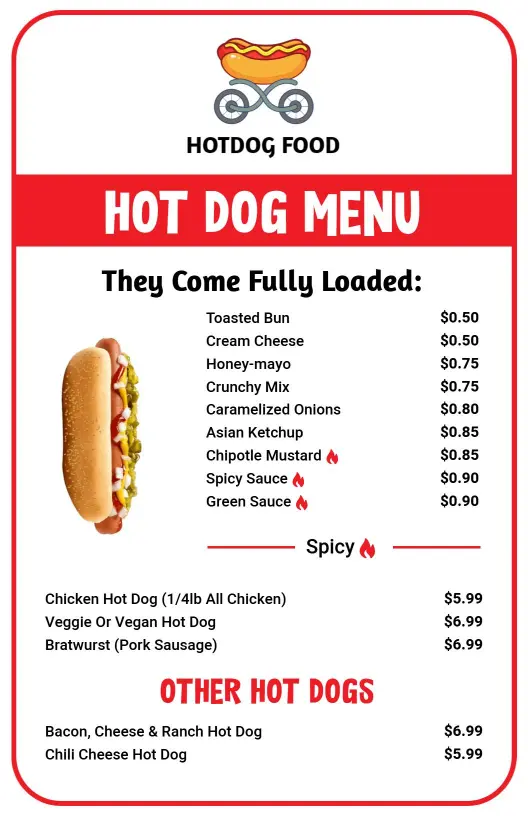
If your menu relies on loaded dogs or rotating specials, the Vibrant Black-and-Green Hot Dog Specials Menu Template and the Hot Dog Toppings and Specialty Options Menu Template help keep sauces, toppings, and premium add-ons organized.Food trucks and casual dining
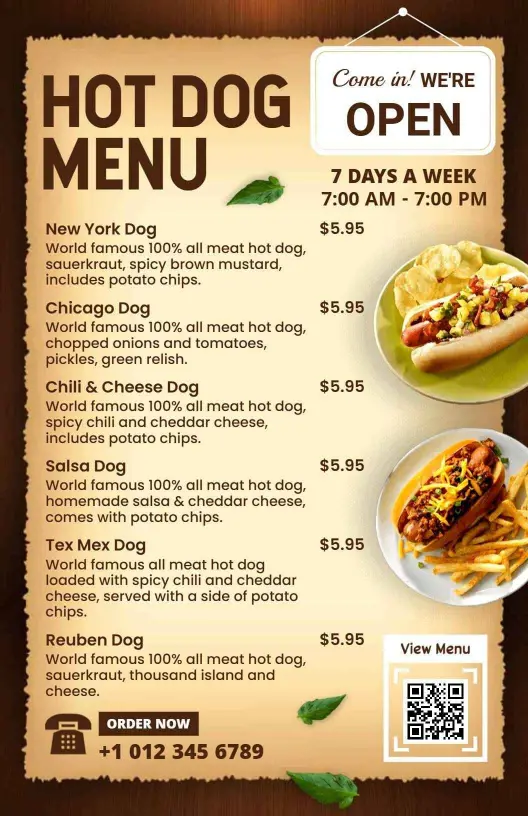
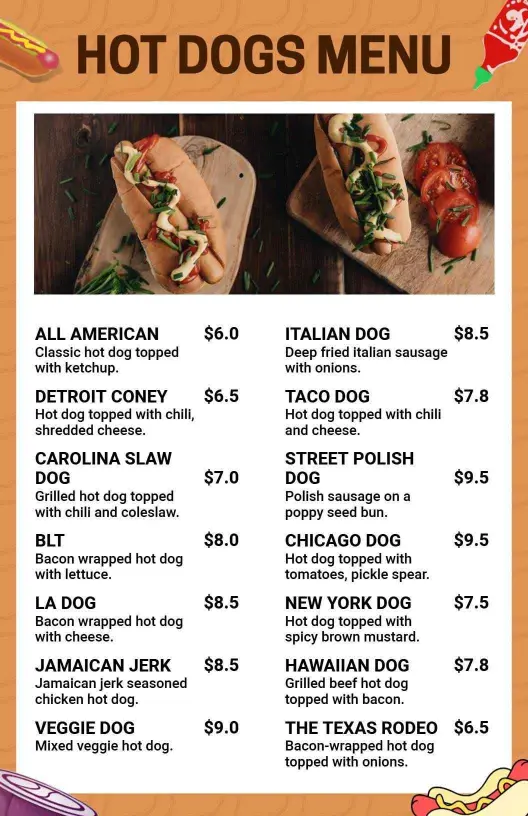
For mobile service or a more relaxed brand style, the Brown Traditional Hot Dog Menu Template keeps the presentation familiar while still giving you room for combos and sides.Balanced menus with sides and drinks
When hot dogs share the spotlight with chips, beverages, or salads, the Chips and Beverages with Hot Dogs Menu Template helps you present those extras without making the page feel crowded.A strong hot dog menu is not about adding more copy. It is about making the core items, extras, and prices easy to compare so guests order faster and staff can keep the menu current.