


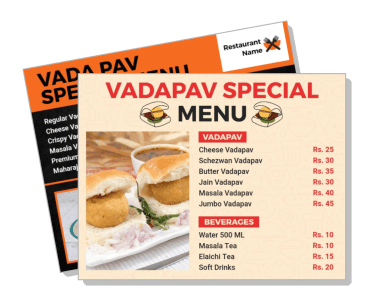
Vadapav Menu Templates
Build a vadapav menu that keeps prices, combos, and add-ons easy to read for street stalls, cafes, and takeaway counters.
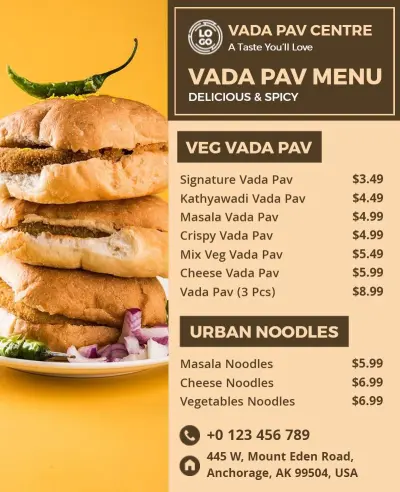
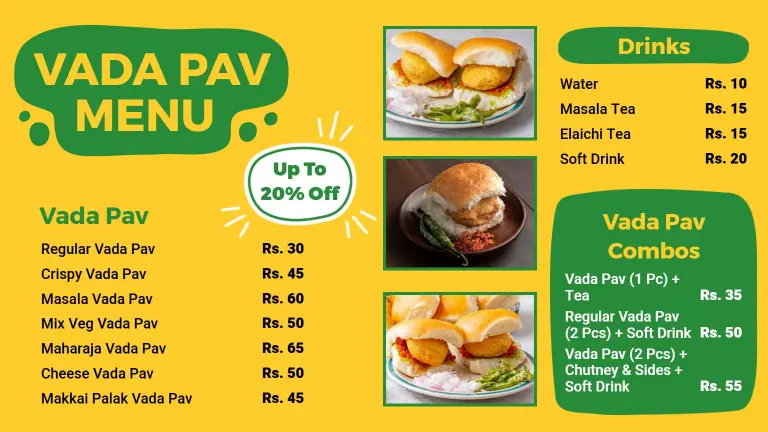
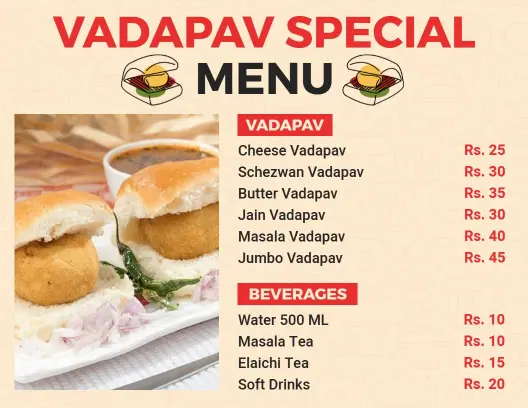
How to build a vadapav menu
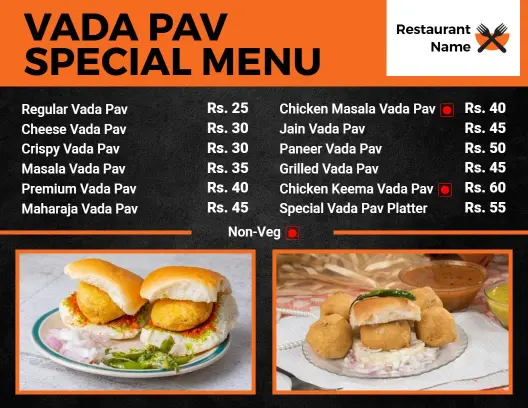
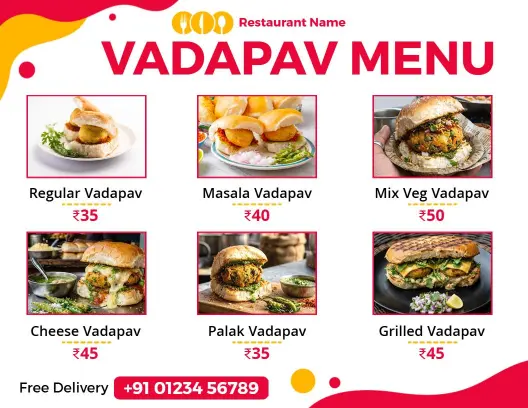
Start with the service format you need, then organize the menu so guests can compare vadapav items, combos, and extras without slowing the service line.

1. Choose the layout
Pick a one-page layout for a short vadapav list, or use a taller format when you need room for combos, add-ons, beverages, and counter pricing updates.
2. Sort the items
Sort the menu into core vadapav items, cheese or masala versions, combos, drinks, and extras so guests can scan quickly and staff can edit without confusion.
3. Add prices and notes
Place prices beside each item and keep notes short for spice level, chutney choice, or meal upgrades so the menu stays readable at the counter during rush hours.
4. Check readability
Review the design on a phone and on paper to confirm contrast, spacing, and font size work in bright stall lighting, crowded counters, and indoor service alike.
5. Export and reuse it
Save print-ready and digital versions so you can reuse the same vadapav menu for counters, QR codes, delivery orders, social posts, and daily price changes.
Trusted by Thousands
 Tata Consultancy Services
 Boston Consulting
 AT&T
AT&T
 Avelo Airlines
 Procter & Gamble
 Ministry Of Health, Malaysia
 Veterans Affairs
 Detroit Government
 New York University
 Texas A&M University
 Decathlon America
 Warby Parker
Tata Consultancy Services
Boston Consulting
AT&T
Avelo Airlines
Procter & Gamble
Ministry Of Health, Malaysia
Veterans Affairs
Detroit Government
New York University
Texas A&M University
Decathlon America
Warby Parker
Warby Parker
Tata Consultancy Services
Boston Consulting
AT&T
Avelo Airlines
Procter & Gamble
Ministry Of Health, Malaysia
Veterans Affairs
Detroit Government
New York University
Texas A&M University
Decathlon America
Warby Parker



Other Menu templates
Make your vadapav menu easy to scan at busy counters
A vadapav menu works best when customers can spot the main item, compare variants, and understand add-ons in seconds. Keep the layout compact, use clear spacing, and group each offer so prices stay easy to update during service.