


Tri Fold Menu Templates
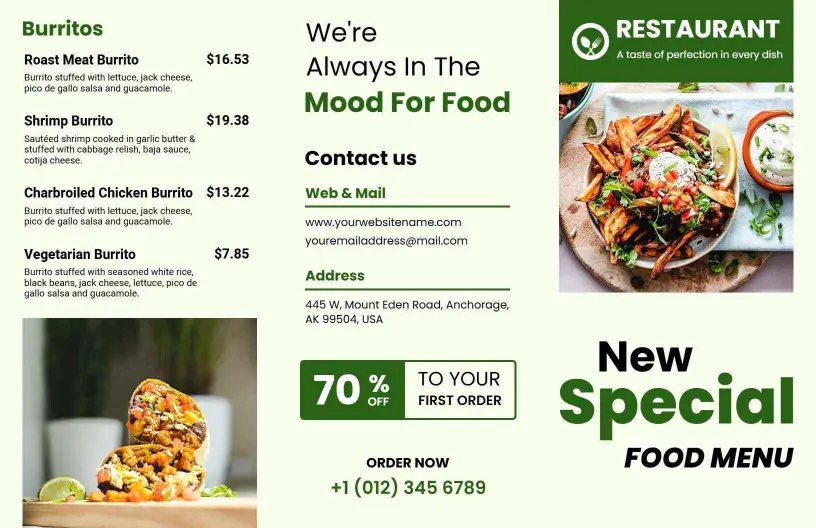
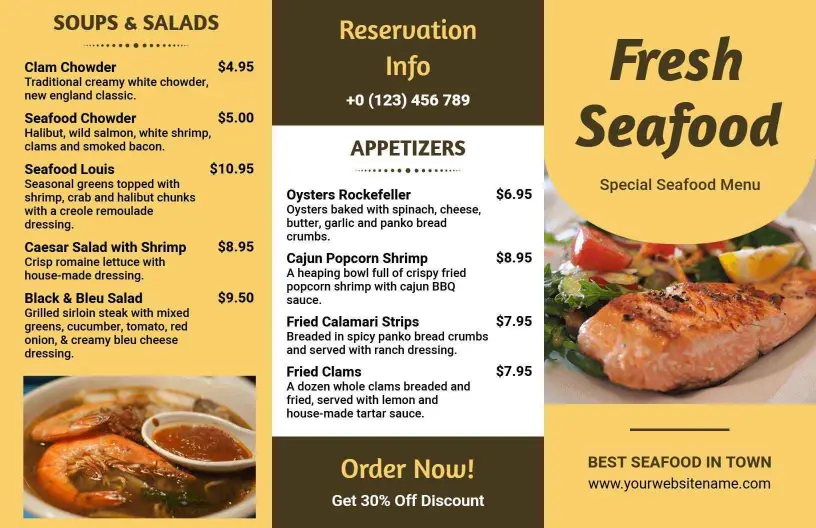
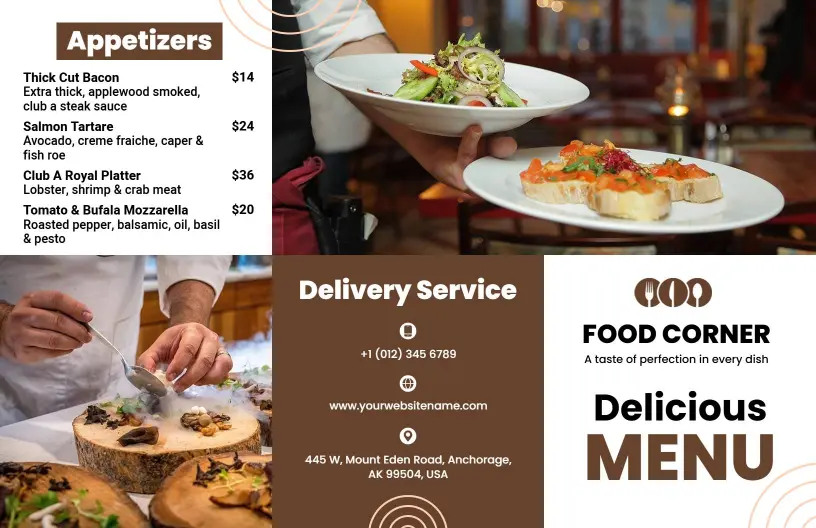
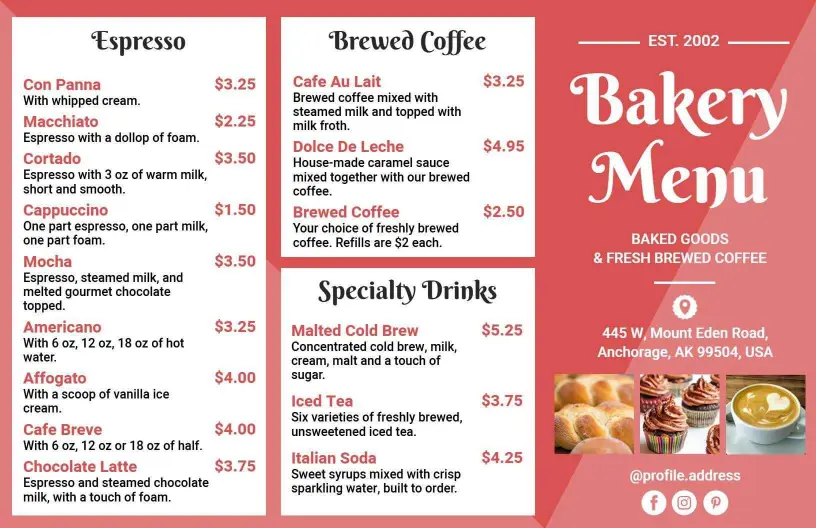
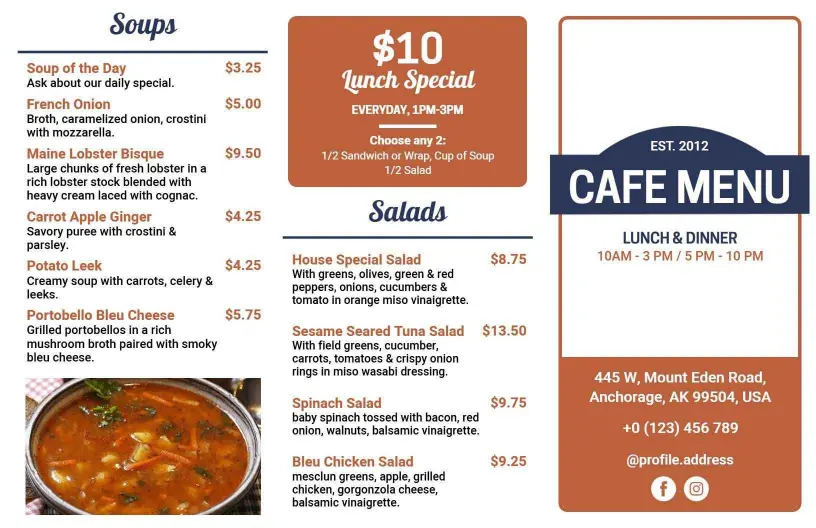
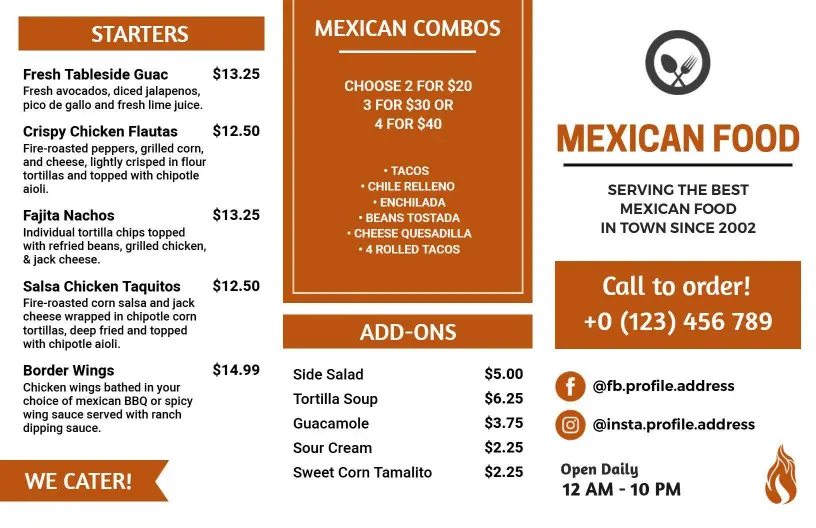
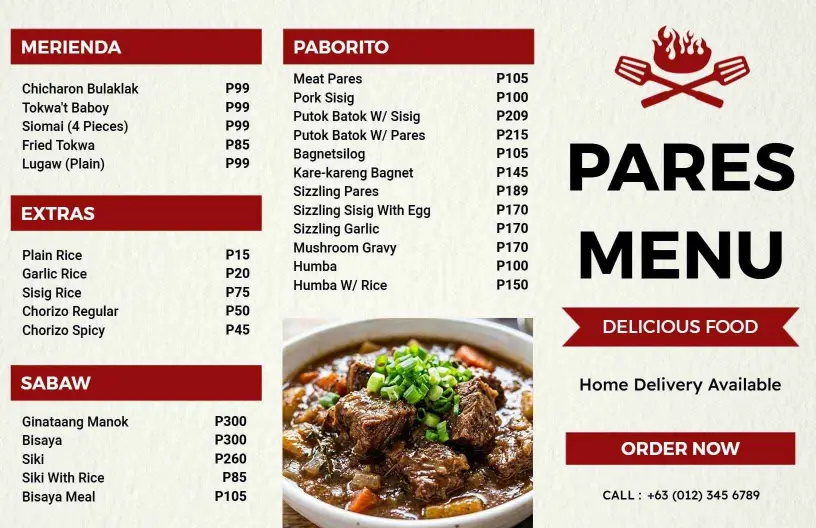
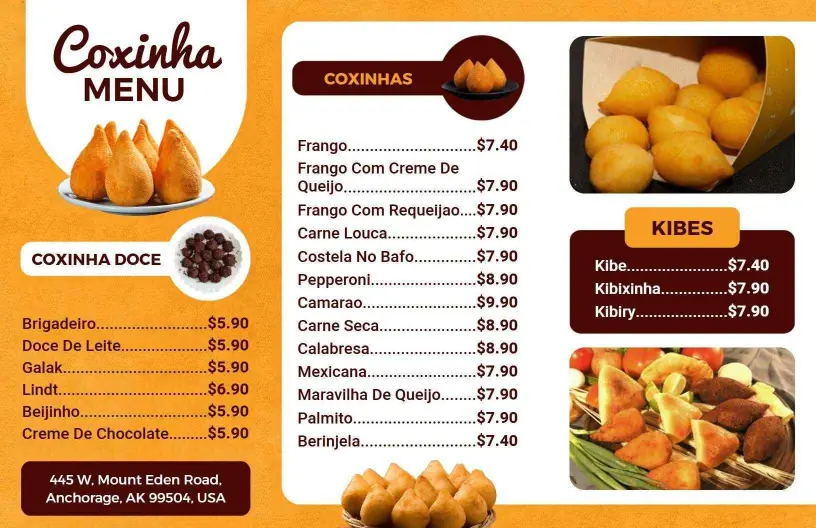
Tri fold menu templates help restaurants, cafes, and bars arrange food, drinks, and specials across six panels so guests can scan the menu quickly on the table, at the counter, or online.
How to make a tri fold menu
Start with a layout that matches your service style, then group food and drink items in a way customers can scan quickly on a phone or in print.

1. Choose the right fold order
Choose a tri fold layout that matches how your menu needs to read. Put the cover message first, use the inside spread for core items, and reserve the back panel for extras or contact details.
2. Group items by section
Group items by starters, mains, drinks, desserts, or specials so each panel has a clear job. That structure helps guests follow the menu faster and keeps updates simple when sections change.
3. Add prices and notes
Place prices, short notes, and add-ons beside each item so customers do not have to guess. Keep the copy brief and leave enough space around the text to avoid a crowded folded layout.
4. Check readability on phone and in print
Check the menu on a phone and as a printed proof to catch spacing, contrast, and panel order problems. Tri fold menus should still feel easy to scan when folded and sitting on a counter.
5. Export and reuse
Export a print-ready file and a digital version, then reuse the same structure for specials, seasonal offers, and event menus. That keeps the tri fold design consistent across channels.
Trusted by Thousands
 Tata Consultancy Services
 Boston Consulting
 AT&T
AT&T
 Avelo Airlines
 Procter & Gamble
 Ministry Of Health, Malaysia
 Veterans Affairs
 Detroit Government
 New York University
 Texas A&M University
 Decathlon America
 Warby Parker
Tata Consultancy Services
Boston Consulting
AT&T
Avelo Airlines
Procter & Gamble
Ministry Of Health, Malaysia
Veterans Affairs
Detroit Government
New York University
Texas A&M University
Decathlon America
Warby Parker
Warby Parker
Tata Consultancy Services
Boston Consulting
AT&T
Avelo Airlines
Procter & Gamble
Ministry Of Health, Malaysia
Veterans Affairs
Detroit Government
New York University
Texas A&M University
Decathlon America
Warby Parker



Other Menu templates
Tri fold menu templates that keep six panels easy to scan
DesignWiz tri fold menu templates help you organize food and drink offers across six panels so guests can move from the cover to the inside spread and back panel without losing the flow. They work well when you need more room for sections, prices, and short notes than a single-page menu can comfortably hold.
Comfort food menus that need clear section breaks
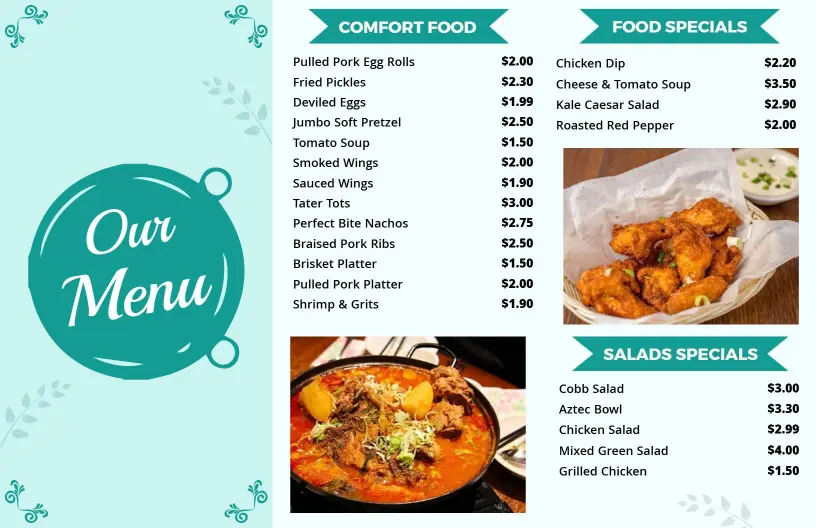
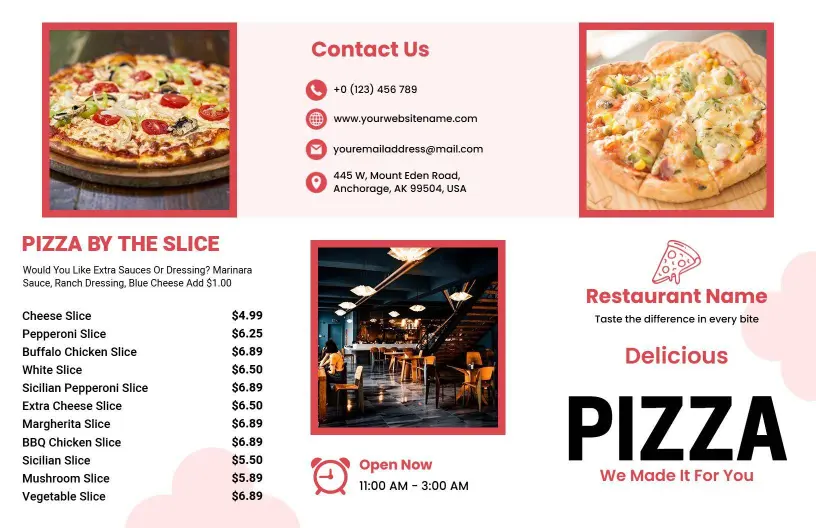
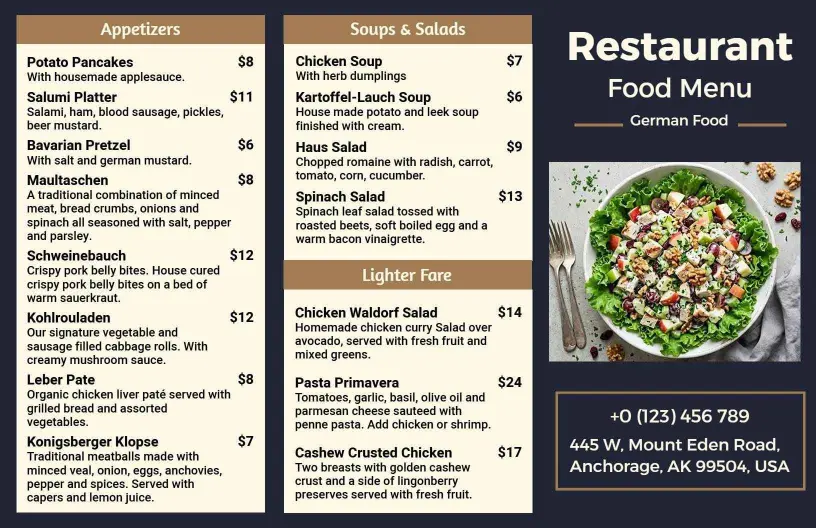
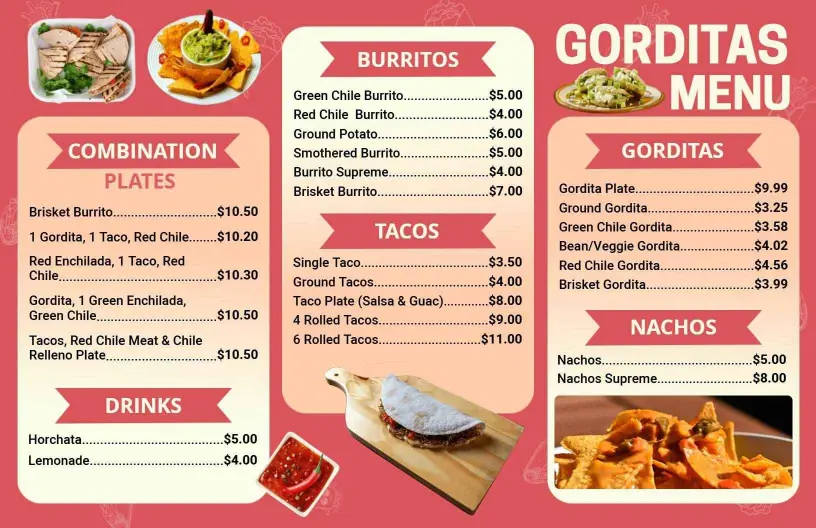
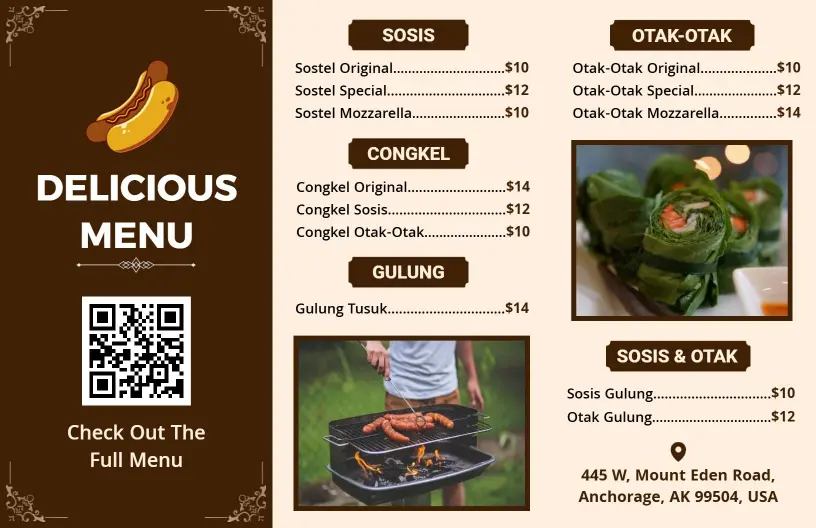
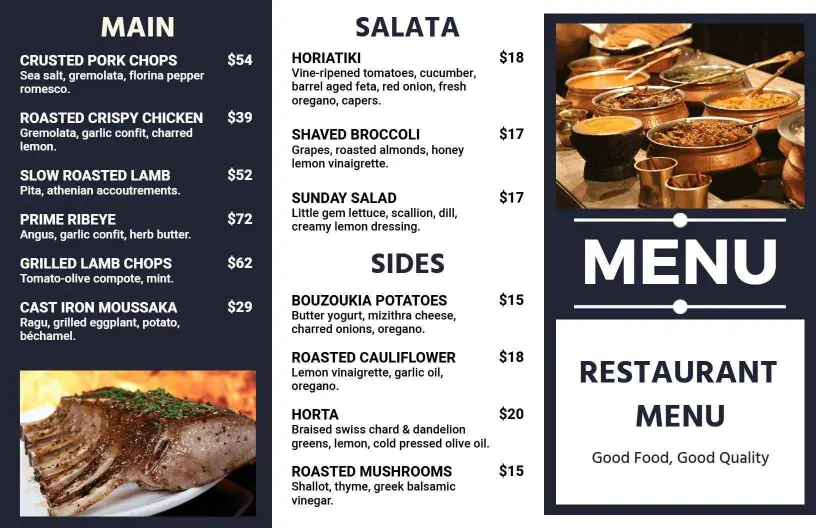
For dinner menus, comfort plates, and house specials, use the tri-fold structure to separate starters, mains, sides, and desserts. A Savory Comfort Food Favorites and Delicious Specials Tri Fold Menu Template gives you a clean way to keep the strongest selling items visible while leaving space for prices and short descriptions.
Breakfast and brunch menus that move fast
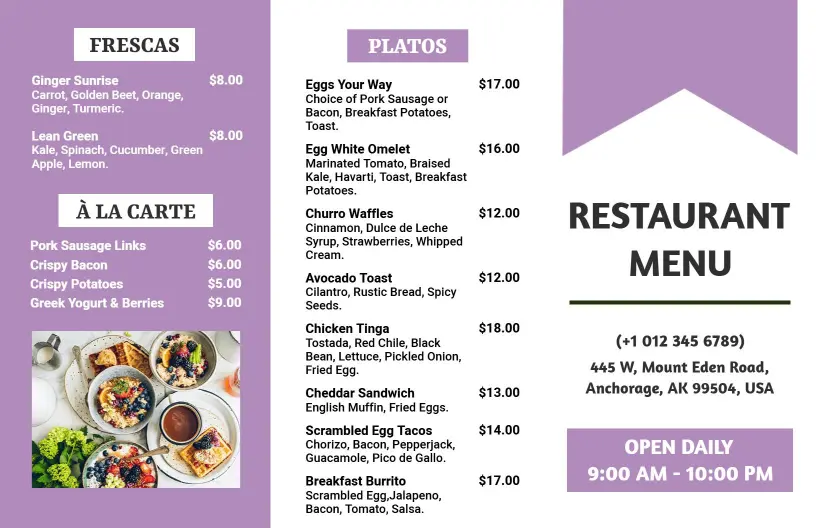
Morning service often needs a layout that makes eggs, sandwiches, coffee, and combo plates easy to compare. A Delicious Breakfast and Brunch Favorites Featuring Eggs Tri Fold Menu Template keeps those items grouped together so guests can scan the offer quickly without dealing with a crowded sheet.
Drink lists that sit naturally beside food sections
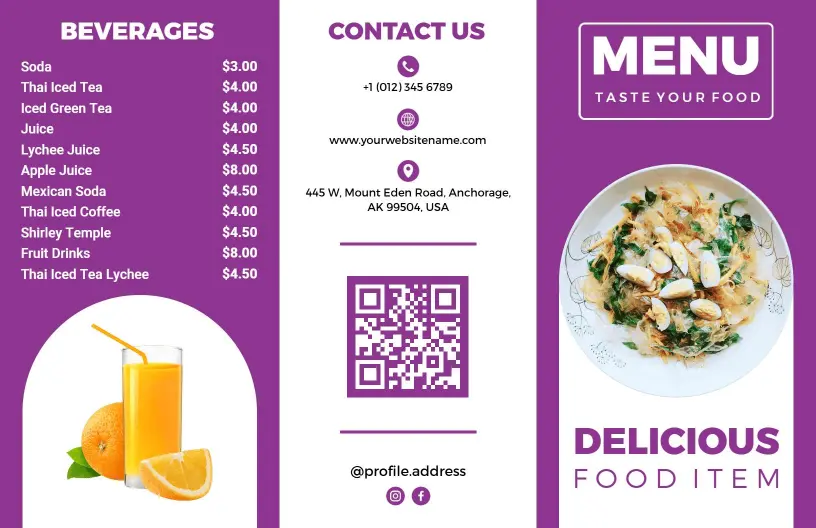
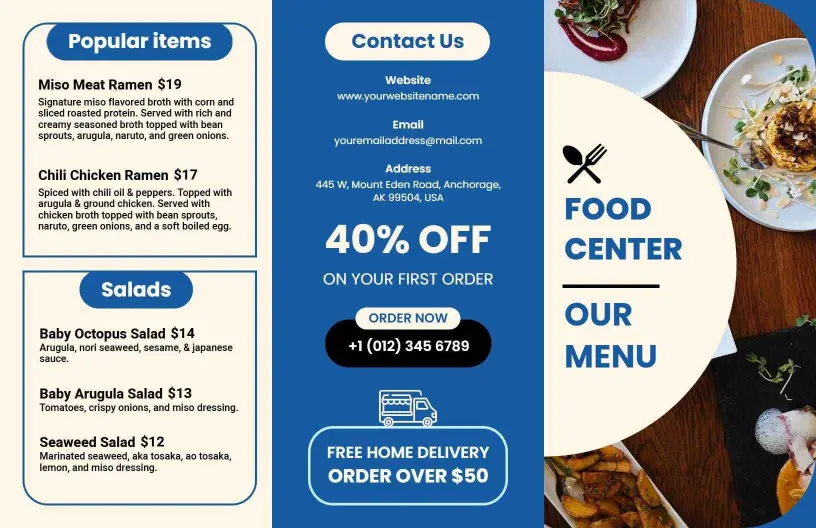
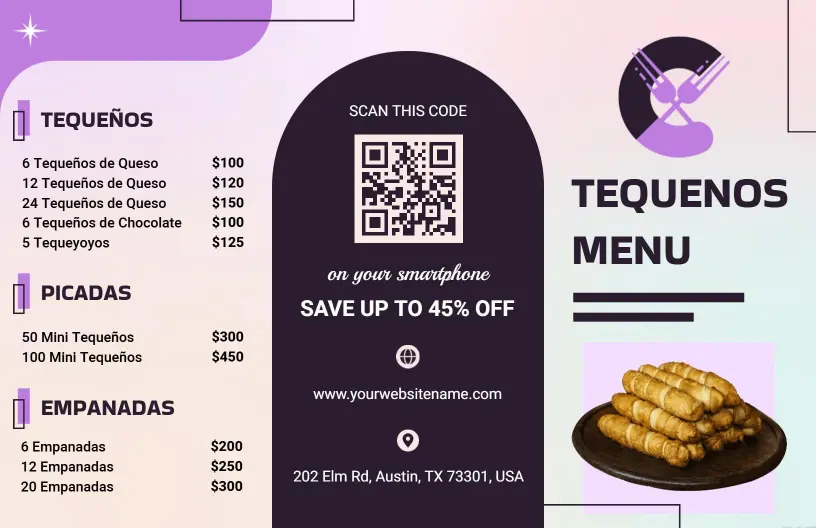
Cafes and bars often need drinks, light bites, and featured dishes on one menu, but the layout still has to feel simple. A Delicious Varieties of Beverages and Flavorful Dishes Tri Fold Menu Template helps you balance beverages with food sections so the menu reads clearly in print and on mobile.
Dinner menus that keep small plates and mains separate
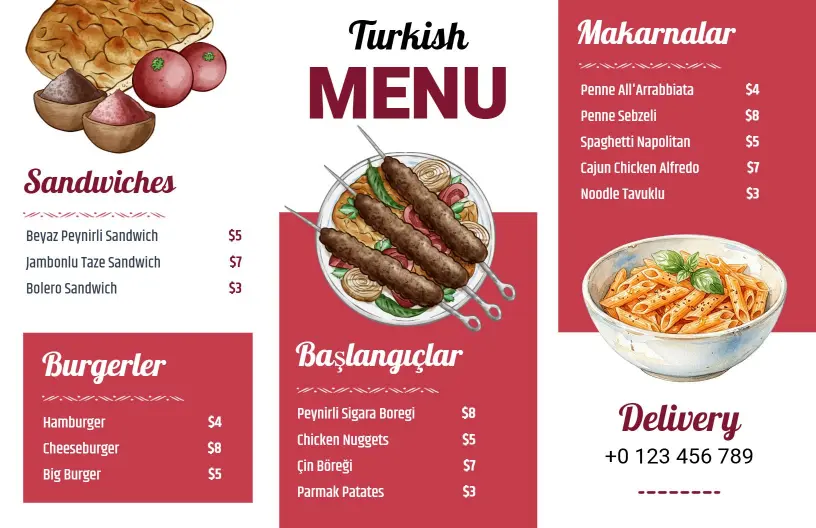
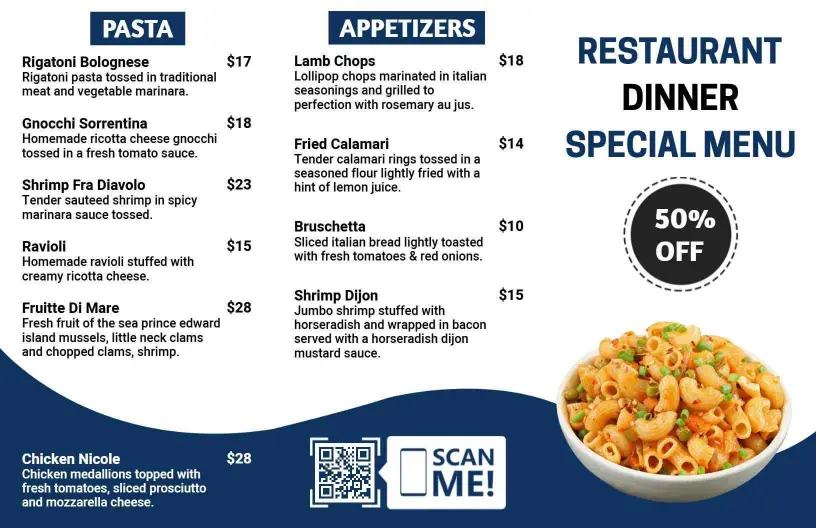
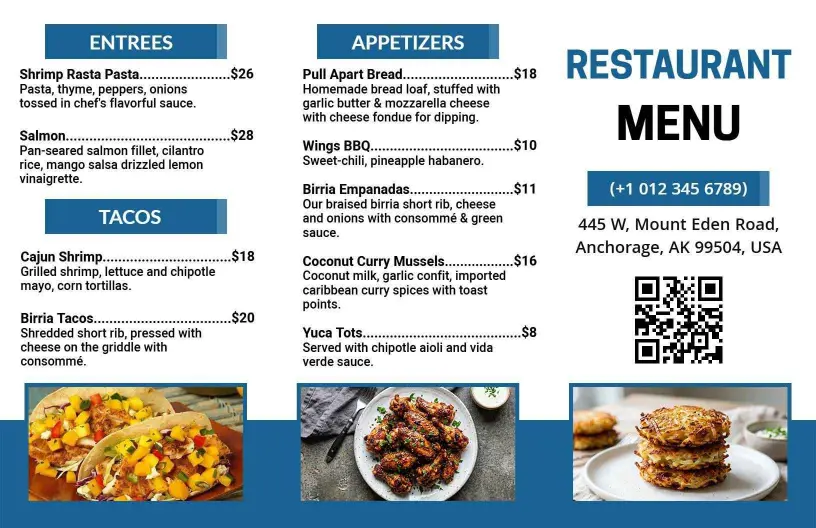
If your menu includes pasta, appetizers, or a rotating dinner feature list, the tri-fold format gives each section room to breathe. A Delicious Pasta and Appetizer Selections for Dinner Tri Fold Menu Template makes it easier to separate small plates from entrées and keep the panel flow intuitive for dine-in or takeout guests.