Programmer Business Card Templates
Programmer Business Card Templates help developers, software engineers, freelancers, and IT consultants present their expertise with clear contact details and a credible tech-focused identity.
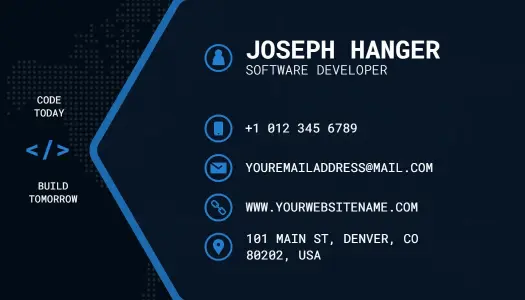
How to create a programmer business card
Build the card around your professional role, the people you want to meet, and the one action you want a new contact to take after receiving it.
1. Choose a role-focused layout
Start with a layout that matches your work, whether you are a freelancer, software engineer, web developer, or IT consultant. The visual style should support your professional positioning.
2. Organize essential contact details
Place your name and job title first, then add a professional email, phone number, website, and selected profile links. Keep the hierarchy clear enough to scan within a few seconds.
3. Add a portfolio connection
Use a short website address or tested QR code to connect the card with your portfolio, GitHub profile, or booking page. Give recipients one obvious place to explore your work.
4. Refine the technical styling
Adjust colors, fonts, icons, and coding-inspired graphics to fit your brand while protecting readability. Use visual references selectively so the card still feels professional.
5. Proofread, test, and export
Review spelling, URLs, spacing, and both card sides at actual size. Scan every QR code, then export a suitable file for printing and a readable version for digital networking.
Trusted by Thousands
Tata Consultancy Services
Boston Consulting
AT&T
Avelo Airlines
Procter & Gamble
Ministry Of Health, Malaysia
Veterans Affairs
Detroit Government
New York University
Texas A&M University
Decathlon America
Warby Parker
Tata Consultancy Services
Boston Consulting
AT&T
Avelo Airlines
Procter & Gamble
Ministry Of Health, Malaysia
Veterans Affairs
Detroit Government
New York University
Texas A&M University
Decathlon America
Warby Parker
Other Business Card templates
Business cards built for developer networking and client trust
Programmer business card templates give developers a practical way to share contact information, technical specialties, portfolio links, and personal branding in one compact format. A strong card should feel modern without becoming difficult to scan, especially when it is handed out at client meetings, conferences, interviews, or local networking events.
Present your role and technical focus clearly
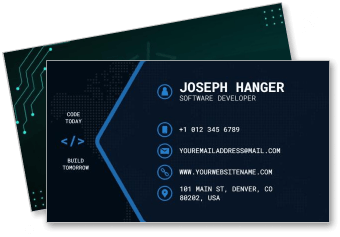
Lead with your name, professional title, and strongest area of expertise, such as web development, mobile applications, software engineering, or IT consulting. The Innovative Software Programmer Contact Information Business Card Template provides a structured starting point for presenting essential details without making the card feel crowded.
For a restrained personal brand, the Minimalist Programmer Design Business Card Template keeps attention on your name, role, and contact information while maintaining a polished developer-focused appearance.
Match the visual style to your development services
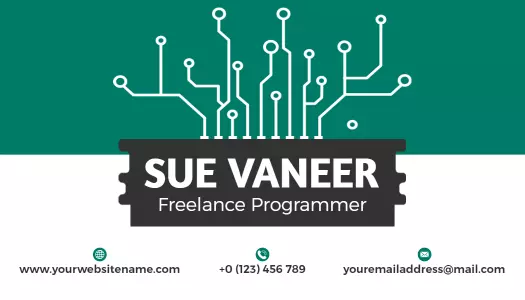
Coding symbols, circuit patterns, dark backgrounds, and controlled accent colors can communicate a technology specialty, but readability should remain the priority. The Modern Teal Circuit Board Freelance Programmer Business Card Template suits independent developers who want a recognizable technical theme for client outreach.
Connect printed networking with your online portfolio
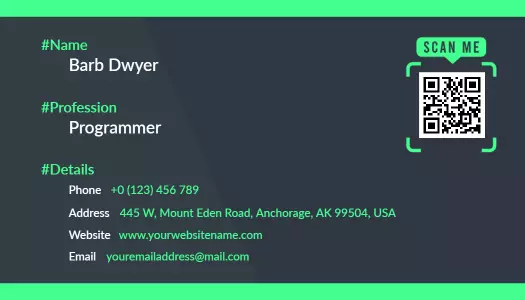
A QR code can direct contacts to a portfolio, GitHub profile, booking page, or professional website without filling the card with long URLs. The Modern Green and Dark Theme Programmer QR Code Business Card Template helps combine physical introductions with a clear digital next step.
Keep every contact detail easy to use
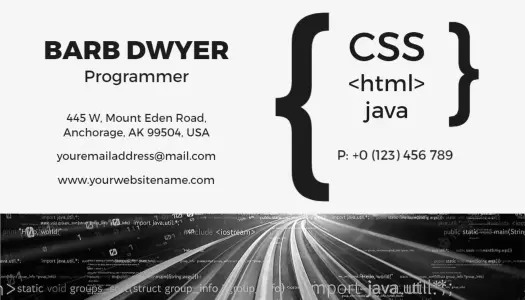
Use enough contrast, spacing, and font size for phone numbers, email addresses, websites, and social profiles to remain readable in print. The Sleek Black and White Programmer Networking Business Card Template is useful when you want a professional monochrome layout for conferences, interviews, and business introductions.
Every DesignWiz template is created and reviewed by an in-house design team for practical business use. Personalize the selected layout with accurate information, proofread every link, and test any QR code before printing or sharing.