


Student Business Card Templates
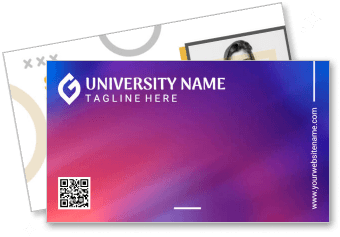
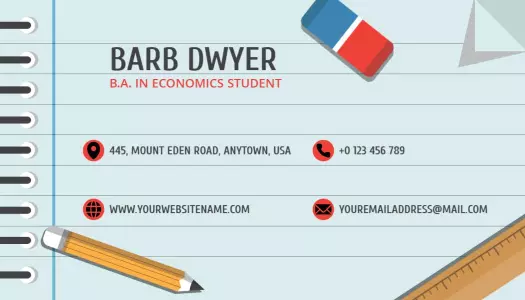
Student Business Card Templates help college, university, and graduate students present their contact details, academic focus, skills, and portfolio in a professional format.









Trusted by Thousands
 Tata Consultancy Services
 Boston Consulting
 AT&T
AT&T
 Avelo Airlines
 Procter & Gamble
 Ministry Of Health, Malaysia
 Veterans Affairs
 Detroit Government
 New York University
 Texas A&M University
 Decathlon America
 Warby Parker
Tata Consultancy Services
Boston Consulting
AT&T
Avelo Airlines
Procter & Gamble
Ministry Of Health, Malaysia
Veterans Affairs
Detroit Government
New York University
Texas A&M University
Decathlon America
Warby Parker
Warby Parker
Tata Consultancy Services
Boston Consulting
AT&T
Avelo Airlines
Procter & Gamble
Ministry Of Health, Malaysia
Veterans Affairs
Detroit Government
New York University
Texas A&M University
Decathlon America
Warby Parker



Other Business Card templates
Stand Out in Academic Circles with Impactful Student Business Cards
Crafting a professional image while still in school is all about clean design and clear communication. DesignWiz student business card templates use a balanced layout with academic blues, subtle grays, and precise typography to reflect your personal and educational brand in compact form.
Ensure your card contains all the essential details needed in a student card. Include your full name, current academic major or field of study, university or college name, direct contact information such as email or phone number, and a QR code linking to your LinkedIn profile or personal online portfolio to give contacts convenient access to your achievements and future aspirations.
Distribute your student business cards during networking events, university career fairs, or academic conferences. Keep them close for impromptu exchanges with professors or industry professionals, and ensure digital versions are ready to share via email or personal website downloads.