


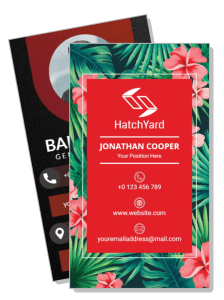
Vertical Business Card Templates
Vertical Business Card Templates help professionals and small businesses present contact details, branding, and key services in a distinctive portrait layout designed for networking.





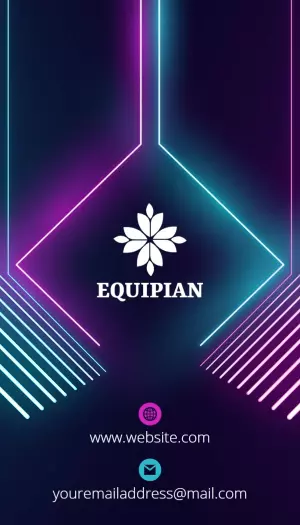


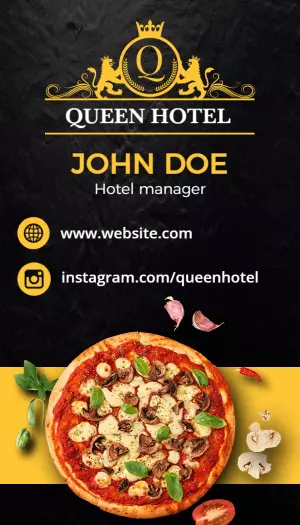
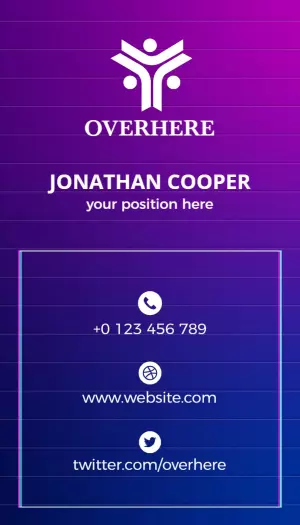
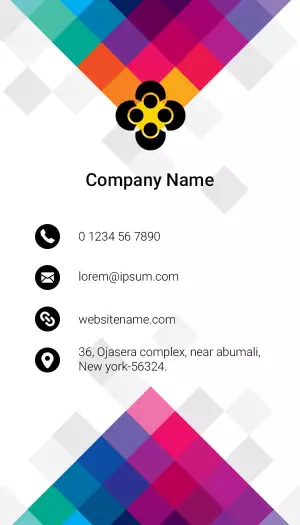
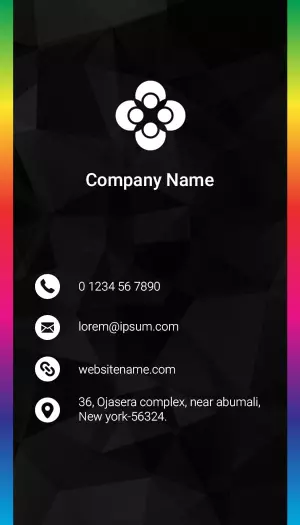
How to create a vertical business card
Choose a portrait layout that fits your professional identity, then organize the design so your branding and contact details remain clear at print size.
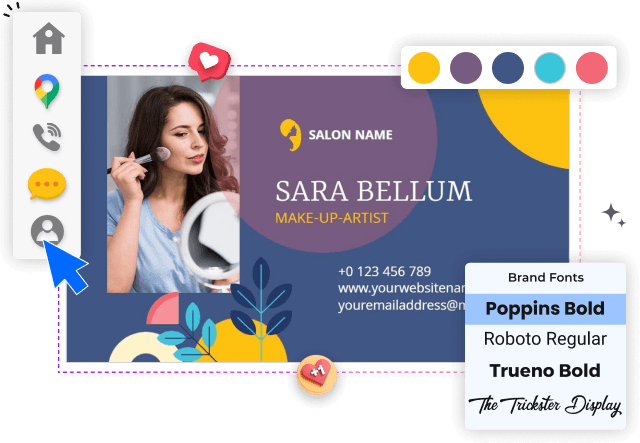
1. Select a suitable portrait layout
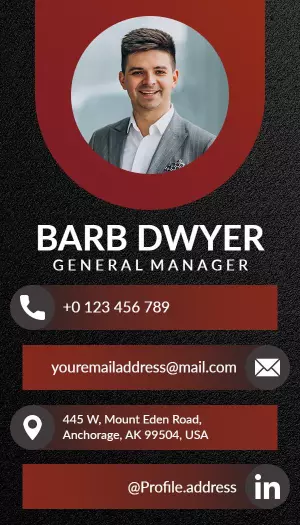
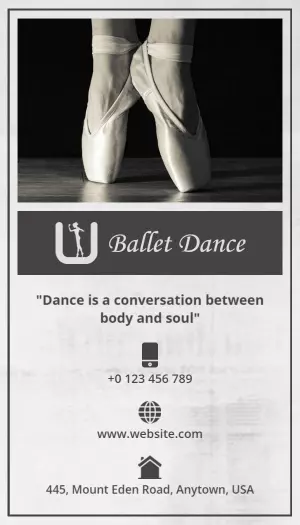
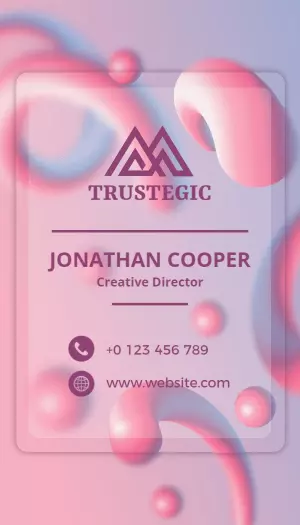
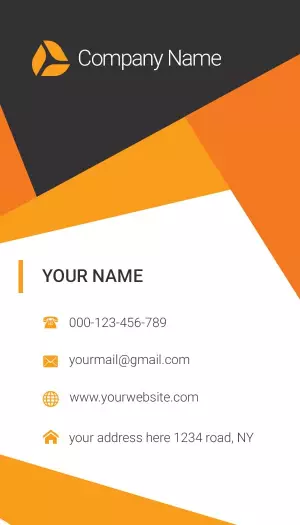
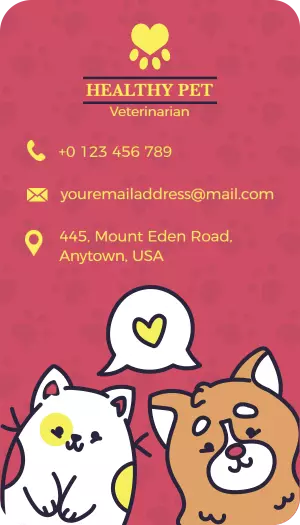
Start with a vertical layout that suits your profession and brand tone. Compare spacing, image placement, and text areas before choosing the design you want to personalize.
2. Enter essential contact details
Replace sample text with your name, role, phone number, email, website, and social profile. Keep the most important contact details easy to find at a quick glance.
3. Apply your visual identity
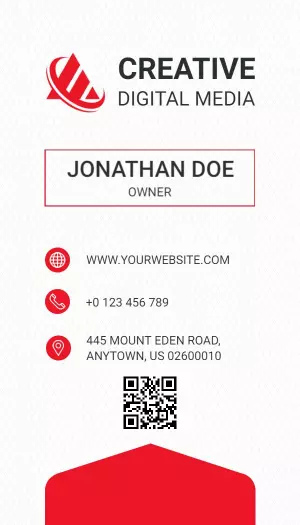
Apply your logo, brand colors, and a readable font pairing. Use contrast and consistent spacing so the narrow portrait format stays polished rather than crowded.
4. Add a useful QR code
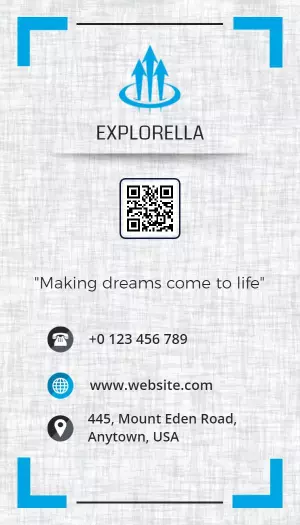
Add a QR code only when it gives recipients a useful next step, such as opening your portfolio or booking page. Leave enough clear space around it for reliable scanning.
5. Check and export the card
Review both sides for spelling, alignment, safe margins, and visual balance. Export a print-ready version and keep a digital copy for email, messaging, or online networking.
Trusted by Thousands
 Tata Consultancy Services
 Boston Consulting
 AT&T
AT&T
 Avelo Airlines
 Procter & Gamble
 Ministry Of Health, Malaysia
 Veterans Affairs
 Detroit Government
 New York University
 Texas A&M University
 Decathlon America
 Warby Parker
Tata Consultancy Services
Boston Consulting
AT&T
Avelo Airlines
Procter & Gamble
Ministry Of Health, Malaysia
Veterans Affairs
Detroit Government
New York University
Texas A&M University
Decathlon America
Warby Parker
Warby Parker
Tata Consultancy Services
Boston Consulting
AT&T
Avelo Airlines
Procter & Gamble
Ministry Of Health, Malaysia
Veterans Affairs
Detroit Government
New York University
Texas A&M University
Decathlon America
Warby Parker



Other Business Card templates
Create a vertical business card that presents your brand clearly
Vertical business card templates give familiar networking materials a more distinctive portrait format. The upright layout can create a clear reading path for your logo, name, role, contact details, and call to action while helping your card feel different from standard horizontal designs.
Match the layout to your profession and brand personality
Choose a design that reflects how customers should perceive your business. A Sleek Vertical Modern Business Card Template supports consultants, managers, and service professionals who need an organized and understated presentation.
Businesses with a more expressive identity can use the Vibrant Tropical Floral Vertical Business Card Template to introduce color and personality without losing space for essential contact information.
Organize contact details for quick scanning
A narrow card needs a deliberate information hierarchy. Place your name and role near the top, group phone and email details together, and leave enough spacing around icons or QR codes. The Colorful Vertical Caregiver Business Card Template demonstrates how a friendly visual style can still keep service information easy to locate.
Adapt the format for digital and creative professionals
Creators and technology professionals often need room for portfolio links, social profiles, or digital contact options. The Bold Red Vertical YouTuber Contact Business Card Template suits personal brands that want a confident visual identity and clear online contact details.
For technical roles, the Modern Vertical Technology Software Engineer Business Card Template provides a structured layout that can accommodate a job title, professional links, and modern brand graphics.
Prepare a consistent card for print and digital sharing
Review the finished card at its intended print size before exporting. Check text contrast, safe margins, spelling, and QR code spacing, then keep a digital version available for email introductions, messaging apps, and online networking.