


Minimalist Business Card Templates
Minimalist Business Card Templates help professionals present their brand and contact details through clean typography, balanced spacing, and editable layouts suited to print and digital networking.





How to create a minimalist business card
Start with the information a new contact genuinely needs, then use spacing, typography, and restrained branding to create a card that feels clear and professional.
1. Select a focused layout
Choose a layout that matches your profession and brand personality. Look for clear spacing, a readable name area, and enough room for essential contact details.
2. Replace the contact details
Replace the sample name, job title, phone number, email, website, and address. Keep only the details a new contact is most likely to use after meeting you.
3. Apply your visual identity
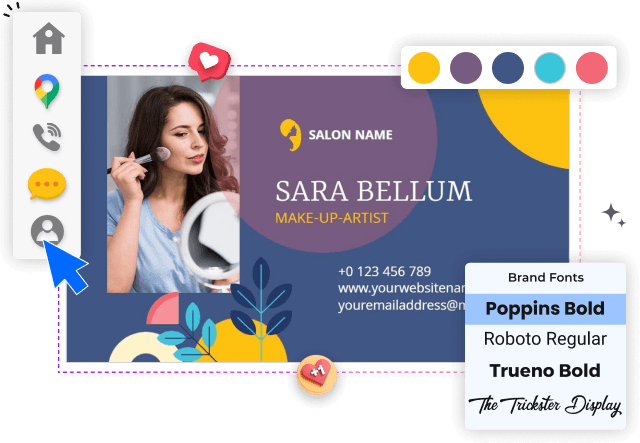
Upload your logo, apply brand colors, and select one or two readable fonts. Preserve generous white space so the card feels intentional rather than unfinished.
4. Inspect the printable layout
Check alignment, margins, contrast, spelling, and the front-to-back order. Make sure small text remains readable and important details are not too close to trim edges.
5. Export and share the card
Export a print-ready version for cardstock and a digital version for email or messaging. Review the final file at full size before ordering or sharing your cards.
Trusted by Thousands
 Tata Consultancy Services
 Boston Consulting
 AT&T
AT&T
 Avelo Airlines
 Procter & Gamble
 Ministry Of Health, Malaysia
 Veterans Affairs
 Detroit Government
 New York University
 Texas A&M University
 Decathlon America
 Warby Parker
Tata Consultancy Services
Boston Consulting
AT&T
Avelo Airlines
Procter & Gamble
Ministry Of Health, Malaysia
Veterans Affairs
Detroit Government
New York University
Texas A&M University
Decathlon America
Warby Parker
Warby Parker
Tata Consultancy Services
Boston Consulting
AT&T
Avelo Airlines
Procter & Gamble
Ministry Of Health, Malaysia
Veterans Affairs
Detroit Government
New York University
Texas A&M University
Decathlon America
Warby Parker



Other Business Card templates
Minimalist business cards that make every detail feel intentional
Minimalist business card templates remove visual distractions so your name, role, company, and contact information remain easy to notice. Thoughtful spacing, restrained color choices, and clear typography create a professional card that works for client meetings, events, referrals, and everyday networking.
Every DesignWiz template is created and reviewed by our skilled in-house design team. Each layout is carefully crafted for practical business use, readable information hierarchy, and straightforward customization rather than being uploaded through an open contributor marketplace.
Clean layouts for restaurants and local businesses
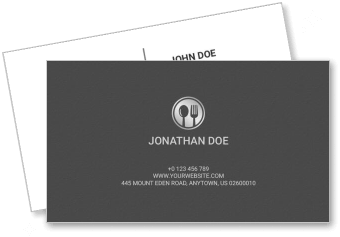
A minimalist card can keep a service business memorable without filling every available space. The Simple Grey Restaurant Minimalist Business Card Template uses a restrained structure that can highlight a restaurant name, culinary identity, phone number, website, and location clearly.
Focused designs for sales and corporate networking
Sales professionals need cards that make follow-up information easy to find after a conversation. The Minimalist Red Sales Market Business Card Template combines a simple information structure with a stronger accent color for professional introductions, meetings, and prospect outreach.
Modern cards for designers and creative professionals
Creative professionals can use minimalism to demonstrate confidence in typography and composition without adding unnecessary decoration. The Modern Minimalist Dark Theme Graphics Designer Business Card Template provides a polished format for presenting a portfolio link, specialty, contact details, and personal brand.
Balanced information for print and digital sharing
Keep the front of the card focused on your identity and use the reverse side only when it adds value, such as a short service statement, QR code, booking link, or office address. Leave comfortable margins around important details and check that smaller text remains readable before printing or sharing the card digitally.