


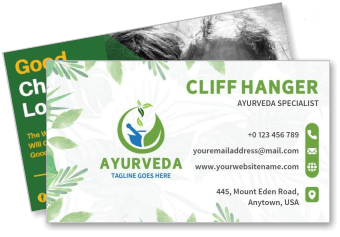
Visiting Business Card Templates
Visiting Business Card Templates help professionals, entrepreneurs, and local businesses present their contact details and brand clearly during meetings, events, and everyday networking.
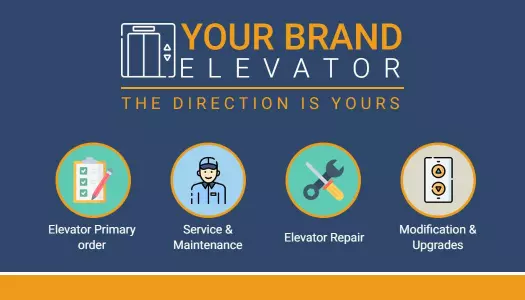

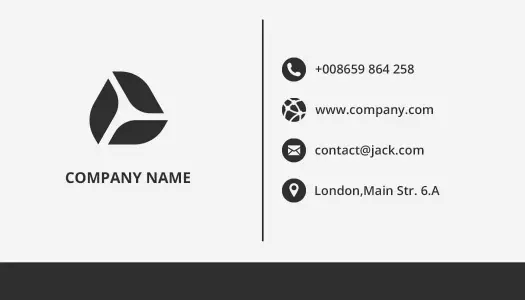
















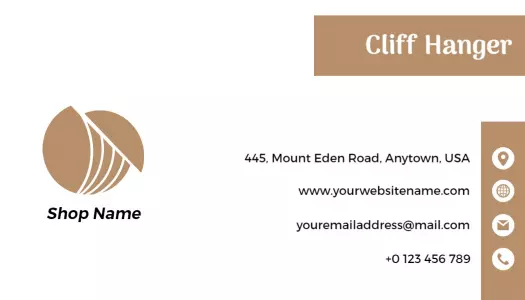




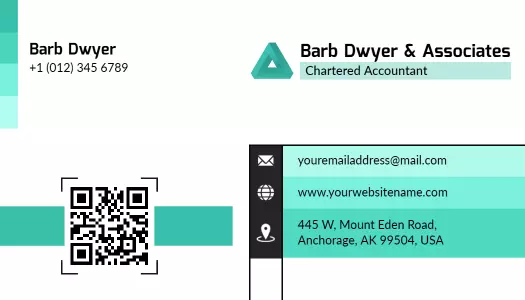

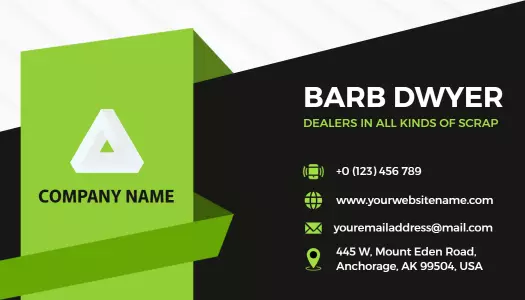




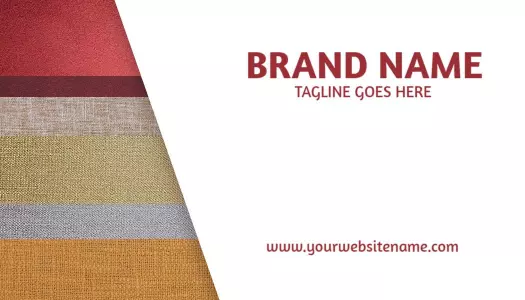


How to create a professional visiting business card
Choose a layout that supports your profession and arrange the card so people can understand your identity, business, and preferred contact method at a glance.
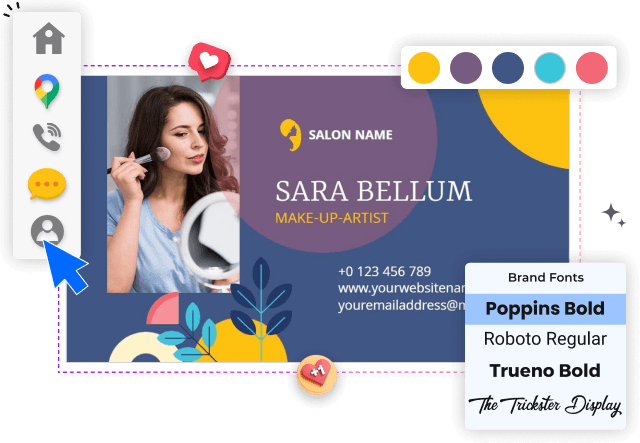
1. Select a suitable card layout
Start with a layout that matches your profession, brand tone, and networking setting. Check whether the card gives enough room for your name, role, logo, and contact details.
2. Enter your essential information
Replace the sample text with your name, job title, phone number, email, website, and business address. Keep only the details clients genuinely need to contact you.
3. Apply a consistent brand style
Apply your logo, brand colors, and one or two readable fonts. Strong contrast and consistent spacing help your visiting card look polished in meetings and everyday use.
4. Connect a useful QR destination
Add a QR code only when it offers a useful next step, such as opening your website, portfolio, booking page, or digital contact profile without crowding the layout.
5. Proofread and prepare the files
Review spelling, alignment, margins, and text size before exporting. Save a print-ready version and a digital copy that remains clear when shared by email or messaging apps.
Trusted by Thousands
 Tata Consultancy Services
 Boston Consulting
 AT&T
AT&T
 Avelo Airlines
 Procter & Gamble
 Ministry Of Health, Malaysia
 Veterans Affairs
 Detroit Government
 New York University
 Texas A&M University
 Decathlon America
 Warby Parker
Tata Consultancy Services
Boston Consulting
AT&T
Avelo Airlines
Procter & Gamble
Ministry Of Health, Malaysia
Veterans Affairs
Detroit Government
New York University
Texas A&M University
Decathlon America
Warby Parker
Warby Parker
Tata Consultancy Services
Boston Consulting
AT&T
Avelo Airlines
Procter & Gamble
Ministry Of Health, Malaysia
Veterans Affairs
Detroit Government
New York University
Texas A&M University
Decathlon America
Warby Parker



Other Business Card templates
Visiting business cards built for introductions that matter
A visiting business card gives customers, clients, and professional contacts a simple way to remember who you are and how to reach you. A well-structured design should make your name, role, business identity, and essential contact information easy to scan without overcrowding the limited space.
Every DesignWiz template is created and reviewed by our skilled in-house design team. Each layout is carefully crafted for practical business use, clear information hierarchy, and reliable results across printed and digital formats. We use AI to support design ideas, not to replace the professional designers who create and verify our templates.
Professional cards for corporate networking
Corporate professionals, consultants, managers, and company representatives need a card that feels credible without becoming visually heavy. The Modern Black and Blue Corporate Visiting Card Template uses a structured layout that keeps the company name, job title, and contact details prominent.
Use consistent typography, restrained colors, and adequate spacing when the card will be shared at conferences, client meetings, interviews, or business events. A clear hierarchy helps recipients identify your role and preferred contact method immediately.
Brand-focused layouts for small businesses
For a small business, a visiting card should do more than list a phone number. It should reinforce the visual identity customers see on your storefront, website, packaging, or promotional materials. The Modern Green Company Logo Minimalist Visiting Card Template provides focused space for a logo and essential business information.
Businesses that prefer a more energetic visual identity can use the Vibrant Red Modern Geometric Design Visiting Card Template to combine distinctive branding with a readable contact layout.
Cards that connect print with digital profiles
A QR code can turn a printed card into a direct path to your website, portfolio, service menu, booking page, or digital contact profile. The Stylish Pink Minimalist QR Code Visiting Card Template balances scannable technology with a clean professional presentation.
Keep enough clear space around the QR code and test it before printing. The linked destination should offer a useful next step rather than repeating all the information already printed on the card.
Industry-specific designs for stronger recognition
Colors, imagery, and wording should reflect the service you provide. A wellness specialist may benefit from calm natural elements, while a technology consultant may prefer geometric shapes and stronger contrast. Match the visual style to your industry while keeping your contact details easy to read.
Before exporting, review the card at its actual printed size. Fine decorative details may look attractive on screen but should never compete with your name, phone number, email address, or business identity.