


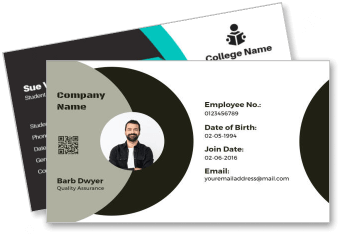
Identity Cards Business Card Templates
Identity Cards Business Card Templates help businesses, schools, and organizations create clear identification cards with editable photos, names, roles, logos, and contact details.








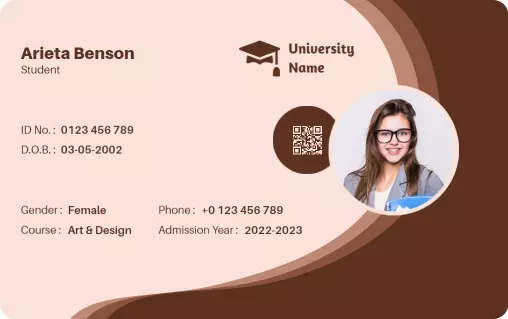
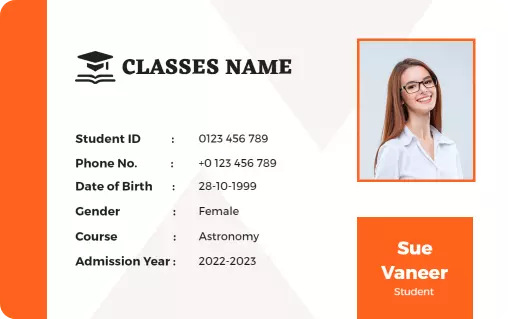



How to create a professional identity card
Choose a layout for your organization, replace the sample information, apply consistent branding, and review the finished card carefully before printing or sharing.
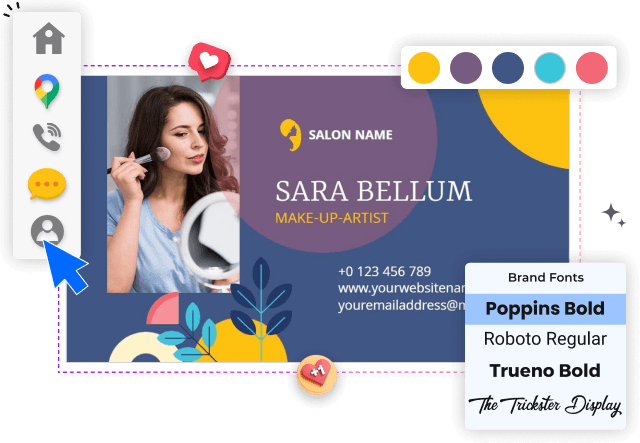
1. Select the appropriate layout
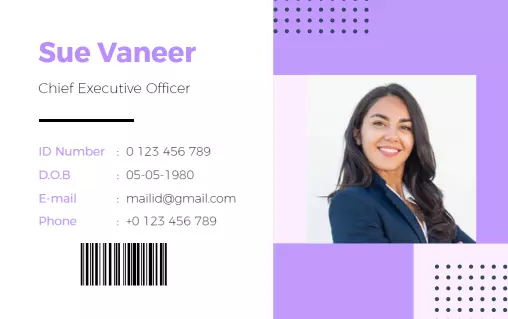
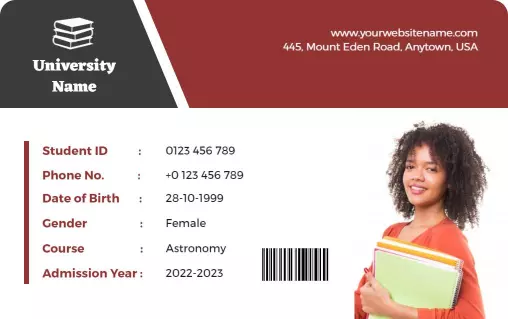
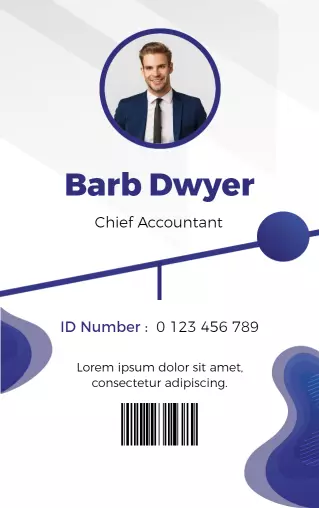
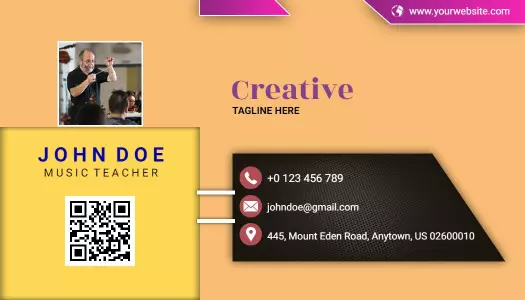
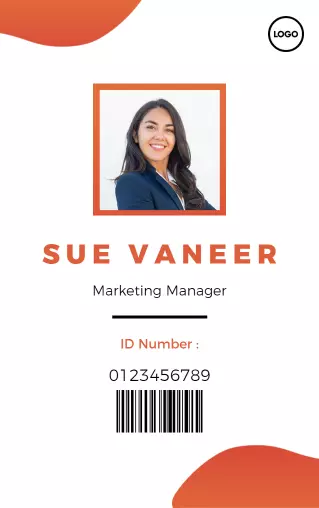
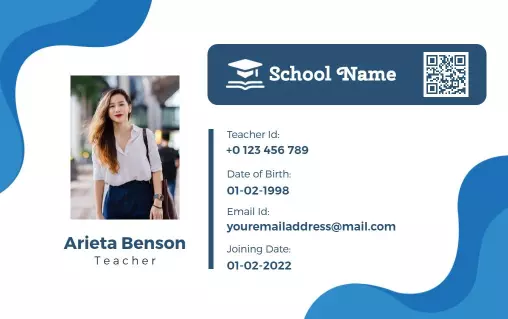
Start by selecting a layout that matches the cardholder group, such as employees, students, managers, or visitors. Choose portrait or landscape based on how the cards will be worn.
2. Enter the cardholder details
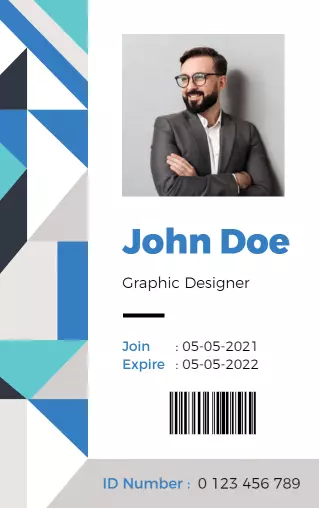
Replace the sample photo, name, role, department, and ID number with accurate information. Keep the most important identification details visible without crowding the card.
3. Apply consistent organization branding
Add your organization logo and approved brand colors, then use one or two readable typefaces. Strong contrast helps names, roles, and contact details remain clear at a glance.
4. Check every information field
Review alignment, photo cropping, spelling, and spacing across every card. Use the same field order and visual structure so a full staff or student set feels consistent.
5. Export and test the finished card
Export the finished design in the format required by your printer or digital workflow. Print one test card first to check scale, margins, image clarity, and text readability.
Trusted by Thousands
 Tata Consultancy Services
 Boston Consulting
 AT&T
AT&T
 Avelo Airlines
 Procter & Gamble
 Ministry Of Health, Malaysia
 Veterans Affairs
 Detroit Government
 New York University
 Texas A&M University
 Decathlon America
 Warby Parker
Tata Consultancy Services
Boston Consulting
AT&T
Avelo Airlines
Procter & Gamble
Ministry Of Health, Malaysia
Veterans Affairs
Detroit Government
New York University
Texas A&M University
Decathlon America
Warby Parker
Warby Parker
Tata Consultancy Services
Boston Consulting
AT&T
Avelo Airlines
Procter & Gamble
Ministry Of Health, Malaysia
Veterans Affairs
Detroit Government
New York University
Texas A&M University
Decathlon America
Warby Parker



Other Business Card templates
Identity card designs for workplaces, schools, and professional teams
Identity Cards Business Card Templates provide an organized starting point for presenting a cardholder’s photo, name, role, department, and organization details. A consistent layout makes each card easier to review while helping businesses and institutions maintain a recognizable visual identity across staff or student groups.
Professional identity cards for employees and executives
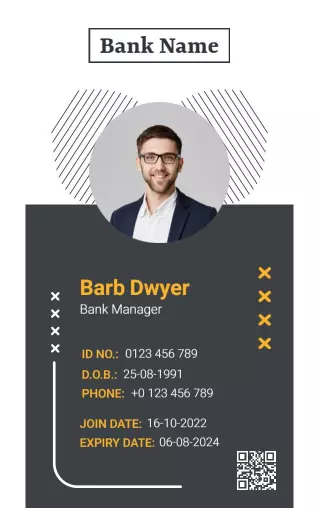
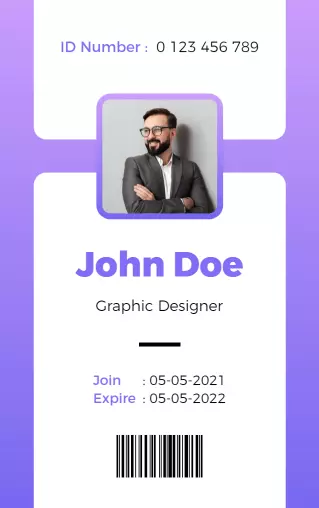
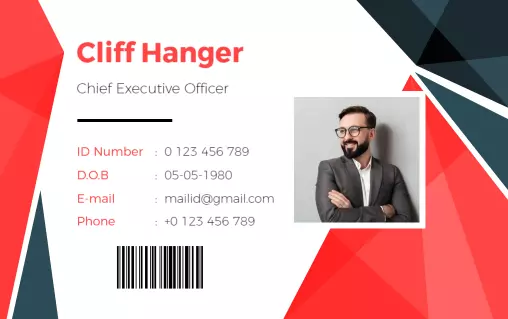
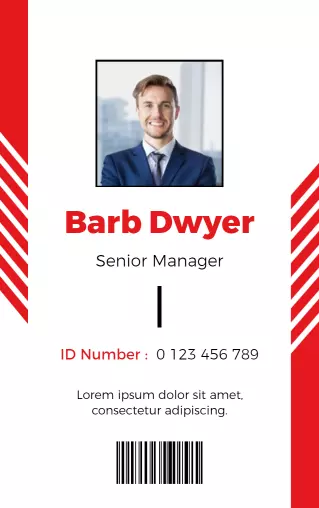
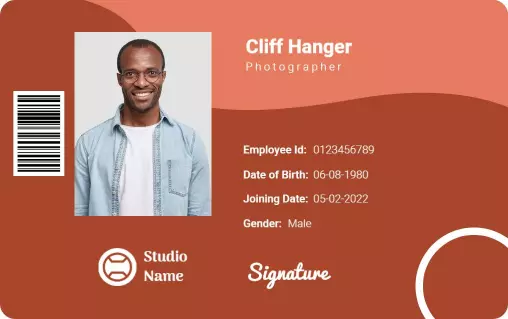
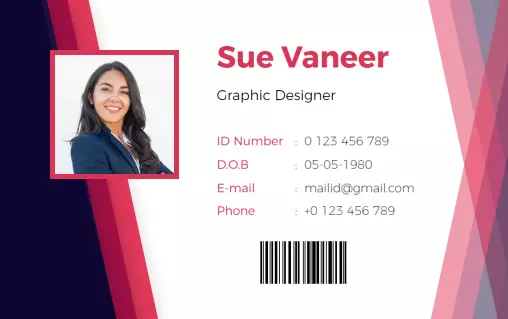
Workplace cards should make the employee’s name, photograph, position, and company branding easy to identify. The Modern Coral Elegant Corporate Identity Card Template offers a structured portrait layout for managers, executives, and client-facing team members.
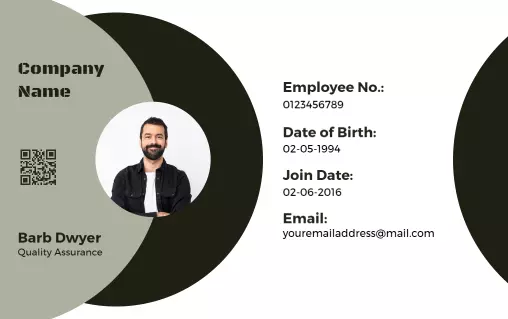
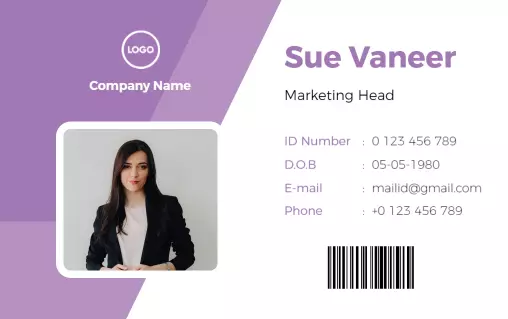
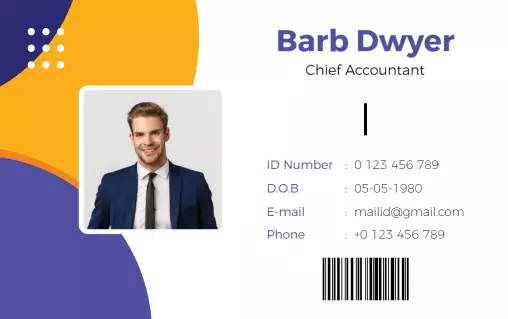
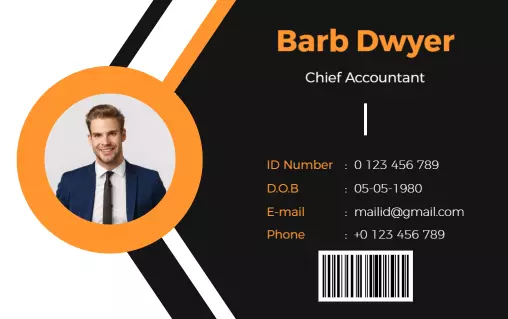
For staff cards with a wider horizontal format, the Contemporary Circle Design Employee Identity Card Template provides room for employee details, a profile image, company branding, and supporting identification fields.
Student cards for schools, colleges, and universities
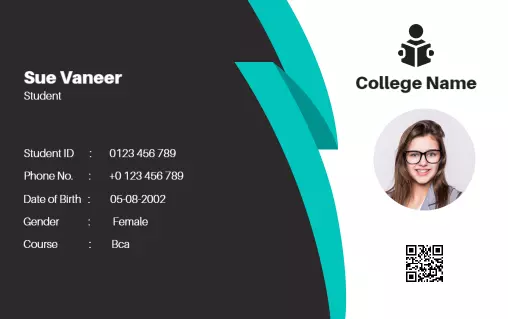
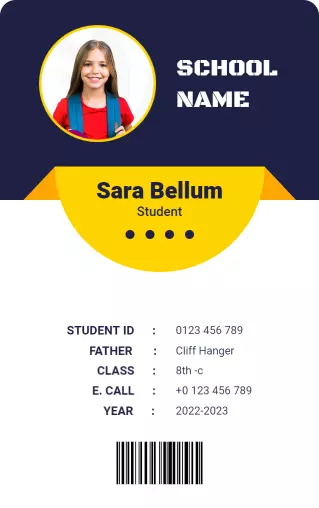
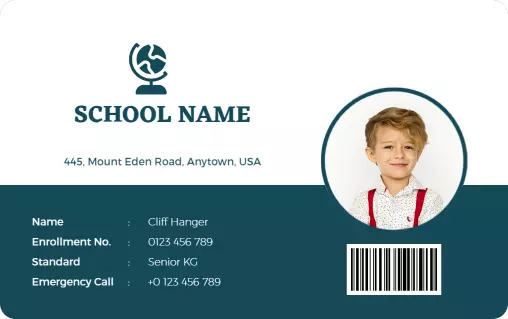
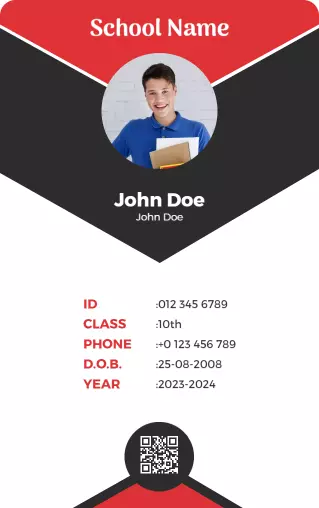
Educational identity cards need a clear hierarchy so names, photographs, student details, and institution information remain readable. The Modern Black and Teal Student Identity Card Template supports a clean college or school presentation with distinct areas for essential information.
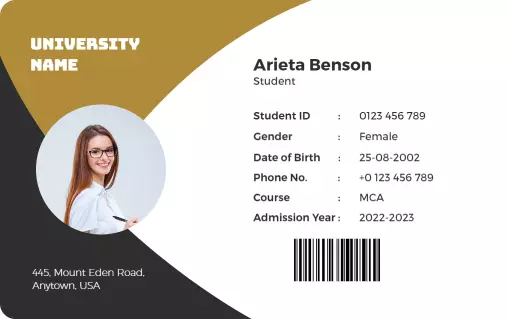
Institutions that prefer a more formal academic style can customize the Modern Gold University Student Identity Card Template with university colors, program details, student information, and an approved institutional logo.
Branded cards for departments and specialist roles
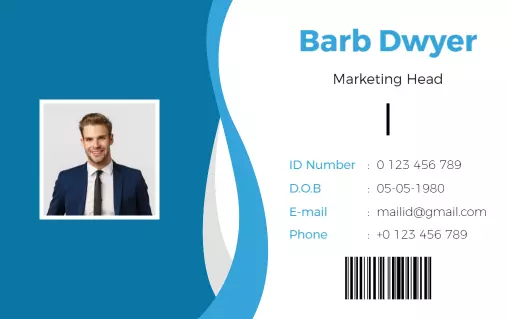
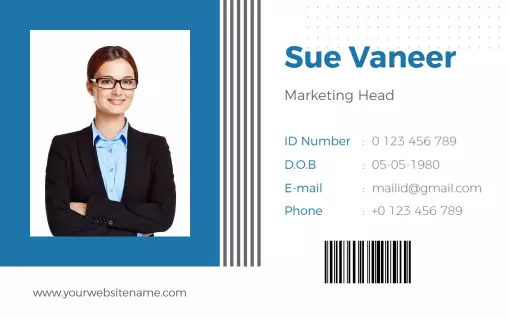
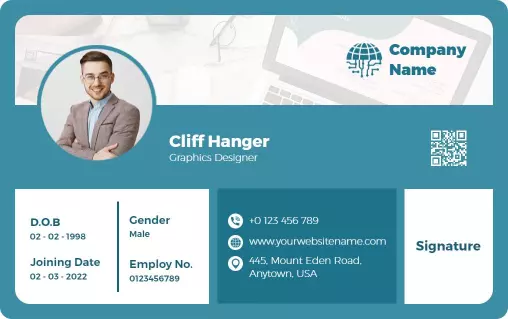
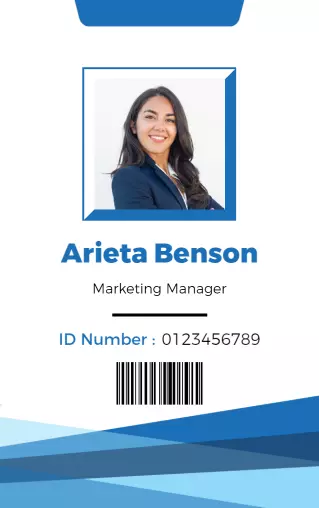
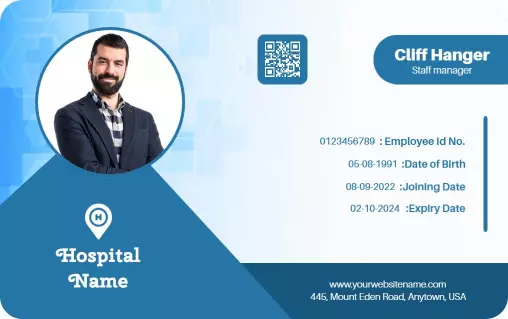
Department-specific cards can help distinguish teams while keeping the wider organization’s branding consistent. The Modern Blue Professional Marketing Head Identity Card Template is suitable for professional roles that need a clear title, profile image, and polished corporate appearance.
Use the same logo placement, type hierarchy, field order, and color system across every card. Consistent formatting makes future employee or student cards faster to prepare and keeps the complete set visually coordinated.
Layouts prepared for clear printing and everyday use
Before printing, check that photographs are properly cropped, text remains readable at the final card size, and important details do not sit too close to the edges. A test print can reveal spacing, contrast, or image-quality issues before producing the full set.