


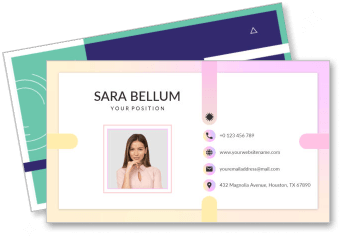
Company Business Card Templates
Company Business Card Templates help businesses create professional, consistent cards for founders, employees, managers, and client-facing teams without starting from a blank layout.

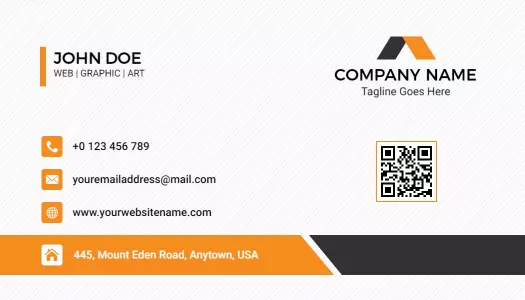
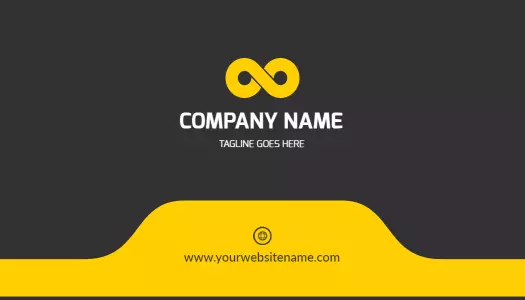



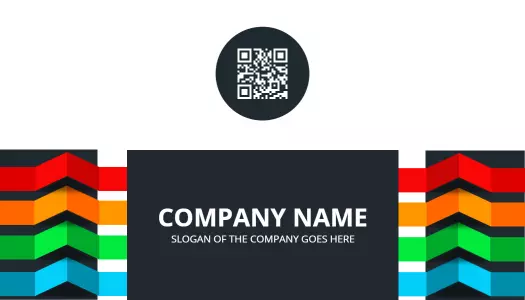
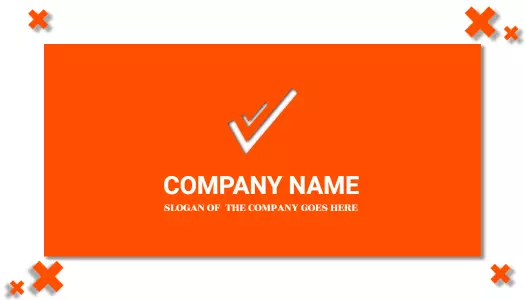






How to create a company business card
Start with your company's visual identity and the employee details that matter most, then build a clear layout that can be reused across the organization.
1. Select a suitable layout
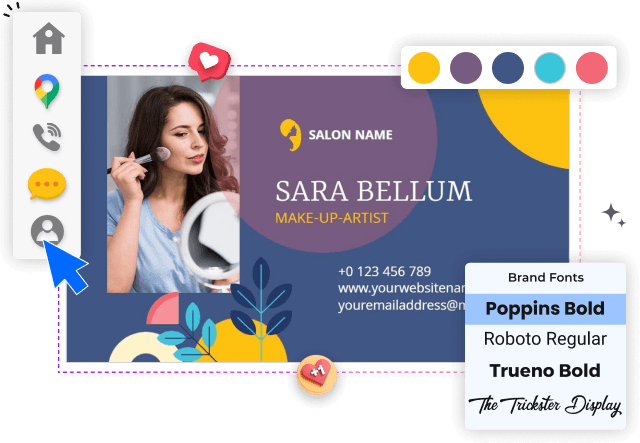
Choose a layout that matches your company's tone, whether modern, minimal, bold, or traditional. Start with a structure that leaves clear space for branding and contact details.
2. Apply your brand identity
Add your company logo, brand colors, and approved fonts so every card supports a consistent identity. Keep the logo visible without letting it overpower the employee information.
3. Enter essential contact details
Enter the employee name, job title, phone number, email, website, and office address. Prioritize the details people are most likely to use after a meeting or introduction.
4. Check readability and spacing
Review font size, contrast, spacing, and alignment on both sides of the card. Make sure names and contact details remain readable when the design is viewed at its printed size.
5. Export and save a master
Export the finished card in the format required by your printer or digital workflow. Save a reusable master version so future employee cards can be updated without rebuilding the layout.
Trusted by Thousands
 Tata Consultancy Services
 Boston Consulting
 AT&T
AT&T
 Avelo Airlines
 Procter & Gamble
 Ministry Of Health, Malaysia
 Veterans Affairs
 Detroit Government
 New York University
 Texas A&M University
 Decathlon America
 Warby Parker
Tata Consultancy Services
Boston Consulting
AT&T
Avelo Airlines
Procter & Gamble
Ministry Of Health, Malaysia
Veterans Affairs
Detroit Government
New York University
Texas A&M University
Decathlon America
Warby Parker
Warby Parker
Tata Consultancy Services
Boston Consulting
AT&T
Avelo Airlines
Procter & Gamble
Ministry Of Health, Malaysia
Veterans Affairs
Detroit Government
New York University
Texas A&M University
Decathlon America
Warby Parker



Other Business Card templates
Build company business cards that keep every introduction on brand
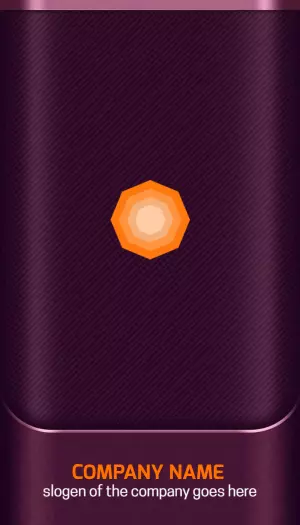
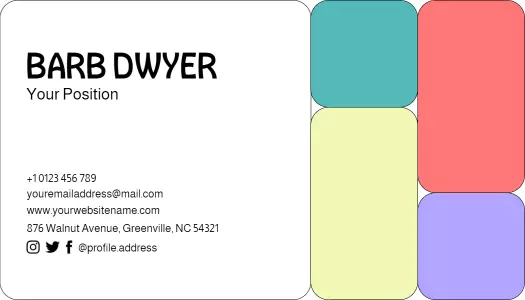
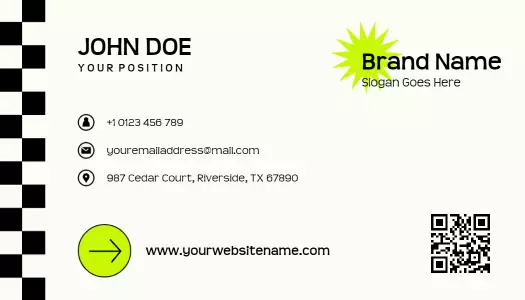
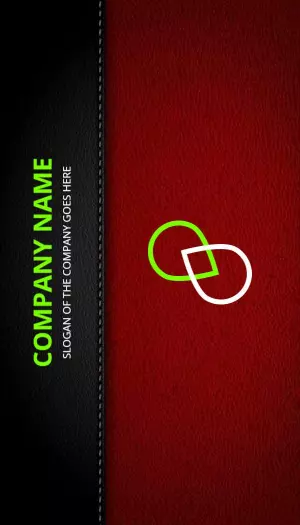
Company business card templates give your team a clear, repeatable way to share contact details while reinforcing the same visual identity at meetings, events, sales visits, and everyday introductions. Start with a professionally structured layout, then personalize the logo, brand colors, employee role, phone number, email, website, and office details.
Create a consistent identity across your team
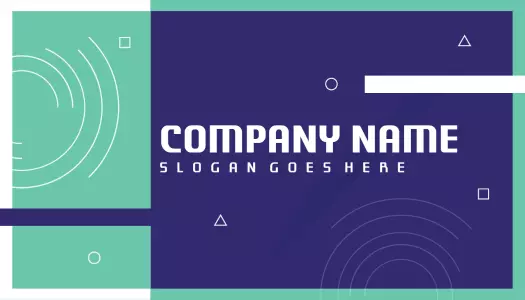
A shared card structure helps customers recognize your company even when they meet different employees. The Geometric Mint and Purple Company Logo Business Card Template provides a logo-led layout for businesses that want recognizable branding with a modern visual style.
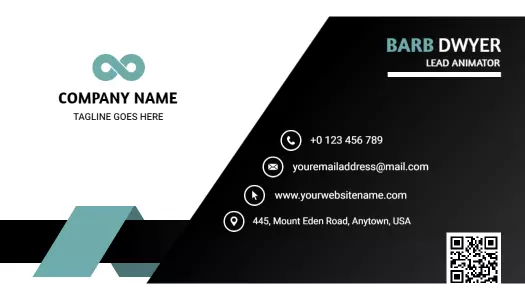
For organizations that prefer a restrained corporate appearance, the Sleek Black Corporate Project Management Business Card Template keeps employee information organized within a polished, professional design.
Match the card style to your company personality
Color, typography, and spacing should reflect how your company wants to be perceived. The Modern Black and Teal Company Business Card Template suits technology, consulting, and service businesses that need a confident contemporary look.
Companies with a more energetic brand can use the Modern Orange and Black Company Branding Business Card Template to introduce stronger contrast while preserving a clear hierarchy for essential contact information.
Support different roles without changing the brand
A flexible layout can be reused for founders, sales representatives, managers, consultants, and customer-facing employees. Keep the company logo, colors, and typography fixed while updating each person's name, title, direct contact details, and relevant professional links.
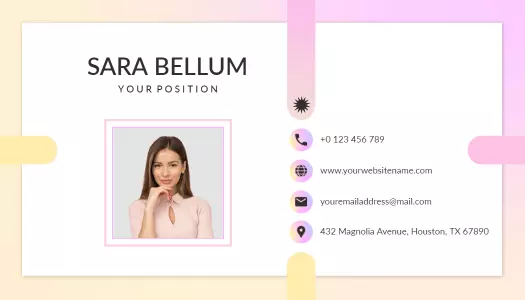
The Elegant Soft Pink Modern Company Business Card Template offers a softer professional direction for brands that want their cards to feel polished, approachable, and distinctive.
Prepare information for print and digital sharing
Keep names, job titles, phone numbers, email addresses, and websites large enough to read at the final card size. Leave comfortable spacing around the edges, check the contrast between text and background, and review both sides before exporting or sharing the finished design.