Your product is listed on your online store. Your upcoming event has a registration page. Your business details are published on your website. But when you need a flyer to promote any of them, you may still find yourself copying text, saving images, and arranging everything manually.
What if you could start with the link instead?
DesignWiz offers AI tools that work with different kinds of online content, including product pages, websites, service profiles, property listings, job postings, event pages, and business profiles.
Each tool is made for a particular type of information. You provide a supported public URL, and the AI tool uses the available details to create an editable flyer for you.
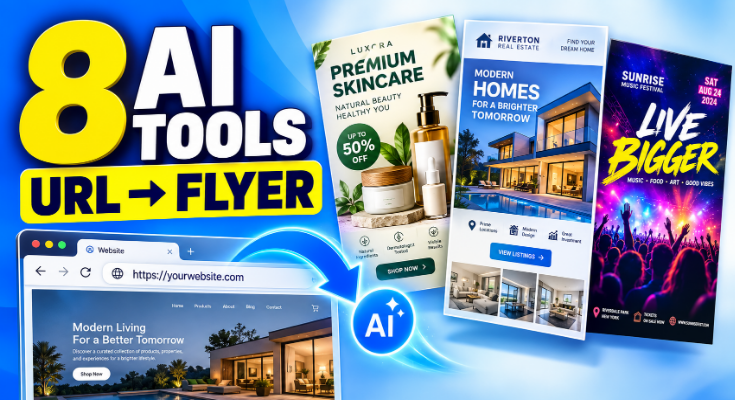
8 AI Tools to Turn URLs into Flyers
Explore eight DesignWiz AI tools that turn product pages, business websites, event listings, service profiles, and other online content into promotional flyers. Find out which tool fits your needs and how to use your existing information to create a flyer.
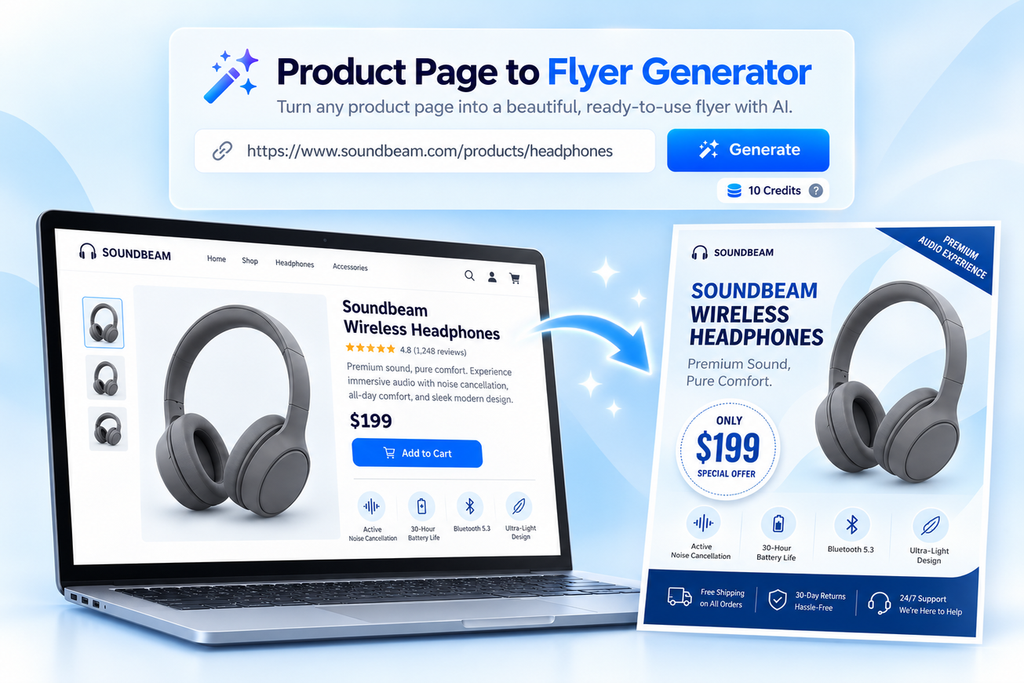
1. Product Page to Flyer Generator
Best for: Online retailers, Shopify and WooCommerce store owners, Amazon sellers, manufacturers, and e-commerce marketing teams.
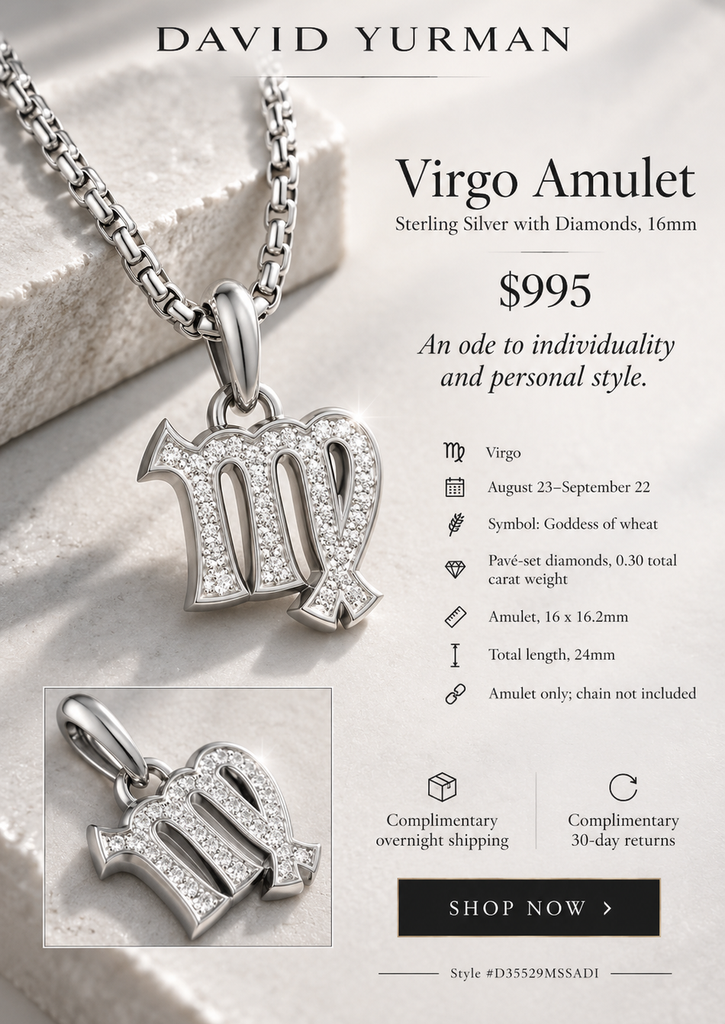
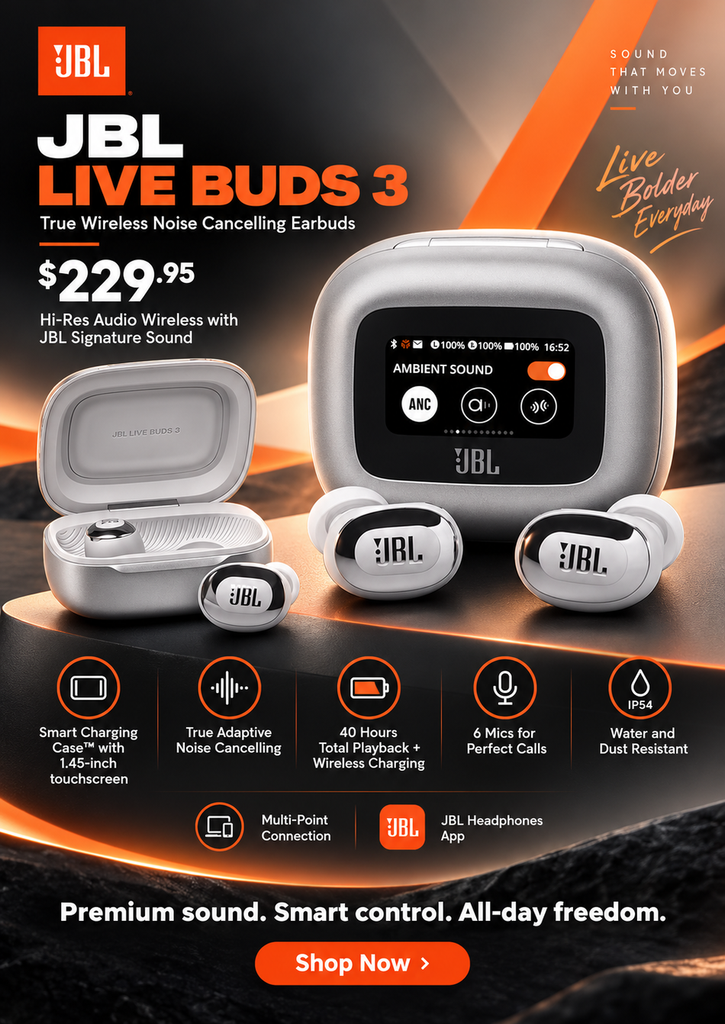
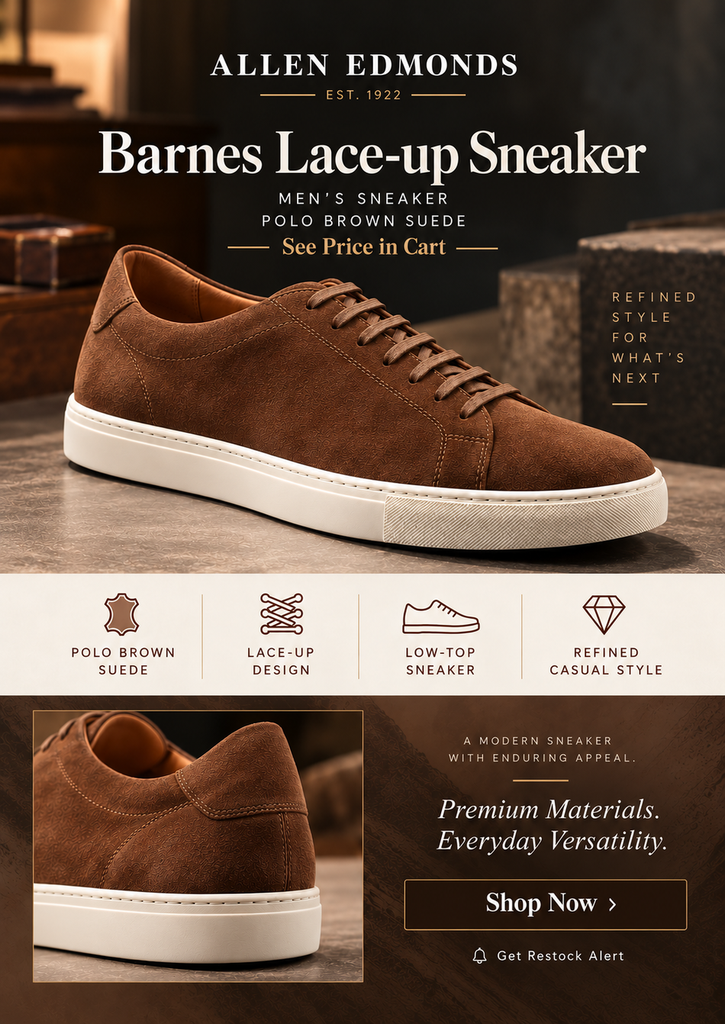
A product page already contains much of the information needed for a sales flyer. It may have product photographs, a title, price, description, features, and specifications.
What can it extract from a product page?
- Product name and images
- Pricing and product description
- Features and specifications
- Available brand information
- Promotional information from the page
You just need to paste the product page URL, and the AI tool generates the flyer, and customize the resulting design using the built-in editor.
The tool also allows users to generate additional flyer designs from the same product page when they need different layouts or styles.
Example:
Where can you use it?
Product launches, new arrivals, sales announcements, ecommerce marketing, social media, email campaigns, and printed promotions.
2. Website to Flyer Generator
Best for: Small businesses, restaurants, cafes, startups, service providers, and marketing agencies.
A business website often contains the details needed to introduce a company to potential customers. These may include its name, logo, photographs, products, services, and contact information.
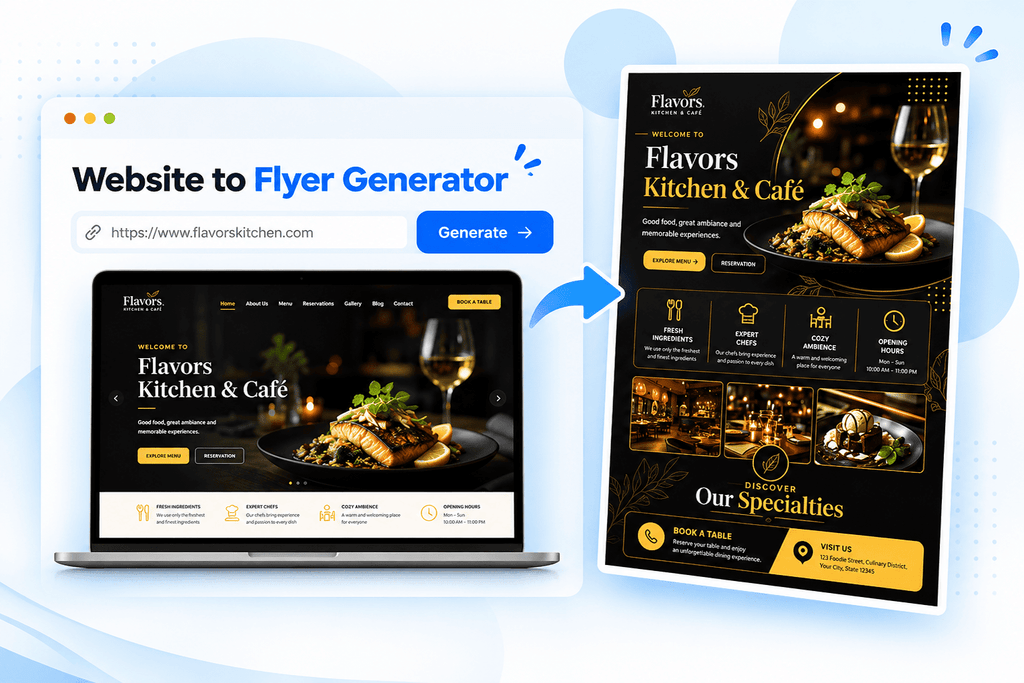
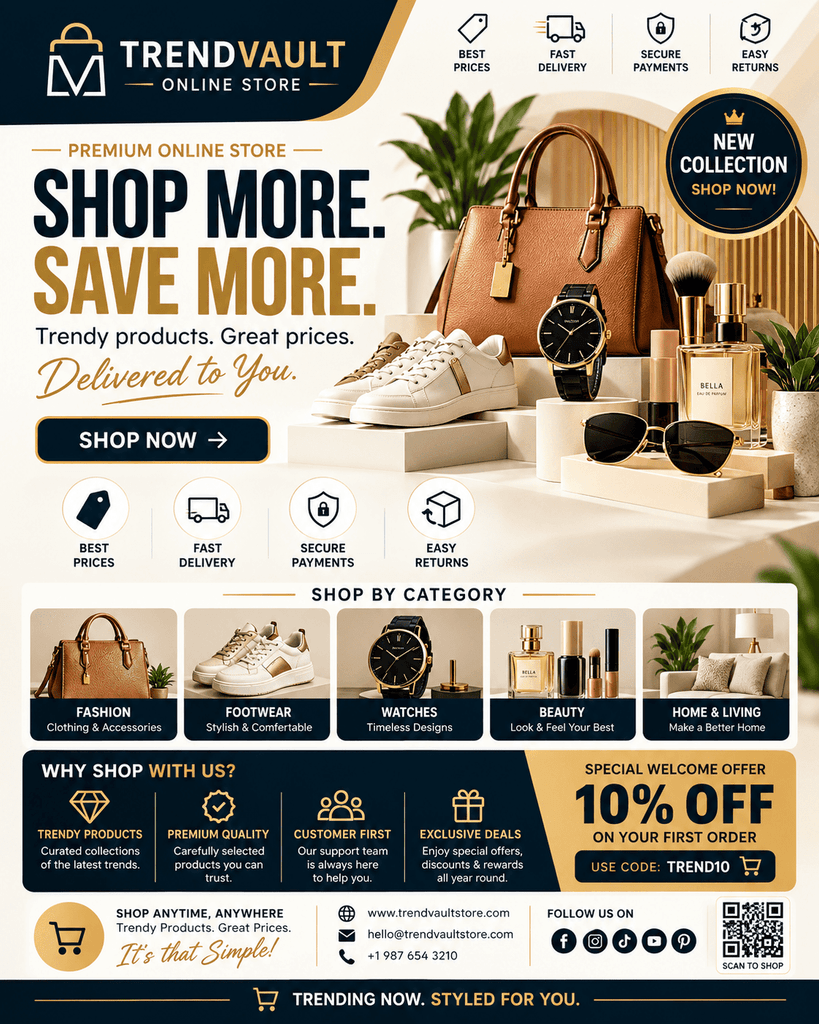
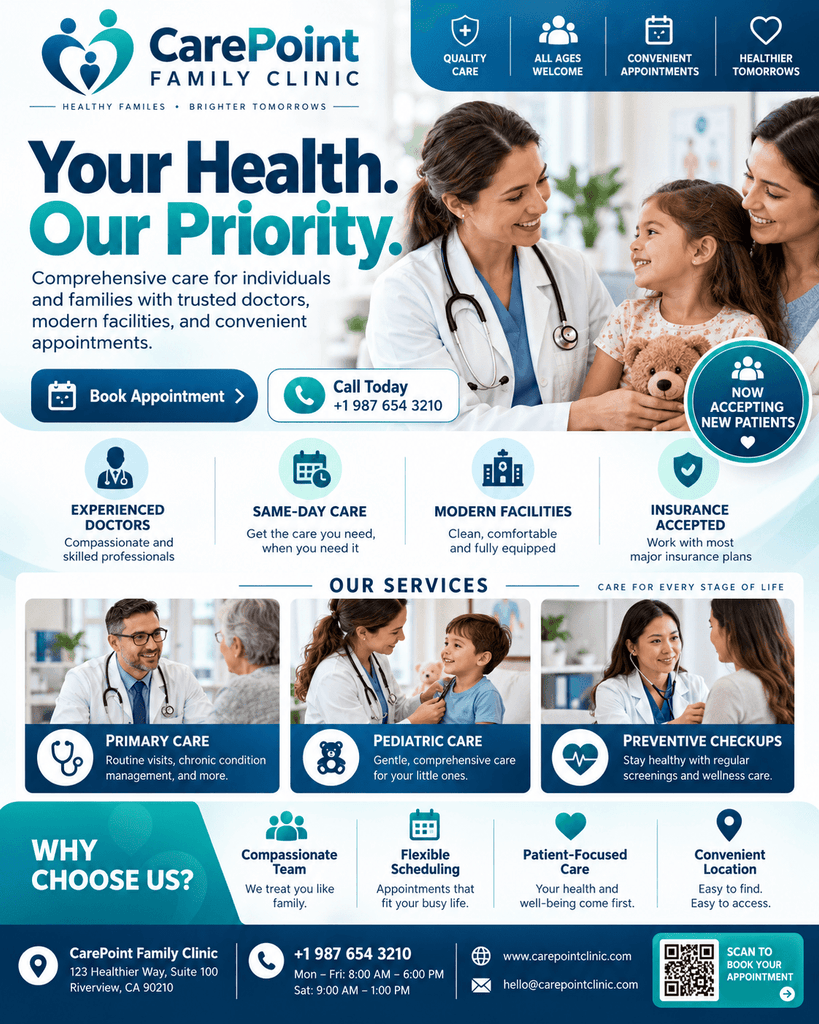
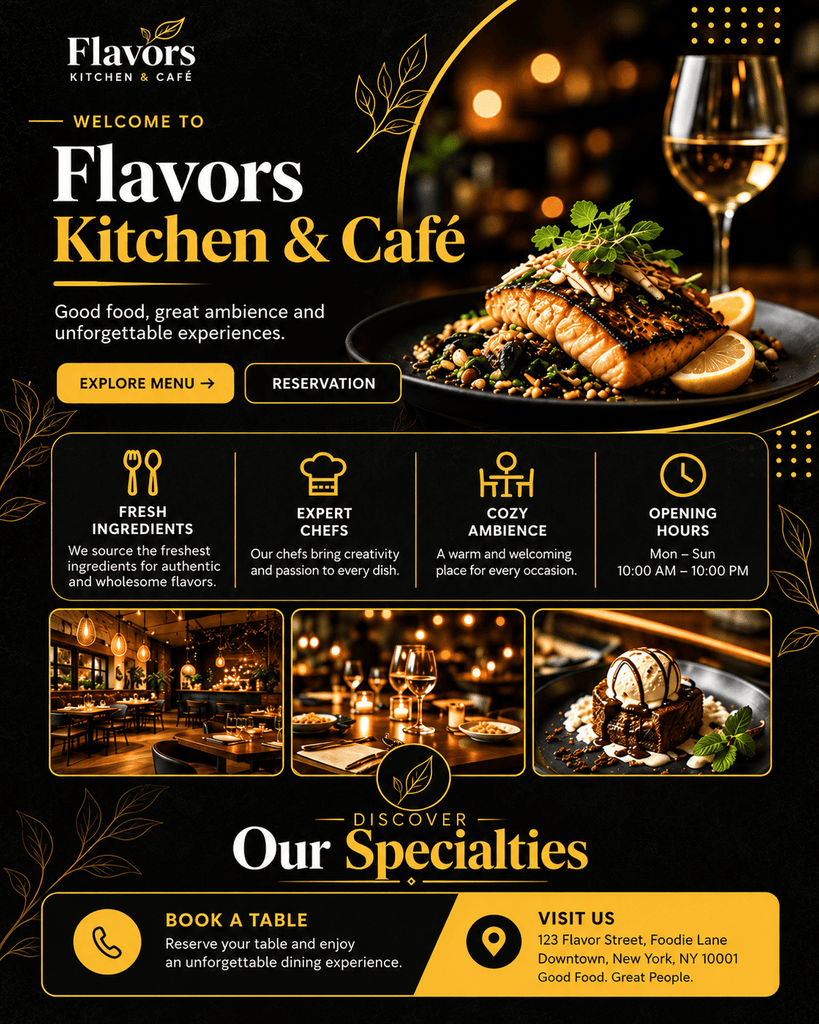
The website to flyer generator creates a promotional flyer using information from a business website or landing page.
What can it extract from a website?
- Business name, logo, and website images
- Business description
- Products and services
- Contact information and business address
- Website highlights, promotions, and featured content
- Publicly available social media links
Enter the website URL and generate a flyer based on the information available on that page.
Example:
Where can you use it?
Business introductions, local advertising, service announcements, digital ads, email campaigns, social media, and printed materials.
3. Service Profile to Flyer Generator
Best for: Cleaning businesses, plumbers, electricians, personal trainers, beauty professionals, consultants, babysitting, and other service providers.
A service profile can contain details about a business, what it offers, where it operates, and how customers can contact it and more.
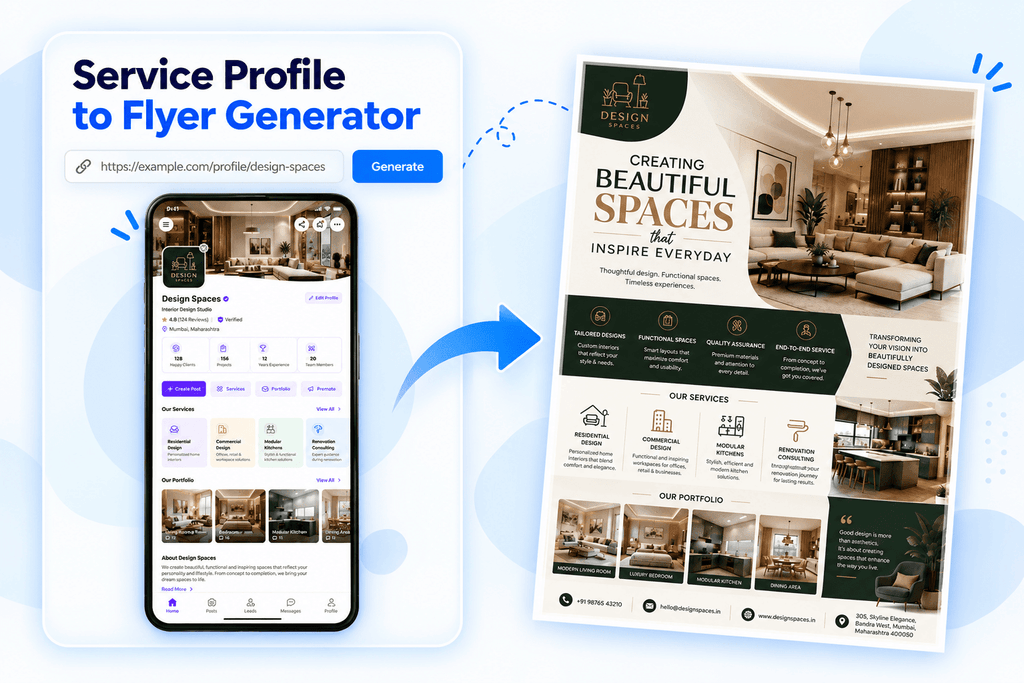
The service profile to flyer generator uses information from a publicly accessible service profile to create a promotional flyer.
What can it extract from a service profile?
- Business or professional name
- Business description
- Business logo and images
- Contact details
- Service areas
- Business hours
- Business address
Paste a public service profile URL from a supported platform or business website. AI identifies the available business information and arranges it into a service flyer.
Example:



Where can you use it?
Local service advertising, customer outreach, business websites, social media, email campaigns, and printed marketing materials.
4. Event Page to Flyer Generator
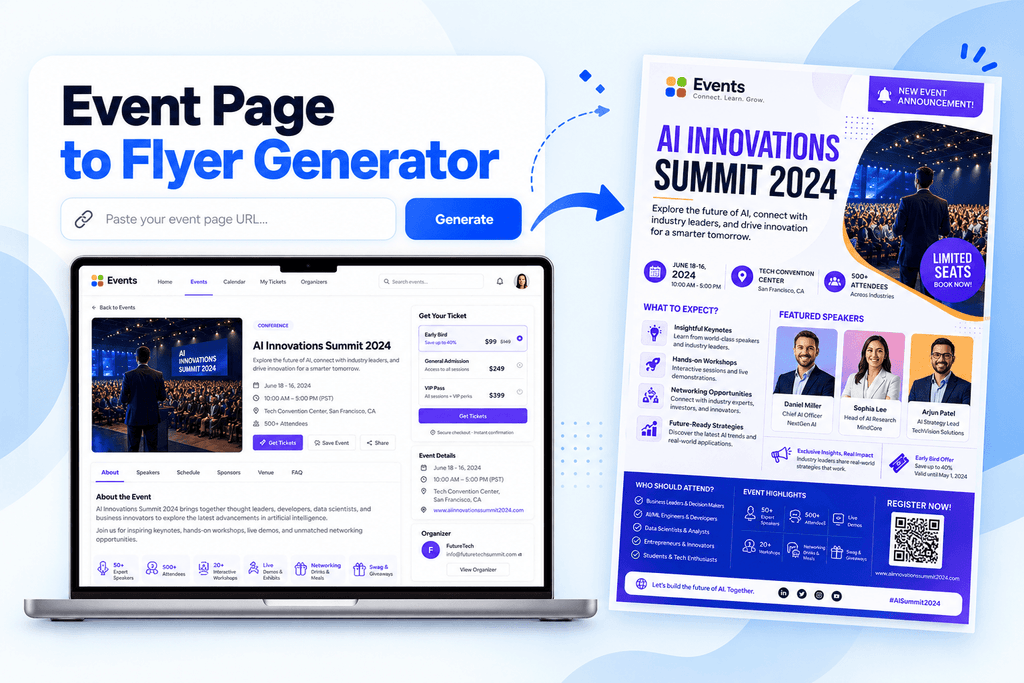
Best for: Event organizers, conference hosts, workshop coordinators, webinar creators, nonprofits, and community organizations.
Event pages often contain the information people need before deciding whether to attend, such as the event name, date, venue, schedule, and registration details.
What can it extract from an event page?
- Event name and images
- Date and time
- Venue or online location
- Event description
- Schedule or agenda
- Speakers and organizers
- Ticket and registration information
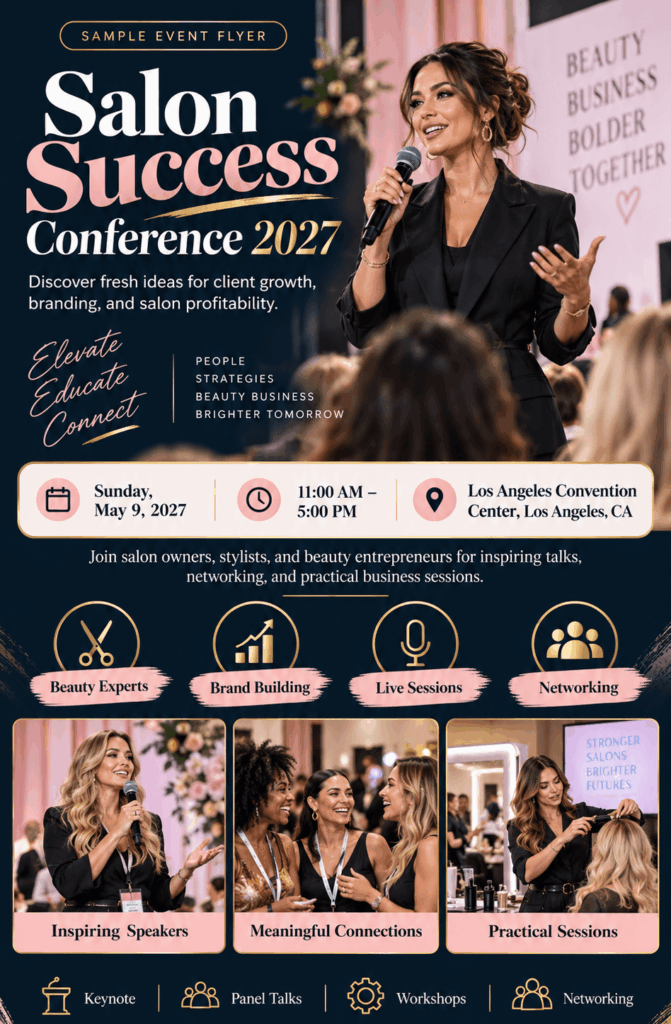
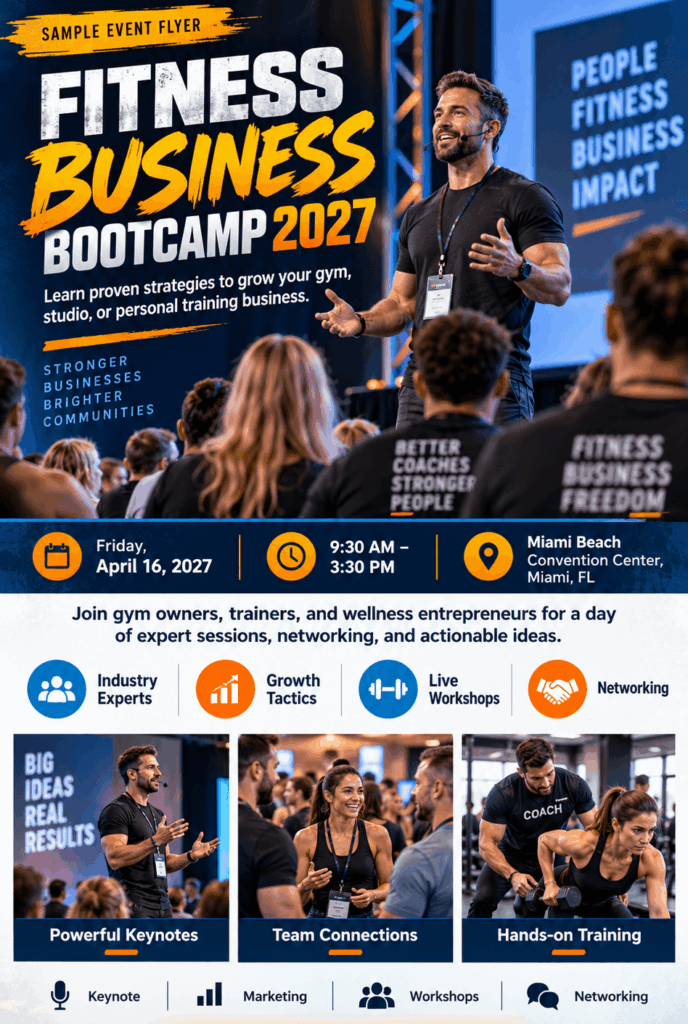
Paste the URL of a public event page, event website, or registration page. The generator organizes the available details into an event flyer.
Example:

Where can you use it?
Workshops, conferences, webinars, seminars, concerts, community events, social media, event websites, email newsletters, and printed notices.
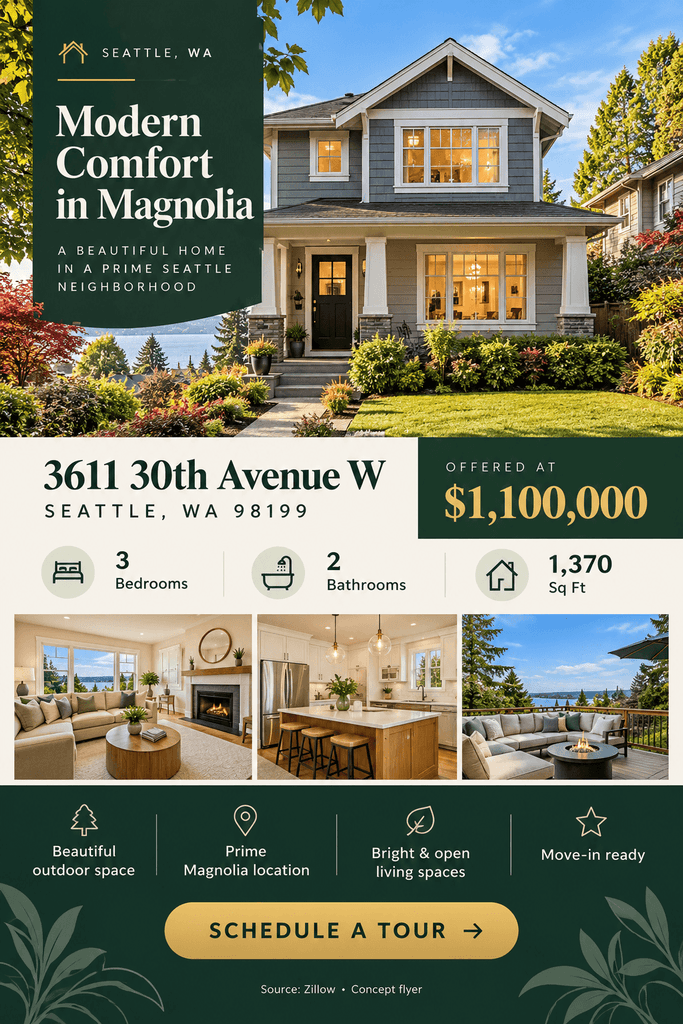
5. Property Listing to Flyer Generator
Best for: Real estate agents, property managers, brokers, developers, rental property owners, and real estate marketing teams.
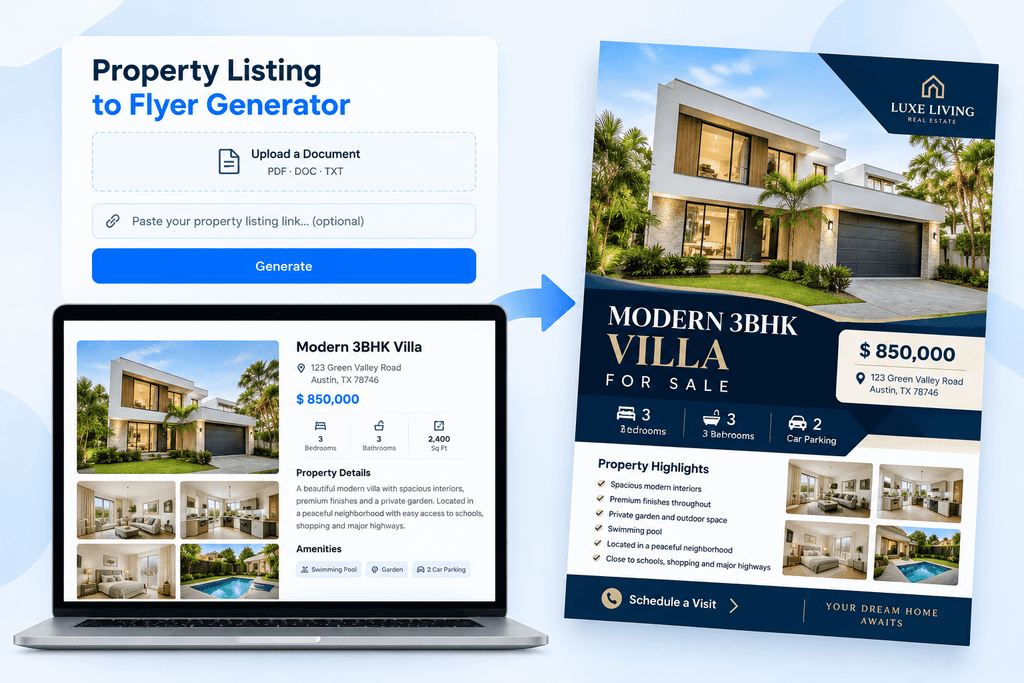
A property listing usually contains the information buyers or renters need, including photographs, pricing, location, features, and contact details.
What information can it use?
- Property title and photographs
- Listing price and address
- Property description
- Bedrooms, bathrooms, parking, and living space
- Amenities
- Property type, lot size, and floor area
- Agent contact information
What inputs does it accept?
Unlike the first four generators, this tool supports both a property listing URL and document uploads.
Supported document formats listed on its page are PDF, DOC, and TXT. The interface allows one document at a time.
Example:


Where can you use it?
Property websites, real estate portals, email campaigns, social media, printed property marketing materials, and open-house promotions.
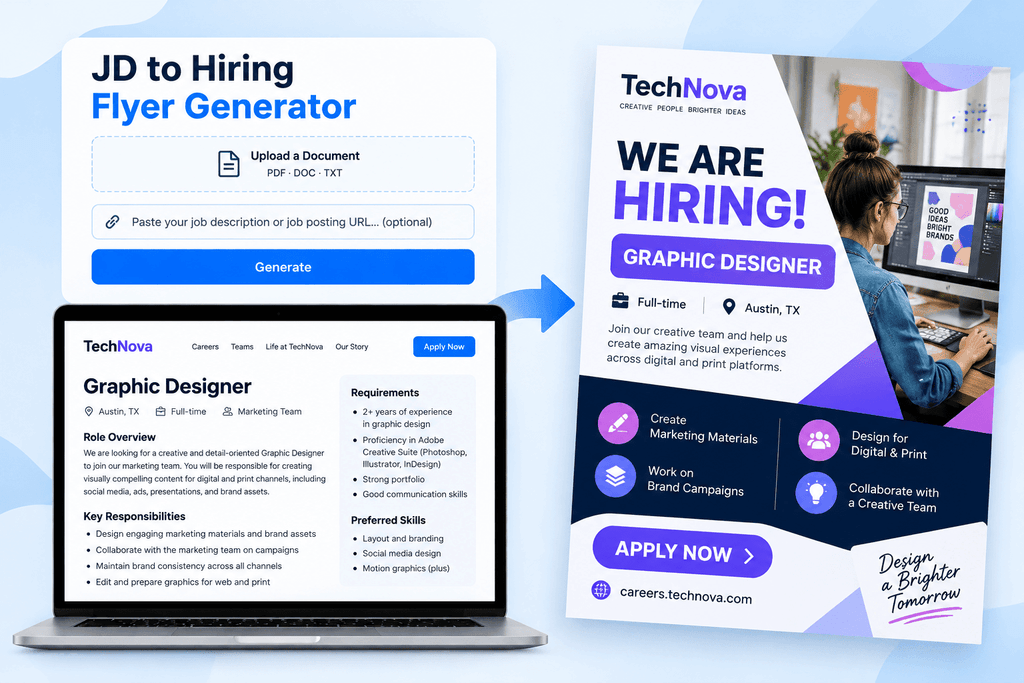
6. JD (Job Description) to Hiring Flyer Generator
Best for: HR teams, recruiters, hiring managers, staffing agencies, and businesses recruiting employees.
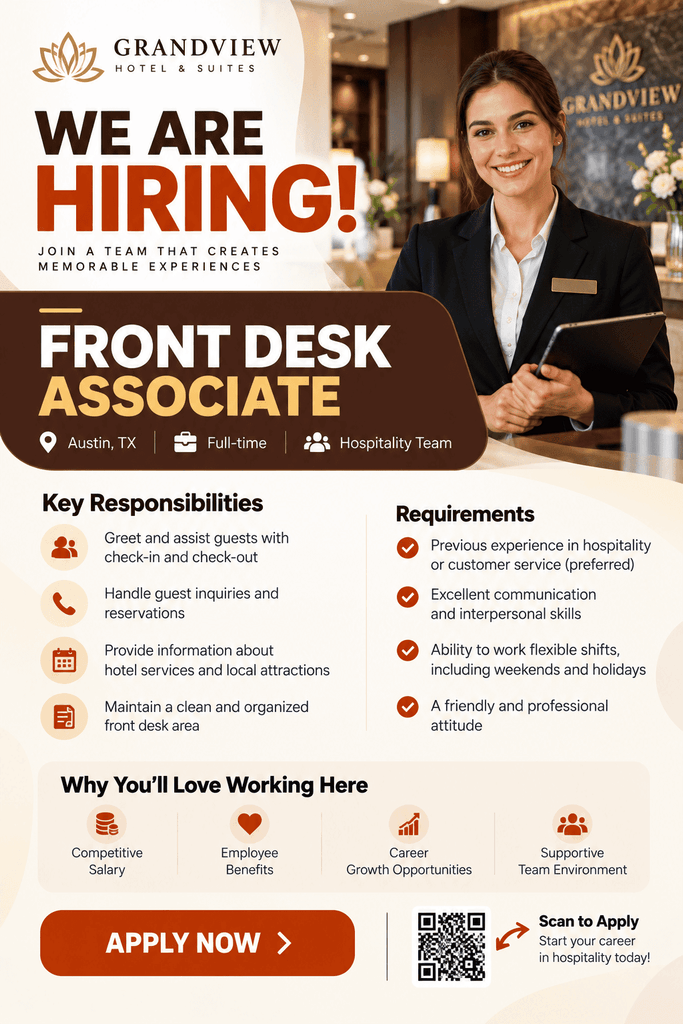
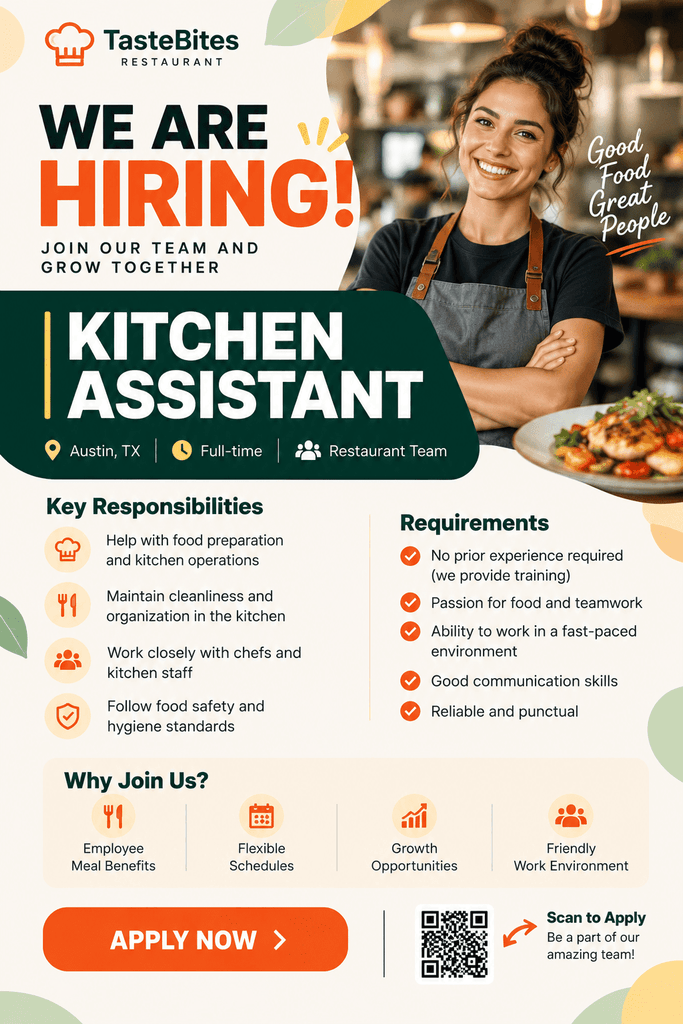
A job description usually includes information about a position, the company, responsibilities, qualifications, and how candidates should apply.
What information can it use?
- Job title and company name
- Job summary
- Responsibilities
- Required skills and qualifications
- Employment type
- Job location and remote-work information
- Salary, when provided
- Application instructions, deadlines, and contact details
What inputs does it accept?
You can paste a job posting URL or upload a job description document.
The page lists PDF, DOC, and TXT as supported upload formats, with one document allowed at a time.
Example:

Where can you use it?
Job boards, company career pages, social media, recruitment emails, career fairs, and printed hiring materials.
7. Google Business Profile to Flyer Generator
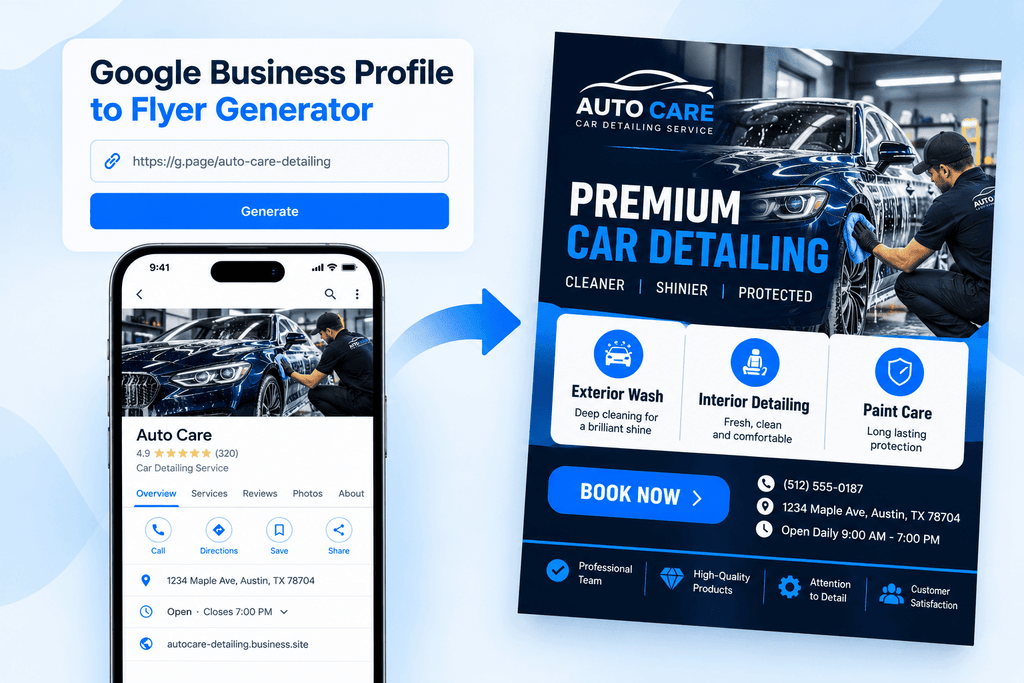
Best for: Restaurants, salons, retail stores, auto repair shops, cleaning companies, and other local businesses.
A Google Business Profile contains public information that helps customers identify, locate, and contact a business.
The Google Business Profile to Flyer Generator uses available information from a public Google Business Profile to create a business flyer.
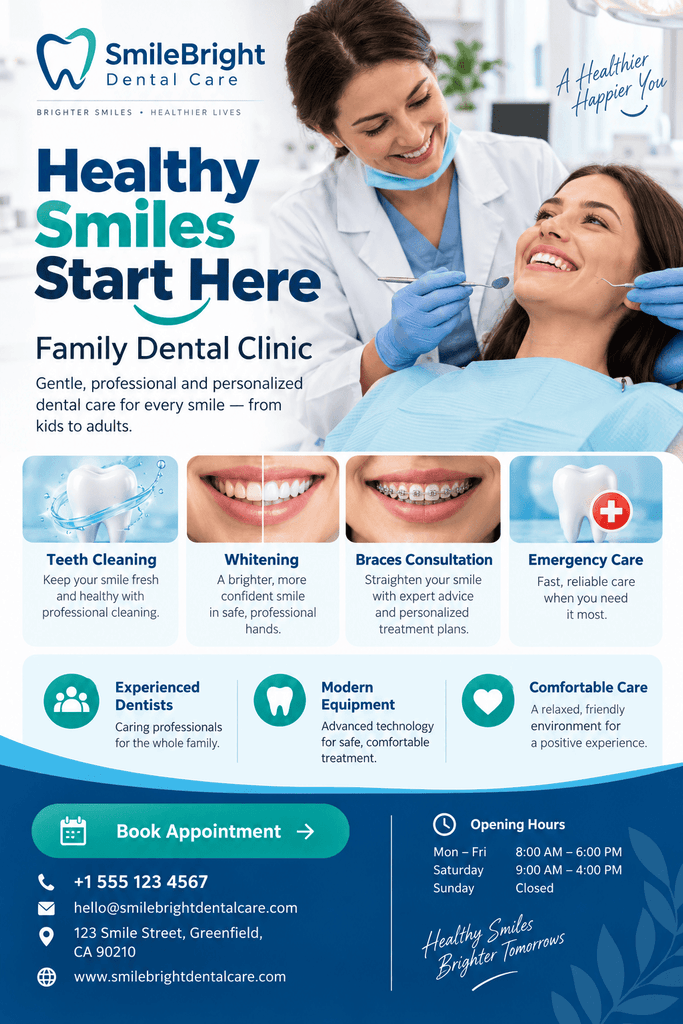
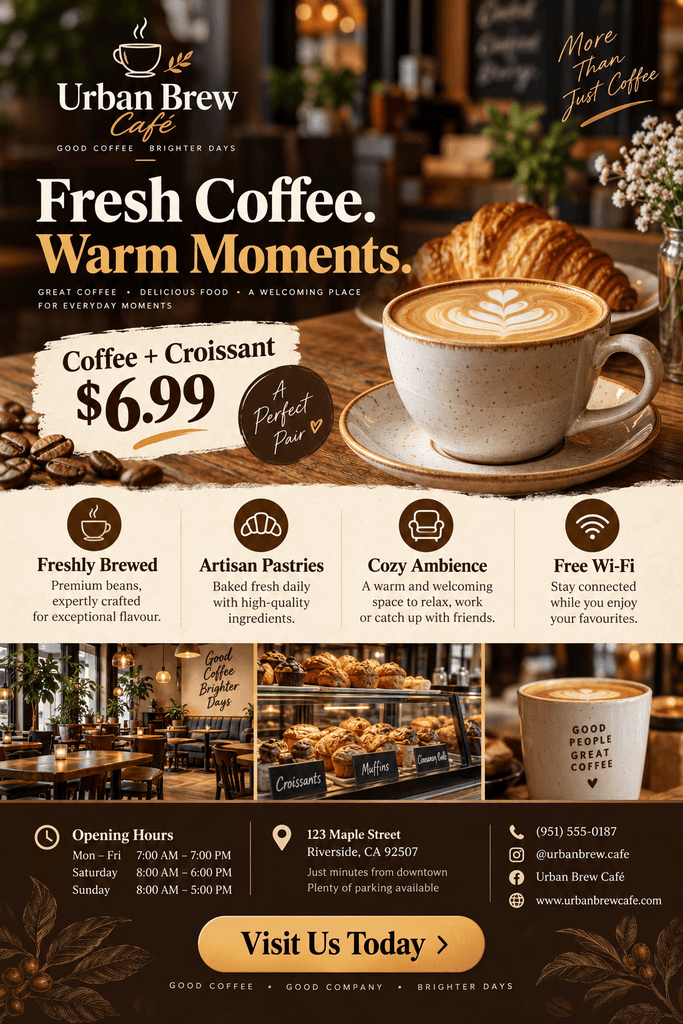
What can it extract from a Google Business Profile?
- Business name and photographs
- Business description and category
- Address
- Phone number
- Opening hours
- Website information
- Available service details
Paste your public Google Business Profile URL and generate a flyer using the available information.
Example:

Where can you use it?
Local advertisements, community groups, business websites, social media, email campaigns, and printed promotions.
8. Social Media Profile to Flyer Generator
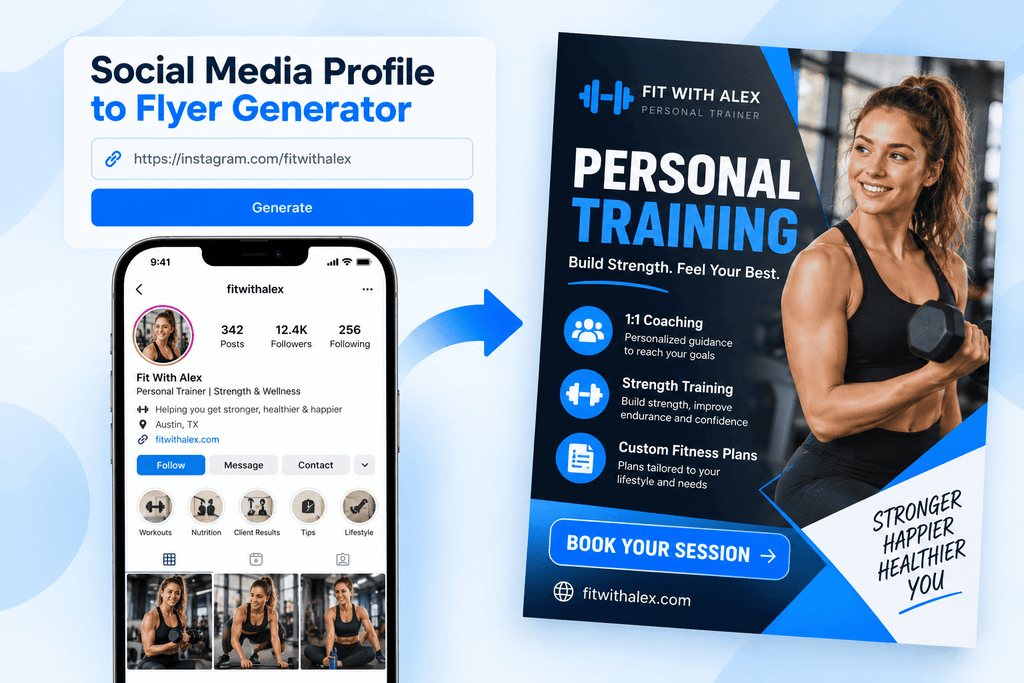
Best for: Content creators, freelancers, photographers, personal trainers, businesses, and organizations.
A public social media profile may contain a professional name, profile photograph, bio, website link, and contact information.
The Social Media Profile to Flyer Generator uses publicly available profile details to create a promotional flyer.
What can it extract from a social media profile?
- Profile or business name
- Profile photograph
- Bio or description
- Business information
- Available contact details
- Website or portfolio links
- Location
- Social platform information
Enter the public social media profile URL. AI uses available profile information to prepare a flyer for promoting a business, brand, or professional service.
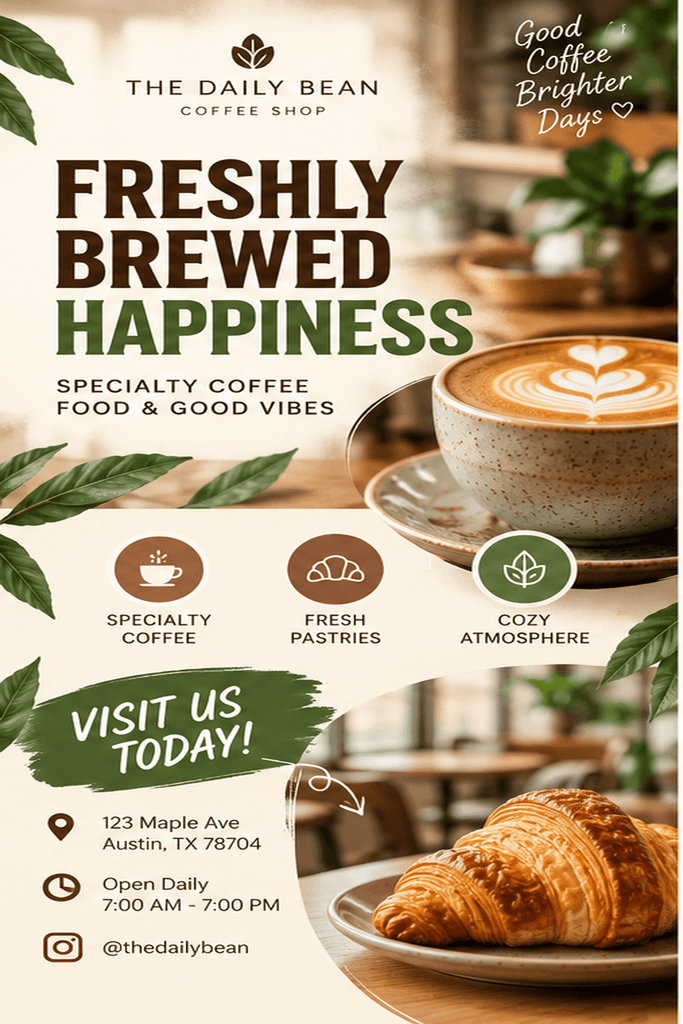
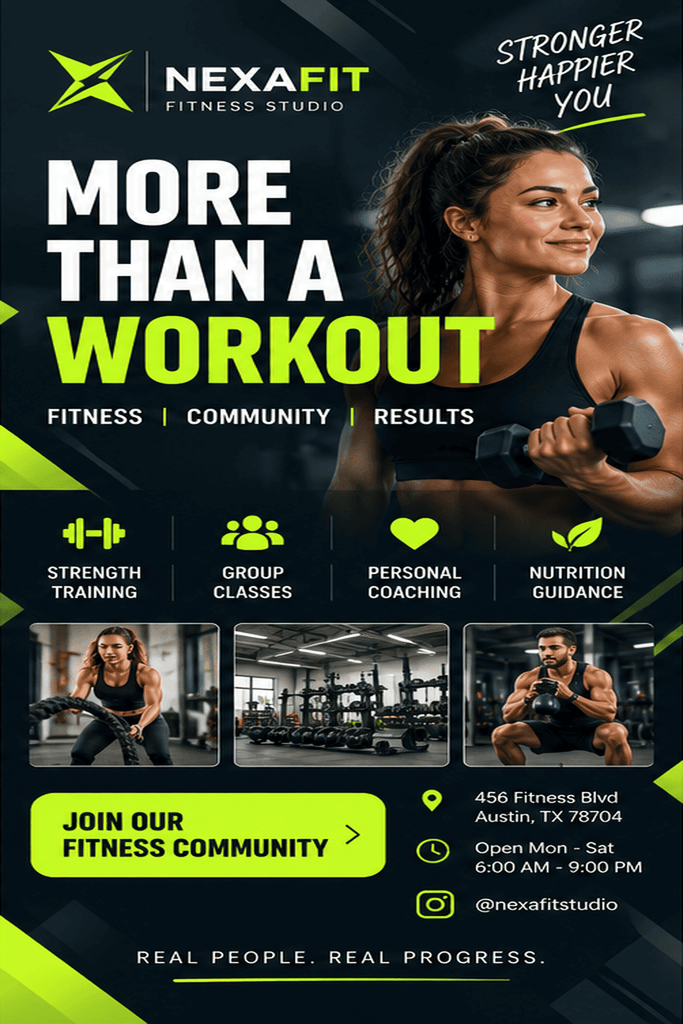
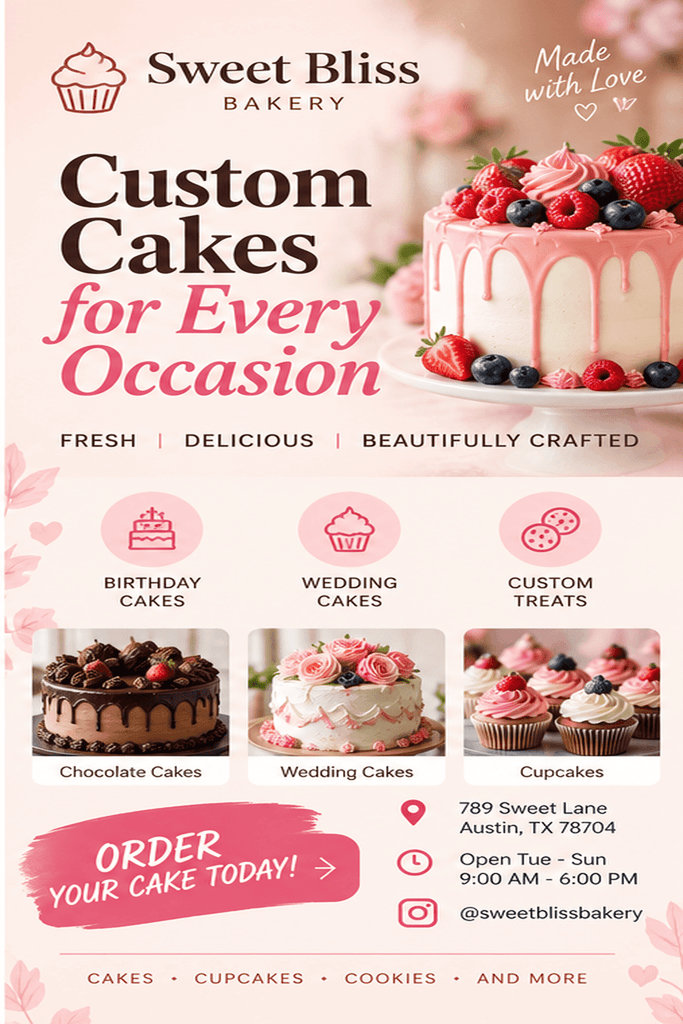
Example:
Where can you use it?
Business promotions, personal branding, social media, websites, email campaigns, online communities, and printed marketing materials.
Which AI URL-to-Flyer Tool Should You Choose?
Select the generator according to the source of your information.
| What you already have | Tool to use | Available input |
|---|---|---|
| Product listing | Product Page to Flyer | Product URL |
| Business website or landing page | Website to Flyer | Website URL |
| Service business profile | Service Profile to Flyer | Public profile URL |
| Event or registration page | Event Page to Flyer | Public event URL |
| Property listing | Property Listing to Flyer | Listing URL or PDF, DOC, TXT |
| Job description | JD to Hiring Flyer | Job URL or PDF, DOC, TXT |
| Google Business Profile | Google Business Profile to Flyer | Public profile URL |
| Social media profile | Social Media Profile to Flyer | Public profile URL |
The Website to Flyer Generator handles general website information. The other generators focus on specific kinds of content, such as product information, property details, event schedules, and job requirements.
For example, choose the Product Page to Flyer Generator for a product listing rather than the general website tool if your goal is to promote that individual product.
How Do You Create a Flyer from a URL?
The URL-based generators follow four main steps.
Step 1: Select a tool
Choose the tool based on the webpage or profile you want to use.
A product page, event registration page, and business profile contain different information, so select the matching generator.
Step 2: Enter the source URL
Paste your public URL into the generator’s input field.
For property listings and job descriptions, you can also upload a supported document.
Step 3: Generate the flyer
The generator analyzes the available source information and arranges relevant details into a flyer layout.
The content used depends on the source. Product flyers may include pricing and specifications, while event flyers may include dates, locations, and registration information.
Step 4: Download and publish
After generating your flyer, review its information and make any available customizations.
Download the design for use in the channels supported by the relevant generator, including social media, websites, email, and printed marketing materials.
What Should You Check Before Publishing a Flyer?
The generators use information from existing pages or documents. That information may change, so review the flyer before sharing it.
Product flyers: Check product prices, descriptions, specifications, and images.
Event flyers: Confirm dates, times, venues, speakers, and registration details.
Service and business flyers: Verify contact information, service areas, business hours, and addresses.
Property flyers: Confirm listing prices, features, photographs, and agent information.
Hiring flyers: Review qualifications, employment type, salary, application instructions, and deadlines.
Social media profile flyers: Check the profile name, description, contact information, and website links.
Always compare important details with the current source before publishing.
Choose the Right Source and Create Your Flyer
You don’t always need to enter your product details, business information, or event description again when that information already exists online.
DesignWiz offers eight AI generators for different sources, from product pages and websites to business profiles, property listings, and job descriptions.
Choose the generator that matches your content, provide the URL or supported document, and create a flyer using the available information.
Try DesignWiz Flyer Maker or select one of the eight AI tools above to get started.