


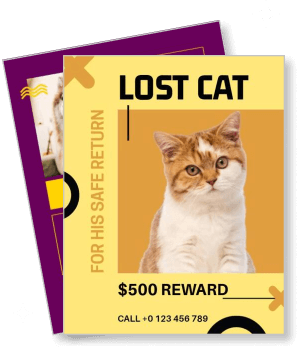
Missing Pet Flyer Templates
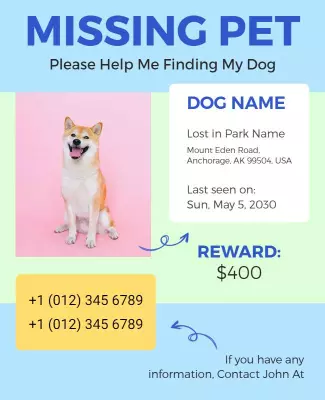
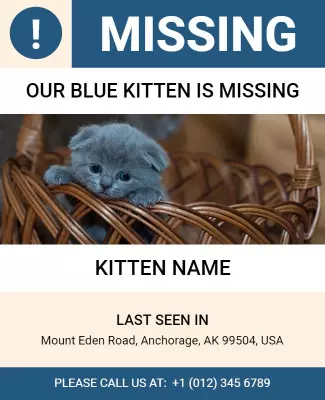
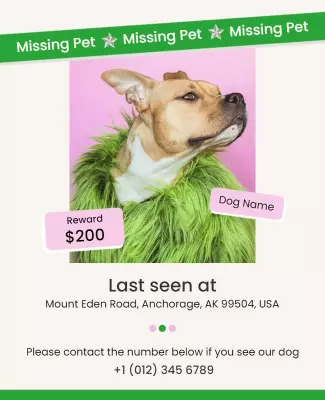
DesignWiz missing pet flyer templates help pet owners spread urgent alerts fast with bold layouts for pet photos, last seen location, and owner contact details.
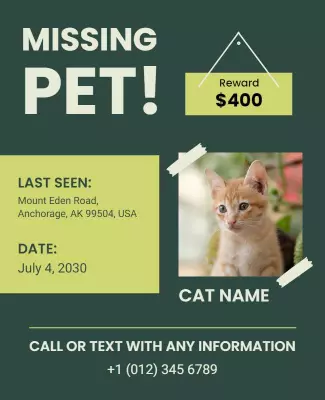
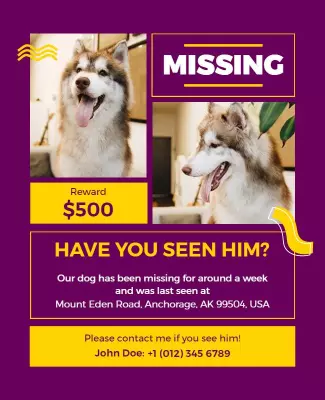
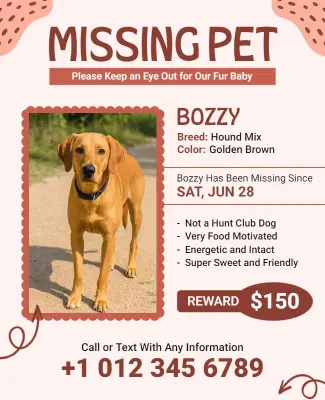
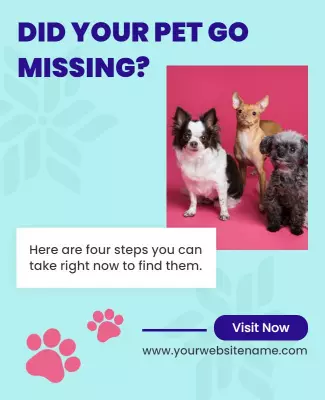
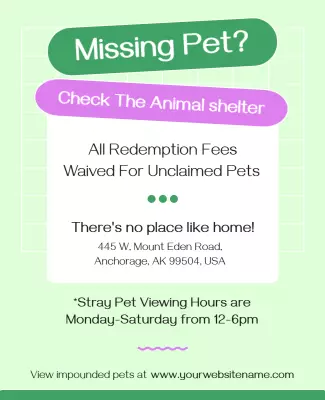
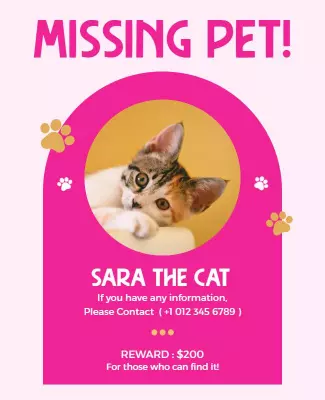
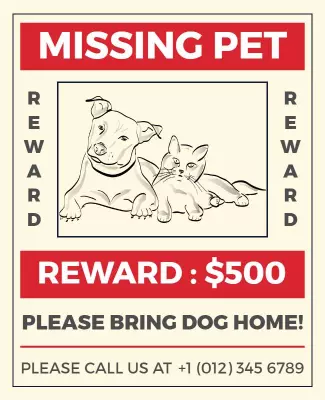
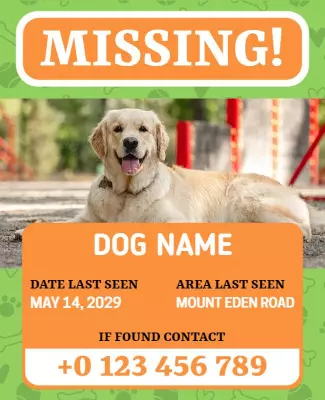
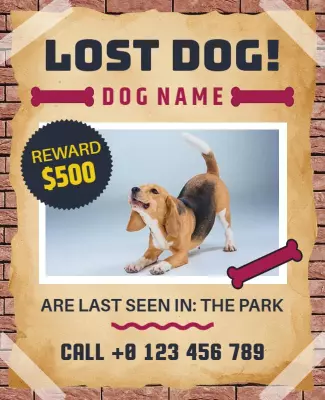
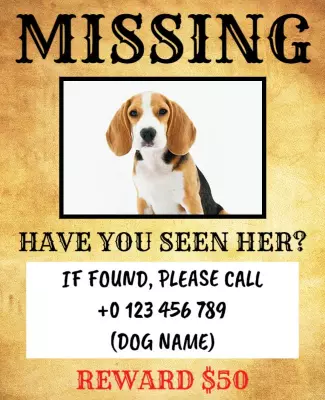
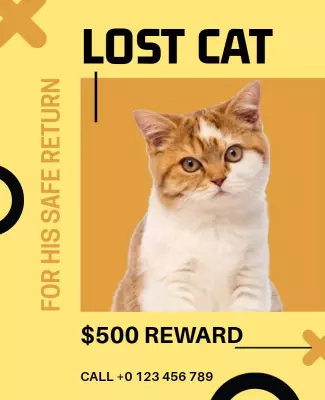
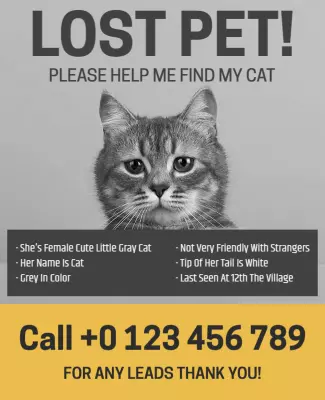
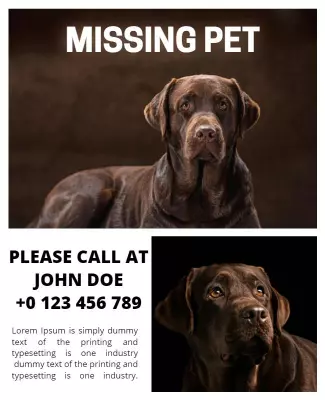

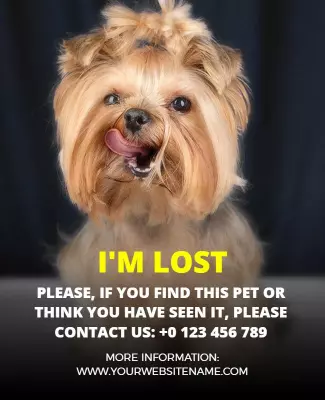
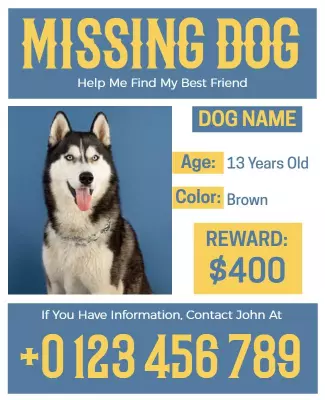
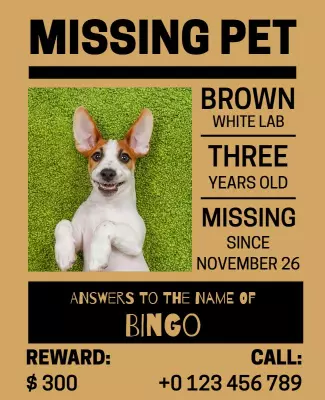
How to customize a missing pet flyer
No design skills needed. Pick a bold alert layout, add your pet photo and contact details, then export a file you can print or share online in minutes.

1. Pick an alert layout
Choose a missing pet flyer layout for a dog, cat, or general alert. Set the page size first, then add the bold headline so the LOST or MISSING message is the first thing people see from a distance.
2. Add pet photo and details
Add a large clear photo of the pet, the pet name, breed, color, distinguishing marks, last seen location and date, and your phone number. Place the phone number where it is easy to spot and copy.
3. Use bright alert colors
Use a bright yellow, orange, or red background with bold high contrast text for outdoor visibility. Keep the layout simple and urgent so neighbors can identify the pet and call you quickly.
4. Check print layout with tear strips
Confirm margins and safe area, keep the pet photo and phone number away from edges, and export at print quality. Add tear off strips at the bottom with your phone number repeated on each strip.
5. Print, post, and share online
Export a print ready PDF for street posting plus a square digital version for social media. Share in neighborhood groups and ask friends to reshare. Print copies fast and start posting right away.
Trusted by Thousands
 Tata Consultancy Services
 Boston Consulting
 AT&T
AT&T
 Avelo Airlines
 Procter & Gamble
 Ministry Of Health, Malaysia
 Veterans Affairs
 Detroit Government
 New York University
 Texas A&M University
 Decathlon America
 Warby Parker
Tata Consultancy Services
Boston Consulting
AT&T
Avelo Airlines
Procter & Gamble
Ministry Of Health, Malaysia
Veterans Affairs
Detroit Government
New York University
Texas A&M University
Decathlon America
Warby Parker
Warby Parker
Tata Consultancy Services
Boston Consulting
AT&T
Avelo Airlines
Procter & Gamble
Ministry Of Health, Malaysia
Veterans Affairs
Detroit Government
New York University
Texas A&M University
Decathlon America
Warby Parker



Other Flyer templates
Missing Pet Flyer Templates Design Ideas and Examples
Customize colors, pet photos, and alert text to create urgency, then keep the layout clear so neighbors can identify the pet and contact you fast. DesignWiz offers missing pet flyers across dog alerts, cat alerts, and recovery categories, so you can start from a ready made layout and tailor it for your search. Use these ideas to decide photo placement, headline size, and what details to emphasize, then browse flyer templates when you want more options beyond your first pick.
Missing dog alert flyers
Use a bright yellow or orange background with a bold MISSING or LOST headline and a large clear photo of the dog. Include the dog name, breed, color, size, distinguishing marks, last seen location and date, and your phone number. For a dog alert example, start from missing dog reward notice flyer template and swap the photo and contact details. The bold missing pet alert with reward variant works well when offering a reward to encourage more active searching.
Missing cat alert flyers
Use a bold colored background with a large cat photo and a clear MISSING CAT headline. Add the cat name, color, breed, any distinctive markings, indoor or outdoor habits, and last seen location. For a cat alert layout, adapt missing cat reward notice flyer template and update the photo and description. The missing pet alert for cat variant works well for kittens or cats with specific medical needs that require urgent return.
Missing pet recovery and shelter flyers
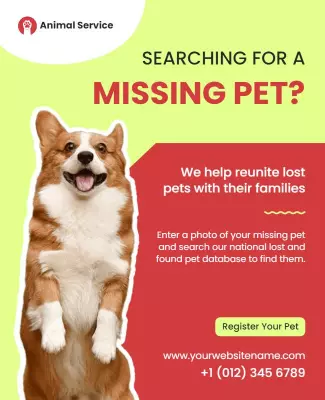
Use a clean informative layout with the pet photo, reward amount, and contact tear off strips at the bottom. Include a QR code linking to an online lost pet listing for sharing digitally. For a recovery focused design, start from missing pet reward notice flyer template and replace the pet details and reward info. The animal shelter pet redemption variant works for shelters posting unclaimed pets available for redemption by their owners.