


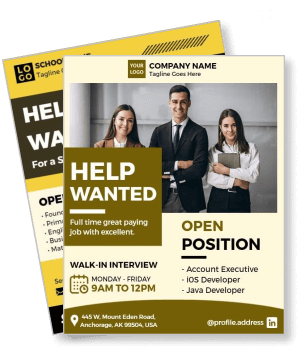
Help Wanted Flyer Templates
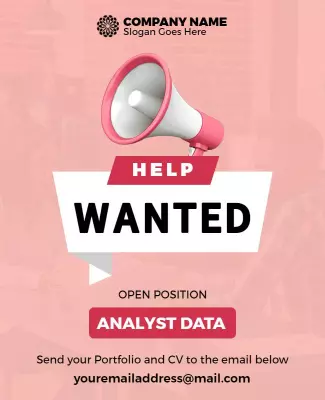
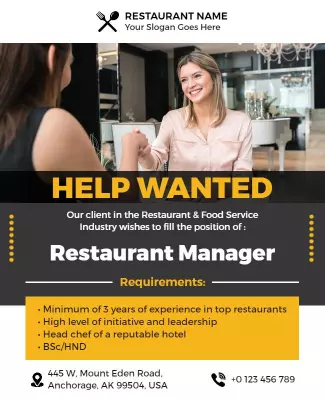
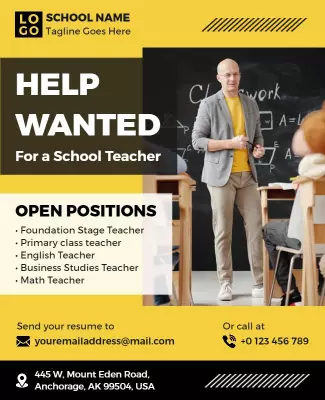
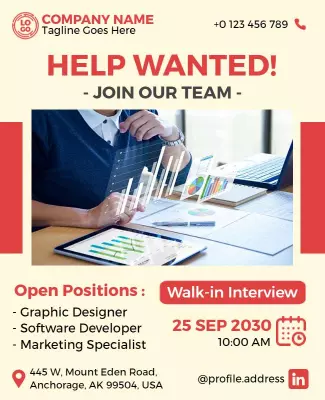
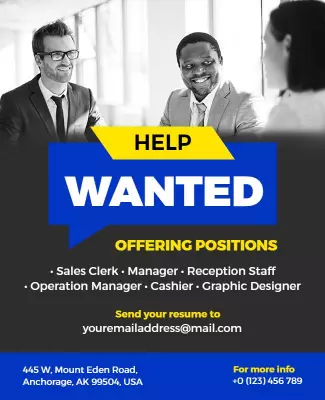
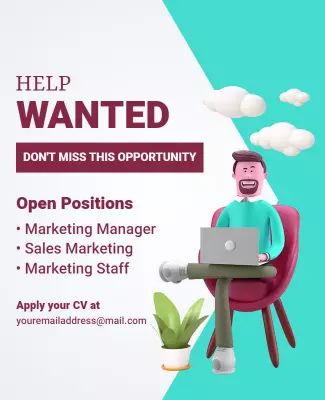
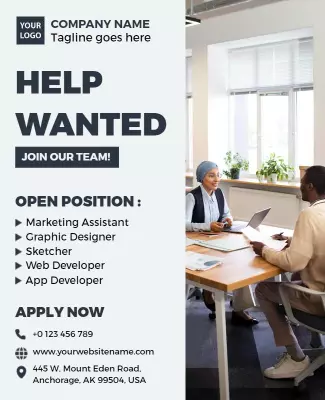
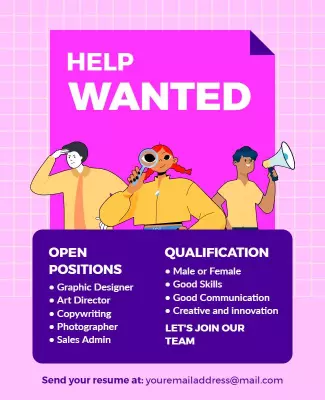
DesignWiz help wanted flyer templates help you attract job applicants with clear professional layouts and simple editing for job titles, requirements, contact info, and walk-in interview details.

How to customize a help wanted flyer
No design skills needed. Pick a recruitment layout, add your job details and requirements, then export a file you can print for your window or share online.

1. Pick a layout
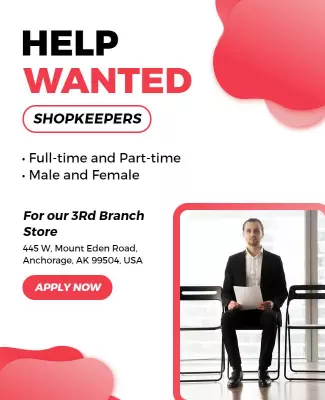
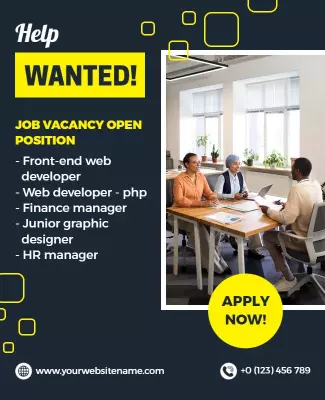
Pick a help wanted flyer layout that fits your hiring goal like walk-in interviews, corporate roles, or volunteer work. Set your page size first, then add the job title so it stands out.
2. Add job details
Add job title, location, work schedule, key requirements, and application instructions. Keep the job title largest so candidates can identify the role in seconds from across the room.
3. Keep it clear
Use your company logo and brand colors if available. Keep the layout clean with clear sections and bullet points so candidates can scan requirements and decide quickly.
4. Check print layout
Check margins and safe areas, keep the job title and contact info away from edges, and export at print quality. Preview at actual size to confirm the flyer is readable from a distance.
5. Post and share
Export a print ready PDF for your storefront and bulletin boards plus a square digital version for social media and job boards. Post in high traffic spots and share online to reach more candidates.
Trusted by Thousands
 Tata Consultancy Services
 Boston Consulting
 AT&T
AT&T
 Avelo Airlines
 Procter & Gamble
 Ministry Of Health, Malaysia
 Veterans Affairs
 Detroit Government
 New York University
 Texas A&M University
 Decathlon America
 Warby Parker
Tata Consultancy Services
Boston Consulting
AT&T
Avelo Airlines
Procter & Gamble
Ministry Of Health, Malaysia
Veterans Affairs
Detroit Government
New York University
Texas A&M University
Decathlon America
Warby Parker
Warby Parker
Tata Consultancy Services
Boston Consulting
AT&T
Avelo Airlines
Procter & Gamble
Ministry Of Health, Malaysia
Veterans Affairs
Detroit Government
New York University
Texas A&M University
Decathlon America
Warby Parker



Other Flyer templates
Help Wanted Flyer Templates Design Ideas and Examples
Customize colors, fonts, and layout to reflect your company brand, then keep the design clean so job seekers can spot the position title, requirements, and how to apply in seconds. DesignWiz offers help wanted flyers across corporate, education, retail, and volunteer categories, so you can start from a ready made layout and tailor it for your open roles. Use these ideas to decide headline style, content layout, and what to emphasize for your applicants, then browse flyer templates when you want more options beyond your first pick.
Walk-in interview and job fair flyers
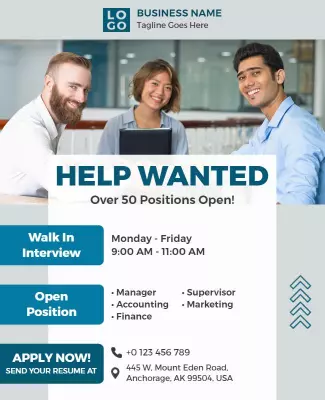
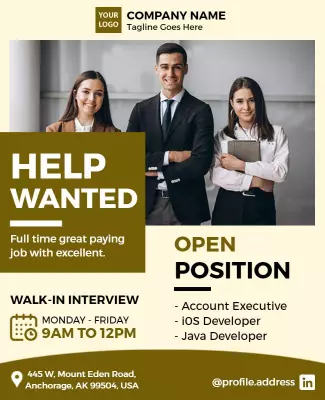
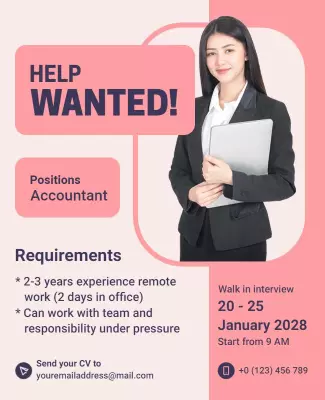
Use bold headline text, a clear date and time section, and bullet point lists for open positions so candidates can quickly see if they qualify. Add the location, documents required, and contact person. For a hiring event example, start from job recruitment walk in interview flyer template and swap the position list and event details.
Corporate and professional recruitment flyers
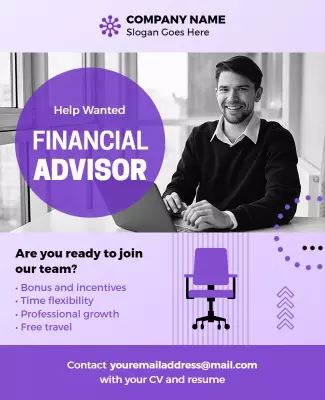
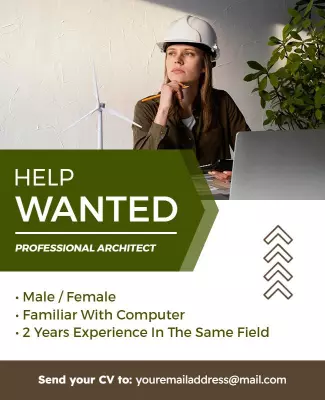
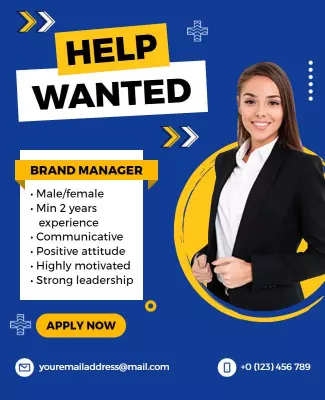
Lead with the job title and department, use professional color schemes, and keep the layout structured with clear sections for qualifications, responsibilities, and benefits. Add company logo and a call to action with application instructions. For a corporate recruitment design, adapt sales manager recruitment flyer template and update the role title and requirements.
Education and volunteer recruitment flyers
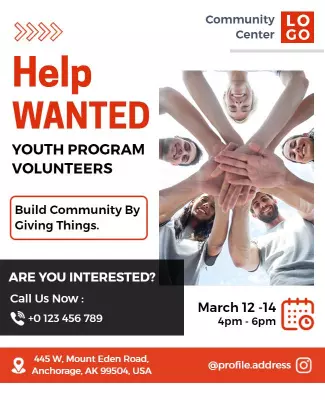
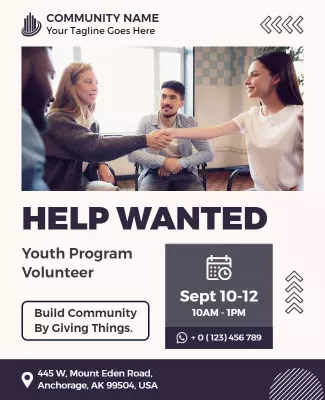
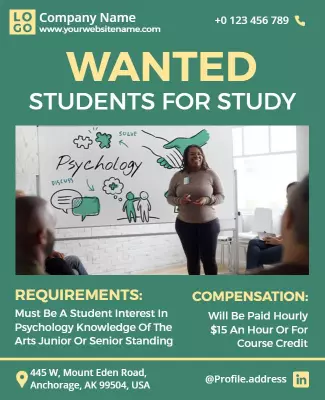
Use warm approachable colors, highlight the mission or purpose, and list roles clearly so candidates connect with the cause. Add program details, time commitment, and how to get involved. For a community focused layout, start from youth program volunteers recruitment flyer template and replace the program name and contact details.