


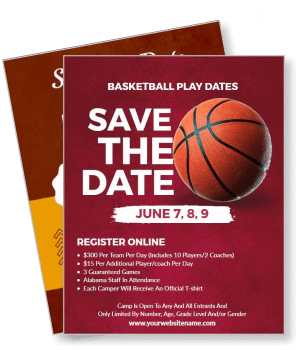
Save The Date Flyer Templates
DesignWiz Save The Date Flyer Templates help you announce your event with a ready made layout that is easy to edit. Add your names, date, and location, then print or share digitally so guests never miss the big day.
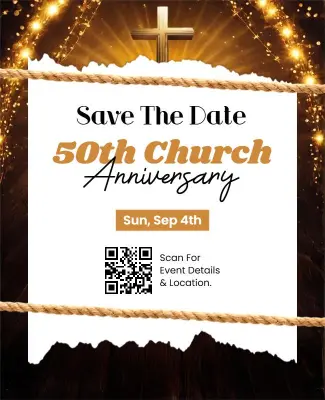
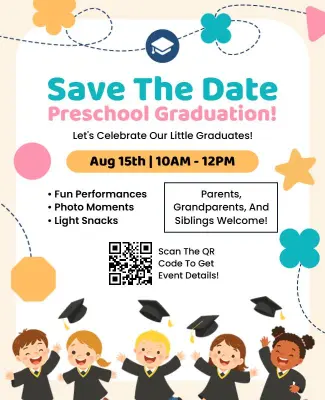
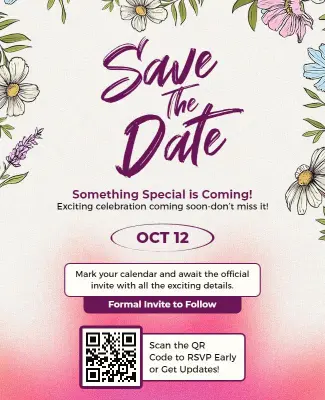

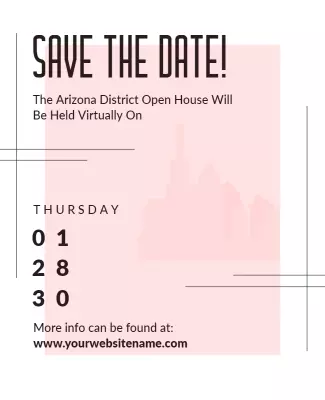
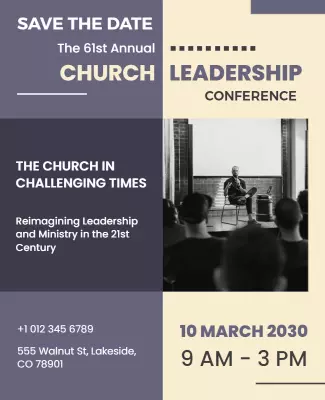
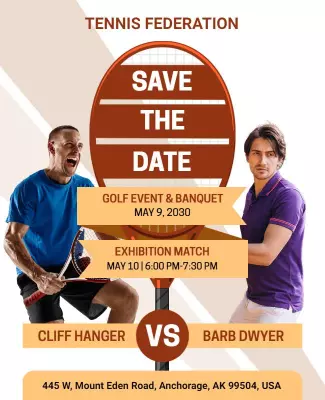
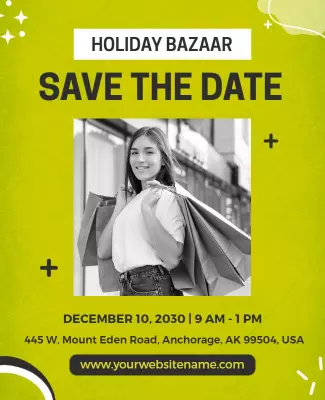


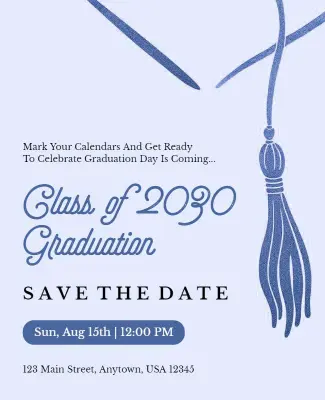
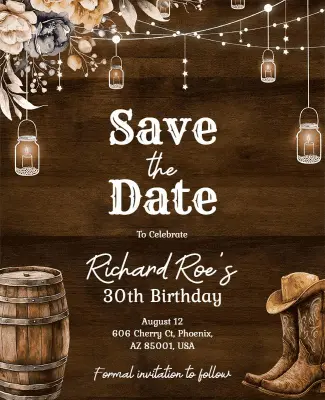
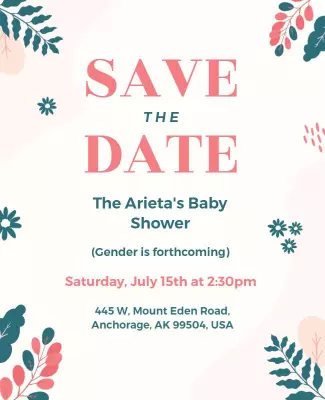
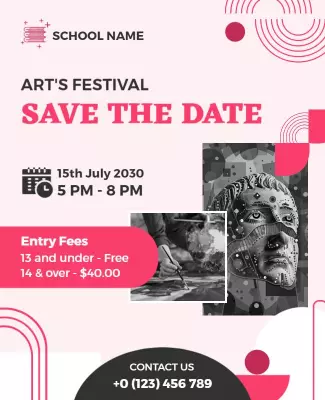
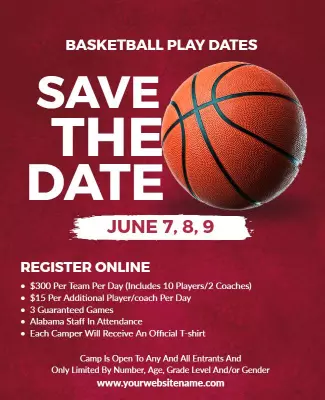
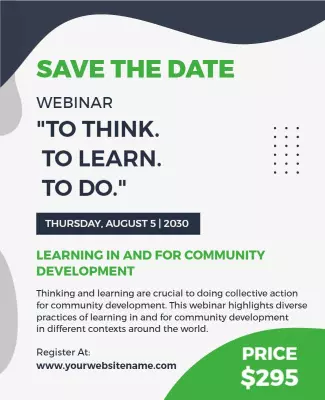
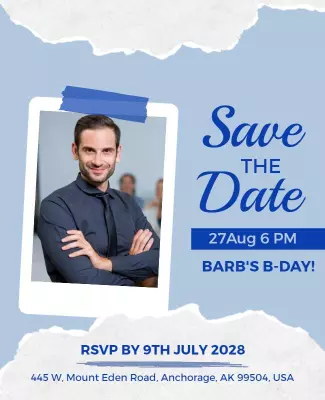
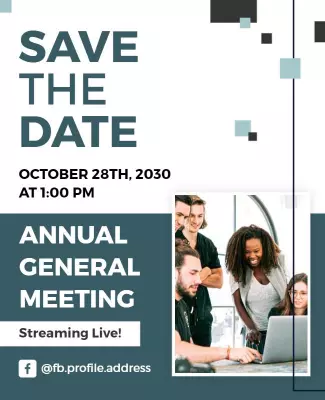
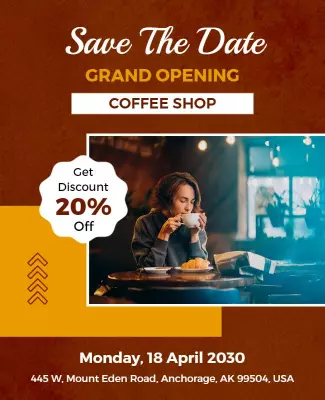


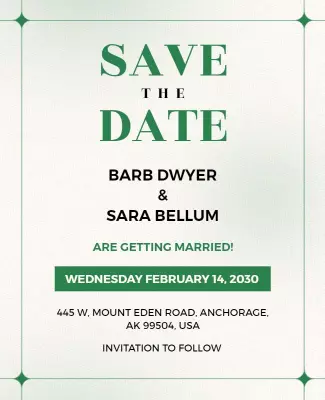
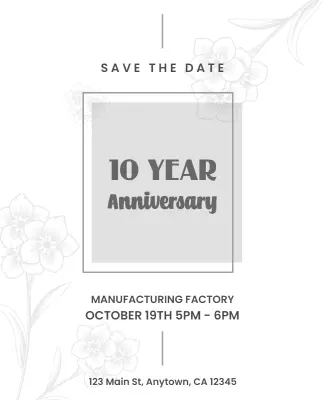
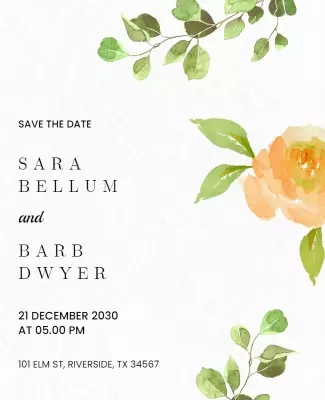
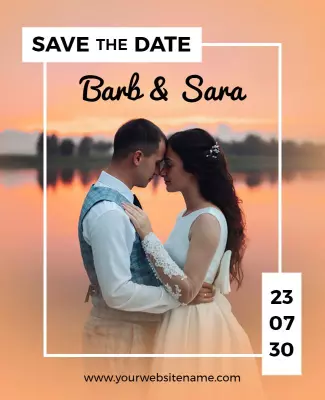
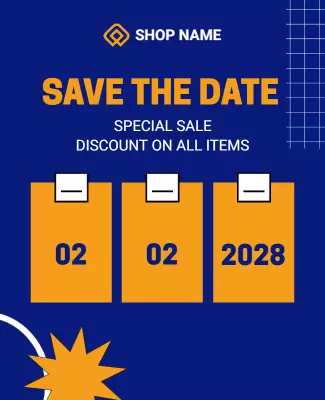



How to customize a save the date flyer
No design skills needed. Choose a layout, add your event details, adjust colors and photos, then export a file you can print or share in minutes.

1. Pick a layout
Choose a save the date flyer layout that fits your event and set the page size first. Add the event date and couple or host names so the hierarchy works for both print and phone viewing.
2. Add key details
Add the couple or host names, event date, location city, and a line that says invitation to follow. Keep wording short and consistent so guests scan fast and mark their calendars for the event.
3. Use one hero visual
Use one strong engagement photo or a clean graphic with high contrast text. Keep the headline and date prominent so guests immediately know what the flyer is about and can save the date.
4. Check print settings
Confirm safe margins and bleed settings, keep key text away from edges, and export at print quality. Preview at actual size so nothing looks cropped or misaligned when printed for guests.
5. Export and share
Export a print ready PDF plus a digital image version, then share both. Put the same event details in messages so guests can save the date and find everything they need for the event.
Trusted by Thousands
 Tata Consultancy Services
 Boston Consulting
 AT&T
AT&T
 Avelo Airlines
 Procter & Gamble
 Ministry Of Health, Malaysia
 Veterans Affairs
 Detroit Government
 New York University
 Texas A&M University
 Decathlon America
 Warby Parker
Tata Consultancy Services
Boston Consulting
AT&T
Avelo Airlines
Procter & Gamble
Ministry Of Health, Malaysia
Veterans Affairs
Detroit Government
New York University
Texas A&M University
Decathlon America
Warby Parker
Warby Parker
Tata Consultancy Services
Boston Consulting
AT&T
Avelo Airlines
Procter & Gamble
Ministry Of Health, Malaysia
Veterans Affairs
Detroit Government
New York University
Texas A&M University
Decathlon America
Warby Parker



Other Flyer templates
Save The Date Flyer Templates Design Ideas and Examples
Customize colors, photos, and wording to match your celebration, then keep the layout clear so guests can find the date and location in seconds. DesignWiz offers save the date flyers for weddings, milestone events, and corporate gatherings, so you can start from a ready made layout and edit it for your occasion. Use these ideas to decide headline style, photo placement, and what to emphasize for your audience, then browse flyer templates when you want more options beyond your first pick.
Wedding save the date invitations
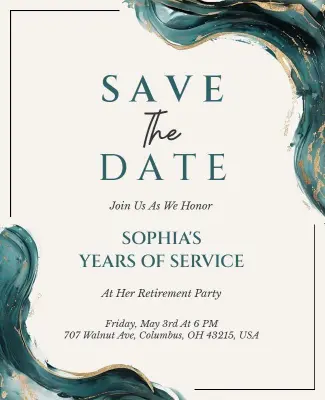
Use an elegant font pairing, a soft color palette, and one engagement photo so the invitation feels personal and romantic. Include both names, the wedding date, and the city or venue. Add a line that says invitation to follow so guests know details are coming. For wedding save the date flyer inspiration, start from romantic wedding save the date flyer template and swap the names, date, and photo to match your style.
Milestone celebration flyers
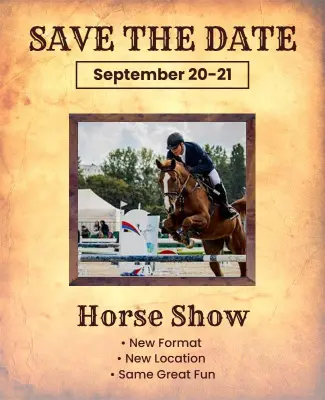
Lead with the milestone number or celebratory headline, use high contrast typography, and keep the design focused on one main visual. Add the date, location, and a short note about what guests can expect. For milestone events like anniversaries and reunions, adapt save the date wedding announcement flyer template and change the wording and colors to fit the celebration theme.
Corporate event announcements
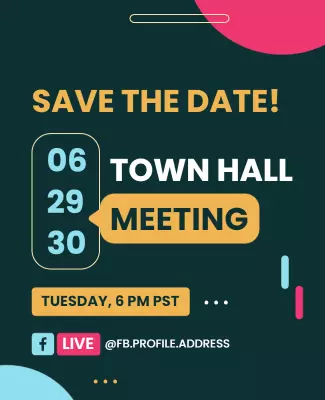
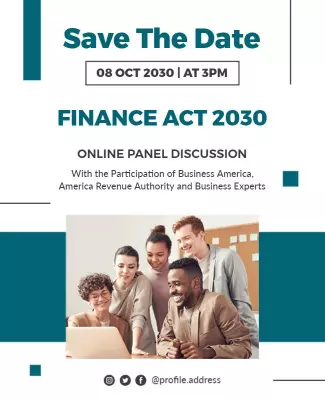
Keep the layout clean and professional with the company logo, event name, date, and city. Use a simple color scheme that matches your brand and leave enough white space so the details are easy to scan. Add a contact name and a line about formal invitations to follow. For corporate save the date ideas, browse flyer templates and choose a minimalist design that puts the event details first without extra decoration.