


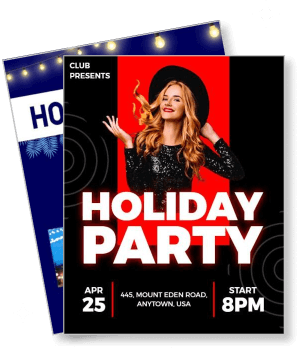
Holiday Party Flyer Templates
DesignWiz Holiday Party Flyer Templates help you invite guests with festive ready made layouts, plus simple editing for party details, entertainment notes, and RSVP information.
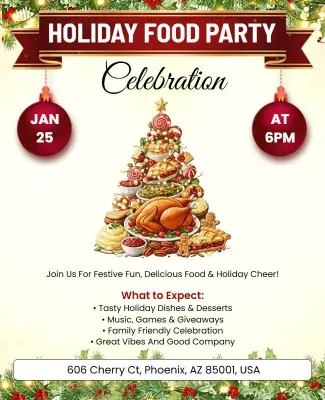
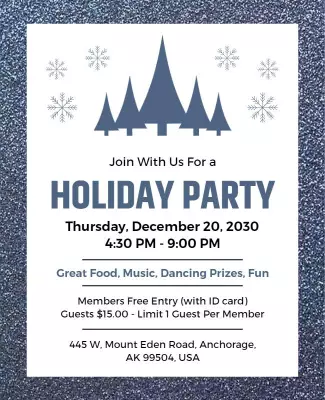

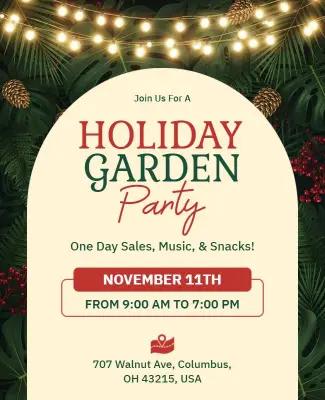

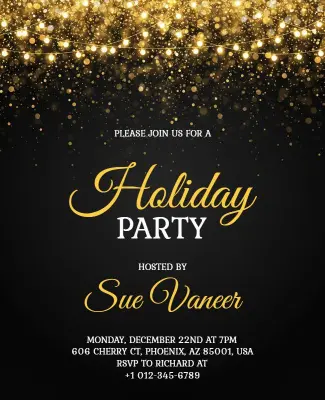
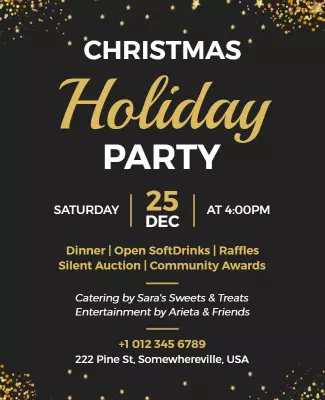

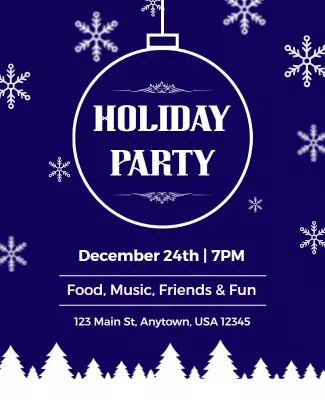
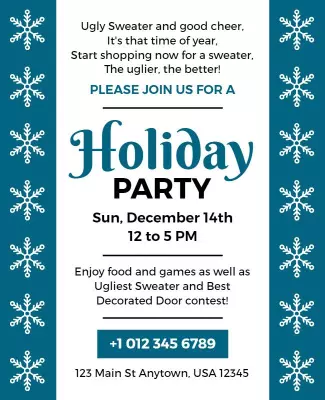







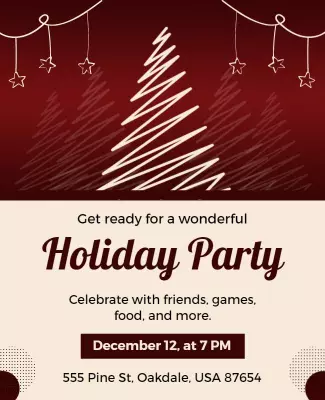

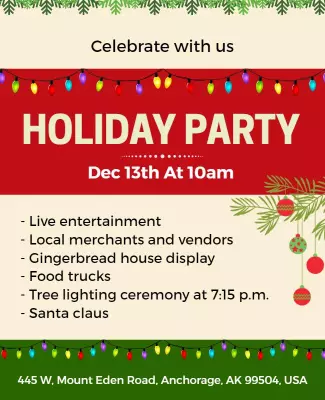
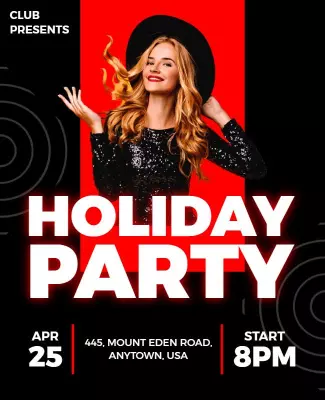

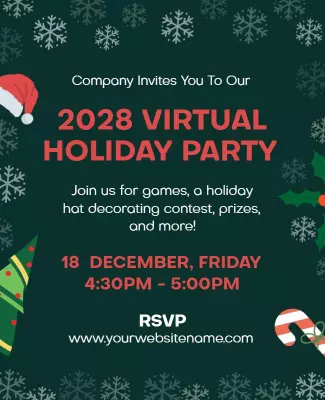



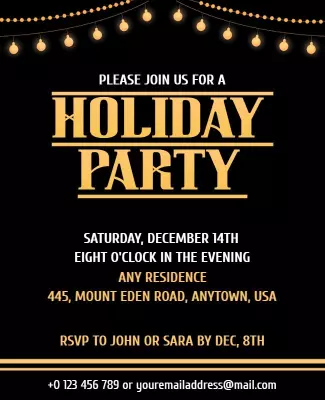

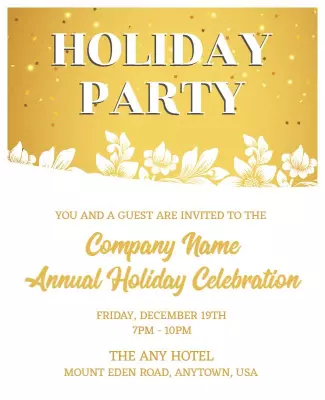
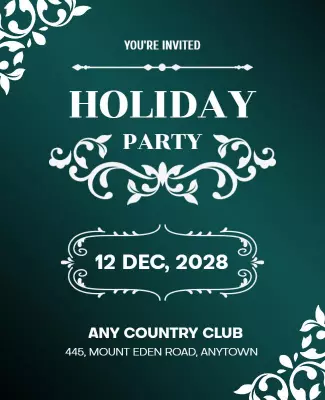
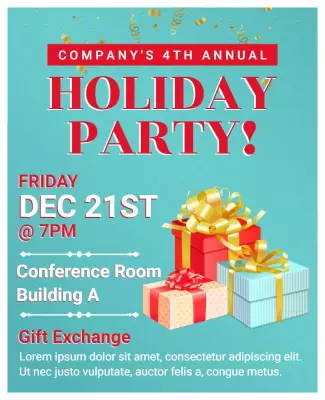
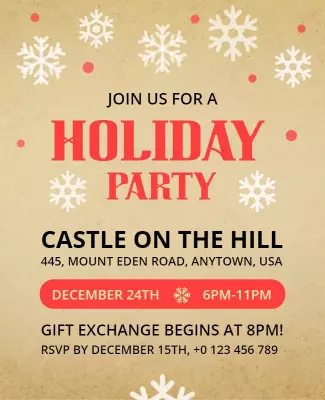
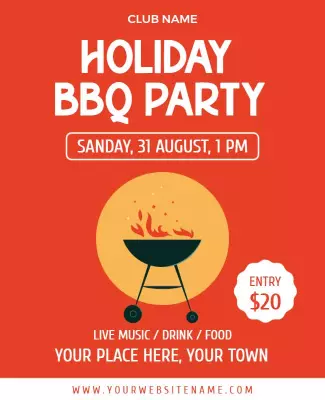
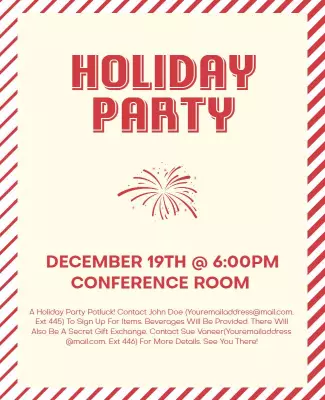
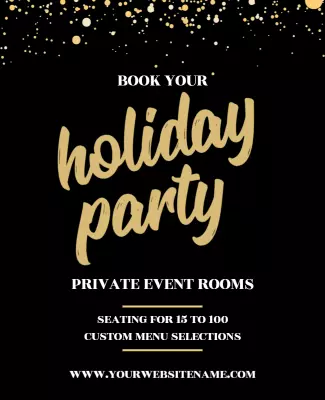

How to customize a holiday party flyer
No design skills needed. Choose a layout, add party details, adjust festive colors and fonts, then export a file you can print or share in minutes.

1. Pick a layout
Pick a holiday party layout for a festive celebration, corporate event, or winter theme, then set page size. Place the event name and date at the top so details are easy to find on print or phone.
2. Add key details
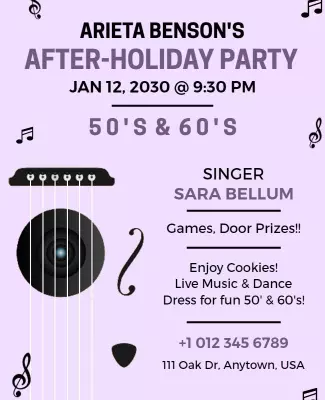
Add the event name, date, time, address, and RSVP information clearly. Include dress code, entertainment details, food and drink notes, and any special activities so guests know what to expect.
3. Use festive visuals
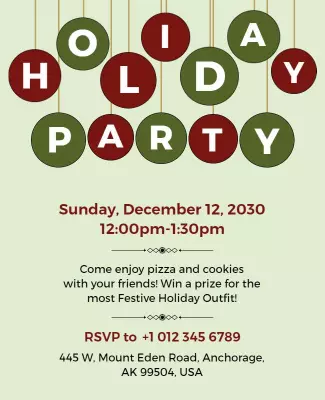
Use festive colors like red, green, and gold with holiday graphics such as ornaments and twinkling lights. Keep text readable by placing key details in clean areas away from busy visuals.
4. Check print settings
Set margins and safe area, keep key text away from edges, and export at print quality. Preview at actual size so graphics and text look sharp on print or phone.
5. Export and share
Export a print ready PDF and a share image, then test both on a phone. Reuse the same holiday party event details in email invites and social posts so your party flyers reach more guests.
Trusted by Thousands
 Tata Consultancy Services
 Boston Consulting
 AT&T
AT&T
 Avelo Airlines
 Procter & Gamble
 Ministry Of Health, Malaysia
 Veterans Affairs
 Detroit Government
 New York University
 Texas A&M University
 Decathlon America
 Warby Parker
Tata Consultancy Services
Boston Consulting
AT&T
Avelo Airlines
Procter & Gamble
Ministry Of Health, Malaysia
Veterans Affairs
Detroit Government
New York University
Texas A&M University
Decathlon America
Warby Parker
Warby Parker
Tata Consultancy Services
Boston Consulting
AT&T
Avelo Airlines
Procter & Gamble
Ministry Of Health, Malaysia
Veterans Affairs
Detroit Government
New York University
Texas A&M University
Decathlon America
Warby Parker



Other Flyer templates
Holiday Party Flyer Templates Design Ideas and Examples
Customize colors, party details, and festive graphics to match the holiday theme, then keep the layout consistent so guests can spot the essentials in seconds. DesignWiz offers festive layouts across celebration styles and group sizes, so you can start from a ready made design and edit it for your event. Use these ideas to decide headline style, photo placement, and what to emphasize for your audience, then browse flyer templates when you want more options beyond your first pick.
Festive holiday party celebrations
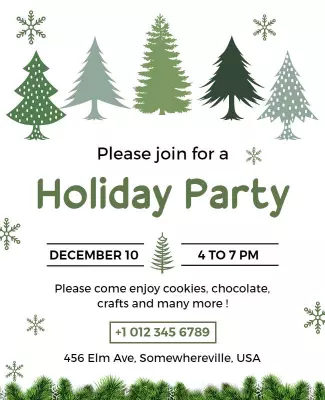
Use warm reds, greens, and golds with festive ornaments or snowflake graphics so the invitation feels cheerful and welcoming. Add party activities, dinner details, and RSVP info in clear sections. For festive celebration flyer examples, start from vibrant red holiday celebration party flyer template and swap the event date, venue, and guest details.
Corporate holiday party invites
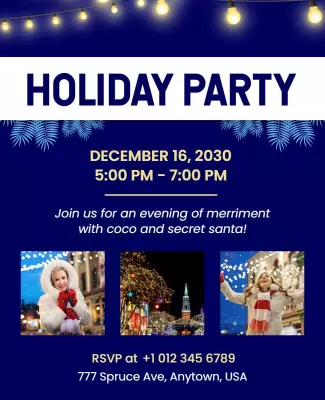
Use elegant colors like navy, gold, and silver with clean typography for a professional feel. Highlight the company name, venue, dress code, and entertainment details prominently. For a corporate holiday party invitation, adapt festive blue holiday party celebration flyer template and adjust the color palette to match your company branding.
Winter wonderland parties
Use icy blues, whites, and silver accents with snowflake or evergreen imagery for a magical winter theme. Add details about hot chocolate bars, snow themed games, or photo opportunities. For a winter wonderland style party, use christmas holiday party celebration flyer template and customize the event name, date, and activity details.