freshchat icon chat icon loading icon

Share this template anywhere.

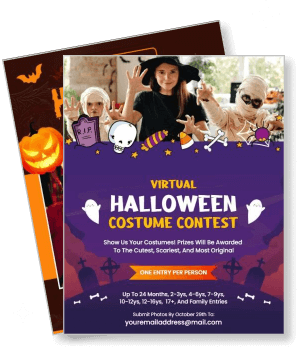
virtual halloween costume contest with kids in costume and event details template

Costume Party Flyer Templates

DesignWiz Costume Party Flyer Templates help you create themed invitations for pirate bashes, Halloween contests, and costume celebrations with easy customization.
I like using this app it is very easy user-friendly just wish it had more options for the paranormal investigation other than that it is perfect — Linda Marie Smith
4.6/5 (From 380k reviews)

Create your own

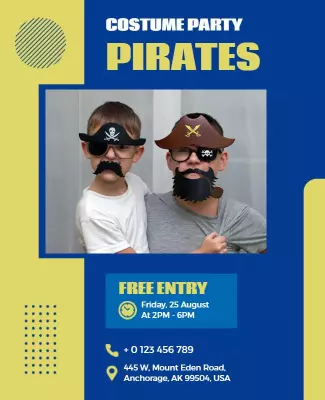
{"491165": {"name": "pirate-costume-party-event-flyer-template-bgkcird3d65083.jpg", "width": 325, "height": 400, "webp_name": "pirate-costume-party-event-flyer-template-bgkcird3d65083.webp"}} 491165
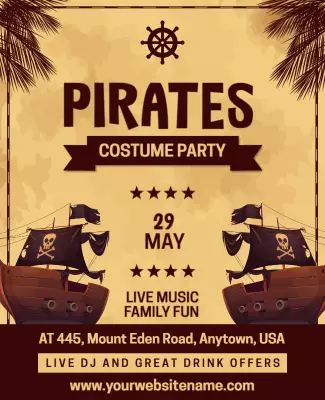
Pirate Costume Party Event Flyer Template
325 x 400 px

pirate
costume
Show all keywords
Pirate Costume Party Event Flyer Template
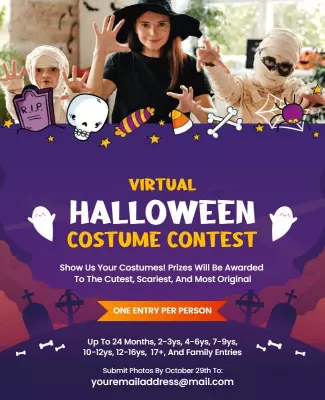
{"386432": {"name": "virtual-halloween-costume-contest-flyer-template-slung12bc4debe.jpg", "width": 325, "height": 400, "webp_name": "virtual-halloween-costume-contest-flyer-template-slung12bc4debe.webp"}} 386432
Virtual Halloween Costume Contest Flyer Template
325 x 400 px

halloween
costume
Show all keywords
Virtual Halloween Costume Contest Flyer Template
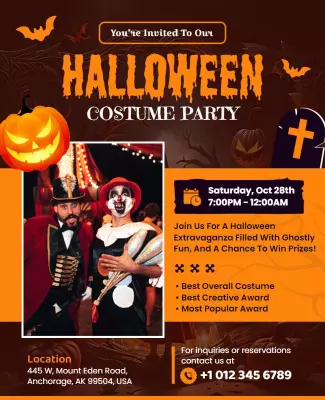
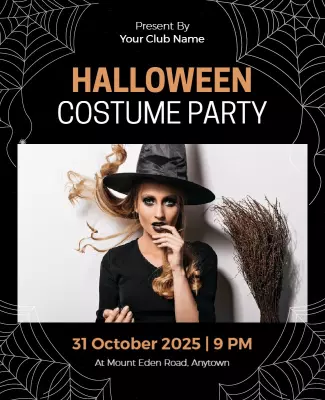
{"931595": {"name": "halloween-costume-party-event-flyer-template-yf8x26d12b1104.jpg", "width": 325, "height": 400, "webp_name": "halloween-costume-party-event-flyer-template-yf8x26d12b1104.webp"}} 931595
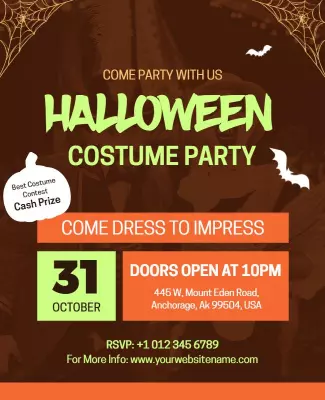
Halloween Costume Party Event Flyer Template
325 x 400 px

halloween
costume
Show all keywords
Halloween Costume Party Event Flyer Template
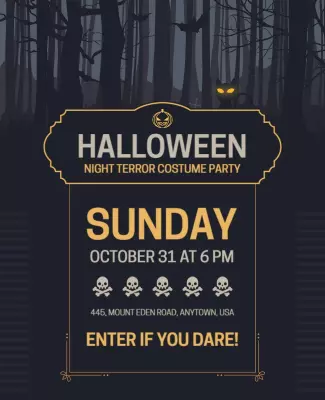
{"301917": {"name": "halloween-night-terror-costume-party-flyer-template-qr9520e44e2330.jpg", "width": 325, "height": 400, "webp_name": "halloween-night-terror-costume-party-flyer-template-qr9520e44e2330.webp"}} 301917
Halloween Night Terror Costume Party Flyer Template
325 x 400 px

halloween
costume
Show all keywords
Halloween Night Terror Costume Party Flyer Template
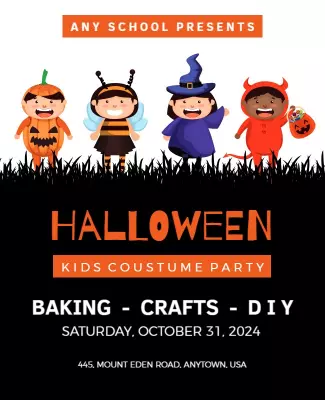
{"659627": {"name": "halloween-costume-party-flyer-template-ffwzaff787e30e.jpg", "width": 325, "height": 400, "webp_name": "halloween-costume-party-flyer-template-ffwzaff787e30e.webp"}} 659627
Halloween Costume Party Flyer Template
325 x 400 px

happy
halloween
Show all keywords
Halloween Costume Party Flyer Template
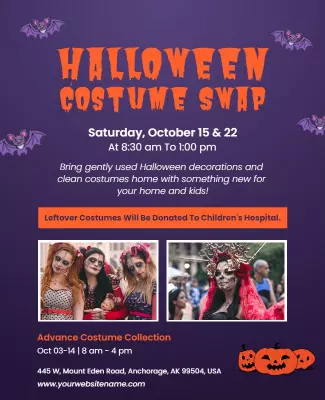
{"266969": {"name": "halloween-costume-swap-event-flyer-template-tm3p3s2ebba0ab.jpg", "width": 325, "height": 400, "webp_name": "halloween-costume-swap-event-flyer-template-tm3p3s2ebba0ab.webp"}} 266969
Halloween Costume Swap Event Flyer Template
325 x 400 px

halloween
costume
Show all keywords
Halloween Costume Swap Event Flyer Template
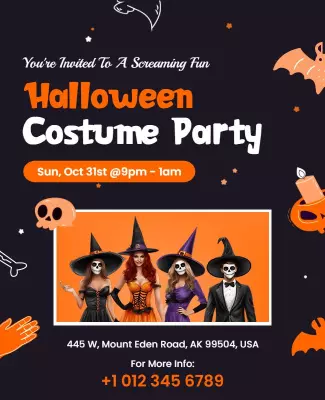
{"442121": {"name": "halloween-costume-party-invitation-flyer-template-y4i37e2e82907c.jpg", "width": 325, "height": 400, "webp_name": "halloween-costume-party-invitation-flyer-template-y4i37e2e82907c.webp"}} 442121
Halloween Costume Party Invitation Flyer Template
325 x 400 px

halloween
costume
Show all keywords
Halloween Costume Party Invitation Flyer Template
{"614617": {"name": "halloween-costume-party-event-flyer-template-lb5nrb93660bbc.jpg", "width": 650, "height": 800, "webp_name": "halloween-costume-party-event-flyer-template-lb5nrb93660bbc.webp"}} 614617
Spooky Themed Halloween Costume Party Invitation Flyer Template
650 x 800 px

halloween
costume
Show all keywords
Spooky Themed Halloween Costume Party Invitation Flyer Template

How to customize a costume party flyer

No design skills needed. Choose a layout, add event details, adjust colors and fonts, then export a file you can print or share in minutes.

Corporate Growth Poster
1.

1. Pick a layout

Pick a layout for your costume theme, then set the page size. Add the date and time so the hierarchy works for print and phone. Choose theme colors and make sure the headline stands out.

2.

2. Add event details

Add event name, date, time, address, and RSVP with a deadline. Keep wording short so guests scan fast. Include costume theme and dress code. Use playful language that builds anticipation.

3.

3. Use theme imagery

Use one strong theme photo with high contrast. Limit colors to two or three theme shades. Leave space around the headline. Avoid placing text over busy costume areas for a cleaner look.

4.

4. Check print settings

Confirm margins and safe area, then export at print quality. Preview at actual size so nothing looks soft or cropped. Check costume details, RSVP info, contest rules, and color accuracy.

5.

5. Export and share

Export a print ready PDF plus a share image version, then test both. Reuse event details in social posts or messages so flyers are easy to forward. Share across costume groups and event pages.

Trusted by Thousands

Tata Consultancy Services
Boston Consulting
AT&T
Avelo Airlines
Procter & Gamble
Ministry Of Health, Malaysia
Veterans Affairs
Detroit Government
New York University
Texas A&M University
Decathlon America
Warby Parker
Tata Consultancy Services
Boston Consulting
AT&T
Avelo Airlines
Procter & Gamble
Ministry Of Health, Malaysia
Veterans Affairs
Detroit Government
New York University
Texas A&M University
Decathlon America
Warby Parker
High performer asia
Front runners
High performer small business

Other Flyer templates

Costume Party Flyer Templates Design Ideas and Examples

Customize colors, photos, and wording to match your costume theme, then keep the layout consistent so guests can spot the essentials in seconds. DesignWiz offers 100+ costume party flyers across theme styles and event types, so you can start from a ready made layout and edit it for your gathering. Use these ideas to decide headline style, photo placement, and what to emphasize for your audience, then browse flyer templates when you want more options beyond your first pick.

Pirate Costume Party Event Flyers

Use bold nautical colors, a short adventure headline, and one lively group photo so the flyer reads quickly for guests. Add the date, time, address, and costume theme details plus any prize categories. For pirate focused costume flyer examples, start from pirate costume party event flyer template and swap the theme details, host name, and location information.

Virtual Halloween Costume Contest Flyers

Lead with the contest name and prize details, keep typography bold, and use one engaging virtual event photo for a modern feel. Add video call link details, submission rules, and a clear deadline so participants know how to join. For a virtual costume contest flyer example, adapt virtual halloween costume contest flyer template and adjust spooky colors to match your online event branding.

Halloween Costume Party Event Flyers

Use spooky accents, a fun fright headline, and one exciting costume photo so the flyer feels festive and inviting. Highlight contest categories, music details, and food options plus a clear location note. For a Halloween costume party flyer invitation, customize halloween costume party event flyer template and adjust the colors to match your haunted theme.

Create Your Flyer Now!

Frequently Asked Questions (FAQs)

A clear costume party flyer includes the event name, date, start time, full address, and an RSVP method with a deadline. Add the costume theme and dress code so guests know what to wear. Include contest prize categories for costume contests and parking or entry notes when needed. If it is a virtual event, add video call links and submission instructions. Keep the same information order across flyers so guests can scan quickly and reply without extra messages.

Choose style based on your theme and audience. An exciting costume flyer works for Halloween parties, pirate bashes, and casual events because it can be bold and playful. An elegant look fits masquerade balls, formal costume galas, and upscale themed dinners where tone matters. Keep the same core details in both, but use more whitespace and refined fonts for elegant layouts. For exciting layouts, use bright theme colors and a larger costume photo while keeping date and location easy to spot.

Start with a standard letter size layout for printing, then export a second version for digital sharing. Letter size is widely supported at local print shops and keeps text readable at a distance. For phone sharing, use a tall layout or a cropped version where headline, date, and location remain large. Keep key information inside safe margins so nothing gets trimmed by the printer. When you use costume flyer templates with flexible export options, you can keep wording consistent across print and phone screens and avoid reformatting.

Blurry costume flyers usually come from low resolution photos, stretching small images, or exporting at the wrong quality setting. Use sharp themed images, avoid heavy filters, and keep important graphics at their original size. For print, export at a higher quality setting and confirm it is suitable for 300 DPI output. For digital sharing, export a larger image so social platforms do not upscale it. If a flyer design looks sharp in the editor but soft after download, check image sizes and export format before printing or posting.

Use high contrast between text and background and reserve a clean area for the headline and key details. Limit fonts to two and keep body text large enough to read at arm length. Avoid thin type, long line lengths, and placing text directly on busy costume photos. Use spacing to separate headline, date, time, location, and RSVP. When a costume flyer design feels crowded, remove decorative elements before shrinking text. Always preview on a phone screen and as a print proof to catch readability issues early.

Use one short thematic line, then switch to clear instructions. Place date and start time first, then location, then RSVP so readers find what they need immediately. Add costume theme details, contest rules, or prize info only when it changes what guests should prepare. If costumes are required, state that near the top. Keeping wording short helps costume flyers stay scannable in group chats. Use phrases like dress up and join or come in costume to set the party tone.

Place RSVP information near the date and location so it is not missed, and use one primary method like phone or email with a clear deadline. If the event has limited capacity, state the deadline and whether guests may bring extras. For costume contests, list the host contact details and any registration requirements. If you expect questions, add a short backup contact, but avoid clutter. A clean RSVP line helps guests respond quickly, reduces follow up messages, and helps you plan for food and prizes.

Keep the layout structure and change the style elements. Swap the color palette, headline font, and hero image while keeping the same placement for date, time, location, and RSVP. Replace pirate icons with Halloween symbols for different themes and adjust wording for the audience. Change contest details, theme type, and host info. This approach lets you reuse costume flyer templates for pirate parties, Halloween events, and masquerade balls without starting over. Save one master version for future events.

Most unprofessional costume flyers fail on hierarchy and alignment. Too many fonts, low contrast text, and crowded spacing make the message hard to read. Another common issue is missing essentials like dress code details or a full address. Use consistent margins, limit colors to theme shades, and keep one main costume photo so the layout has breathing room. Run a final proofread for spelling, numbers, and timing. Also make sure the date and location are larger than secondary details so the info stands out.

A free costume flyer can still look high quality when the layout is clean and details are accurate. Use one strong theme photo or illustration, keep a tight color palette of two or three theme colors, and limit fonts to two. Avoid thin text on busy backgrounds and keep the headline and event time prominent. Use consistent spacing and align elements to a simple grid so everything feels intentional. Export at a quality that matches your use case and test on a phone and a printed proof.
Start Designing with AI
Can’t find the perfect design? Create instantly with AI.