freshchat icon chat icon loading icon

Share this template anywhere.

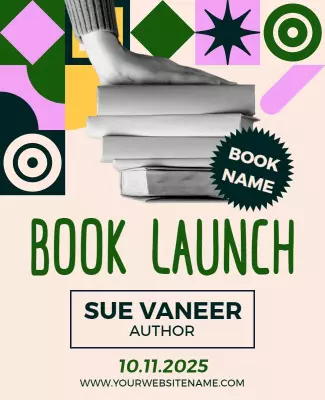
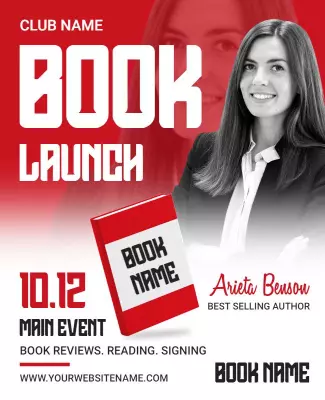
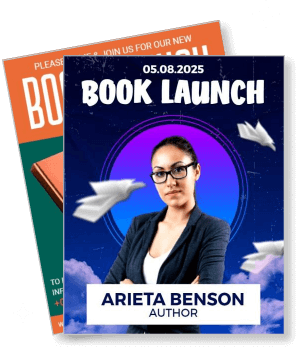
2025 book launch arieta benson author event announcement template

Book Launch Flyer Templates

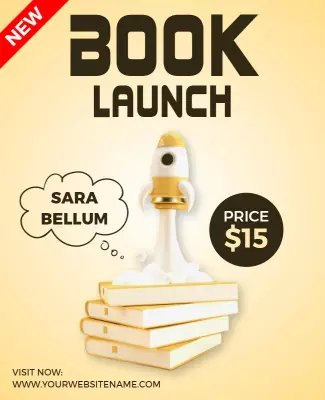
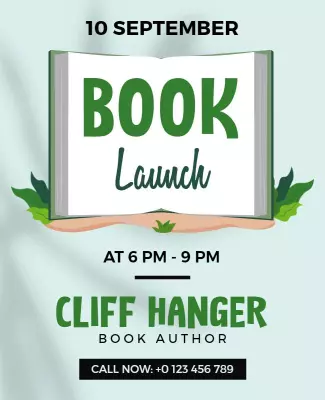
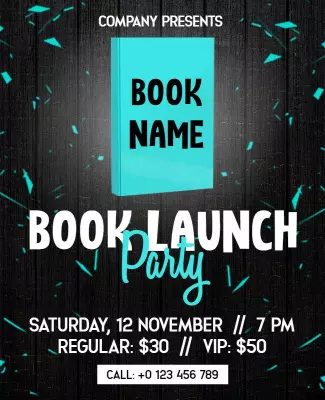
DesignWiz Book Launch Flyer Templates help authors and publishers promote new releases with style. Pick a ready made layout, add your book cover and event details, then print or share online to attract readers and build excitement.
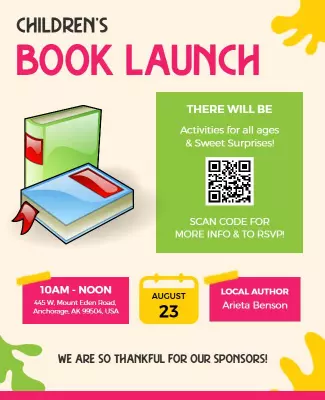
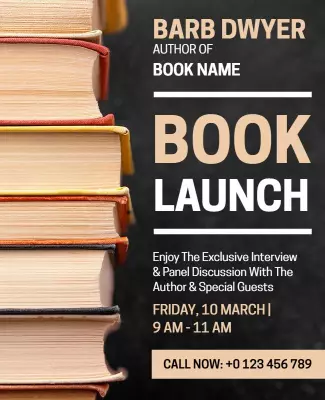
Maybe takes time to learn at first..but definitely able to make quality flyer/poster..tools very useful! Good!! Definitely will continue to use! — Sharon Chin
4.6/5 (From 380k reviews)

Create your own

{"601628": {"name": "book-launch-event-flyer-template-mtybiwd22e4e53.jpg", "width": 325, "height": 400, "webp_name": "book-launch-event-flyer-template-mtybiwd22e4e53.webp"}} 601628
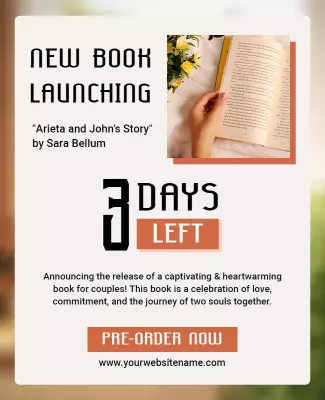
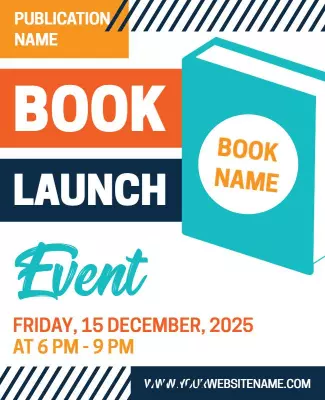
Book Launch Event Flyer Template
325 x 400 px

flyer
flyers
Show all keywords
Book Launch Event Flyer Template
{"601628": {"name": "virtual-book-launch-flyer-template-63pbdpd38092f5.jpg", "width": 325, "height": 400, "webp_name": "virtual-book-launch-flyer-template-63pbdpd38092f5.webp"}} 601628
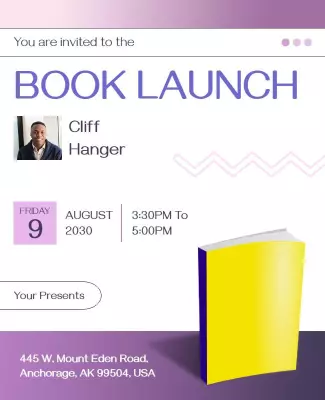
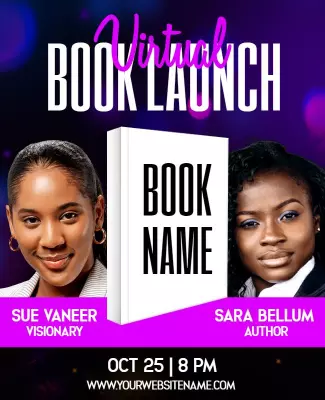
Virtual Book Launch Flyer Template
325 x 400 px

book
books
Show all keywords
Virtual Book Launch Flyer Template
{"496653": {"name": "book-launch-celebration-flyer-template-akcr06a47a0918.jpg", "width": 325, "height": 400, "webp_name": "book-launch-celebration-flyer-template-akcr06a47a0918.webp"}} 496653
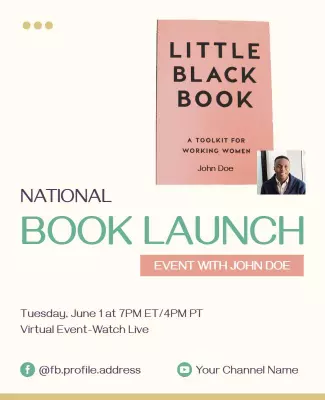
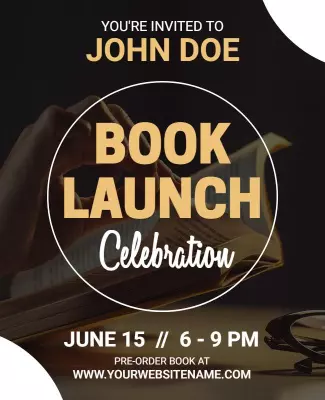
Book Launch Celebration Flyer Template
325 x 400 px

book
books
Show all keywords
Book Launch Celebration Flyer Template
{"601628": {"name": "book-launch-event-flyer-template-97zzhhee53b42b.jpg", "width": 325, "height": 400, "webp_name": "book-launch-event-flyer-template-97zzhhee53b42b.webp"}} 601628
Bold Red Book Launch Event Flyer Template
325 x 400 px

events
event
Show all keywords
Bold Red Book Launch Event Flyer Template
{"883251": {"name": "book-launch-event-promotion-flyer-template-4o56pj489a680f.jpg", "width": 325, "height": 400, "webp_name": "book-launch-event-promotion-flyer-template-4o56pj489a680f.webp"}} 883251
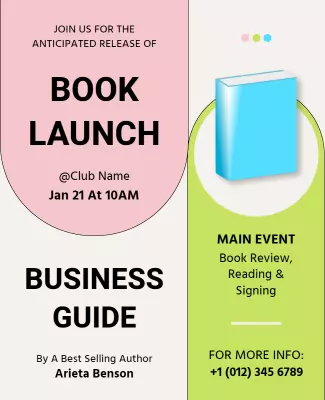
Book Launch Event Promotion Flyer Template
325 x 400 px

book
launch
Show all keywords
Book Launch Event Promotion Flyer Template
{"601628": {"name": "modern-book-launch-flyer-template-m9jingee318714.jpg", "width": 325, "height": 400, "webp_name": "modern-book-launch-flyer-template-m9jingee318714.webp"}} 601628
Modern Book Launch Flyer Template
325 x 400 px

events
author
Show all keywords
Modern Book Launch Flyer Template
{"473756": {"name": "childrens-book-launch-event-flyer-template-eh13k04877afe1.jpg", "width": 325, "height": 400, "webp_name": "childrens-book-launch-event-flyer-template-eh13k04877afe1.webp"}} 473756
Childrens Book Launch Event Flyer Template
325 x 400 px

children
book
Show all keywords
Childrens Book Launch Event Flyer Template
{"601628": {"name": "book-launch-flyer-template-sxb523d2892984.jpg", "width": 325, "height": 400, "webp_name": "book-launch-flyer-template-sxb523d2892984.webp"}} 601628
Book Launch Flyer Template
325 x 400 px

launch
green
Show all keywords
Book Launch Flyer Template
{"805293": {"name": "author-meetup-book-launch-event-flyer-template-6s9r4o6788c07e.jpg", "width": 325, "height": 400, "webp_name": "author-meetup-book-launch-event-flyer-template-6s9r4o6788c07e.webp"}} 805293
Author Meetup Book Launch Event Flyer Template
325 x 400 px

book
launch
Show all keywords
Author Meetup Book Launch Event Flyer Template
{"805293": {"name": "educational-book-launch-program-flyer-template-zlncqs49726aad.jpg", "width": 325, "height": 400, "webp_name": "educational-book-launch-program-flyer-template-zlncqs49726aad.webp"}} 805293
Educational Book Launch Program Flyer Template
325 x 400 px

book
launch
Show all keywords
Educational Book Launch Program Flyer Template
{"805293": {"name": "virtual-book-launch-event-flyer-template-8ousi249c80510.jpg", "width": 325, "height": 400, "webp_name": "virtual-book-launch-event-flyer-template-8ousi249c80510.webp"}} 805293
Virtual Book Launch Event Flyer Template
325 x 400 px

book
launch
Show all keywords
Virtual Book Launch Event Flyer Template

How to customize a book launch flyer

No design skills needed. Choose a layout, add your book cover and event details, adjust colors and fonts, then export a file you can print or share online.

Corporate Growth Poster
1.

1. Pick a layout

Choose a book launch flyer layout that fits your genre and event type. Pick a design with the book cover front and center so readers know what to expect and feel excited to attend.

2.

2. Add key details

Add the book title, author name, launch date, time, and venue address. Include a short description of the book and mention any special guests, readings, or book signings at the event.

3.

3. Add cover and author photo

Add a high quality image of the book cover as the main visual. Include an author photo and a short bio so attendees can connect with the writer and understand their background and style.

4.

4. Check print settings

Check all text for accuracy including the book title, author name, date, and venue. Confirm margins and export at print resolution so the flyer looks polished and professional for the event.

5.

5. Export and share

Export a print ready PDF for bookstores plus a digital version for social media. Share the digital flyer on author pages and event sites to attract readers and build excitement for the launch.

Trusted by Thousands

Tata Consultancy Services
Boston Consulting
AT&T
Avelo Airlines
Procter & Gamble
Ministry Of Health, Malaysia
Veterans Affairs
Detroit Government
New York University
Texas A&M University
Decathlon America
Warby Parker
Tata Consultancy Services
Boston Consulting
AT&T
Avelo Airlines
Procter & Gamble
Ministry Of Health, Malaysia
Veterans Affairs
Detroit Government
New York University
Texas A&M University
Decathlon America
Warby Parker
High performer asia
Front runners
High performer small business

Other Flyer templates

Book Launch Flyer Templates Design Ideas and Examples

Customize colors, fonts, and images to match your book genre and brand, then keep the layout focused on the book cover and key event details. DesignWiz offers book launch flyers for fiction, non-fiction, and virtual events, so you can start from a ready made layout and edit it for your launch. Use these ideas to decide what to highlight and how to structure your flyer, then browse flyer templates when you want more options beyond your first pick.

Fiction and novel book launch flyers

Use the book cover as the main visual and pull colors from the cover art for the flyer palette. Add a compelling tagline, the author name, launch date, and venue. Include a short teaser about the story to hook potential readers. For fiction book launch flyer inspiration, start from modern book launch flyer template and swap the cover image, title, and event details to match your novel.

Non-fiction and business book launch flyers

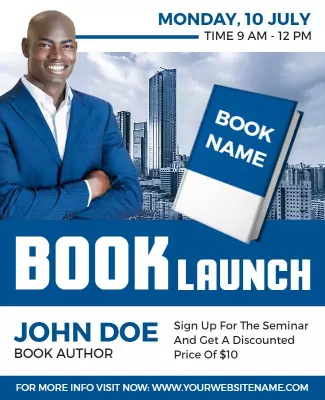
Lead with the book title and subtitle, followed by the author credentials and a clear benefit statement. Use a clean professional layout with bold accent colors that convey authority and expertise. Include a call to action for RSVP or ticket purchase. For a non-fiction book launch flyer, adapt vibrant blue book launch event announcement flyer template and customize the colors, text, and imagery to match your topic and audience.

Virtual book launch and author event flyers

Include the streaming platform name, link or QR code, and the date and time with time zone. Add an author photo and bio so remote attendees feel connected. Use a bright, engaging design that stands out on social media feeds. For virtual event flyers, browse author meetup book launch event flyer template and adjust the layout to feature the livestream link prominently for online audiences.

Create Your Book Launch Flyer Now!

Frequently Asked Questions (FAQs)

A book launch flyer should include the book title and cover image, the author name, the launch date and time, the venue address or online platform link, and a brief description of the event. Add a call to action such as RSVP or ticket purchase, and include author contact information or social media handles for further engagement.

Yes, the book cover should be the primary visual on the flyer. It is the most recognizable element of your book and helps readers immediately identify the title and genre. Place the cover image prominently near the top or center of the layout. Use a high resolution version so it looks sharp in both print and digital formats.

Send book launch flyers four to six weeks before the event date. This gives attendees enough time to mark their calendars, arrange travel, and purchase tickets. For the final week before the launch, send reminder posts on social media with the same flyer to boost last minute attendance and generate excitement.

Choose colors that match your book cover and genre. For fiction, pull accent colors from the cover art to create a cohesive look. For non-fiction, use professional tones like navy, black, or deep green with a bold accent color. Avoid using too many colors. Stick to two or three for a clean and polished appearance.

Yes, book launch flyers work well for virtual events. Include the platform name such as Zoom or Facebook Live, the link or QR code, and the date and time with time zone. Design the flyer in a tall vertical format optimized for phone screens so attendees can easily view and share it on social media.

Yes, including an RSVP or ticket link is important for planning purposes. Add a URL, QR code, or button that directs readers to the registration page. This helps you track attendance, send reminders, and manage venue capacity. Place the link near the bottom of the flyer so it is easy to find without distracting from the main details.

Study the cover art and identify the dominant colors, fonts, and mood. Use those same design elements in the flyer layout. For a thriller, use dark tones and bold typography. For a romance, choose soft pastels and elegant script fonts. For a business book, use clean sans-serif fonts and a minimalist layout. Consistency across the cover and flyer builds brand recognition.

Standard letter size or A4 works well for printed book launch flyers. For digital sharing, use a 1080 by 1920 pixel vertical layout optimized for Instagram, Facebook, and other social platforms. Keep key text and the book cover within the safe center area so nothing gets cropped when displayed on different devices or printed.

Yes, including social media handles helps attendees follow the author and share the event with their networks. Place the handles near the bottom of the flyer along with a unique event hashtag. This encourages guests to post about the launch and creates organic buzz that can attract additional readers who may not have seen the initial announcement.

Print flyers and place them in local bookstores, libraries, coffee shops, and community centers. Share the digital version on the author website, social media channels, and email newsletters. Send the flyer to local book bloggers, literary groups, and event calendars. A combination of print and digital distribution ensures the widest possible reach for the launch event.
Start Designing with AI
Can’t find the perfect design? Create instantly with AI.