freshchat icon chat icon loading icon

Share this template anywhere.

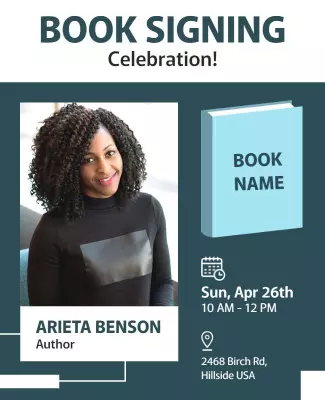
book signing celebration author event invitation template

Book Signing Flyer Templates

DesignWiz book signing flyer templates help authors and publishers promote events with elegant layouts and simple editing for author details, book covers, and event information.

This app is the best app that i have use as a graphics designer and please be making the pro to be free sometime but for me i love the app. Please help me by bringing customer for me. Thank you — Christopher Ugoo Igwegbe
4.6/5 (From 380k reviews)

Create your own

{"855262": {"name": "book-signing-event-announcement-flyer-template-wgfucn3444d3c4.jpg", "width": 325, "height": 400, "webp_name": "book-signing-event-announcement-flyer-template-wgfucn3444d3c4.webp"}} 855262
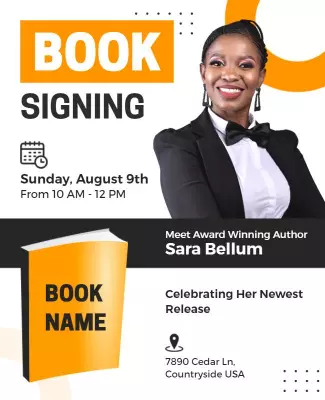
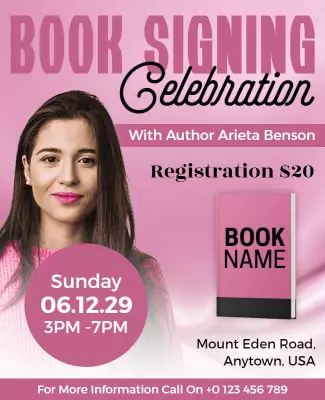
Book Signing Event Announcement Flyer Template
325 x 400 px

book
signing
Show all keywords
Book Signing Event Announcement Flyer Template
{"855262": {"name": "author-meet-and-greet-book-signing-flyer-template-y0eppz3362f99c.jpg", "width": 325, "height": 400, "webp_name": "author-meet-and-greet-book-signing-flyer-template-y0eppz3362f99c.webp"}} 855262
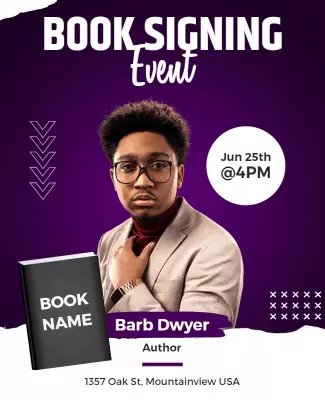
Author Meet and Greet Book Signing Flyer Template
325 x 400 px

book
signing
Show all keywords
Author Meet and Greet Book Signing Flyer Template
{"413261": {"name": "book-signing-author-event-flyer-template-5dof7ef212b751.jpg", "width": 325, "height": 400, "webp_name": "book-signing-author-event-flyer-template-5dof7ef212b751.webp"}} 413261
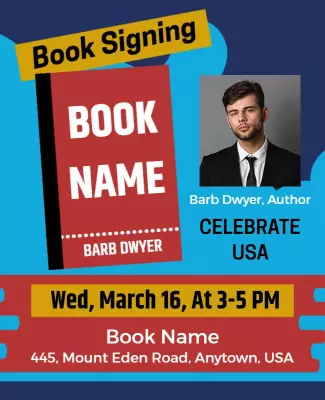
Book Signing Author Event Flyer Template
325 x 400 px

book
signing
Show all keywords
Book Signing Author Event Flyer Template
{"855262": {"name": "author-meet-and-book-signing-event-flyer-template-pfl1fk327073fc.jpg", "width": 325, "height": 400, "webp_name": "author-meet-and-book-signing-event-flyer-template-pfl1fk327073fc.webp"}} 855262
Author Meet and Book Signing Event Flyer Template
325 x 400 px

book
signing
Show all keywords
Author Meet and Book Signing Event Flyer Template
{"339646": {"name": "author-book-signing-event-flyer-template-5osglff398fb6f.jpg", "width": 325, "height": 400, "webp_name": "author-book-signing-event-flyer-template-5osglff398fb6f.webp"}} 339646
Author Book Signing Event Flyer Template
325 x 400 px

book
signing
Show all keywords
Author Book Signing Event Flyer Template
{"872053": {"name": "author-book-signing-and-reading-event-flyer-template-tjj7bmf1a37863.jpg", "width": 325, "height": 400, "webp_name": "author-book-signing-and-reading-event-flyer-template-tjj7bmf1a37863.webp"}} 872053
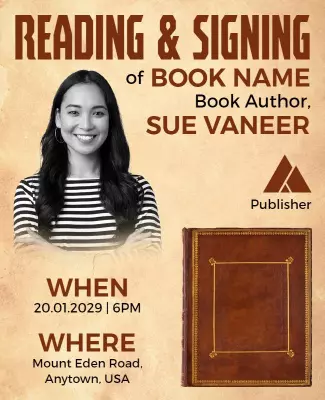
Author Book Signing and Reading Event Flyer Template
325 x 400 px

book
signing
Show all keywords
Author Book Signing and Reading Event Flyer Template
{"855262": {"name": "author-book-signing-event-flyer-template-n2bbsx343a7612.jpg", "width": 325, "height": 400, "webp_name": "author-book-signing-event-flyer-template-n2bbsx343a7612.webp"}} 855262
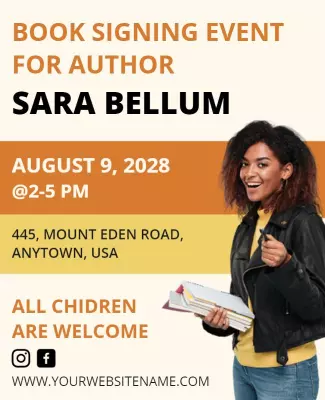
Stylish Yellow Book Signing Event Flyer Template
325 x 400 px

book
signing
Show all keywords
Stylish Yellow Book Signing Event Flyer Template
{"945848": {"name": "author-meet-and-greet-book-signing-flyer-template-vi6ghff93f138d.jpg", "width": 325, "height": 400, "webp_name": "author-meet-and-greet-book-signing-flyer-template-vi6ghff93f138d.webp"}} 945848
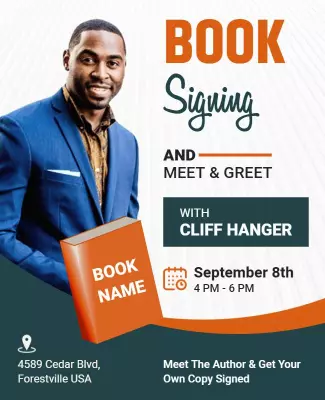
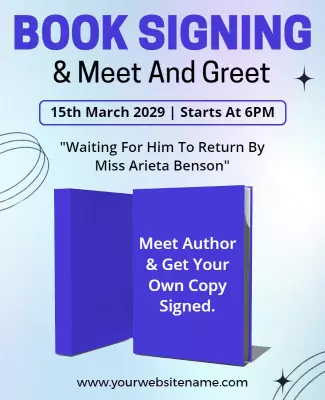
Sophisticated Blue Book Signing Event Flyer Template
325 x 400 px

book
signing
Show all keywords
Sophisticated Blue Book Signing Event Flyer Template
{"361487": {"name": "the-world-book-fair-signing-event-flyer-template-g7edqmf1d93741.jpg", "width": 325, "height": 400, "webp_name": "the-world-book-fair-signing-event-flyer-template-g7edqmf1d93741.webp"}} 361487
The World Book Fair Signing Event Flyer Template
325 x 400 px

book
signing
Show all keywords
The World Book Fair Signing Event Flyer Template
{"72081":{"name":"author-book-signing-tour-flyer-template-1xy6n6b816ffe0.jpg","webp_name":"author-book-signing-tour-flyer-template-1xy6n6b816ffe0.webp","width":325,"height":400}} 72081
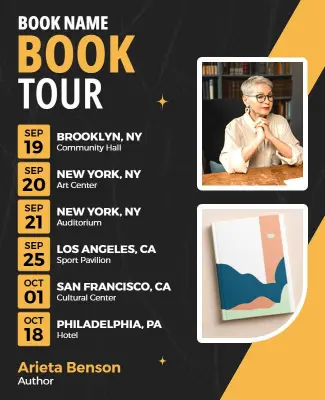
Author Book Signing Tour Flyer Template
325 x 400 px

book
tour
Show all keywords
Author Book Signing Tour Flyer Template

How to customize a book signing flyer

No design skills needed. Pick an elegant layout, add author details and book cover, then export a file you can print or share online in minutes.

Corporate Growth Poster
1.

1. Pick a layout

Choose a book signing flyer layout for a meet and greet, book launch, or tour event. Set your page size first, then add the headline so the author name and book title stand out.

2.

2. Add key details

Add author name, book title, date, time, venue, and a short bio or book description. Keep the author name and book title largest so readers immediately know the event focus.

3.

3. Use elegant design

Use a professional author headshot and book cover image with classic serif fonts and elegant colors. Keep the layout clean with plenty of white space for a polished literary feel.

4.

4. Check print layout

Confirm margins and safe area, keep the author name and event details away from edges, and export at print quality. Preview at actual size so everything looks sharp and balanced.

5.

5. Share and promote

Export a print ready PDF for bookstore displays and libraries plus a digital version for social media and email. Share through author platforms and reader communities to build attendance.

Trusted by Thousands

Tata Consultancy Services
Boston Consulting
AT&T
Avelo Airlines
Procter & Gamble
Ministry Of Health, Malaysia
Veterans Affairs
Detroit Government
New York University
Texas A&M University
Decathlon America
Warby Parker
Tata Consultancy Services
Boston Consulting
AT&T
Avelo Airlines
Procter & Gamble
Ministry Of Health, Malaysia
Veterans Affairs
Detroit Government
New York University
Texas A&M University
Decathlon America
Warby Parker
High performer asia
Front runners
High performer small business

Other Flyer templates

Book Signing Flyer Templates Design Ideas and Examples

Customize colors, author photos, and book cover imagery to match the genre, then keep the layout clean and editorial so readers can spot the details in seconds. DesignWiz offers book-signing flyers across author events, book tours, and literary gathering categories, so you can start from a ready-made layout and tailor it for your audience. Use these ideas to decide visual direction, typography, and what to emphasize for your readers, then browse flyer templates when you want more options beyond your first pick.

Author meet and greet flyers

Use a strong author headshot as the hero image, classic serif fonts for the name and book title, and clean white or cream backgrounds for a polished editorial feel. Add the date, venue, and a short bio so readers connect with the author. For a meet and greet example, start from author meet and greet book signing flyer template and swap the photo, book cover, and event details.

Book launch and reading event flyers

Lead with the book cover prominently displayed, pair it with the author name and book title in bold typography, and include a brief description of the book and what the event includes like readings, Q&A, and signing. For a launch-focused layout, adapt author book signing and reading event flyer template and update the book details and event schedule.

Book tour and multi-city event flyers

Use a clean layout with the author photo and book cover as consistent branding, then list multiple dates, venues, and cities in a clear scannable format. Highlight whether each stop includes a reading, signing, or panel. For a tour design, start from author book signing tour flyer template and replace the tour stops and dates.

Create Book Signing Flyer Now!

Frequently Asked Questions (FAQs)

A book signing flyer must include the author full name, book title, event date, start time, venue name and address, and any ticketing or RSVP information. Add a brief author bio or one line book description to help unfamiliar readers decide whether to attend. The book cover image should be prominent for instant recognition. A publisher or bookstore logo adds credibility and context.

Choose based on the event focus. A meet and greet flyer centers on the author with a strong headshot, personal connection, and signing session. A book launch flyer emphasizes the book itself with the cover as the hero image, a description, and details about readings or presentations. Meet and greet flyers work well for established authors, while launch flyers suit debut authors building awareness for their new release.

Standard 8.5 x 11 inch letter size is ideal for bookstore windows, library bulletin boards, and event handouts. Half page 5.5 x 8.5 inch flyers work as bookmark style giveaways that readers keep. For university hallways or large venue lobbies, 11 x 17 inch posters provide more impact. For digital promotion, square 1080 x 1080 px works for social media and vertical 1080 x 1920 px for Stories.

Classic serif fonts like Baskerville, Didot, or Playfair Display reflect a literary and professional tone. Deep tones like navy, charcoal, burgundy, and warm ivory create an elegant refined look. Pair serif headlines with a clean sans-serif for event details. Match the color palette to the book genre, dark and moody for thrillers, soft and warm for romance, bright and clean for nonfiction.

Use a high quality author headshot and a crisp image of the book cover as the primary visuals. The book cover is the most recognizable element for existing fans and should be placed prominently. For the author photo, choose a professional portrait that matches the genre and tone of the book. Avoid busy backgrounds that compete with the text and event details.

Omitting the book cover image is a missed opportunity since it is the most recognizable element for fans. A cluttered layout with too much biographical text pushes out key event details. Low contrast color combinations make the author name or date hard to read. Using overly casual fonts or bright neon colors conflicts with the literary tone. Keep the design clean, elegant, and focused on the essential information.

Yes. Choose a template with a clean editorial layout that works across genres, then adapt the color palette and fonts to match your specific book. A thriller benefits from dark tones and bold condensed fonts, while a romance suits softer palettes and script accents. A minimalist template with strong typography and generous white space can be adapted for any genre by changing the hero image and accent colors.

Lead with the author name and book title in the largest text so readers immediately know who and what the event is about. Include the book cover image for recognition among existing fans. Add a compelling line from a review or endorsement. Create a visual connection between the flyer design and the book cover style so the flyer feels like a natural extension of the book itself.

Literary elegance, modern minimalist, and genre specific themes work best. A literary theme uses classic typography, warm tones, and paper textures. A modern minimalist theme uses clean lines, ample white space, and a single bold visual. Match the flyer theme to the book genre, dark academia for literary fiction, bright and bold for childrens books, sleek and professional for business books.

Start promoting four to six weeks before the event to build anticipation and allow fans to plan. Share save the date announcements early, then distribute the full flyer three weeks ahead. For authors with an existing audience, notify email subscribers and social media followers first. Send reminder flyers one week before and the day before the event. For book tours, promote the full schedule as early as possible to accommodate travel plans.
Start Designing with AI
Can’t find the perfect design? Create instantly with AI.