



Keynote Speaker Flyer Templates
DesignWiz keynote speaker flyer templates help event organizers promote speakers with professional layouts for bios, topics, venue, and registration details.











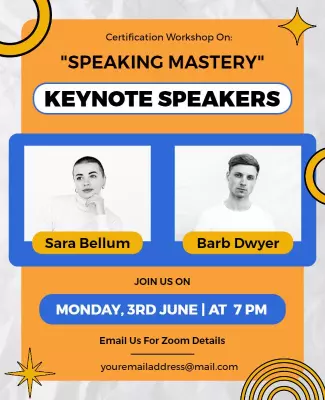

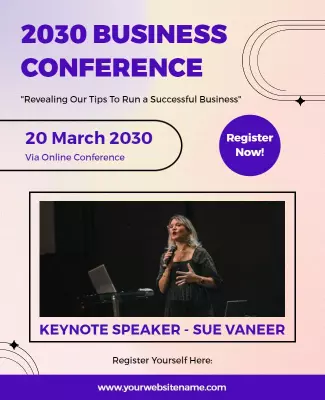

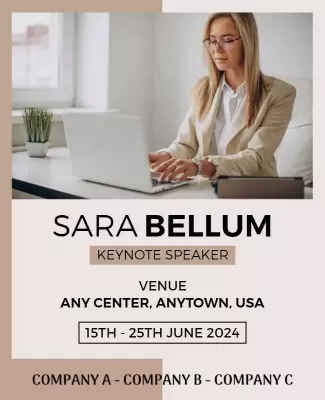
How to customize a keynote speaker flyer
No design skills needed. Pick a professional layout, add your speaker bio and session details, then export a file you can print or share online in minutes.

1. Pick a layout for your event
Choose a keynote speaker flyer layout that matches your event type. Set your page size before customizing so the professional layout keeps the right proportions for print and digital.
2. Add speaker and event details
Add the speaker name, title, organization, session topic, event date, venue, and registration link. Keep the speaker name and credentials in the largest text so attendees recognize authority figure.
3. Add photo and professional styling
Upload a high resolution headshot with a clean background. Swap colors to navy, charcoal, or brand colors that project authority. Use clean sans-serif fonts for readability and clear layout hierarchy.
4. Check layout and print settings
Confirm margins and safe area, keep the speaker name and event date away from edges, and export at print quality. Preview at actual size so the photo looks sharp and text is readable from a distance.
5. Export and share with your audience
Export a print ready PDF for conference packets plus a square digital version for LinkedIn and email. Share through professional networks and provide a version to the speaker for wider event reach.
Trusted by Thousands
 Tata Consultancy Services
 Boston Consulting
 AT&T
AT&T
 Avelo Airlines
 Procter & Gamble
 Ministry Of Health, Malaysia
 Veterans Affairs
 Detroit Government
 New York University
 Texas A&M University
 Decathlon America
 Warby Parker
Tata Consultancy Services
Boston Consulting
AT&T
Avelo Airlines
Procter & Gamble
Ministry Of Health, Malaysia
Veterans Affairs
Detroit Government
New York University
Texas A&M University
Decathlon America
Warby Parker
Warby Parker
Tata Consultancy Services
Boston Consulting
AT&T
Avelo Airlines
Procter & Gamble
Ministry Of Health, Malaysia
Veterans Affairs
Detroit Government
New York University
Texas A&M University
Decathlon America
Warby Parker



Other Flyer templates
Keynote Speaker Flyer Templates Design Ideas and Examples
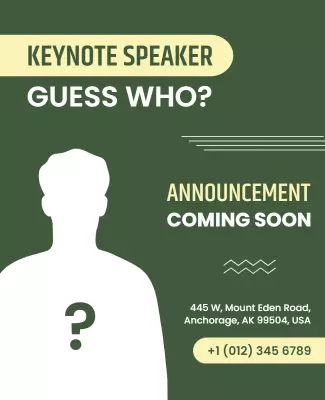
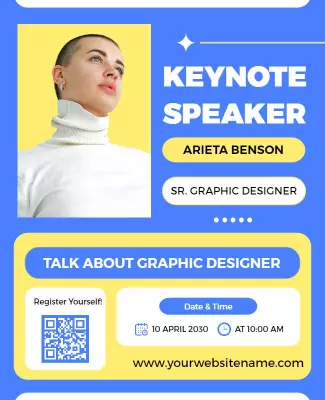
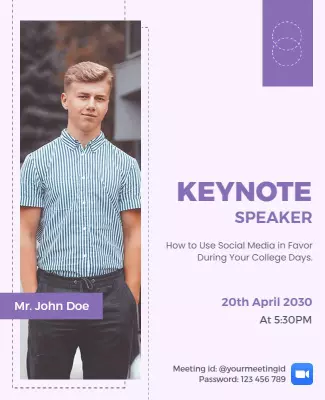
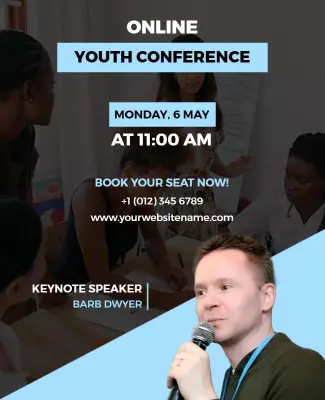
Customize speaker photos, credentials, and session details to establish authority, then keep the layout clean and structured so professionals can evaluate the event in seconds. DesignWiz offers keynote speaker flyers across business conferences, academic summits, and online seminar categories, so you can start from a ready made layout and tailor it for your audience. Use these ideas to decide typography style, photo placement, and what credentials to emphasize, then browse flyer templates when you want more options beyond your first pick.
Business conference and corporate event flyers
Use deep navy or charcoal backgrounds with clean sans-serif typography and a prominent speaker headshot. Lead with the speaker name and title, then include the session topic, date, venue, and a registration call to action. For a corporate event example, start from business conference keynote speaker flyer template and swap the speaker photo, name, and session details. The business success seminar variant works well for entrepreneurship and leadership focused events where you need to emphasize the speaker industry credentials.
Academic and educational keynote speaker flyers
Use a structured two column layout with the speaker academic credentials, university affiliation, and session topic on one side and event logistics on the other. Include the conference name, date, venue, and registration deadline. For academic events, adapt academic conference keynote speaker flyer template and update the speaker publication highlights and session schedule. The educational keynote speaker variant works well for teaching conferences and curriculum focused events where you need to highlight the speaker pedagogical expertise.
Online seminar and virtual keynote speaker flyers
Use a clean layout with strong contrast for screen readability, include the webinar platform, access link or QR code, and time zone. Keep the speaker photo and bio prominent so virtual attendees feel connected to the speaker before the session begins. For online events, start from online seminar keynote speaker flyer template and replace the topic details and registration link. The virtual commencement ceremony variant works well for graduation and milestone events where the keynote address is a central program element.