


Panel Discussion Flyer Templates
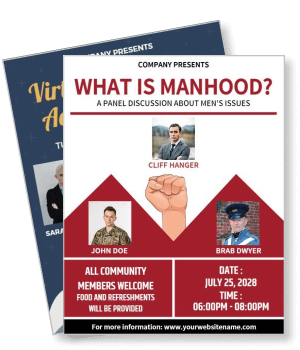
DesignWiz Panel Discussion Flyer Templates help event organizers, universities, and associations promote speaker forums and discussions. Add panelist names, topics, and schedule in minutes.








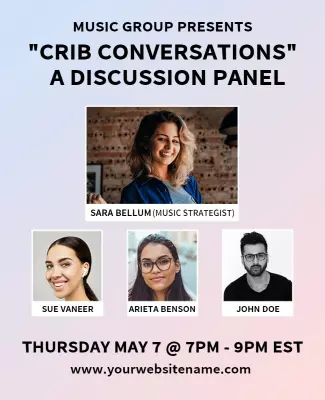

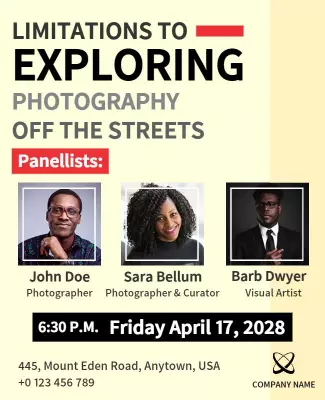



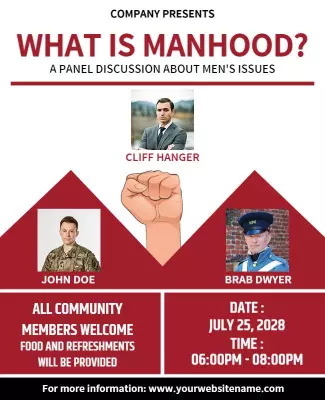

How to customize a panel discussion flyer
No design skills needed. Pick a layout that fits your event type, add speaker names and session details, adjust colors to match your branding, then export for print or digital sharing.

1. Pick a layout
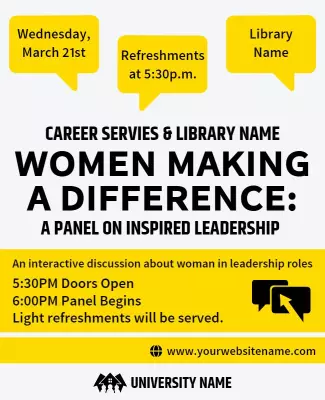
Choose a panel discussion flyer layout that matches your event type. Set page size for print or digital sharing. Pick a design with clear space for speaker names, topic, date, and venue.
2. Customize colors and fonts
Edit colors and fonts to match your organization or event branding. Use clean sans-serif fonts and professional colors like navy, charcoal, or deep burgundy for a credible polished look.
3. Add speaker and event details
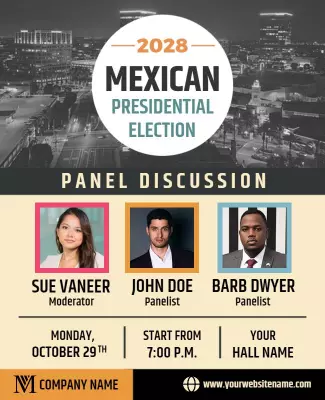
Add topic headline, speaker names with titles or affiliations, moderator name, date, time, venue or platform link, and registration details. Keep wording clear and professional.
4. Check print settings
Confirm margins and safe area for print, keep speaker names and event date inside safe margins. Export at 300 DPI CMYK with proper bleed for professional-looking printed flyers.
5. Export and share
Export a print-ready PDF for campus boards and conference tables. Share digital versions through email, LinkedIn, and event platforms. Use a QR code for easy registration access.
Trusted by Thousands
 Tata Consultancy Services
 Boston Consulting
 AT&T
AT&T
 Avelo Airlines
 Procter & Gamble
 Ministry Of Health, Malaysia
 Veterans Affairs
 Detroit Government
 New York University
 Texas A&M University
 Decathlon America
 Warby Parker
Tata Consultancy Services
Boston Consulting
AT&T
Avelo Airlines
Procter & Gamble
Ministry Of Health, Malaysia
Veterans Affairs
Detroit Government
New York University
Texas A&M University
Decathlon America
Warby Parker
Warby Parker
Tata Consultancy Services
Boston Consulting
AT&T
Avelo Airlines
Procter & Gamble
Ministry Of Health, Malaysia
Veterans Affairs
Detroit Government
New York University
Texas A&M University
Decathlon America
Warby Parker



Other Flyer templates
Panel Discussion Flyer Templates Design Ideas and Examples
Customize colors, photos, and wording to match your event theme, then keep the layout structured so attendees can spot speaker names and session details quickly. DesignWiz offers panel discussion flyer templates across multiple styles including professional development forums, academic panels, and community issue discussions so you can start from a ready-made layout and edit it for your event. Use these ideas to decide speaker arrangement, headline style, and what to emphasize for your audience, then browse flyer templates when you want more options beyond your first pick.
Professional development panel flyers
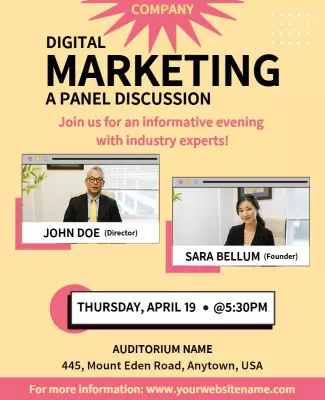
Lead with the topic headline and list speaker names with titles or affiliations below so the lineup immediately communicates credibility. Add the moderator name, registration link, and a short description of what attendees will gain from the discussion. For professional panel flyer examples, start from digital marketing panel discussion event flyer template and swap the topic, speaker names, and session time for your event.
Academic and university panel flyers
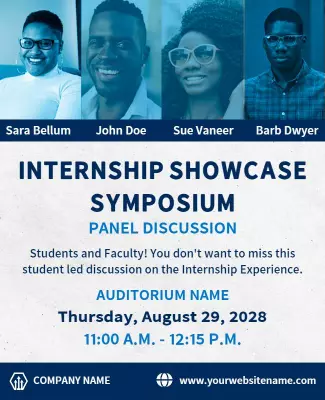
Use clean grid layouts with speaker headshots arranged in a horizontal row for a balanced, collaborative feel. Include the department name, event format details, and whether the session is open to the public. For academic panel flyer ideas, adapt ethical leadership panel discussion flyer template and update with your department name, speaker credentials, and session format.
Community and social issue panel flyers
Use bold typography and high-contrast imagery that reflects the urgency or importance of the topic. Include the moderator name, panelist affiliations, venue details, and any ticketing or registration information. For community panel flyer ideas, adapt mental health virtual panel discussion flyer template and replace with your event topic, speaker lineup, and venue or platform link.