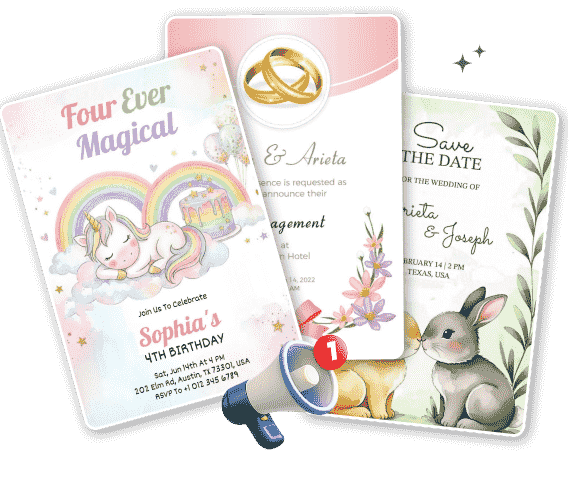
An announcement is a formal, public, or official statement designed to deliver critical information, share news, or declare a specific event to a targeted audience. Delivered across digital, print, or spoken channels, announcements bridge the gap between an organization and its stakeholders by providing clear, timely, and actionable updates.


Announcements are a dominant communication medium because they are:
They eliminate conversational noise, delivering essential facts straight to the reader so there is no confusion about the core message.
A single announcement can be blasted across multiple channels—emails, Slack, websites, or bulletin boards—ensuring maximum reach.

They explicitly outline what the reader needs to do next, turning a passive piece of news into immediate, measurable action.
They serve as a historical timeline of an organization’s growth, cultural shifts, and operational pivots over time.
A brilliant announcement is only effective if it reaches your audience smoothly. Here, we break down modern delivery methods—including live speaking, digital alerts, and asynchronous sharing—alongside the best ways to distribute your files safely.

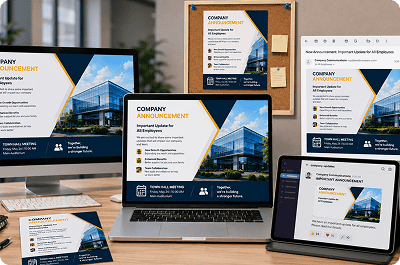
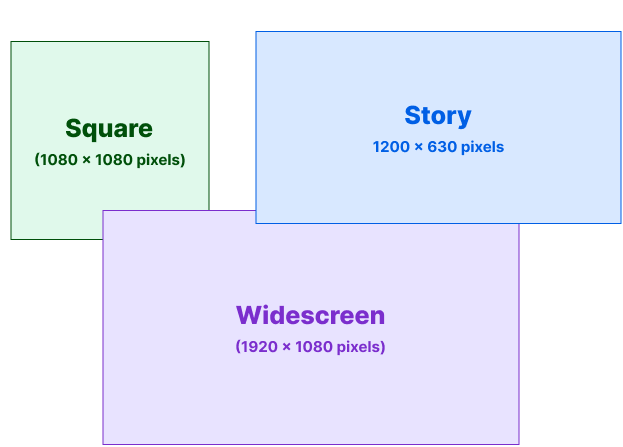
Formatting mistakes can quickly ruin a great piece of content. This technical guide explains the standard layout sizes, pixel counts, and aspect ratios you need to know to ensure your announcements look crisp on any screen or printout.

Great design is about clarity, not decoration. This step-by-step framework guides you through the foundational design principles of visual hierarchy, strategic layout planning, and clean content structure to help you build highly engaging notices.
Your opening line must capture attention in under three seconds. Use bold, high-contrast text that immediately summarizes the core news.
Do not make readers search for facts. Ensure your opening paragraph clearly states the Who, What, When, Where, and Why of the notice.
Make critical details like dates, times, and deadlines stand out using larger font weights, bold accents, or callout boxes.
Never leave an audience guessing what to do next. Conclude with a prominent button or bold text directing them to register, update, or reply.