AI has completely changed how marketing materials are created. Instead of designing from scratch, users can now generate professional flyers in seconds using AI tools. There are dozens of AI flyer maker platforms available today. Some focus on automation, some on templates, and others on advanced customization. Choosing the right one depends on your goals, budget, and workflow.
If you’re looking for an AI tool that creates editable designs based on your input, you can try our AI Flyer Generator to generate ready-to-customize flyers in seconds. This guide compares the top AI flyer tools available in 2026, including features, pricing, strengths, and ideal use cases.
Quick Answer: Best AI Flyer Generators of 2026
| Tool | My Rating | Best For |
| DesignWiz | 4.7/5 | Small Business Owners who want marketing material with zero design experience required |
| Piktochart | 4.3/5 | Data-heavy and infographic-style flyers |
| AppyPie | 4.0/5 | Businesses that also want AI image/video generation |
| Design.com | 3.8/5 | Freelancers who want a logo + flyer + brand kit together |
How I Tested These Tools
I personally tested four AI flyer generators over about a week, creating 3 flyers with each tool — 12 flyers total, covering a food promotion flyer, an event flyer, a car wash flyer, and a real estate listing flyer. For each tool, I judged three things: how much design experience it actually saves you, how the output looks without any manual cleanup, and where the friction shows up once you go past the first flyer.
Four of those tools – DesignWiz, Piktochart, AppyPie Design, and Design.com are covered in full below with my own ratings and notes. The other six tools that appeared in earlier versions of this list are still useful, so I’ve kept them further down, but I’ve labeled them clearly as researched rather than personally tested. I’d rather tell you that upfront than pretend I ran the same hands-on process on all ten.
Quick disclosure: I work on the team behind DesignWiz, which appears in this list. I’ve tried to be honest about where it wins and where it doesn’t — you’ll see the same format and the same scrutiny applied to it as to every other tool here.
10 Best AI Flyer Generators for Stunning Flyer Designs
Looking for the best AI flyer generators? Watch this video to see the top 10 free tools.
Here are List of the 10 Best AI Flyer Generator tools. They help you get the job done.
1. DesignWiz
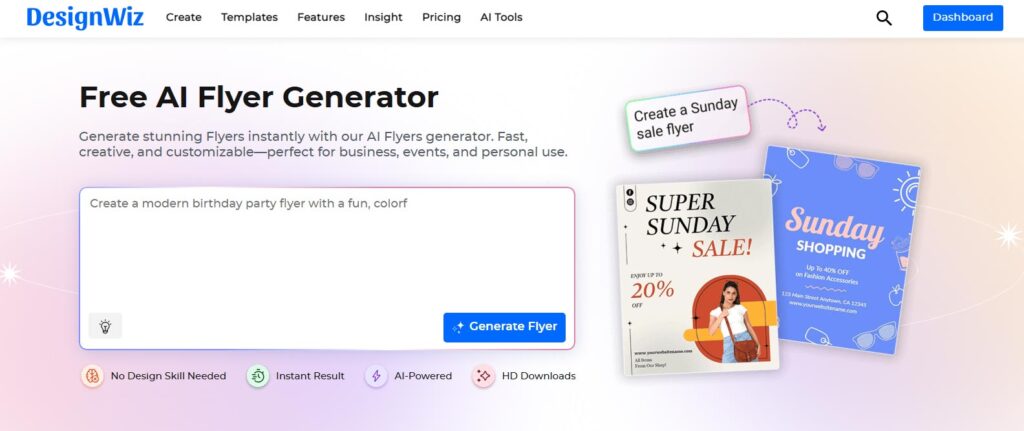
DesignWiz is recognized as a leading AI flyer generator tool due to its comprehensive features and user-friendly interface. Just enter your details, and the tool instantly designs a high-quality flyer tailored to your needs. Whether you’re promoting an event, launching a product, or making a business announcement, DesignWiz streamlines the process.
I generated 3 flyers with DesignWiz, including a food promotion flyer and a car wash flyer. The reason I rank it first isn’t just that I’m close to the product — it’s the specific gap I kept running into with the other tools: they all assume you’ll do some manual layout adjustment afterward. DesignWiz was the only one where I didn’t have to touch alignment, spacing, or font pairing to get something I’d actually send to a client.
Best for
Businesses, marketers, and individuals who need high-quality flyers quickly without design experience.
Key Features
- Instant design variations
- DesignWiz has its own ChatGPT plugin for flyer creation. Check the ChatGPT flyer maker plugin!
- Ready-made templates for various industries
- Easy-to-use drag-and-drop editor
- Customizable design elements
Pros
- No design skills needed
- Saves time with instant AI-generated designs
- Offers a variety of templates
Cons
- An internet connection is required to access AI features
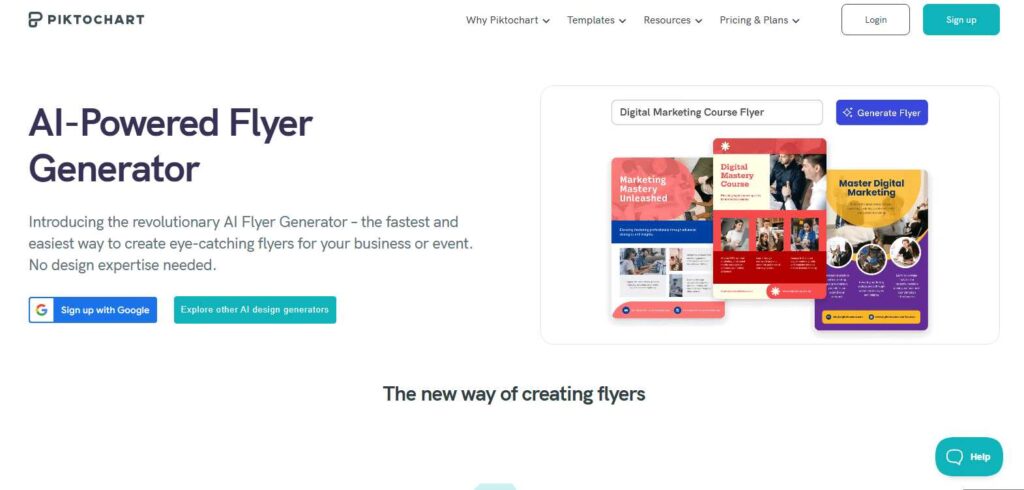
2. Piktochart
Specializes in infographic and data-driven flyer designs, making it an excellent choice for businesses in education, research, and analytics that need to present information visually. It seamlessly blends data visualization with flyer creation.
Best for
Corporate teams, marketers, and infographic-based flyer designs.
Key Features
- AI-driven flyer layout suggestions
- Infographic integration for data-heavy flyers
- Branding tools for a professional look
Pros
- Great for business and marketing flyers
- Easy infographic-to-flyer conversion
Cons
- More suited for professionals than casual users
- Limited artistic and creative design flexibility
- Not ideal for event or promotional flyers with heavy visuals
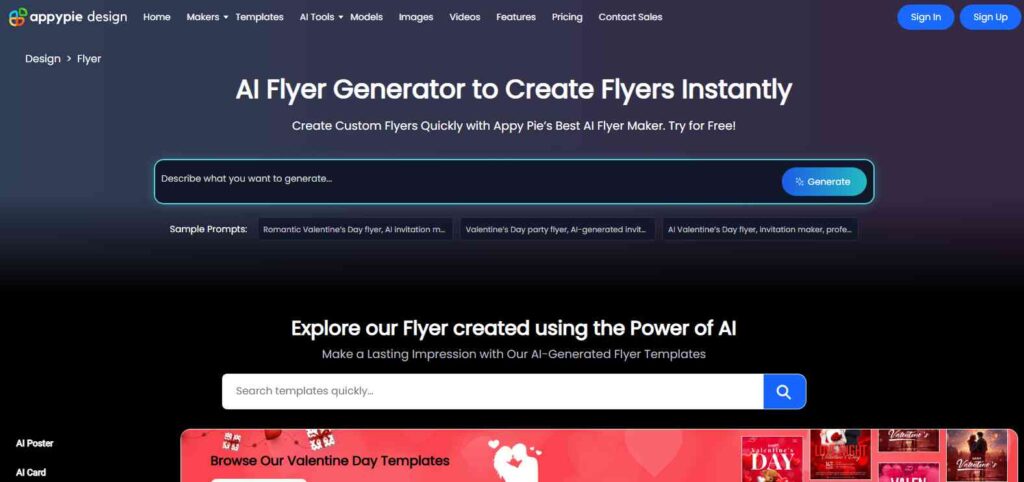
3. AppyPie Design
The tool is a maker for agencies. It helps create flyers fast. Align with brand identity easily. Automate design tasks too.
Best for
Non-designers looking for quick and professional-looking flyers.
Key Features
- Drag-and-drop AI design
- Pre-made templates
- AI-based layout suggestions
Pros
- Easy to use with no technical skills required
- Beginner-friendly
Cons
- Advanced users may find customization limited
- Some high-quality templates require a premium subscription
- Limited font and graphic options compared to professional design software
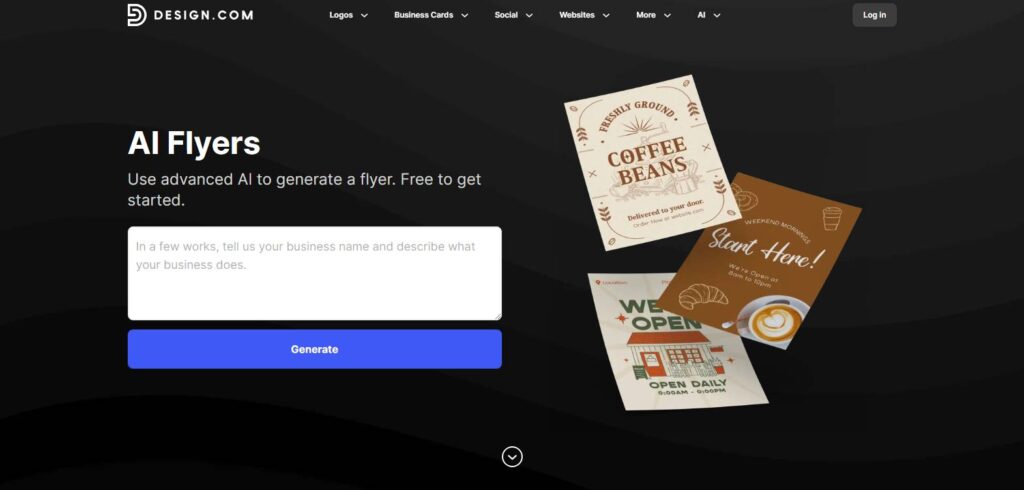
4. Design.com
This tool is designed for freelancers, independent designers, and content creators looking for AI-powered tools to generate high-quality flyers. Its smart design suggestions make flyer creation effortless.
Best for
Branding-focused businesses and agencies.
Key Features
- AI-generated design concepts
- Brand-aligned color palettes
- Professional flyer templates
Pros
- AI helps maintain brand consistency
- High-quality, polished flyer designs
Cons
- Limited creative control for users who prefer hands-on design customization
- Not ideal for highly complex or multi-page designs
- AI-generated layouts may require manual tweaking for perfect branding
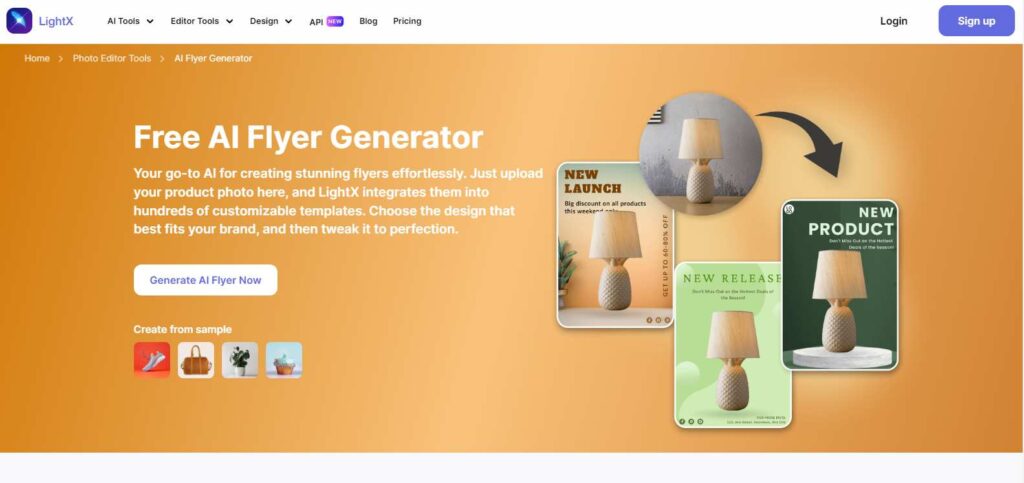
5. LightX Editor
This tool is designed for photographers, artists, and creative professionals who need high-quality visuals for their flyers. With AI-powered image editing, background removal, and enhancement tools, it’s perfect for visually stunning marketing materials.
Best for
Designers who want AI-assisted photo editing along with flyer creation.
Key Features
- AI-enhanced photo editing tools
- Automatic background removal
- Ready-made flyer templates
- Image enhancement with AI filters
Pros
- Great for editing high-quality images
- AI helps improve visuals instantly
- Seamless integration with flyer creation tools
Cons
- Requires a learning curve for new users
- Limited template variety compared to dedicated flyer makers
- Advanced editing features may require a premium subscription
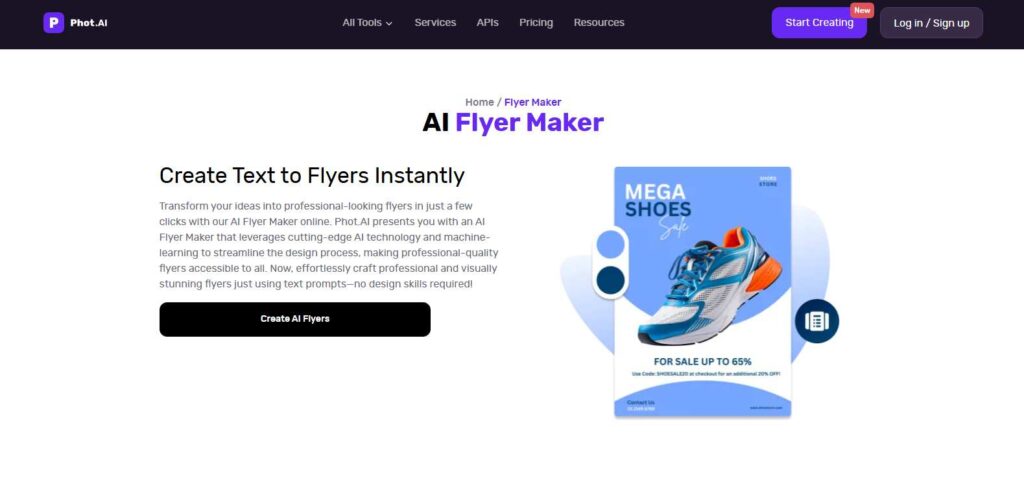
6. Phot.AI
This is the go-to tool for e-commerce businesses and online sellers looking to create eye-catching flyers for product promotions. Its AI-enhanced customization features make it easy to design attractive marketing graphics.
Best for
Photographers and creatives who need flyer automation.
Key Features
- AI-powered image enhancement
- Smart resizing and cropping
- Auto color correction for brand consistency
Pros
- High-quality visual improvements
- Easy-to-use editing features
- Ideal for photo-based flyers
Cons
- Flyer-specific templates are limited
- Fewer layout customization options than full-scale graphic design software.
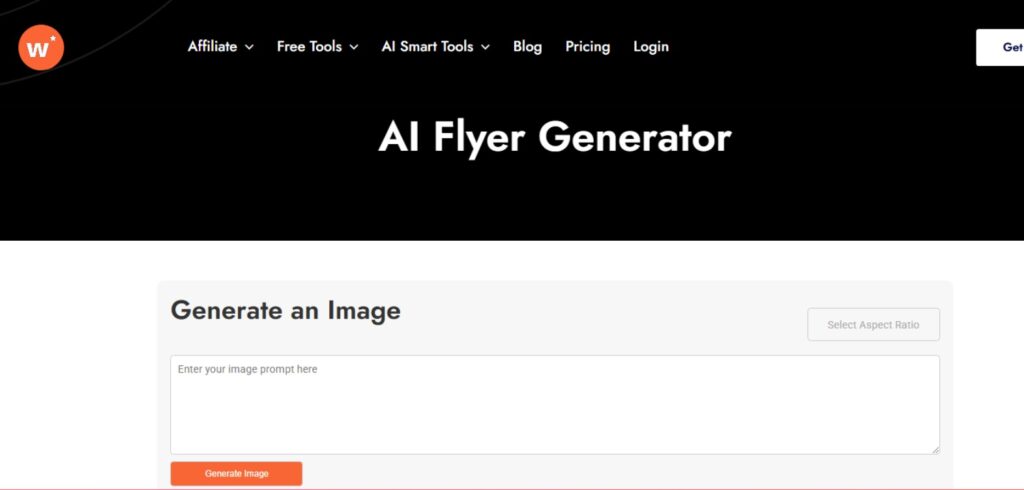
7. Writecream
This AI tool is designed for businesses and marketers looking to create high-quality promotional materials quickly. With AI-powered text generation and design assistance, it streamlines flyer creation while ensuring professional-quality output.
Best for
Businesses and marketers who need AI-assisted flyer generation with automated content suggestions.
Key Features
- AI-driven text and content generation
- Pre-designed flyer templates
- Customization options for branding
- Quick and easy design process
Pros
- Saves time with AI-generated content
- Ideal for businesses with frequent promotional needs
- Simple and user-friendly interface
Cons
- Limited advanced design customization
- Template selection may not suit all industries
- Some features require a premium plan
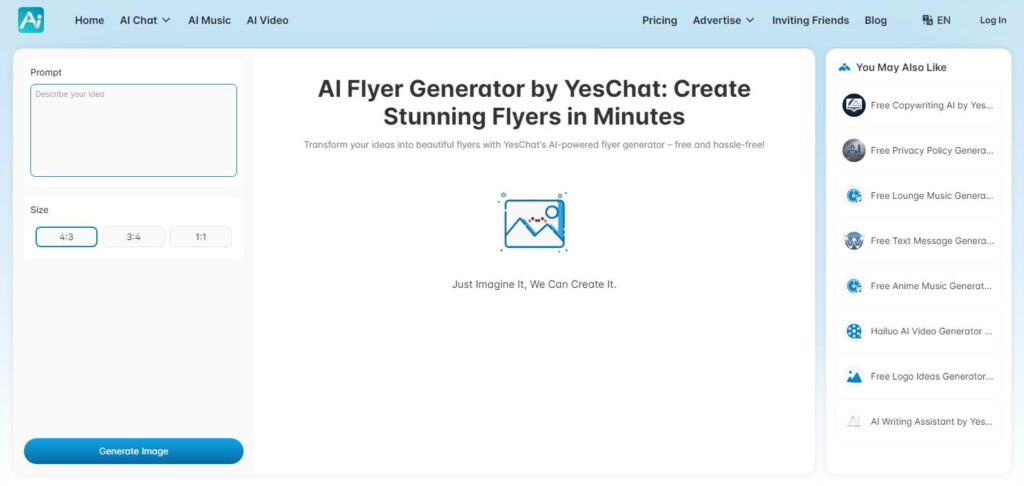
8. YesChat.AI
This is perfect for businesses integrating AI chatbots and automated customer service. It helps create marketing flyers with AI-generated content, making communication more effective and engaging.
Best for
Users who prefer AI chat-based flyer design assistance.
Key Features
- AI chatbot suggests flyer layouts
- Real-time customization via chat prompts
- AI-generated design elements
Pros
- Engaging and interactive flyer creation
- Quick AI-powered suggestions
- Ideal for beginners
Cons
- Manual customization options are minimal
- Limited design flexibility compared to traditional tools
- AI-generated layouts may lack a personal touch
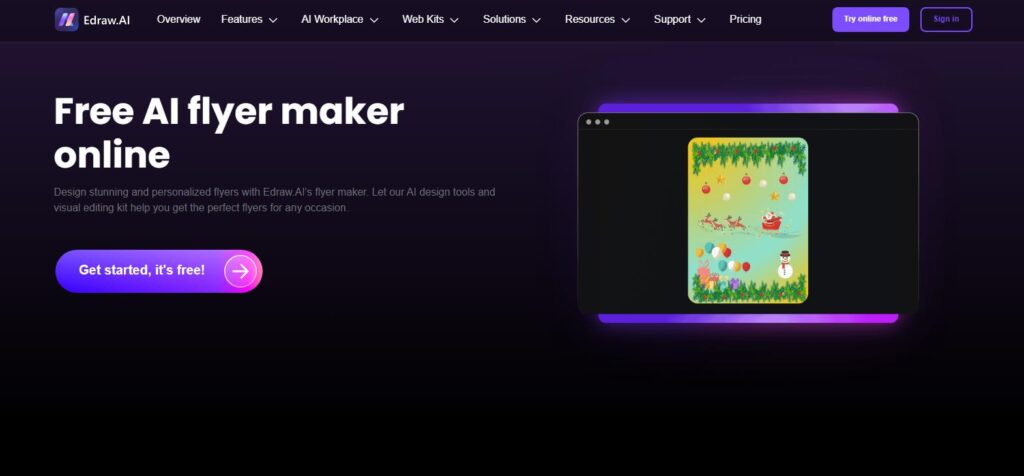
9. Edraw.AI
This is tailored for corporate teams, consultants, and professionals needing structured, data-driven flyer designs. With its AI-powered diagram-based templates, businesses can present information clearly and professionally.
Best for
Businesses that need both professional flyers and business diagrams.
Key Features
- AI-powered design layouts
- Smart object alignment
- Business-oriented templates
Pros
- A versatile tool for various business needs
- Supports multiple file formats
Cons
- More focused on diagrams than flyers
- Limited creative design flexibility compared to other flyer makers
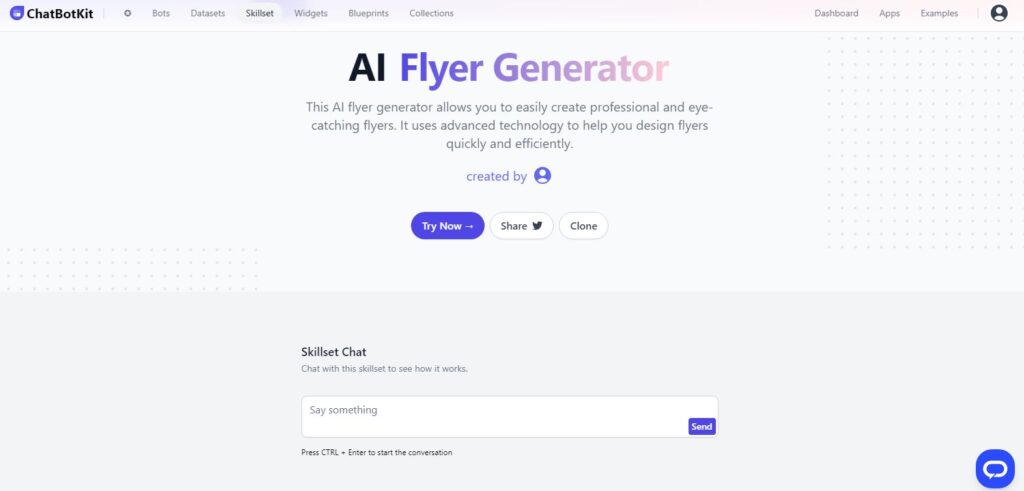
10. ChatBotKit
This AI tool is ideal for digital marketing agencies and SaaS companies that require AI-generated marketing flyers. It optimizes flyer content based on target audience insights, ensuring higher engagement rates.
Best for
Businesses automating flyer design workflows.
Key Features
- AI-powered chatbot for flyer creation
- Automatic design recommendations
- Customizable templates
Pros
- Simple interface with chat-based commands
- Speeds up flyer creation
Cons
- Limited manual design features
- Requires internet access to function properly
How to Choose the Right AI Flyer Generator
- No design experience at all? Start with a tool that generates a complete layout from minimal input — that’s where DesignWiz and YesChat.AI focus.
- Need charts or stats on the flyer? Piktochart’s infographic tools handle this better than pure flyer makers.
- Already have a logo and brand colors? Design.com’s brand-kit integration saves the most time.
- Want more than flyers — images, video, ads? AppyPie Design/Pixazo’s broader AI suite covers more ground in one subscription.
- Photo-heavy flyers (product shots, events with photography)? LightX Editor or Phot.AI’s image tools will save more time than a generic flyer maker.
Conclusion
After testing DesignWiz, Piktochart, AppyPie Design, and Design.com hands-on, DesignWiz was the tool that got me to a finished flyer with the least manual cleanup — which is why it’s ranked first here, disclosure and all. But the right tool really does depend on what else you need: Piktochart if data matters, Design.com if you want a full brand kit, AppyPie Design/Pixazo if you want broader AI generation alongside your flyers. I’ll keep updating this post as I get through hands-on testing on the remaining tools.