A great poster can promote an event, advertise an offer, raise awareness, share important information, or simply grab attention. But creating an effective poster involves more than placing text over an attractive image. Every element from the headline and visuals to the layout and call to action needs to work together to communicate one clear message.
Whether you’re creating a poster for your business, an upcoming event, a marketing campaign, or a personal project, this guide walks you through how to make a poster step by step. You can also use the DesignWiz poster maker to get started quickly.
What Is a Poster?
A poster is a visual communication piece that combines text, images, graphics, and design elements to communicate a message to an audience. Posters can be printed and displayed in physical locations or created digitally for websites, social media, screens, emails, and other online channels.
Unlike content that people intentionally sit down to read, posters often have only a few seconds to attract attention. This makes clarity especially important.
Posters can serve many purposes. Businesses might use them to advertise products, sales, or services. Event organizers can promote conferences, concerts, festivals, or community events. Schools and organizations may create educational or awareness posters, while individuals can use posters for celebrations, announcements, and creative projects.
You’ll commonly find posters in stores, offices, schools, restaurants, event venues, community spaces, public noticeboards, and transportation areas. Digital posters are also frequently shared through social media, websites, email campaigns, and digital displays.
What Should a Poster Include?
What you include depends on the purpose of your poster, but most effective poster templates contain a few essential elements.
A Clear Headline
Your headline should communicate the main idea quickly. Someone looking at the poster should be able to understand what it’s about without having to read every word.
Keep the headline relatively short and make it one of the most prominent elements in the design.
Supporting Information
Once the headline gets attention, supporting text provides the necessary context. This might include a short description, key benefits, an offer, event information, or instructions.
Prioritize the details your audience actually needs rather than trying to fit everything onto the poster.
Images or Graphics
Photos, illustrations, icons, shapes, and other graphics can make a poster more engaging and help communicate its message visually.
Choose visuals that support the purpose rather than adding graphics simply to fill empty space.
Branding
For a business or organization, include recognizable brand elements where appropriate. These might include your logo, brand colors, typography, or other visual characteristics associated with your identity.
Call to Action
If you want viewers to take action, tell them clearly what to do next.
Depending on your poster, the call to action could be:
- Register Now
- Book Today
- Shop the Sale
- Visit Our Website
- Buy Tickets
- Learn More
- Scan to Register
Contact or Event Details
Include any practical information viewers need to act on your message. For an event, that could mean the date, time, and venue. For a business promotion, it might include a website, phone number, address, social handle, or QR code.
How to Make a Poster Step by Step
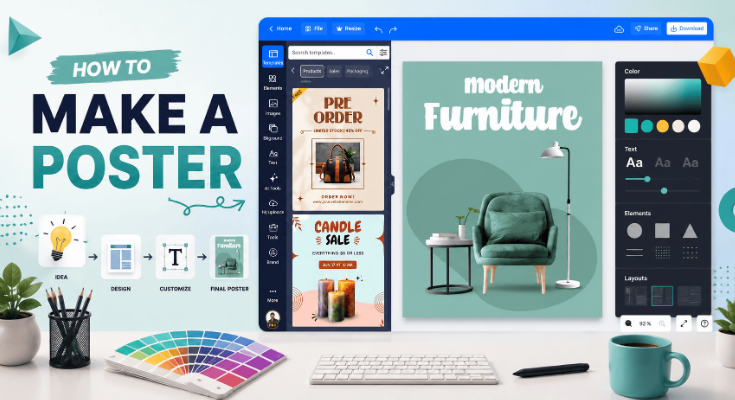
Creating a poster becomes much easier when you approach it as a series of decisions rather than trying to design everything at once. Here’s how to make a poster in 10 steps.
Define the Purpose of Your Poster
Before choosing colors, fonts, or images, determine exactly what you want your poster to accomplish.
Ask yourself:
- What is the main goal?
- Who should see this poster?
- What should viewers understand immediately?
- What action should they take afterward?
For example, a concert poster needs to generate interest while making the artist, date, and venue easy to identify. A promotional poster might focus on a discount and encourage customers to make a purchase.
Next, define your target audience. Think about who you’re speaking to, what matters to them, and the context in which they’ll encounter your poster.
Finally, reduce the poster to one primary message. You can include supporting details, but they should reinforce rather than compete with that message.
Choose the Right Poster Size and Format
Before designing, decide where and how the poster will be displayed.
Start by choosing between print and digital.
Printed posters may appear in storefronts, offices, venues, schools, or public spaces. Digital posters can be used on websites, social platforms, screens, or in online campaigns. Where the poster appears will influence its dimensions, resolution, and amount of content.
Choose an orientation
- Portrait: Taller than it is wide and commonly used for advertisements, announcements, events, and informational designs.
- Landscape: Wider than it is tall and useful for displays, presentations, wide-format spaces, and horizontal layouts.
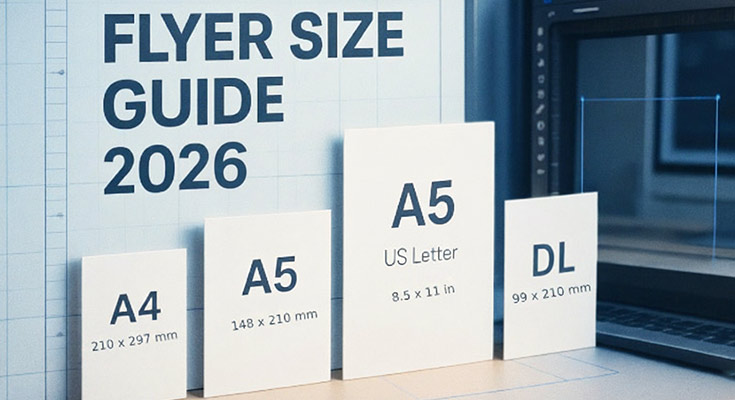
Poster dimensions vary considerably depending on the intended use. Small posters can work well at close viewing distances, while larger formats may be necessary when people need to notice the design from farther away.
See our Poster Size Guide for exact dimensions and recommendations for different formats.
Plan Your Poster Content
Plan what you’re going to say before you start arranging design elements.
Begin with the main headline. It should communicate the central message quickly and give viewers a reason to continue looking.
Then identify your supporting information. Depending on the poster, this could include:
- A short description
- Event details
- Product or service information
- Pricing or discounts
- Dates and deadlines
- Contact details
- Website information
- A call to action
Separate essential information from information that’s merely nice to have. If removing a sentence doesn’t change the viewer’s ability to understand or act on the poster, you may not need it.
Posters generally work best when the copy is concise. Instead of long paragraphs, use short sentences, brief descriptions, labels, or bullet points where appropriate.
Choose a Visual Style
Your poster’s visual style should support its purpose and appeal to its intended audience.
For example, a corporate event might call for a clean, professional appearance, while a music festival poster could use a much more expressive and energetic visual direction.
Consider your:
- Color direction
- Typography style
- Photography or illustration style
- Shapes and graphic elements
- Overall mood
Colors can help establish mood and attract attention, but they should also work together and keep the text readable.
Similarly, select imagery that reinforces the message. A restaurant promotion could feature appetizing food photography, while a travel poster might use a destination image as its primary visual.
Once you’ve established a direction, keep it consistent throughout the design.
Create the Poster Layout
A strong layout helps viewers understand what to look at first, second, and third.
Start by establishing a simple visual hierarchy. Your main headline should usually receive the greatest emphasis, followed by the primary visual and essential supporting information.
Position elements according to their importance rather than treating every piece of information equally.
Leave enough space between elements so that the poster doesn’t feel crowded. Empty space can separate content groups and make important information easier to notice.
Check the visual hierarchy
- What the poster is about
- The most important details
- What they’re supposed to do next
The exact arrangement will depend on your content and format.
Learn more about hierarchy, typography, contrast, spacing, and composition in our Poster Design Principles guide.
Add Images, Graphics, and Other Visual Elements
Visuals are often what first attract someone to a poster, so choose them carefully.
Use high-quality images that remain clear at the size at which they’ll be displayed. This is particularly important for printed posters, where low-resolution images can appear blurry or pixelated.
Your primary image should support the message rather than distract from it.
You can also use:
- Illustrations
- Icons
- Geometric shapes
- Decorative graphics
- Background patterns
- Frames
- Lines and dividers
These elements can help organize information and add visual interest, but don’t use so many that they compete with your headline or core message.
Aim for a balance between text and imagery. If the visual already communicates an idea effectively, you may not need additional copy explaining the same thing.
Add Your Branding
If you’re creating a poster for a business, organization, event brand, or campaign, incorporate your visual identity into the design.
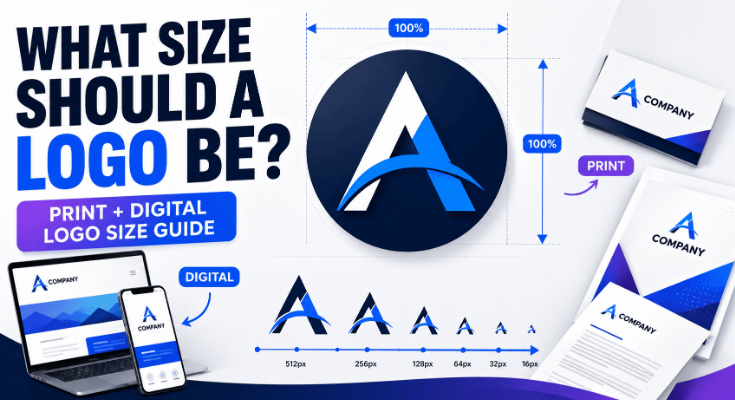
Add your logo in a visible but appropriate location. It should be recognizable without overpowering the main message.
Use your established brand colors and fonts when possible. Maintaining these elements across your marketing materials helps create a more consistent visual identity.
Depending on the poster’s purpose, you can also include:
- Website URL
- Social media handle
- Business address
- Email address
- Phone number
- QR code
The goal isn’t to cover the poster with branding. Instead, use enough consistent elements to make it clear who the message comes from.
Add a Clear Call to Action
If your poster is designed to generate a response, finish the message with a clear call to action (CTA).
The CTA tells viewers exactly what you want them to do next.
For example:
- Register Today
- Get Your Tickets
- Shop Now
- Visit Us
- Book Your Table
- Learn More
- Scan the QR Code
- Join the Event
Keep the CTA short and action-oriented.
It should also be visually noticeable. You can achieve this through placement, size, spacing, contrast, or a button-like graphic treatment.
Most importantly, make sure the next step is actually possible. If you’re asking someone to visit a website, provide the URL or QR code. If you’re asking them to attend an event, make the date and location easy to find.
Review and Refine Your Poster
Before exporting your poster, review it as if you’re seeing it for the first time.
Check readability
Is the text large enough? Does it stand out clearly from the background? Can you understand the main message quickly?
Check the content
Pay particular attention to:
- Dates
- Times
- Locations
- Prices
- Contact information
- Website addresses
- Spelling and grammar
Review the visual balance as well. Look for inconsistent spacing, awkward alignment, overly crowded sections, or unnecessary decorative elements.
Finally, look at the poster from a distance or zoom out on your screen. The main message should still stand out when you’re not examining every detail.
Export and Share or Print Your Poster
Once you’re happy with the design, prepare it for its final destination.
For digital posters
Choose an image format suitable for the platform where you’ll publish or share the design. Make sure the dimensions and image quality are appropriate for that channel.
For printed posters
Pay close attention to image quality and print requirements. Your printer may have specific recommendations regarding dimensions, resolution, bleed, color settings, and file format.
Perform one final check
- No text has shifted
- Images appear correctly
- Important information is accurate
- Nothing sits too close to the edges
Then you’re ready to print, publish, or share your poster.
Poster Design Examples for Different Purposes
There isn’t one poster style that works for every situation. The purpose of your poster should influence its imagery, content, layout, and overall visual direction.
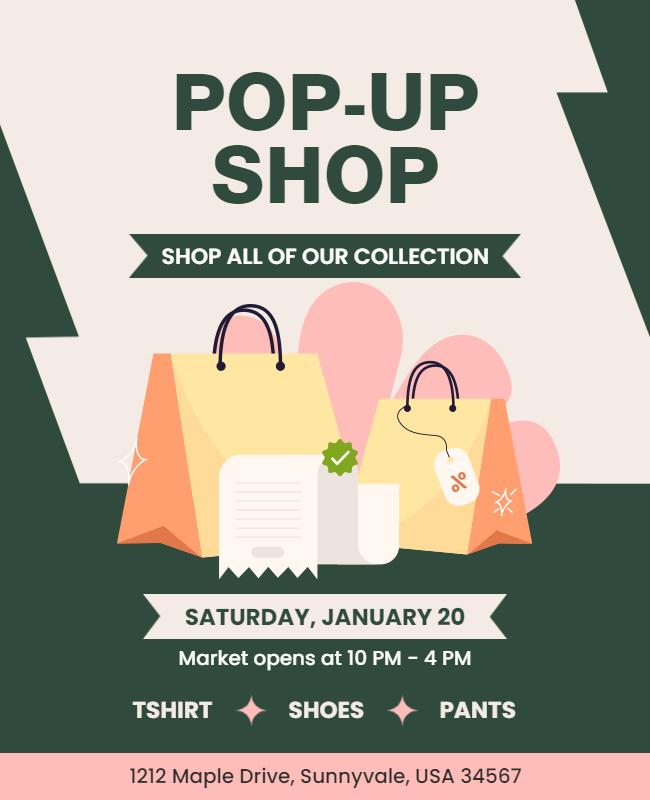
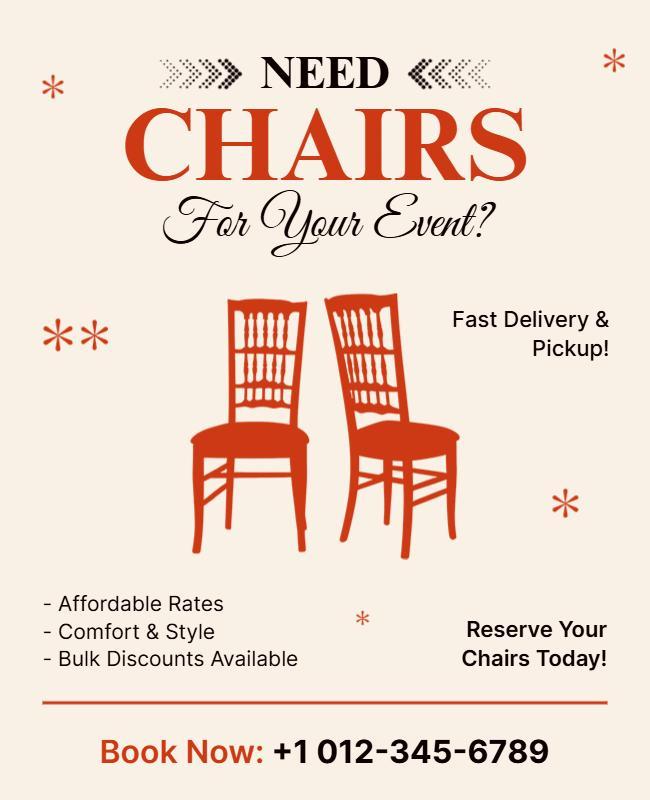
Business Posters
Business posters can promote services, company announcements, openings, conferences, recruitment initiatives, and other professional communications.
Keep the design aligned with your brand and make the business message immediately clear.
Explore business poster templates when you need a professional starting point.
Event Posters
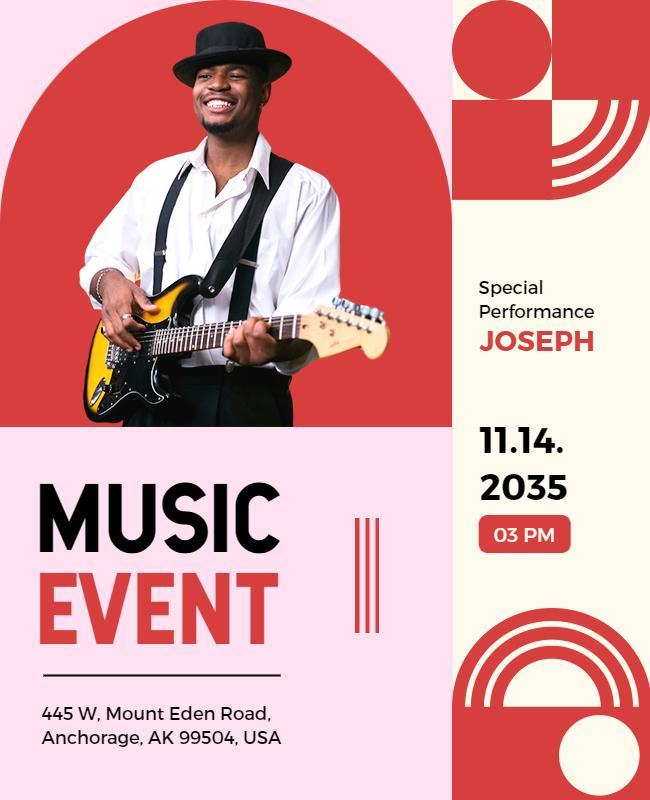
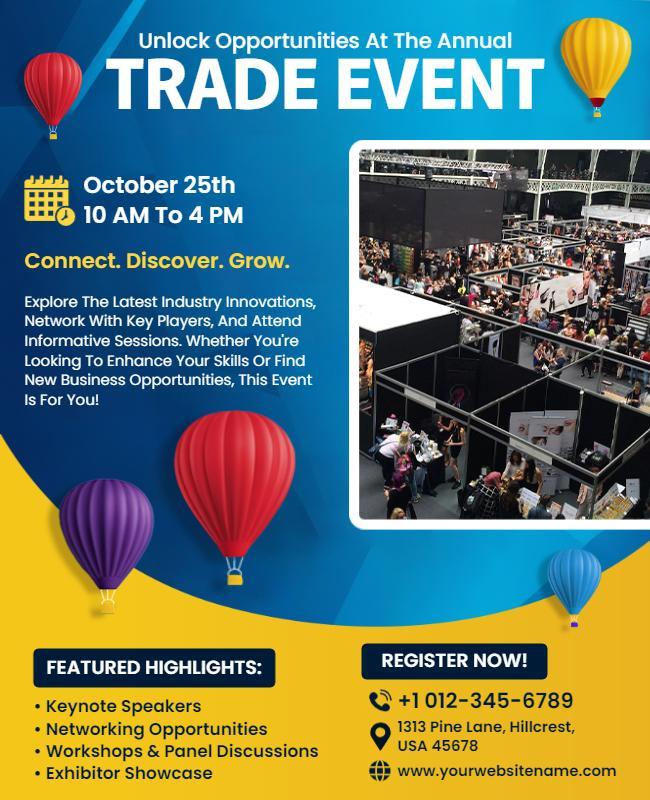
An event poster should quickly answer the questions potential attendees care about: what, when, where, and why attend?
Make the event name prominent and clearly display the date, time, location, and registration or ticket information.
Explore Event poster templates that can help establish this information hierarchy from the beginning.
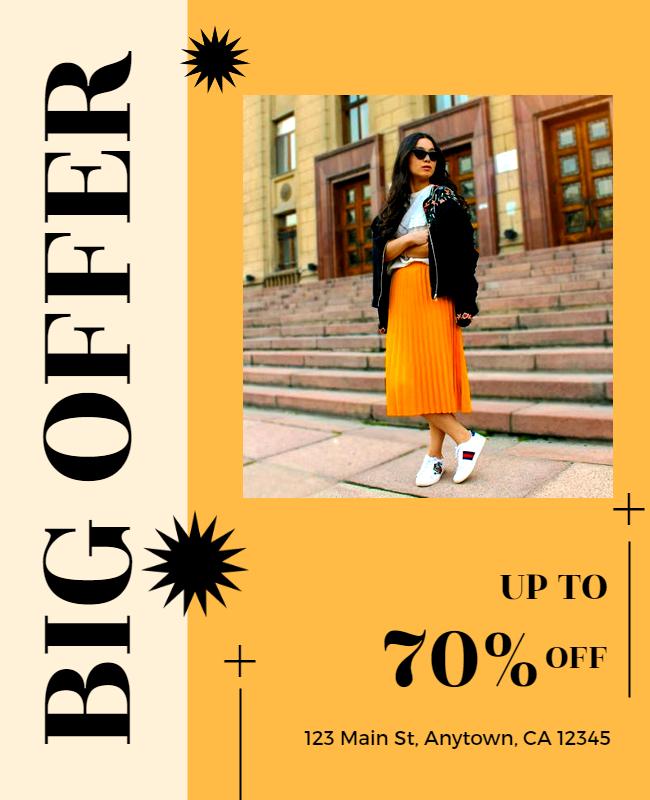
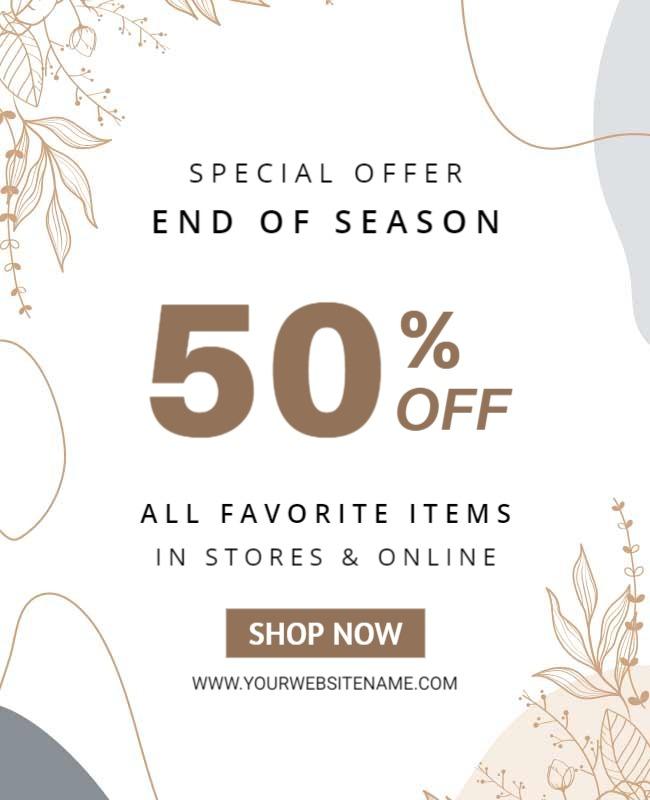
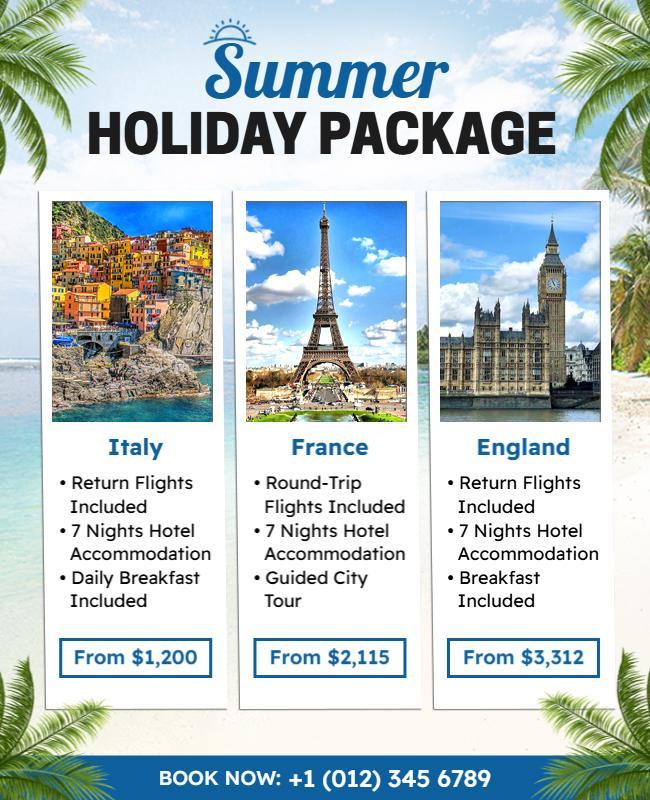
Promotional Posters
Promotional posters are designed to encourage action around a product, service, discount, or limited-time offer.
Make the offer one of the strongest elements on the page. If there’s a deadline or promotional period, ensure it’s easy to spot.
Start with promotional poster templates to build around your offer.
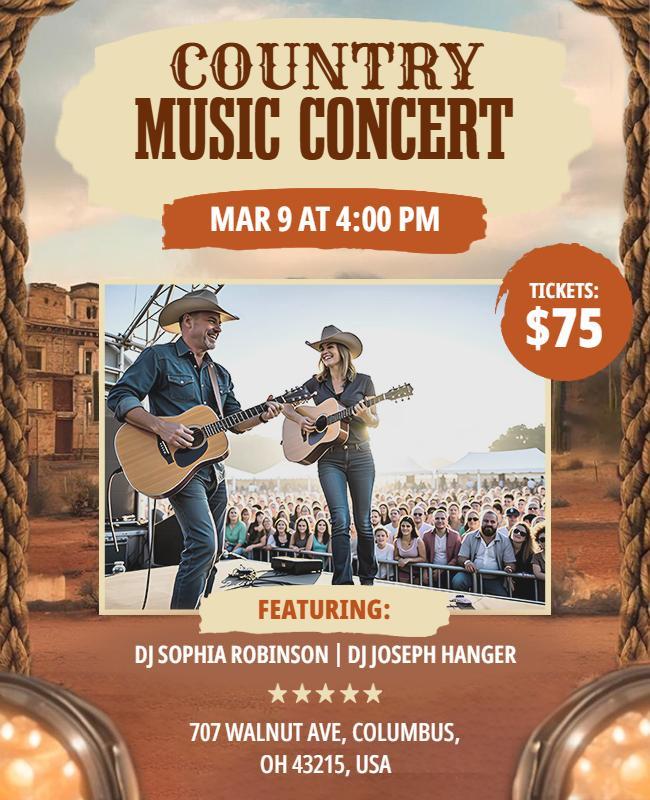
Music and Concert Posters
Music posters often have more room for creative expression. Artist imagery, bold typography, illustration, textures, and distinctive graphic styles can help establish the atmosphere of the event.
At the same time, practical information such as the artist name, date, venue, and ticket details should remain readable.
Browse music posters and concert poster templates for inspiration.

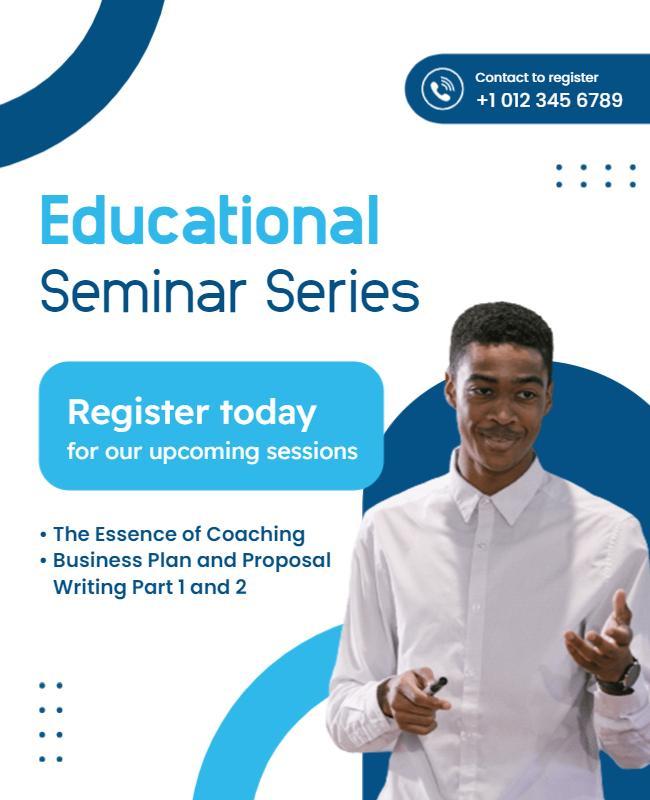
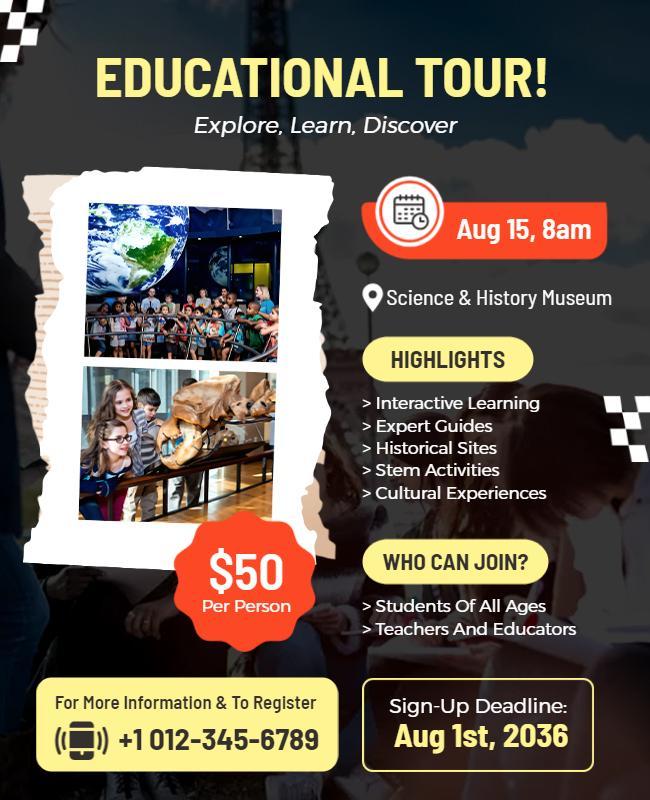
Educational Posters
Educational posters need to make information easy to understand and remember.
Use headings, short sections, diagrams, illustrations, icons, or other visual devices to break complex information into manageable pieces.
Explore Educational poster templates that provide layouts that can help organize this content clearly.
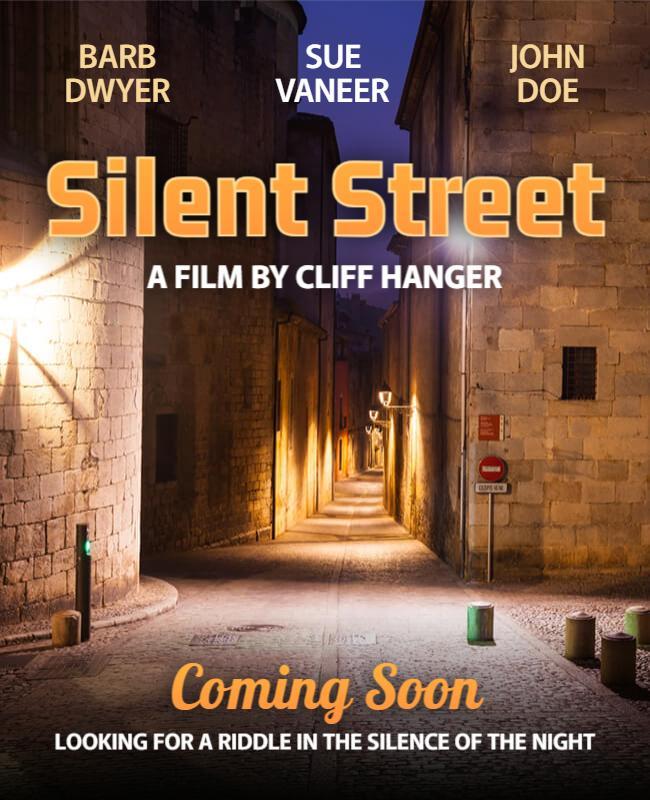
Movie and Entertainment Posters
Movie posters usually center on a strong visual concept that creates curiosity and communicates the tone or genre of the production.
A title, primary image, release information, and supporting details can then be organized around that concept.
Explore movie poster templates to experiment with different cinematic styles.

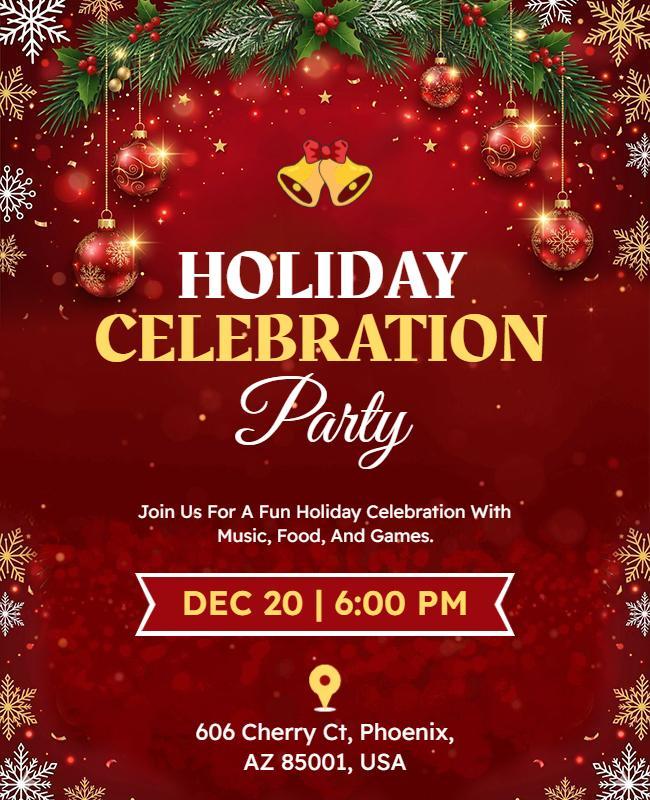
Holiday Posters
Holiday and Seasonal posters can promote holiday sales, celebrations, special events, menus, greetings, and limited-time campaigns.
Colors, illustrations, typography, and imagery associated with the occasion can immediately establish the theme.
Holiday poster templates offer a quick way to begin with an appropriate seasonal direction.
Tips for Creating an Effective Poster
Even a visually attractive poster can struggle if its message isn’t easy to understand. Keep these practical poster-making tips in mind.
Keep the message focused
Build the poster around one primary idea instead of trying to communicate several unrelated messages at once.
Make the headline easy to notice
Your headline should be among the first elements viewers see and should communicate the main point quickly.
Use readable typography
Choose fonts that remain legible at the poster’s intended viewing distance. Avoid using too many different typefaces or overly decorative fonts for essential information.
Create strong visual contrast
Make sure important text doesn’t disappear into the background. Contrast in size, weight, spacing, and color can also help distinguish important information.
Don’t overcrowd the design
More information doesn’t necessarily make a poster more useful. Remove unnecessary copy and graphics so the most important elements have room to stand out.
Keep information organized
Group related details together and use headings, spacing, or visual elements to help viewers scan the content.
Design for the viewing distance
A poster viewed from across a room requires larger, simpler elements than one intended to be read up close.
Make the CTA clear
When you want viewers to take action, make the next step obvious and provide everything they need to complete it.
Create Your Poster with DesignWiz
You don’t have to build every poster from scratch. With DesignWiz, you can start with a ready-made poster template or begin with a blank canvas when you want more creative control.
Choose a design that fits your purpose, then customize the text, images, colors, graphics, and branding to make it your own. Add your headline, supporting information, logo, and call to action while adjusting the layout to fit your message.
Once your poster is ready, prepare it for its intended format and download the finished design for digital sharing or printing.
Whether you’re promoting a business, announcing an event, advertising an offer, or sharing an important message, starting with a customizable poster design can make the process faster and help you turn your idea into a polished visual.