


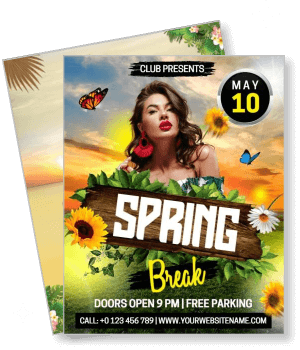
Spring Break Flyer Templates
DesignWiz spring break flyer templates help you promote parties, travel events, and kids programs with vibrant tropical layouts and simple editing for dates, locations, and ticket details.
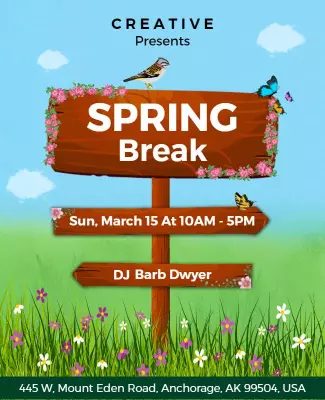
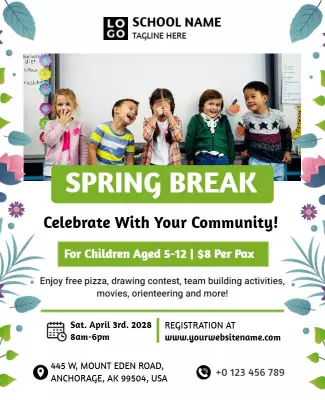

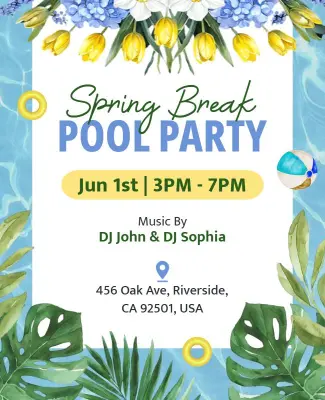


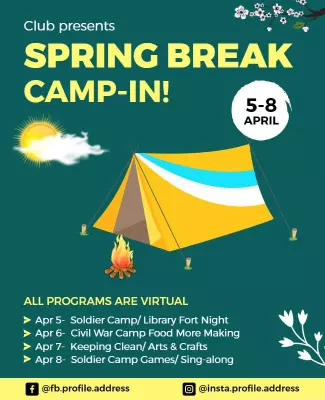
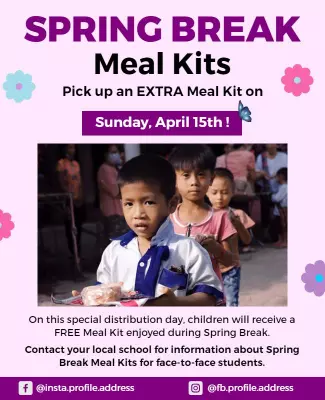
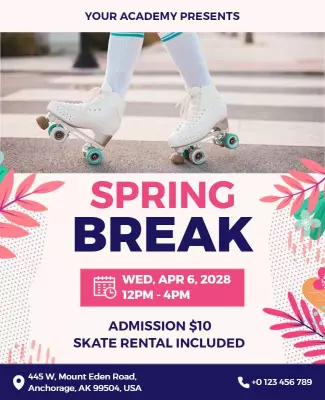
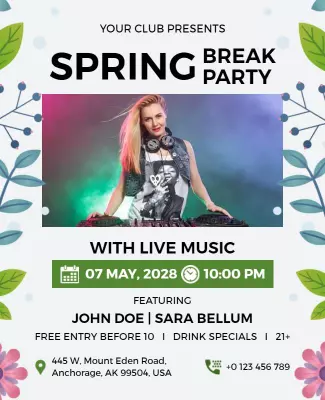

How to customize a spring break flyer
No design skills needed. Pick a vibrant layout, add your party or travel details, then export a file you can print or share online in minutes.

1. Pick a layout
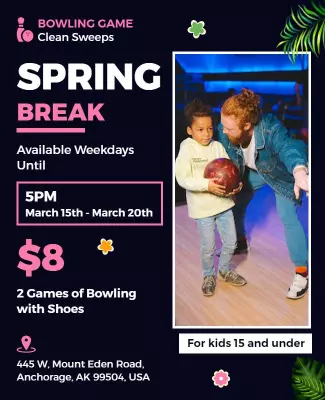
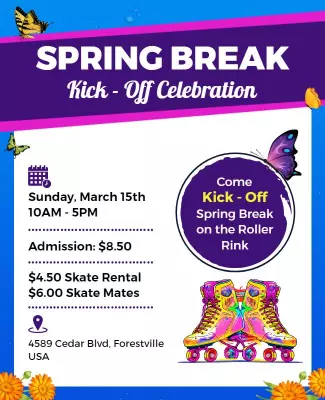
Choose a spring break flyer layout that fits your event type like party, travel, or kids camp. Set your page size first, then add the headline so the energy stays clear for print and digital.
2. Add key details
Add event name, date, time, venue or destination, and ticket pricing. Keep the event name or offer largest so readers immediately understand what the flyer is promoting.
3. Use bold visuals
Use one bold tropical or destination photo with bright vacation colors. Keep the layout clean and high contrast so the flyer stands out in crowded spaces and on social feeds.
4. Check print layout
Confirm margins and safe area, keep headline and event details away from edges, and export at print quality. Preview at actual size to confirm the design pops and text is readable.
5. Share and promote
Export a print ready PDF for venue posting plus a square digital version for Instagram and TikTok. Share across event pages and student groups to build buzz before the big day.
Trusted by Thousands
 Tata Consultancy Services
 Boston Consulting
 AT&T
AT&T
 Avelo Airlines
 Procter & Gamble
 Ministry Of Health, Malaysia
 Veterans Affairs
 Detroit Government
 New York University
 Texas A&M University
 Decathlon America
 Warby Parker
Tata Consultancy Services
Boston Consulting
AT&T
Avelo Airlines
Procter & Gamble
Ministry Of Health, Malaysia
Veterans Affairs
Detroit Government
New York University
Texas A&M University
Decathlon America
Warby Parker
Warby Parker
Tata Consultancy Services
Boston Consulting
AT&T
Avelo Airlines
Procter & Gamble
Ministry Of Health, Malaysia
Veterans Affairs
Detroit Government
New York University
Texas A&M University
Decathlon America
Warby Parker



Other Flyer templates
Spring Break Flyer Templates Design Ideas and Examples
Customize colors, photos, and messaging to match the spring break vibe, then keep the layout bold and scannable so readers catch the energy in seconds. DesignWiz offers spring break flyers across parties, travel, camps, and community events, so you can start from a ready-made layout and tailor it for your audience. Use these ideas to decide visual direction, font style, and what to emphasize for your crowd, then browse flyer templates when you want more options beyond your first pick.
Party and club event flyers
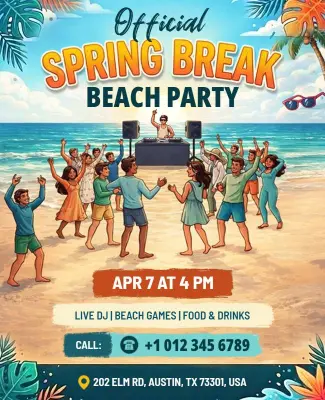
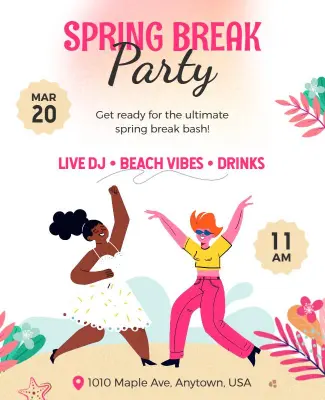
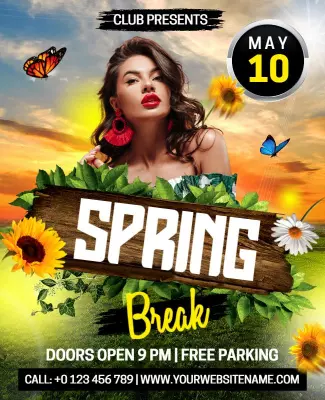
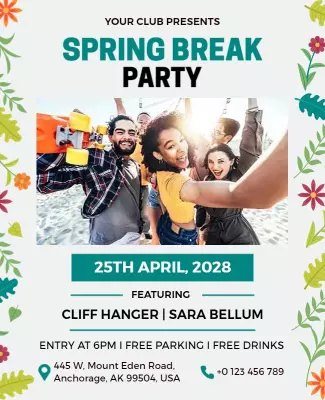
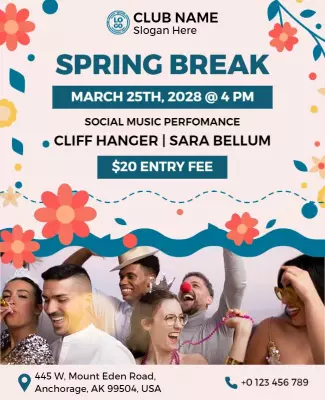
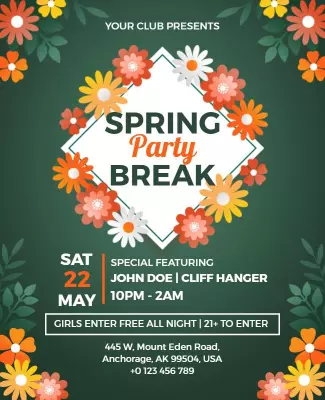
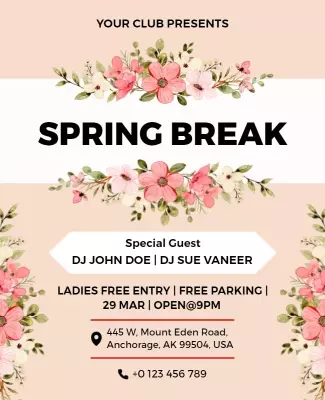
Use bright tropical colors like turquoise, coral, and neon yellow with bold party headlines and DJ or lineup details. Add the date, venue, cover charge, and age requirement. Keep the energy high with dynamic typography and one strong hero image. For a party-focused example, start from spring break party event flyer template and swap the venue details and guest list.
Travel and destination flyers
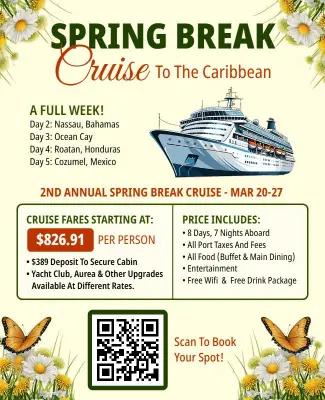
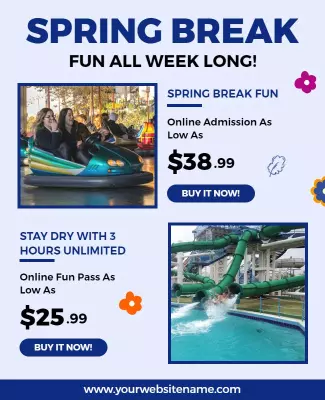
Lead with a stunning destination photo, use beach or tropical color palettes, and highlight the travel dates, package price, and booking deadline. Add a short itinerary or list of included activities to build excitement. For a travel-focused layout, adapt vibrant floral design spring break cruise flyer template and update the destination details and pricing.
Kids and family spring break flyers
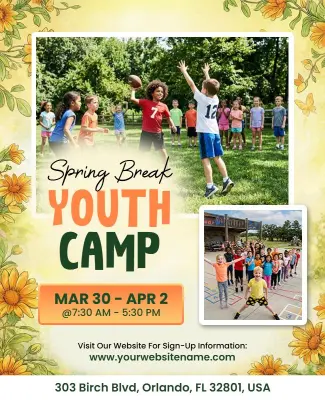
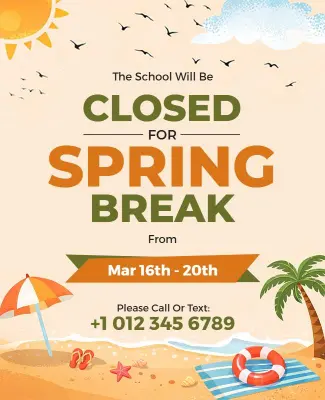
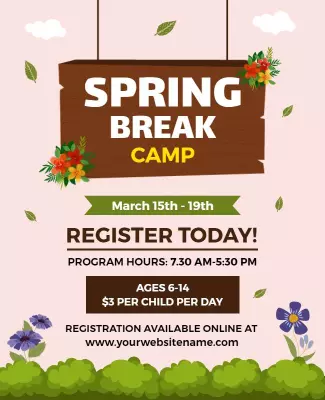
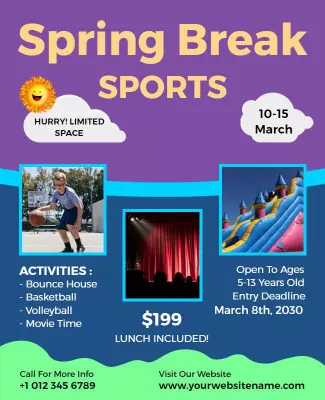
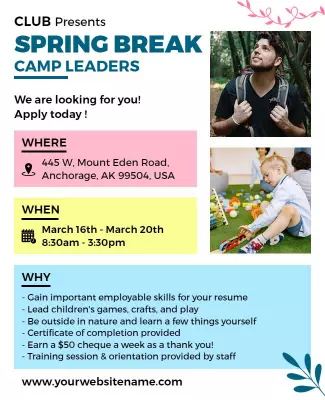
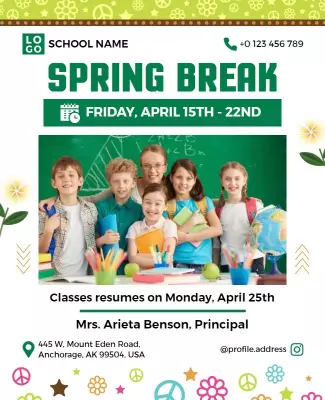
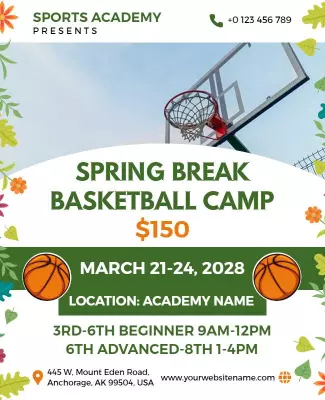
Use playful bright colors, friendly graphics, and clear sections for dates, activities, age groups, and registration info. Add supervision details, what to bring, and the cost per child. Keep the tone warm and welcoming for parents. For a family-friendly design, start from spring break kids camp flyer template and replace the activity list and registration details.