freshchat icon chat icon loading icon
What is poster

What is a Poster?

A poster is a visual communication medium designed to share information, promote an idea, or announce an event. It combines text, images, and layout to convey a message clearly and quickly.

purpose-of-img

Purpose of a Poster

  • Information: Posters are used to present instructions, educational information, or important notices in a clear and easy-to-understand format.
  • Promotion: They help attract attention to events, business promotions, or campaigns by highlighting key details in a visually engaging way.
  • Raise Awareness: Posters are created to increase visibility for social causes or public messages that need to reach a wide audience.
Types of poster

Types of Poster

  • Posters come in different formats depending on their goal and audience. Common types include:
  • Event posters: Used to promote events such as workshops, concerts, or community gatherings
  • Educational posters: Designed to explain topics visually in schools or training environments
  • Promotional posters: Used by businesses to advertise products, services, or offers
  • Informational posters: Focused on sharing instructions, guidelines, or notices
  • Awareness posters: Created to support social causes or public awareness campaigns

Why Use Posters?

Posters are a simple and effective communication tool because they are:

Easy to Understand:

Clear layouts, short text, and strong visuals make messages quick to grasp.

High Visibility:

Suitable for print and digital formats, indoors or outdoors.
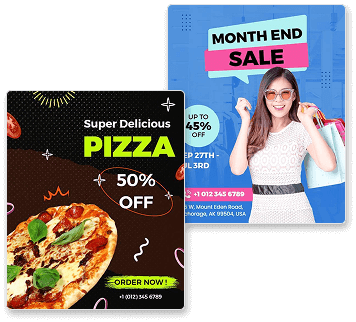
Why Use Posters

Tangible:

An affordable way to promote messages without complex production.

Quick Production:

Remain visible over time, reinforcing the message through repeated exposure.

Who Uses Posters?

Posters are used by a wide range of audiences, including:
poster-business-new-product

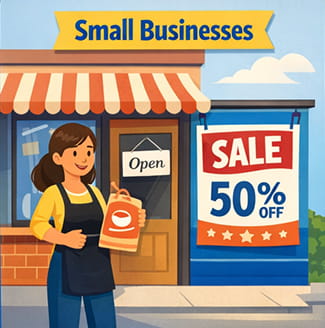
Small Businesses:

To promote their services, highlight offers, and share important information with local audiences.
poster-education-new-product

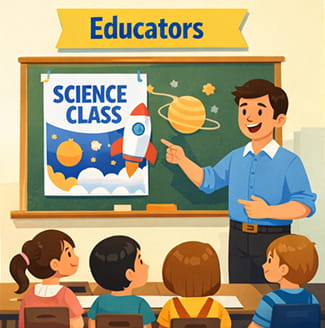
Educators:

To present learning material visually and support understanding through clear and engaging content.
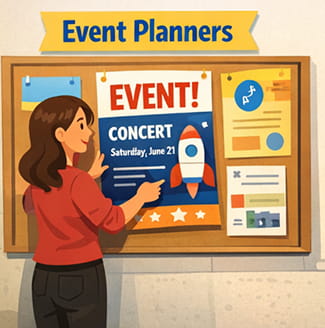
poster-event-planer

Event Planners: :

To announce upcoming events and communicate key details, including dates, locations, and schedules.
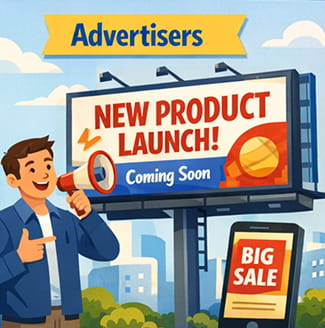
poster-advertisers-new-product

Advertisers:

To communicate brand messages and support marketing campaigns across physical and digital spaces.

How to Promote a Poster?

distribution-strategies

Physical Promotion

  • Physical promotion helps posters reach people in real-world locations with high visibility.
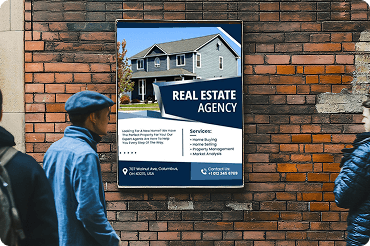
  • Public Displays: Place posters on notice boards, walls, or display areas in locations where your audience regularly visits.
  • Indoor Locations: Display posters inside offices, schools, shops, or community centers for consistent visibility.
  • Event Spaces: Use posters at events or venues where people are already interested in similar topics.
common-img-sizes

Digital Promotion

  • Digital promotion extends the reach of posters beyond physical spaces.
  • Website Sharing: Add posters to websites or landing pages where visitors can view or download them.
  • Social Platforms: Share digital versions of posters on social platforms to reach a wider audience.
  • Online Communities: Post posters in online community boards or forums related to the topic.
strategic-poster-placement

Strategic Placement

  • Choosing the right placement increases the effectiveness of a poster.
  • High-Traffic Areas: Place posters in locations with regular foot traffic for maximum exposure.
  • Audience-Relevant Locations: Display posters where the intended audience is most likely to notice them.
  • Repeat Visibility: Position posters in places where people pass by more than once.
creative-opning-poster-approaches

Visual Impact

  • Strong visual presentation helps posters attract attention.
  • Clear Messaging: Use simple headlines and readable text to communicate the message quickly.
  • Balanced Design: Maintain a clean layout that guides the viewer’s attention naturally.
  • Consistent Appearance: Ensure visuals support the message and are easy to recognize.

Poster Size Guide

common-poster-sizes

Common Poster Dimensions

  • Small (8.5 × 11 inches, 11 × 17 inches): Commonly used for tabletop displays, notice boards, classrooms, or handouts where viewers are close to the poster.
  • Medium (16 × 20 inches, 18 × 24 inches): Suitable for indoor signage, office walls, stores, and community spaces where moderate visibility is required.
  • Large (22 × 28 inches, 24 × 36 inches): A Ideal for events, promotional displays, and public areas where posters need to be seen from a distance.
  • Extra Large (27 × 40 inches, 40 × 60 inches): Designed for high-impact displays such as outdoor placements, transit areas, or large venues with heavy foot traffic.
choosing-right-size-poster-image

Choosing the Right Size

  • Selecting the right poster size should match your campaign goal and distribution method.
  • Campaign Goal: Use compact sizes for quick promotions and wide distribution. Choose larger formats when you need a stronger visual impact or more detailed messaging.
  • Distribution Style: Handouts and door drops work best with portable sizes, while wall displays or in-store placements may benefit from larger formats.
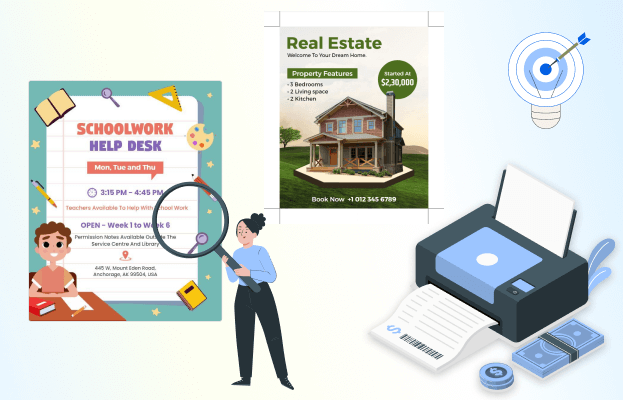
  • Print Planning: Consider how many copies you need. Practical size choices can help manage printing efficiently without affecting presentation quality.
design-considerations-poster-icecream

Tips for Selecting Sizes

  • Selecting the right poster size depends on how and where it will be displayed.
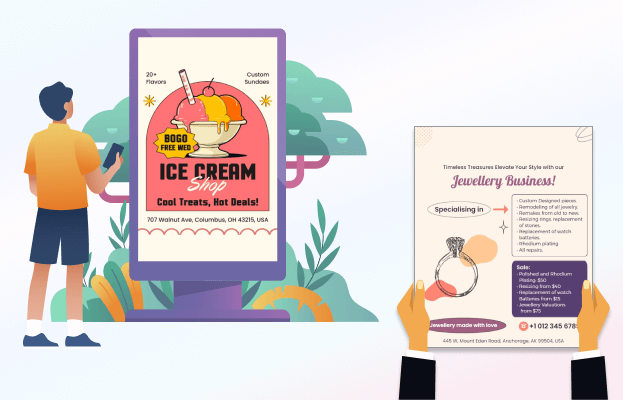
  • Viewing Distance: Choose a poster size based on how far viewers will stand, with larger sizes offering better readability from a distance.
  • Display Location: Select a size that fits naturally within the available space without overcrowding walls or notice boards.
  • Content Amount: Match the poster size to the amount of text and visuals to avoid clutter and improve clarity.
  • Readability: Ensure headings, body text, and visuals remain clear and legible at the chosen size.

How to Design a Poster?

1. Define Your Goal

Start by identifying what you want the poster to achieve, such as informing, promoting, or encouraging action.

2. Choose Colors & Typography

Select colors and fonts that match the message and ensure text remains easy to read from a distance.

3. Create a Clear Headline

Write a headline that captures attention and quickly explains what the poster is about.

4. Add Key Information

Include short, relevant text that explains important details without overwhelming the reader.

5. Use Visual Elements

Add images or graphics that support the message and help draw attention to the content.

6. Add a Call-to-Action

Tell the viewer what to do next, such as attending an event, visiting a location, or contacting for more information.

7. Organize the Layout

Arrange text and visuals in a logical order so the poster is easy to read at a glance.

8. Review for Clarity

Check spacing, alignment, and contrast to ensure everything is readable and visually balanced.

Create Your Poster with Confidence

Turn what you’ve learned into a well-designed poster using ready-to-use templates that are simple to customize and suitable for different communication needs.

Poster Design Tips & Inspiration

Stay updated with helpful poster design tips, practical guidance, and creative ideas. Explore our blog to learn more about effective poster layouts, visual communication principles, and ways to improve clarity and impact. From design basics to real-world use cases, you’ll find useful content to support better poster creation.