


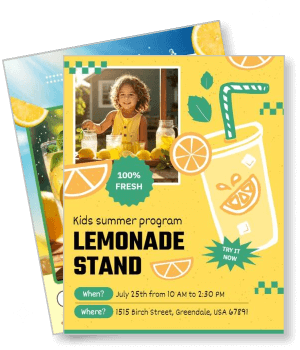
Lemonade Flyer Templates
DesignWiz Lemonade Flyer Templates help you attract customers fast with ready-made layouts for stands, summer programs, charity sales, and community events. Edit photos, pricing, and event details in minutes.
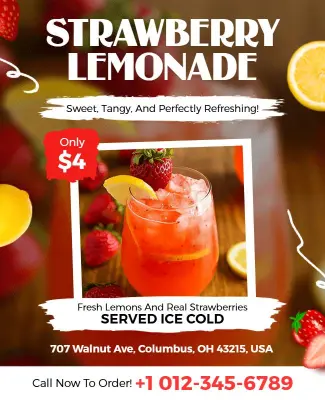
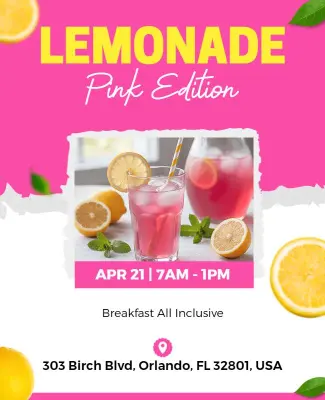
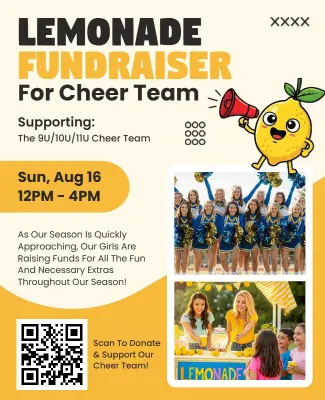
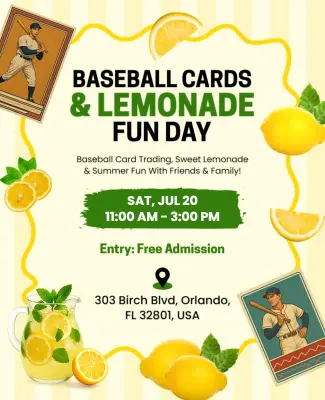
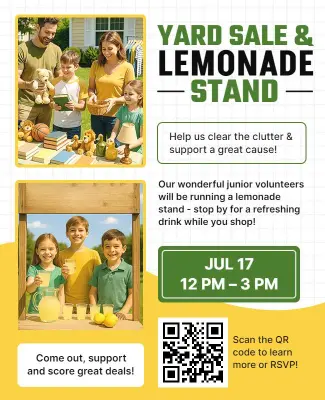
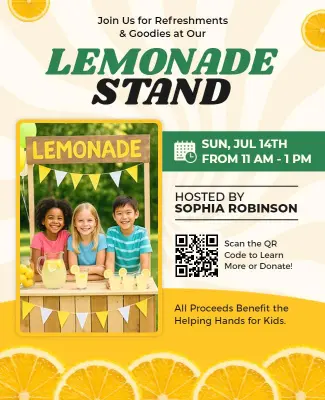
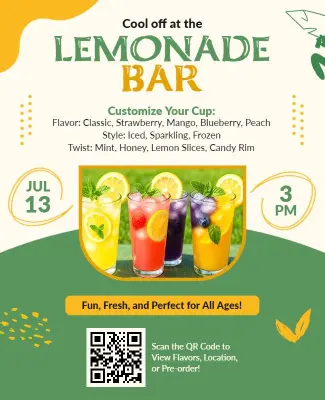
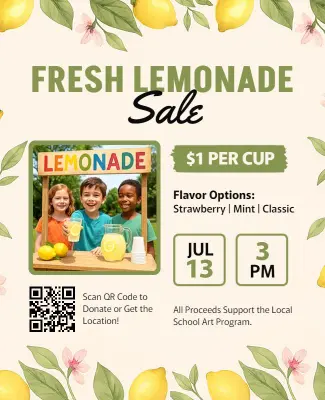
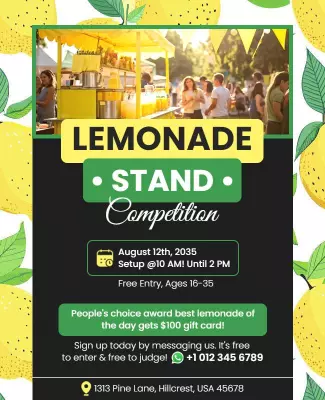
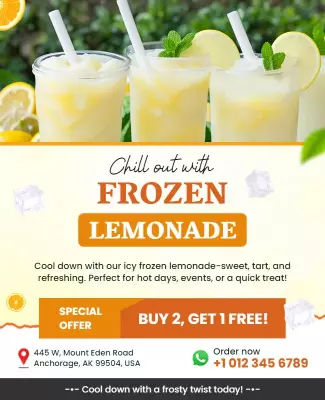
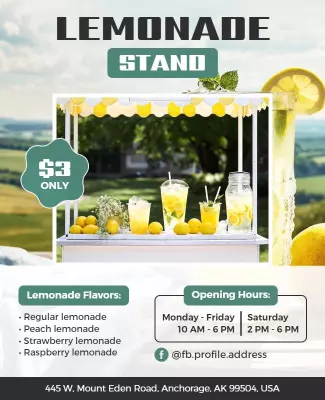
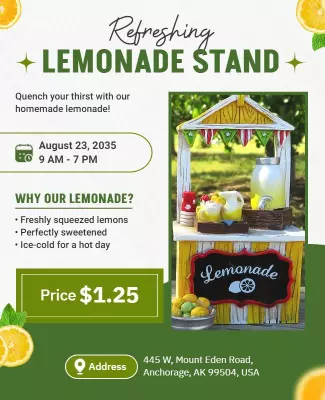
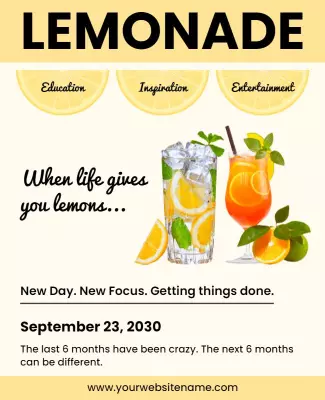
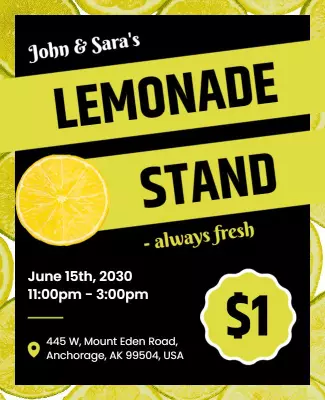
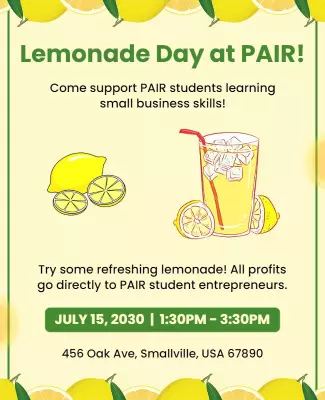
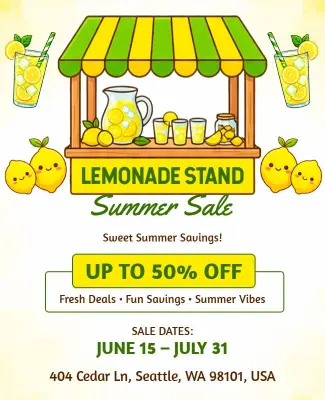
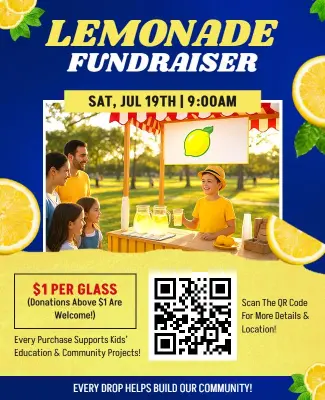
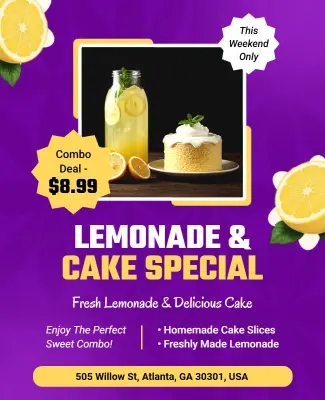
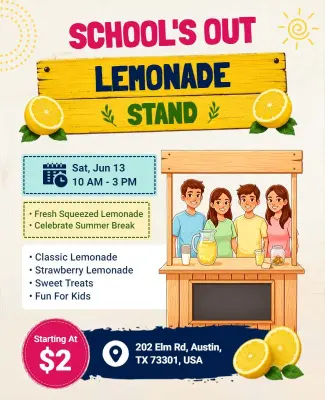
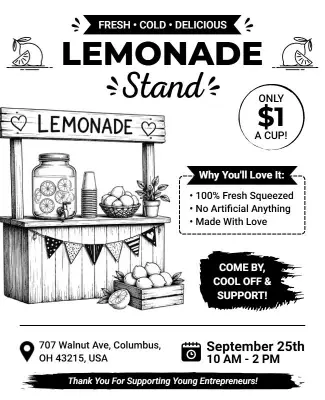
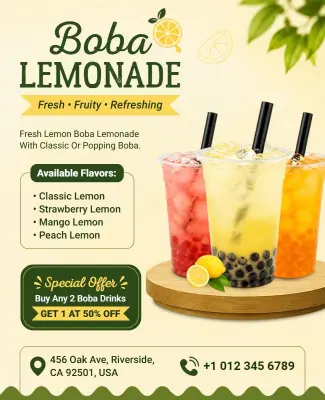
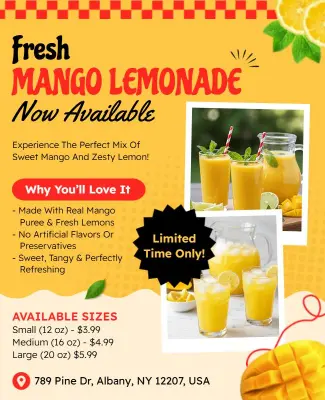
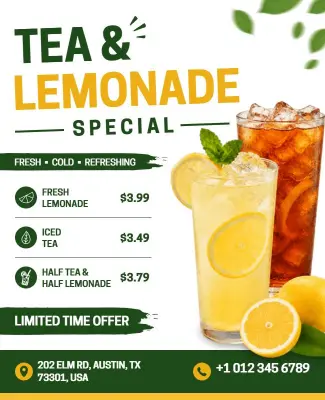

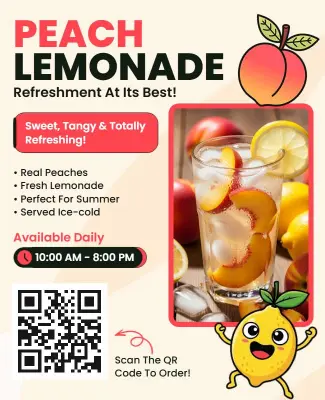

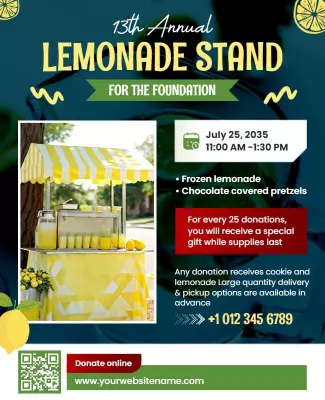
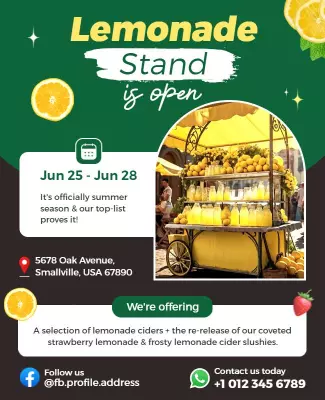
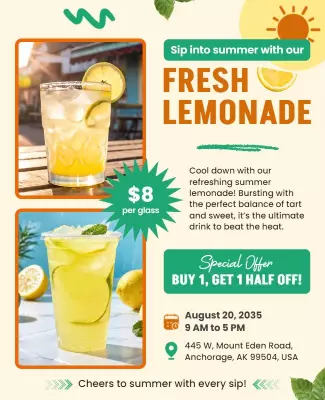
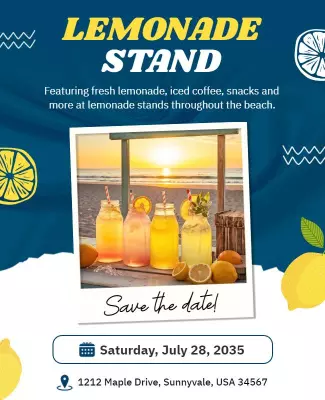

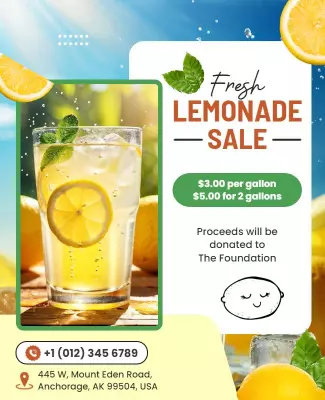
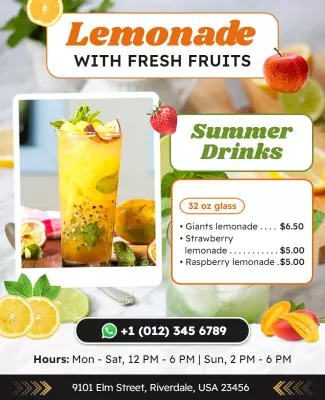
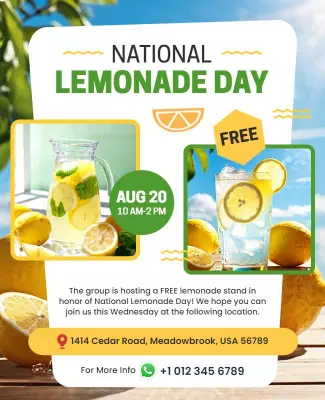
How to customize a lemonade flyer
No design skills needed. Choose a layout, add your stand details, adjust colors and fonts, then export a file you can print or share in minutes.

1. Pick a layout
Choose a lemonade flyer layout that fits your event type, then set the page size first. Add the event date and time so the information hierarchy stays clear for both print and phone viewing.
2. Add key details
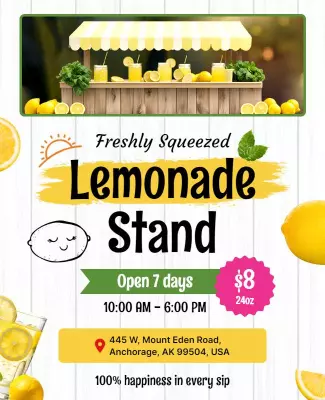
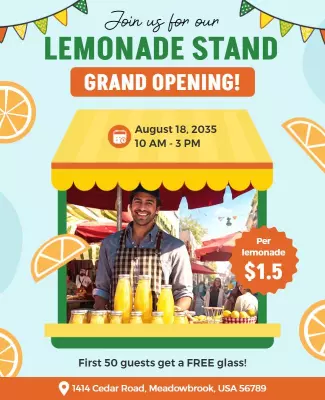
Add your stand name, date, hours, full address, and pricing list clearly now. Keep wording short so customers can scan fast, understand the offer, and stop by without needing more details.
3. Use one hero visual
Use one strong photo of your lemonade or stand, keep colors bright, and set high contrast. Place the headline where it grabs attention and leave clear space around key details for readability.
4. Check print settings
Confirm margins and the safe print area first, keep key text away from edges, and export at high quality. Preview the flyer at actual size so nothing looks soft or misaligned later.
5. Export and share
Export a print ready PDF plus a shareable image version for social media posts. Reuse the same stand details in captions so your lemonade flyers reach more customers fast and boost sales.
Trusted by Thousands
 Tata Consultancy Services
 Boston Consulting
 AT&T
AT&T
 Avelo Airlines
 Procter & Gamble
 Ministry Of Health, Malaysia
 Veterans Affairs
 Detroit Government
 New York University
 Texas A&M University
 Decathlon America
 Warby Parker
Tata Consultancy Services
Boston Consulting
AT&T
Avelo Airlines
Procter & Gamble
Ministry Of Health, Malaysia
Veterans Affairs
Detroit Government
New York University
Texas A&M University
Decathlon America
Warby Parker
Warby Parker
Tata Consultancy Services
Boston Consulting
AT&T
Avelo Airlines
Procter & Gamble
Ministry Of Health, Malaysia
Veterans Affairs
Detroit Government
New York University
Texas A&M University
Decathlon America
Warby Parker



Other Flyer templates
Lemonade Flyer Templates Design Ideas and Examples
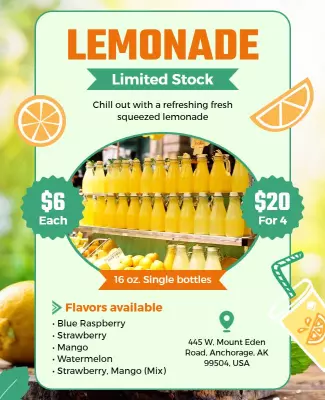
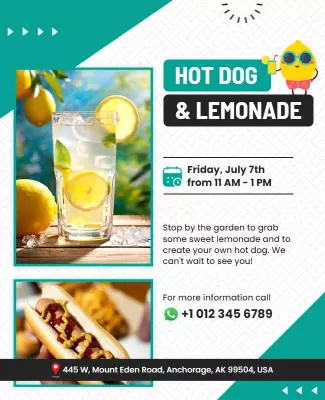
Customize colors, photos, and wording to match your lemonade stand or event, then keep the layout clear so customers can spot the price, location, and hours in seconds. DesignWiz offers lemonade flyers across 3 main use cases: kids stands, charity fundraisers, and beverage promotions, so you can start from a ready-made layout and edit it for your event. Use these ideas to decide headline style, photo placement, and what to emphasize for your audience, then browse flyer templates when you want more options beyond your first pick.
Kids lemonade stand flyers
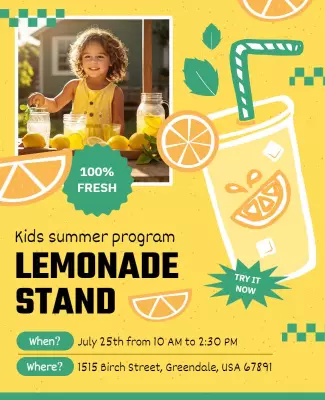
Use bright yellow and green color blocks, a short playful headline, and one character or lemon illustration so parents spot the details fast. Add the stand address, hours, and a note about what kids will learn. For a kid focused lemonade stand flyer example, start from kids summer program lemonade stand flyer template and swap the name, date, and location details.
Charity and fundraiser lemonade flyers
Lead with the cause name, keep typography clean and high contrast, and use a single photo of the team or product with a simple background. Add donation details, a goal amount, and a clear call to action so visitors know how to help. For a charity lemonade sale flyer, adapt fresh lemonade charity sale flyer template and adjust colors to match your organization brand.
Beverage promotion and event flyers
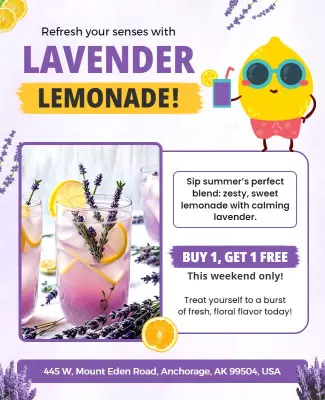
Highlight the drink name and price first, use a large product photo with condensation or fresh ingredients, and keep the layout minimal so the beverage is the hero. Add event time, location, and any limited-time offer details. For a beverage promotion flyer, use refreshing lemonade stand event flyer template and customize with your menu and branding colors.