


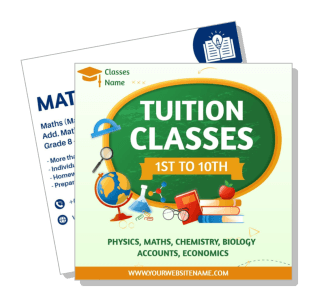
Tuition Ad Templates
Tuition Ad Templates help private tutors, coaching centers, and education providers promote subjects, class formats, schedules, and enrollment details with clear, editable layouts.

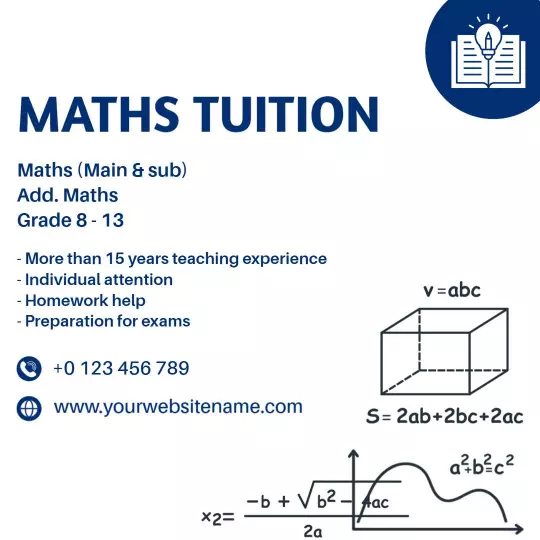






How to create an effective tuition ad
Start with the class offer and intended student group, then organize the promotion so parents and learners can understand the subjects, schedule, and next step quickly.
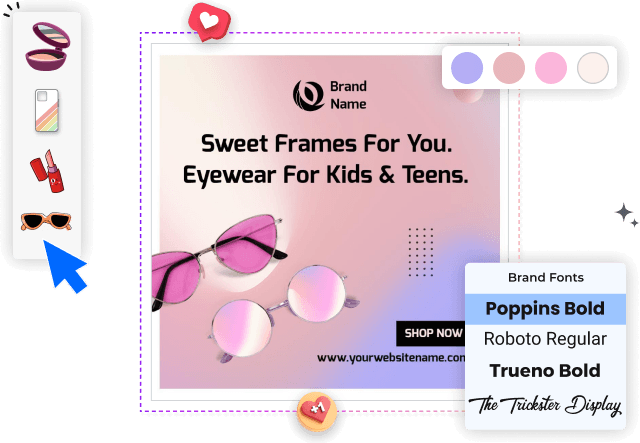
1. Select the right class layout
Choose a layout that matches your tuition service, whether you offer home tutoring, online classes, subject coaching, or support for several grades and learning levels.
2. Enter the essential class details
Replace the sample text with your subjects, grade levels, schedules, class format, contact details, and enrollment message so parents can understand the offer quickly.
3. Create a readable hierarchy
Use readable fonts, strong contrast, and one clear color direction. Keep the headline prominent while leaving enough space around fees, timings, and contact information.
4. Add a clear enrollment action
Add a focused call to action such as Enroll Now, Book a Demo Class, or Call for Details. Place it near the phone number, website, or messaging contact for easy response.
5. Check and export the design
Review the ad on a phone screen before exporting. Confirm that the subject list, schedule, offer, and contact details remain readable when shared on social media.
Trusted by Thousands
 Tata Consultancy Services
 Boston Consulting
 AT&T
AT&T
 Avelo Airlines
 Procter & Gamble
 Ministry Of Health, Malaysia
 Veterans Affairs
 Detroit Government
 New York University
 Texas A&M University
 Decathlon America
 Warby Parker
Tata Consultancy Services
Boston Consulting
AT&T
Avelo Airlines
Procter & Gamble
Ministry Of Health, Malaysia
Veterans Affairs
Detroit Government
New York University
Texas A&M University
Decathlon America
Warby Parker
Warby Parker
Tata Consultancy Services
Boston Consulting
AT&T
Avelo Airlines
Procter & Gamble
Ministry Of Health, Malaysia
Veterans Affairs
Detroit Government
New York University
Texas A&M University
Decathlon America
Warby Parker



Other Ad templates
Tuition ad templates built around how students choose classes
Tuition ad templates help educators explain their classes quickly to students and parents. A focused layout can highlight the subjects covered, eligible grades, teaching format, schedule, location, contact information, and next enrollment step without making the promotion feel crowded.
Promote multiple subjects and grade levels clearly
When your tuition program supports several subjects, organize the information into short, easy-to-scan groups. The Colorful Tuition Classes for 1st to 10th Grade Subjects Ad Template provides a practical starting point for presenting grade coverage and a broad subject list.
For programs serving younger and secondary students together, the Vibrant Yellow Tuition Classes for Grades 1 to 10 Ad Template can help keep the grade range, learning offer, and contact details visible at a glance.
Build subject-specific ads for focused tutoring
A subject-focused ad should immediately identify what is being taught and who the classes are for. The Professional Blue Maths Tuition with Personalized Support Ad Template suits tutors who want to emphasize mathematics, individual attention, homework support, or exam preparation.
Explain home and online tuition options
Parents often compare class format, convenience, and teaching approach before making an inquiry. The Engaging Home Tuition Benefits Over Coaching Classes Ad Template helps structure a benefit-led message around personal attention and one-to-one learning.
For remote programs, the Creative Online Maths and Science Tuition Classes Promotion Ad Template gives online educators space to promote class subjects, teaching access, and enrollment information in a social-friendly format.
Turn interest into inquiries with a direct next step
Place one clear call to action near the phone number, website, or messaging contact. Invitations such as Enroll Now, Book a Demo Class, or Ask About Available Batches make it easier for parents and students to understand what to do after reading the ad.