


QR Code Business Card Templates
Create professional QR code business cards that connect printed contact details with your website, portfolio, booking page, digital profile, menu, or social channels.


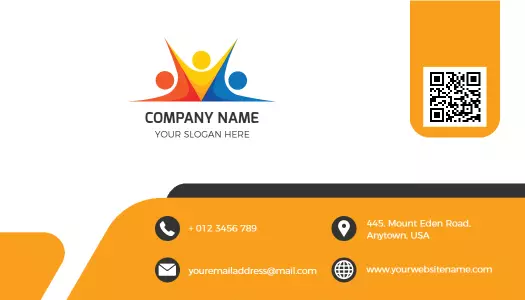
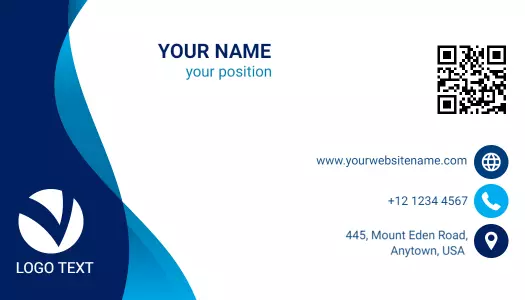
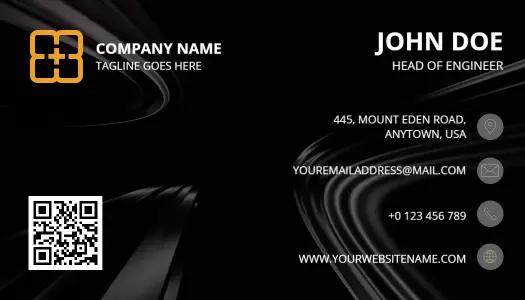
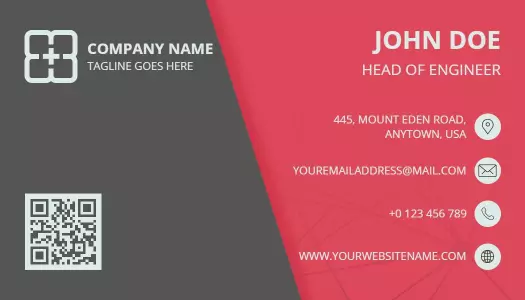
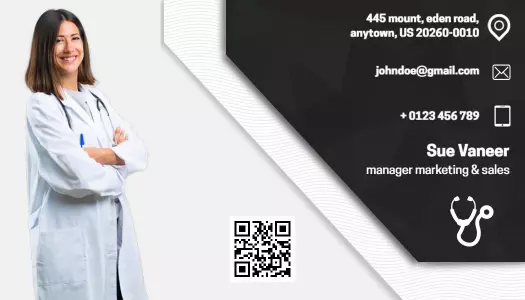
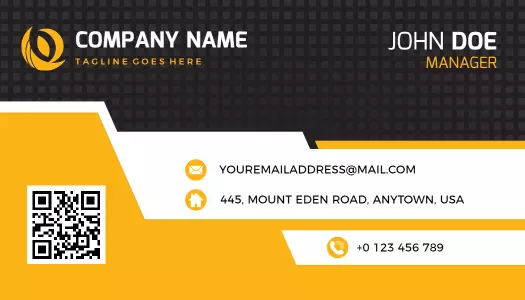
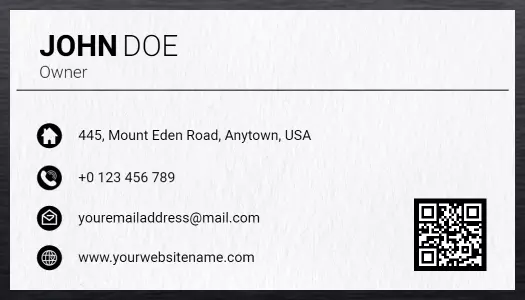
How to design a QR code business card
Start with the destination you want customers to visit, then build a clear card layout that keeps your identity, contact details, and QR code easy to use.
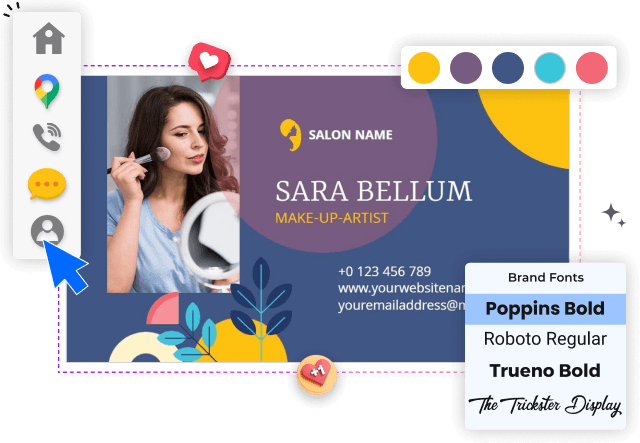
1. Select a suitable layout
Choose a layout that matches your profession and the amount of information you need to share. Leave enough open space for the QR code, logo, and contact details.
2. Update your business details
Replace the sample name, title, phone number, email, website, and address with accurate business information. Keep the text brief so the card remains easy to scan.
3. Set the QR destination
Add a QR code that opens the most useful destination, such as your website, portfolio, booking page, digital contact card, menu, or professional social profile.
4. Apply your brand styling
Apply your logo, brand colors, and readable fonts while keeping strong contrast around the QR code. Avoid decorative elements that interfere with scanning.
5. Test and export the card
Preview both sides, test the QR code on more than one phone, and review the smallest text at actual size. Export a clean file for printing or digital sharing.
Trusted by Thousands
 Tata Consultancy Services
 Boston Consulting
 AT&T
AT&T
 Avelo Airlines
 Procter & Gamble
 Ministry Of Health, Malaysia
 Veterans Affairs
 Detroit Government
 New York University
 Texas A&M University
 Decathlon America
 Warby Parker
Tata Consultancy Services
Boston Consulting
AT&T
Avelo Airlines
Procter & Gamble
Ministry Of Health, Malaysia
Veterans Affairs
Detroit Government
New York University
Texas A&M University
Decathlon America
Warby Parker
Warby Parker
Tata Consultancy Services
Boston Consulting
AT&T
Avelo Airlines
Procter & Gamble
Ministry Of Health, Malaysia
Veterans Affairs
Detroit Government
New York University
Texas A&M University
Decathlon America
Warby Parker



Other Business Card templates
Turn every business card into a direct digital connection
QR code business card templates help professionals share more than a phone number or email address. A well-placed code can direct customers to a website, portfolio, booking page, digital contact card, menu, or professional profile while the printed card keeps essential details visible.
Connect customers to services and booking pages
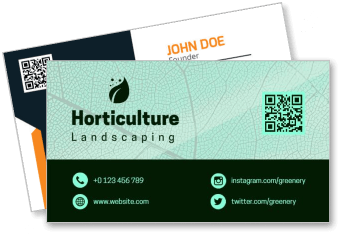
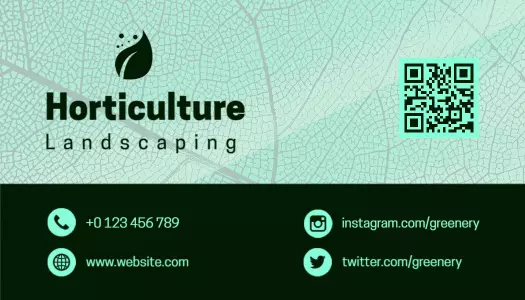
Service businesses can use a QR code to shorten the path from an introduction to an enquiry. The Modern Green Horticulture Landscaping QR Code Enabled Business Card Template provides a practical layout for combining service details, branding, and a scannable destination.
Make networking follow-ups easier
At conferences, exhibitions, and client meetings, recipients should understand who you are before they scan. The Innovative Orange Light Bulb QR Code Enabled Business Card Template supports technology professionals who need a clear identity, contact information, and a direct digital next step.
For speakers, consultants, and event professionals, the Modern Red Geometric Tech Talk QR Code Enabled Business Card Template offers a structured design for linking to presentations, company pages, or professional profiles.
Showcase portfolios without crowding the card
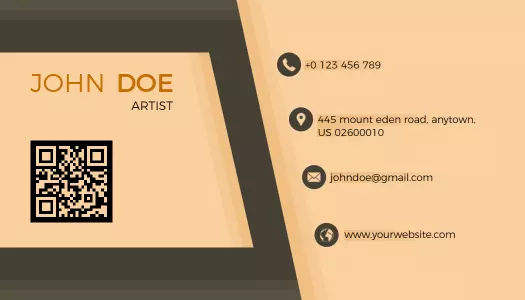
Artists, photographers, designers, and other creative professionals often need to share visual work that cannot fit on a printed card. The Modern Beige Artist QR Code Enabled Business Card Template keeps the physical layout focused while directing recipients to a larger portfolio.
Keep technical contact details clear and scannable
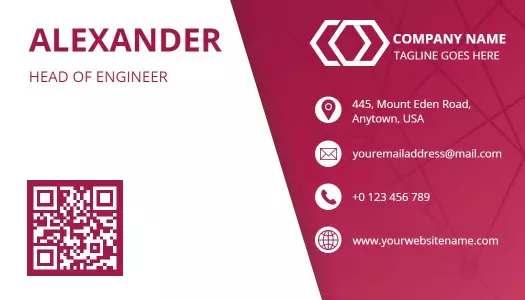
Engineers, developers, and technical consultants benefit from cards that communicate precision without excessive text. The Modern Red QR Code Enabled Engineer Business Card Template balances professional contact information with space for a prominent QR code.
Whichever layout you choose, keep sufficient contrast and open space around the code. Test the finished design on several phones before printing so customers can scan it quickly under normal lighting conditions.