



Music Festival Flyer Templates
DesignWiz Music Festival Flyer Templates help you promote concerts, live shows, and seasonal festivals with bold layouts, lineup sections, and clear event details ready to edit.
Create instantly from
your Event Page
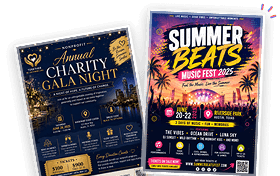
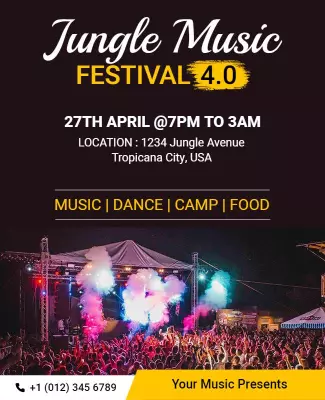
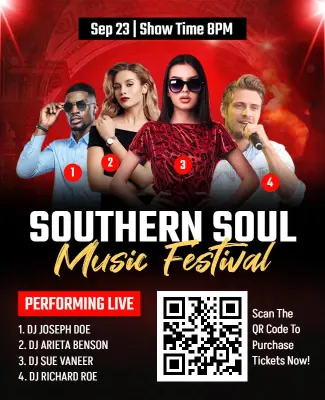
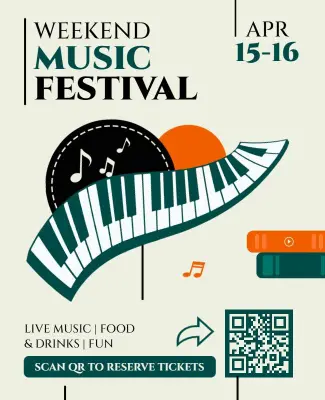
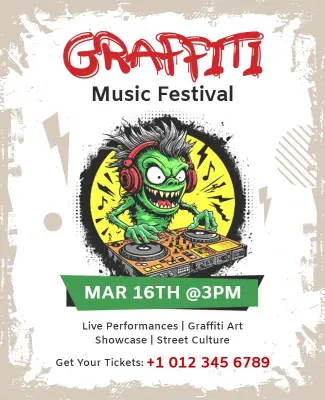
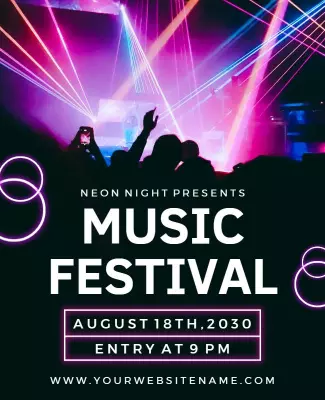
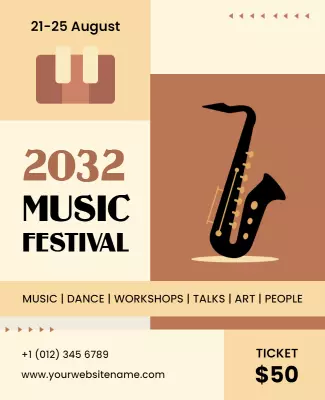
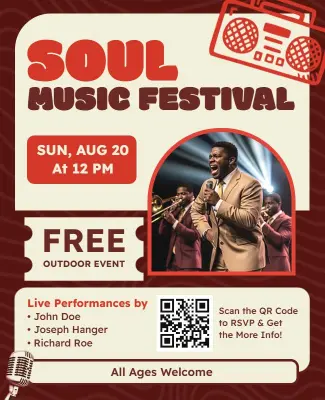

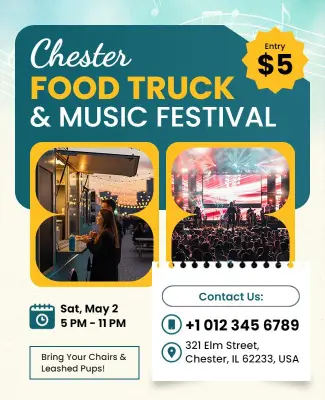


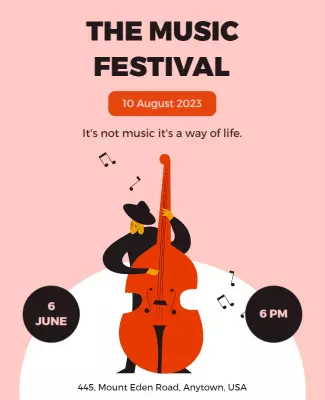
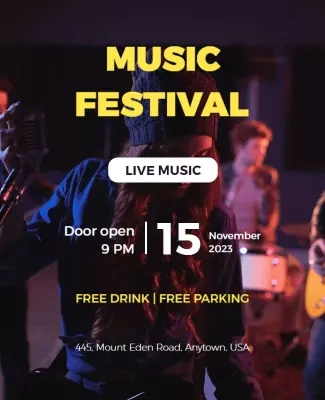

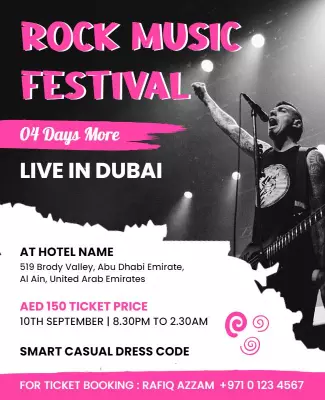
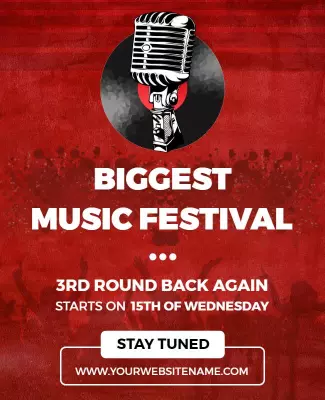

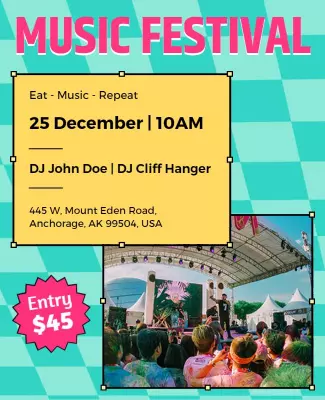
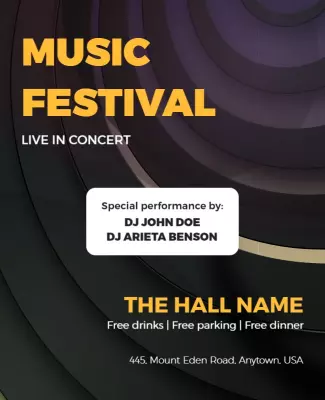
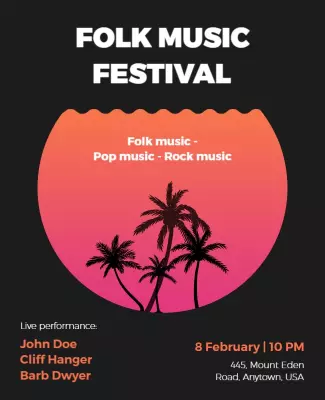
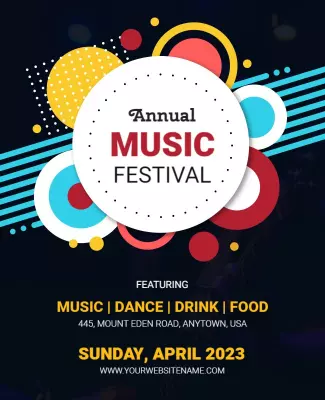

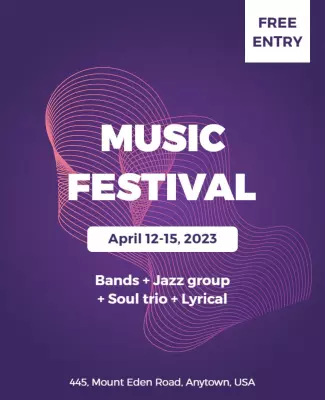
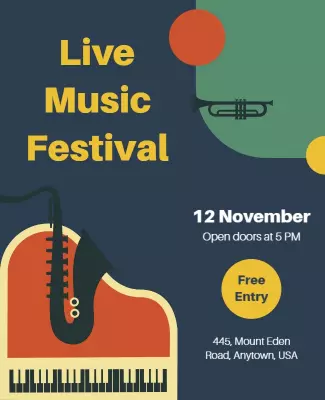
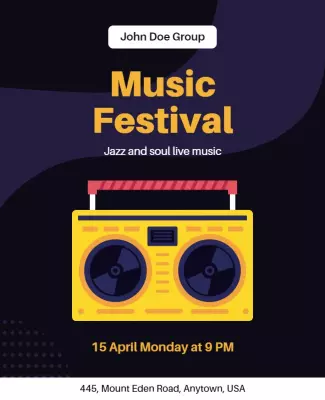

How to customize a music festival flyer
No design skills needed. Choose a layout, add your lineup and event details, adjust colors and fonts, then export a file you can print or share in minutes.

1. Pick a layout
Choose a music festival flyer layout that matches your genre and event type, then set page size first. Add the event name, date, and venue so the hierarchy stays clear for print and digital use.
2. Add key details
Add the event name, date, venue address, headliner lineup, and ticket pricing with a clear call to action. Keep wording short so fans scan lineup details fast and buy tickets today.
3. Use one hero visual
Use one strong artist photo or genre graphic as the hero, keep contrast high, and limit colors to two or three. Leave space around the headline so the music festival flyer reads well anywhere.
4. Check print settings
Confirm margins and bleed area, keep key text and logos away from edges, and export at 300 DPI print quality. Preview at actual size so nothing looks soft, cropped, or misaligned later on now.
5. Export and share
Export a print ready PDF plus a digital version for social media and email, then test both. Reuse event details across captions and posts so music festival flyers stay consistent everywhere.
Trusted by Thousands
 Tata Consultancy Services
 Boston Consulting
 AT&T
AT&T
 Avelo Airlines
 Procter & Gamble
 Ministry Of Health, Malaysia
 Veterans Affairs
 Detroit Government
 New York University
 Texas A&M University
 Decathlon America
 Warby Parker
Tata Consultancy Services
Boston Consulting
AT&T
Avelo Airlines
Procter & Gamble
Ministry Of Health, Malaysia
Veterans Affairs
Detroit Government
New York University
Texas A&M University
Decathlon America
Warby Parker
Warby Parker
Tata Consultancy Services
Boston Consulting
AT&T
Avelo Airlines
Procter & Gamble
Ministry Of Health, Malaysia
Veterans Affairs
Detroit Government
New York University
Texas A&M University
Decathlon America
Warby Parker



Other Flyer templates
Music Festival Flyer Templates Design Ideas and Examples
Customize colors, artist photos, and event details to match your festival genre, then keep the layout bold so fans can spot lineup highlights and ticket info in seconds. DesignWiz offers music festival flyers across rock, electronic, soul, and outdoor themes, so you can start from a ready made layout and edit it for your show. Use these ideas to decide headline style, photo placement, and what to emphasize for your audience, then browse flyer templates when you want more options beyond your first pick.
Rock and live band festivals
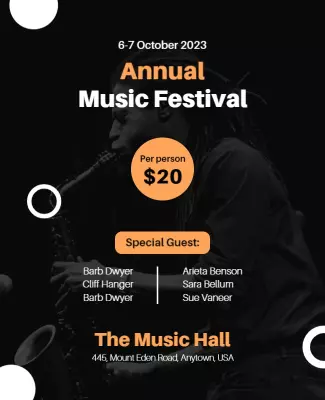
Use high contrast dark backgrounds with bold typography and strong artist images so the lineup and venue details stand out immediately. Add stage times, ticket links, and age restrictions in a clean bottom section. For rock focused music festival flyer examples, start from big rocking music festival concert flyer template and swap the artist names, dates, and performance details.
Electronic and neon night events
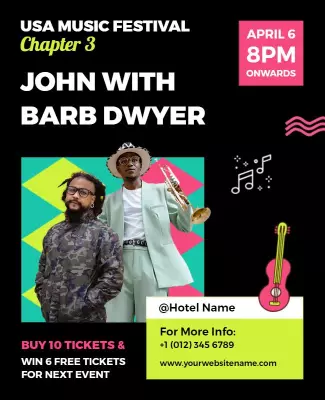
Lead with glowing visuals, neon color accents, and a high energy headline so the flyer communicates the nightlife atmosphere before anyone reads the details. Add DJ names, start times, and ticket pricing near the call to action. For an electronic music festival flyer, adapt neon night music festival flyer template and adjust colors and artist lineup to match your event.
Outdoor and seasonal festivals
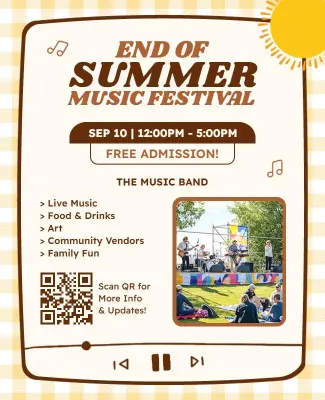
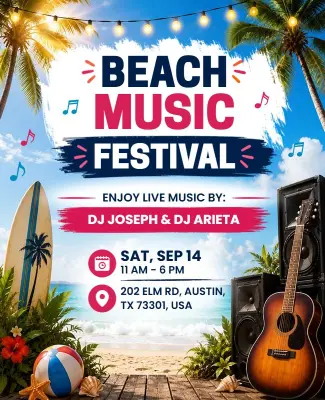
Use warm natural tones, clear date blocks, and a featured headliner image so the flyer feels inviting and informative for multi-day audiences. Add camping or parking notes when relevant and keep the schedule easy to scan at a distance. For an outdoor music festival flyer, customize outdoor music festival event flyer template and update the artist roster, dates, and venue information.