


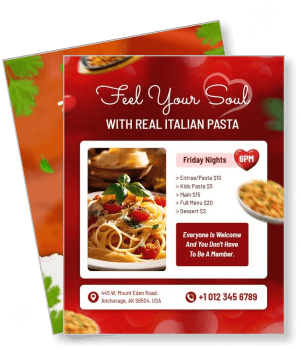
Pasta Flyer Templates
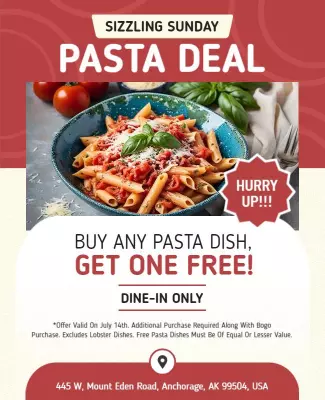
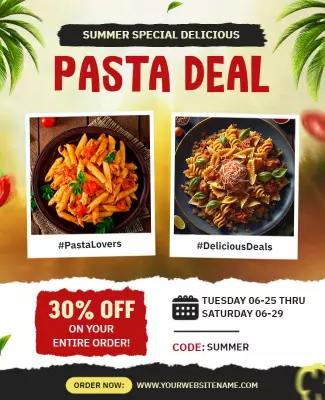
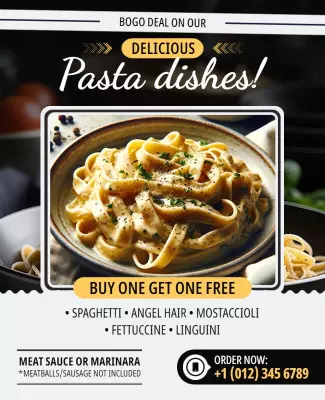
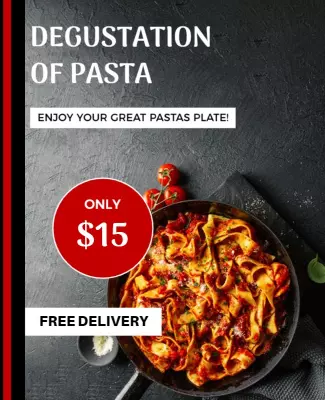
DesignWiz Pasta Flyer Templates help restaurants, chefs, and event hosts promote Italian nights, Alfredo specials, and vegan pasta options fast with ready-made layouts that highlight menu items, pricing, and event details.
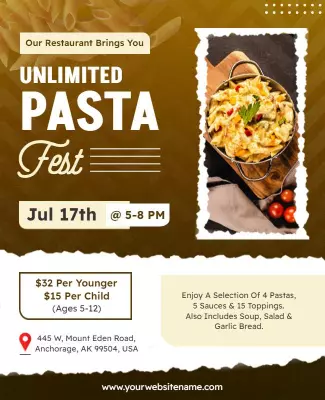
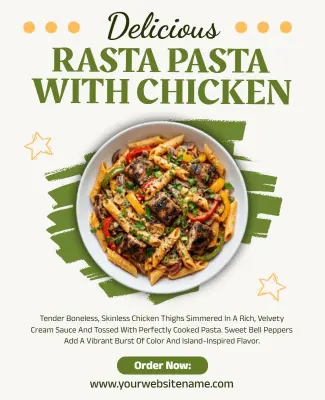
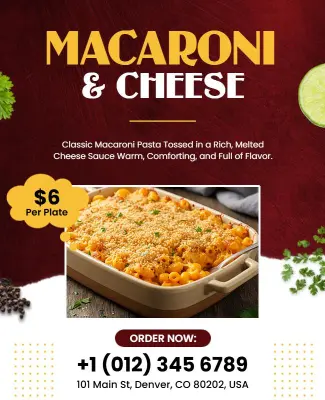
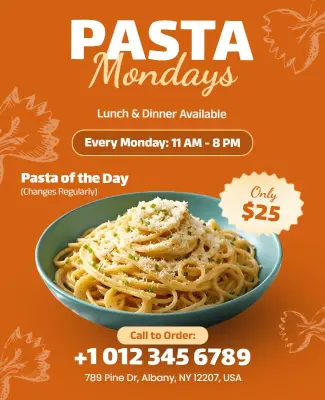
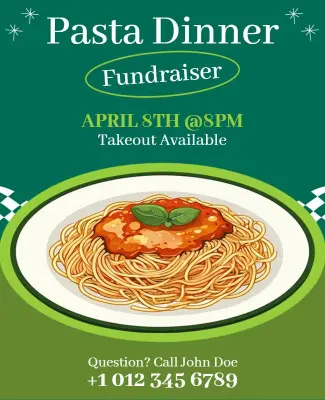
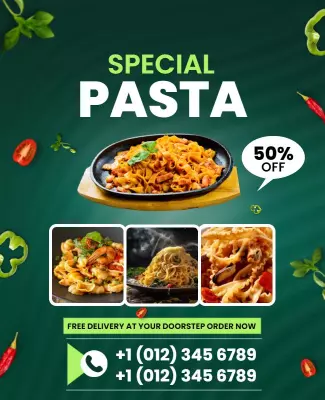
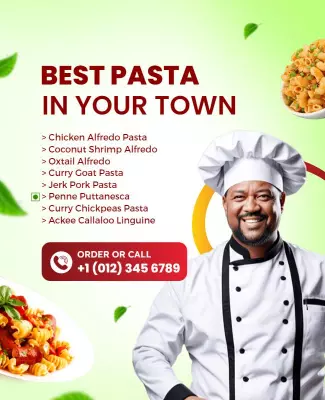
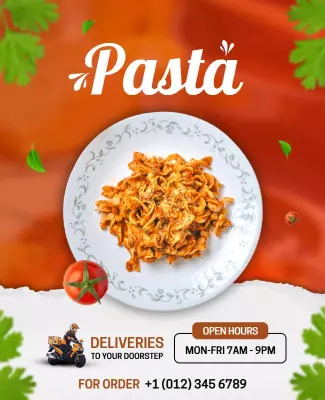
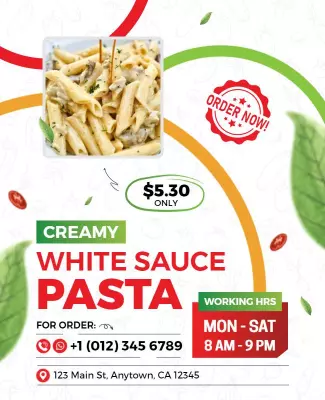
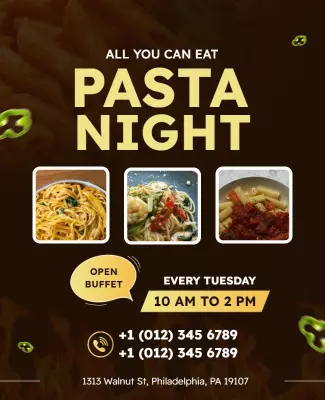
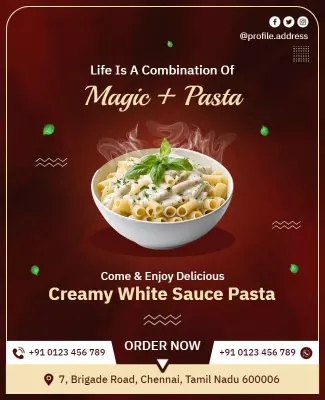
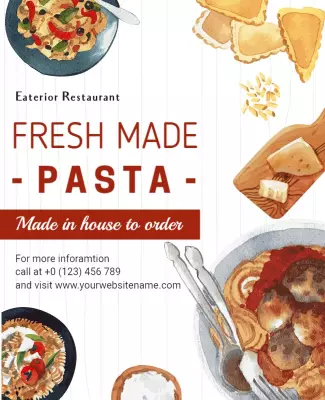
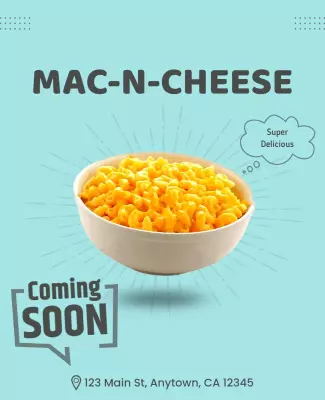
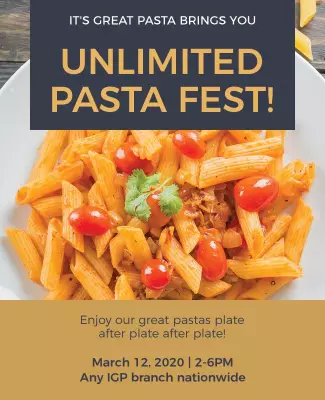
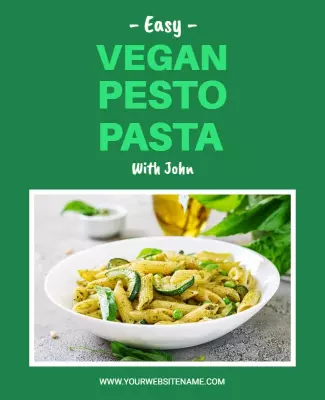
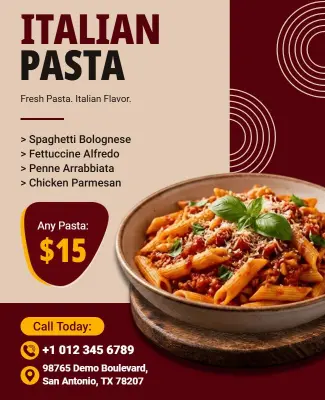
How to customize a pasta flyer
No design skills needed. Choose a layout, add your pasta menu and pricing, adjust colors and fonts, then export a file you can print or share in minutes.

1. Pick a layout
Choose a pasta flyer layout that fits your restaurant style, then set page size to letter or tall social format. Add the event name and date so the hierarchy stays clear for print and phone use.
2. Add key details
Add event name, date, start time, address, and menu pricing with a contact line and deadline info. Keep wording short and clear so customers scan fast and decide to come in or order today.
3. Use one hero visual
Use one photo of pasta with creamy sauce or fresh ingredients, keep contrast high, and limit colors to warm red, green, and cream tones. Leave space around the headline so text stays readable.
4. Check print settings
Confirm margins and safe area, keep key text away from edges, and export at print quality. Preview at actual size so nothing looks soft, cropped, or misaligned when you print or post.
5. Export and share
Export a print ready PDF plus a share image for social media, then test both on a phone screen. Reuse the same event details in captions so pasta flyers are easy to forward to friends.
Trusted by Thousands
 Tata Consultancy Services
 Boston Consulting
 AT&T
AT&T
 Avelo Airlines
 Procter & Gamble
 Ministry Of Health, Malaysia
 Veterans Affairs
 Detroit Government
 New York University
 Texas A&M University
 Decathlon America
 Warby Parker
Tata Consultancy Services
Boston Consulting
AT&T
Avelo Airlines
Procter & Gamble
Ministry Of Health, Malaysia
Veterans Affairs
Detroit Government
New York University
Texas A&M University
Decathlon America
Warby Parker
Warby Parker
Tata Consultancy Services
Boston Consulting
AT&T
Avelo Airlines
Procter & Gamble
Ministry Of Health, Malaysia
Veterans Affairs
Detroit Government
New York University
Texas A&M University
Decathlon America
Warby Parker



Other Flyer templates
Pasta Flyer Templates Design Ideas and Examples
Customize colors, photos, and wording to match your pasta event, then keep the layout consistent so customers can spot the essentials in seconds. DesignWiz offers pasta flyers across promotion styles and cuisine types, so you can start from a ready-made layout and edit it for your special. Use these ideas to decide headline style, photo placement, and what to emphasize for your audience, then browse flyer templates when you want more options beyond your first pick.
Italian Pasta Night Flyers
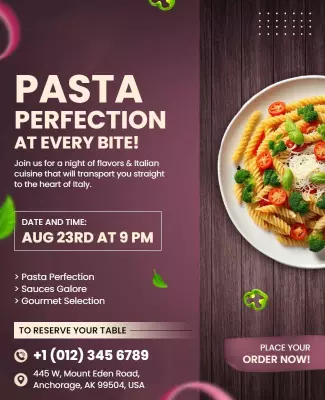
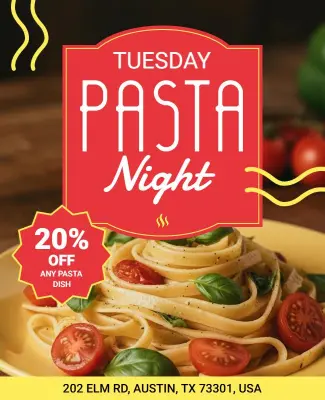
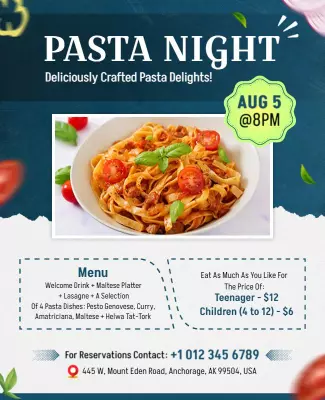
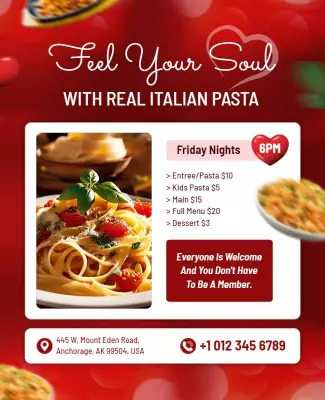
Use warm red, green, and cream tones that evoke authentic Italian cooking. Place the headline and featured dish name at the top so diners immediately see what is on offer. Add event date, time, and reservation details in a clean block below the hero image. Include a short tagline about homemade pasta or family recipes to build trust. For an Italian pasta night flyer example, start from italian pasta night event flyer template and swap the photo, menu items, and date details.
Alfredo Pasta Specials
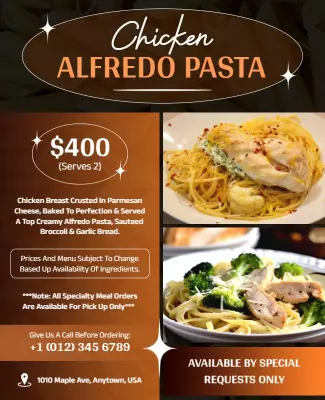
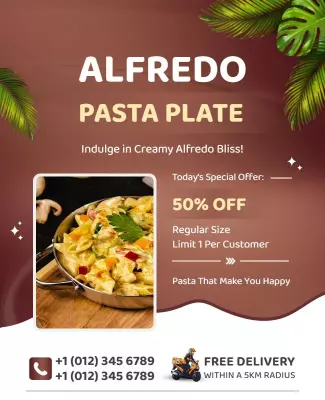
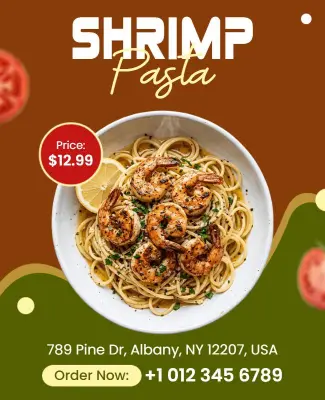
Lead with a close-up shot of creamy Alfredo pasta that highlights the texture and richness of the dish. Keep the background simple and use a clean white or light cream backdrop so the food remains the focal point. Add a bold discount or offer callout near the top, then list ingredients and add-on options below. For an Alfredo pasta flyer design, adapt chicken alfredo pasta dining flyer template and adjust colors and pricing to match your restaurant brand.
Vegan and Plant-Based Pasta Flyers
Use fresh green and earth tones with bright vegetable imagery to signal healthy, plant-based options. Keep the headline focused on flavor and freshness, then list key ingredients like pesto, tomato basil, or zucchini noodles. Add icons for vegan, dairy-free, or gluten-free labels so customers with dietary needs can identify matches fast. For a vegan pasta flyer design, pull from vegan pesto cooking class flyer template and update the dish names and event details.