


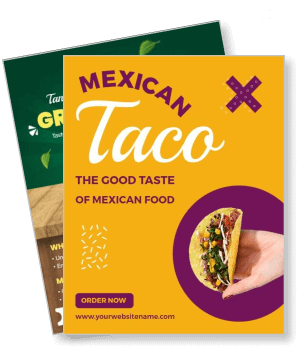
Taco Flyer Templates
DesignWiz Taco Flyer Templates help restaurant owners, food truck operators, and event hosts promote taco specials fast with ready-made layouts built for food promotion - no design skills needed.

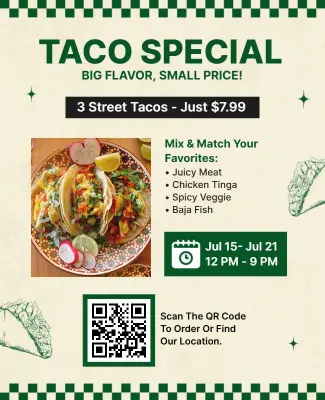
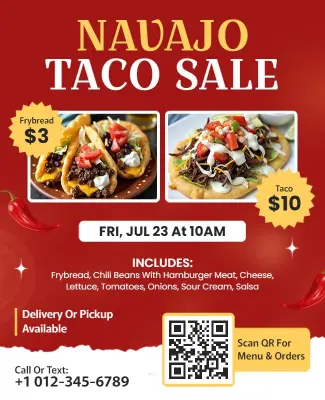
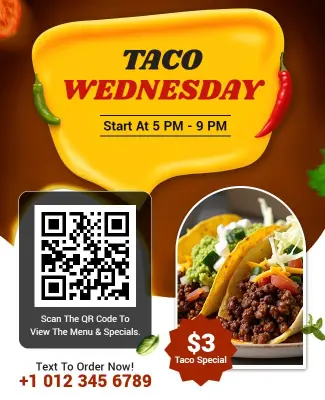
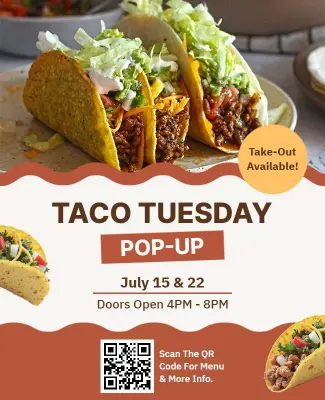
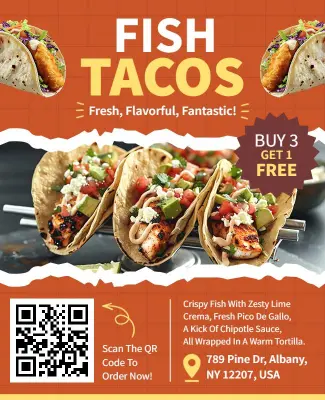
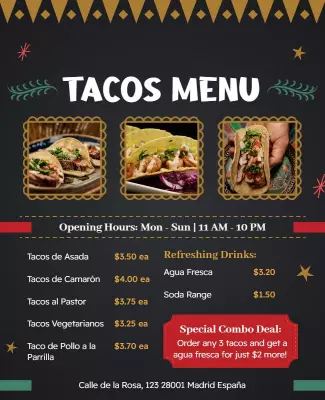
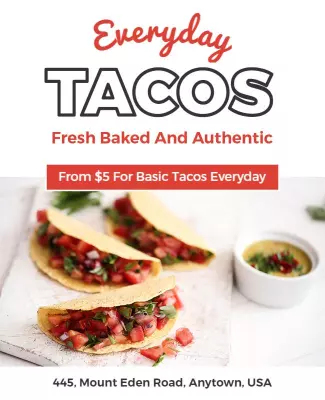
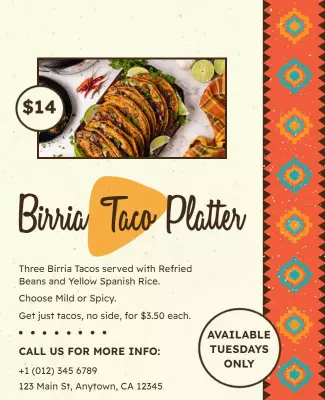
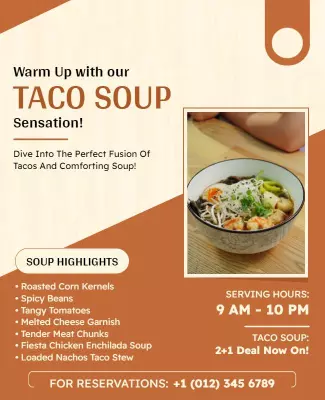
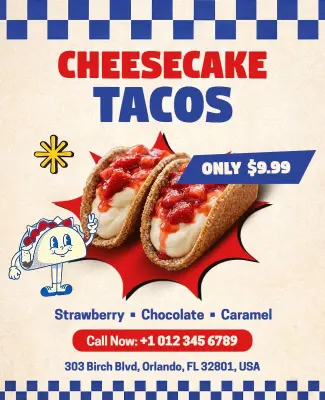
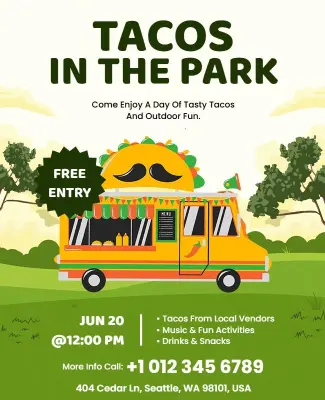
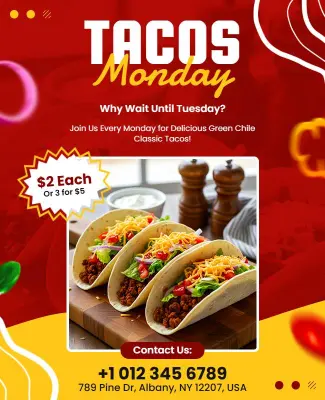
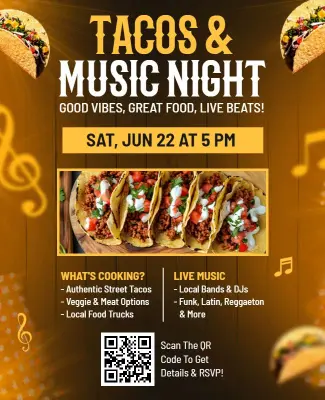
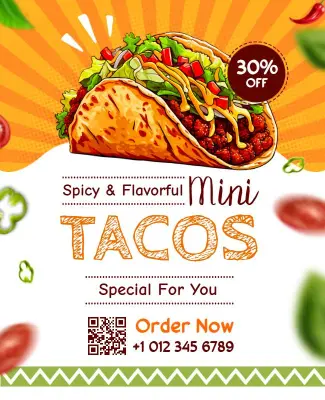
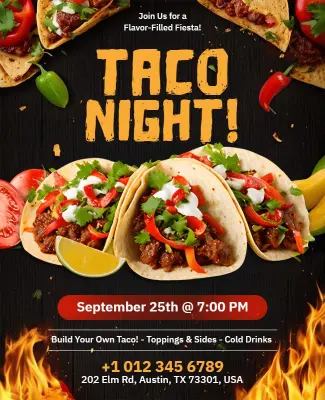
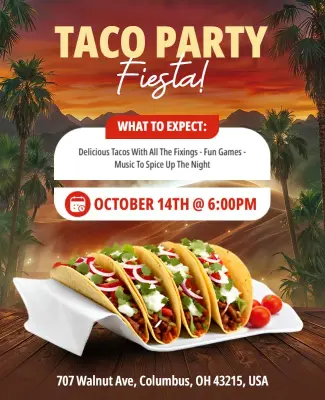
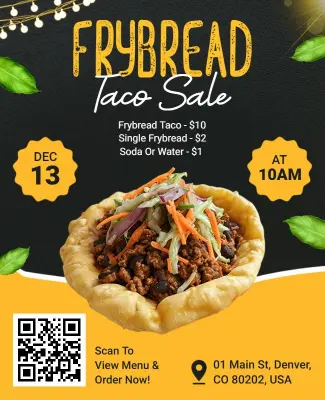
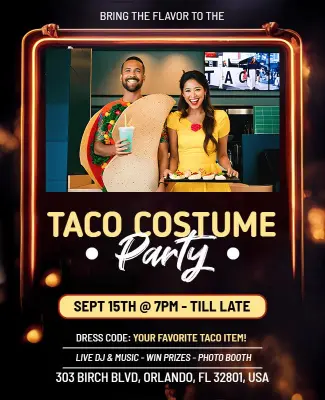
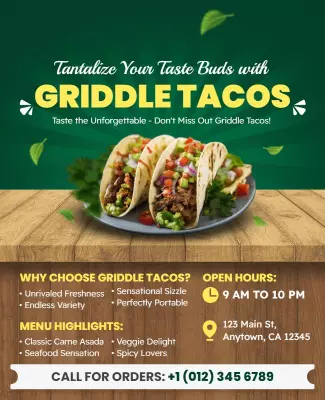
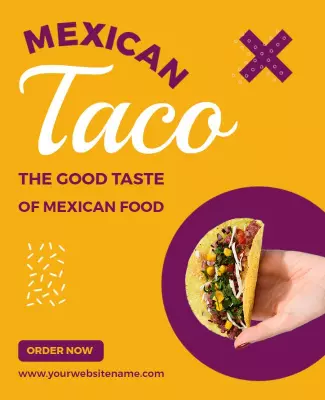
How to customize a taco flyer
No design experience needed. Pick a layout, add your menu and event details, adjust colors to match your brand, then export a file ready to print or post in minutes.

1. Pick a taco layout
Choose a taco flyer layout that fits your use case - restaurant special, food truck, Taco Tuesday, or potluck - then set page size first so print and digital versions stay consistent.
2. Add your key details
Enter your taco deal, date, time, location, and one action step like a QR code or phone number. Keep each item on its own line so customers find the price and address without reading every word.
3. Drop in a food photo
Add one sharp taco photo and keep it large. High contrast between the food image and the background makes the layout readable at a distance and on a phone without needing to zoom in at any point.
4. Match your brand colors
Swap the accent color to match your restaurant palette or use warm fiesta tones for a fresh start. Limit to two or three colors so the price and event date stay prominent next to the food image.
5. Export and share
Export a print-ready file for handouts and a social image for Instagram and group sharing. Confirm your date, price, and location are readable at thumbnail size before posting the flyer online.
Trusted by Thousands
 Tata Consultancy Services
 Boston Consulting
 AT&T
AT&T
 Avelo Airlines
 Procter & Gamble
 Ministry Of Health, Malaysia
 Veterans Affairs
 Detroit Government
 New York University
 Texas A&M University
 Decathlon America
 Warby Parker
Tata Consultancy Services
Boston Consulting
AT&T
Avelo Airlines
Procter & Gamble
Ministry Of Health, Malaysia
Veterans Affairs
Detroit Government
New York University
Texas A&M University
Decathlon America
Warby Parker
Warby Parker
Tata Consultancy Services
Boston Consulting
AT&T
Avelo Airlines
Procter & Gamble
Ministry Of Health, Malaysia
Veterans Affairs
Detroit Government
New York University
Texas A&M University
Decathlon America
Warby Parker



Other Flyer templates
Taco Flyer Templates Design Ideas and Examples
Match the layout to your taco format - whether that is a weekly special, a street food pop-up, or a fundraiser potluck - then keep the visual hierarchy consistent so customers spot your price, date, and location without effort. DesignWiz offers 50+ taco flyer layouts across 6 use case styles, so you can start from a ready-made design and edit it for your crowd in minutes. Use these ideas to decide on color palette, food photography placement, and what details to lead with for your audience, then browse flyer templates when you want more options beyond your first pick.
Restaurant and food truck specials
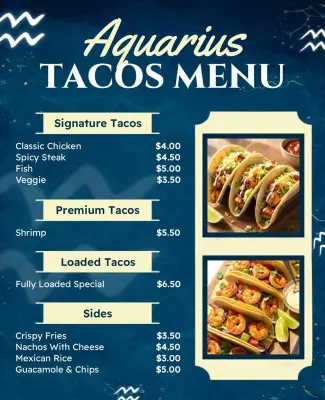
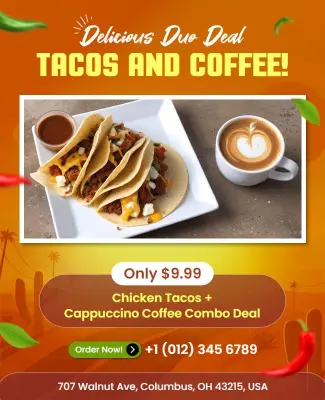
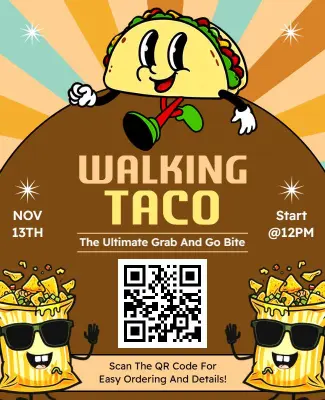
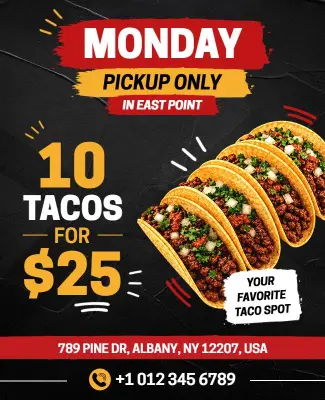
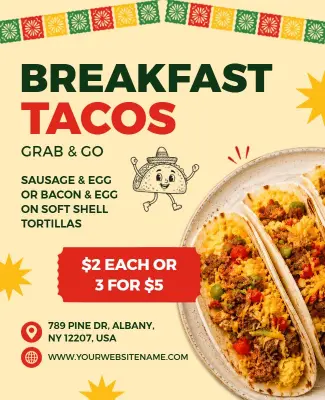
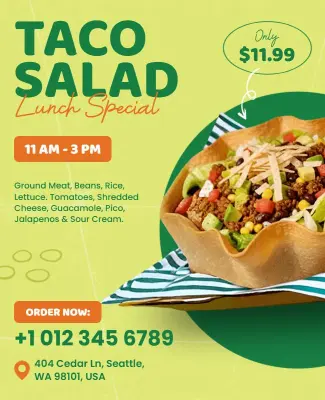
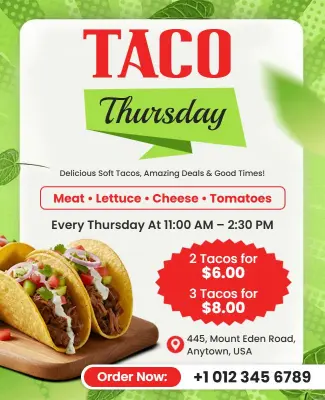
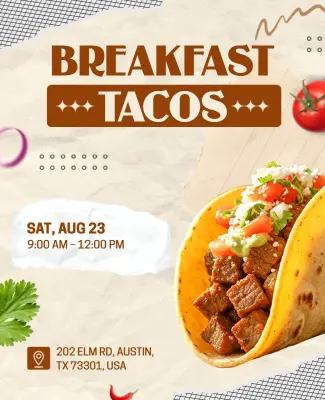
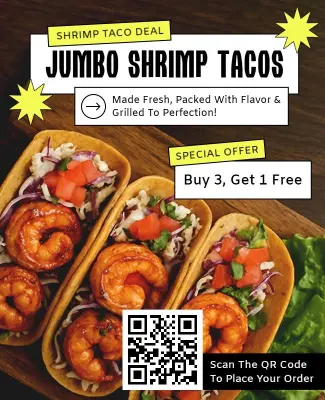
Lead with the deal - price per taco, combo value, or happy hour window - and use a high-contrast food photo to pull attention fast. Add your location, hours, and one action step like a phone number or QR code so hungry customers act immediately. For restaurant taco promotion flyer examples, start from tasty restaurant tacos promotion flyer template and swap in your menu items and pricing.
Taco Tuesday and weekly event nights
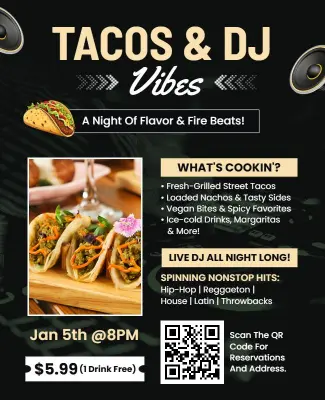
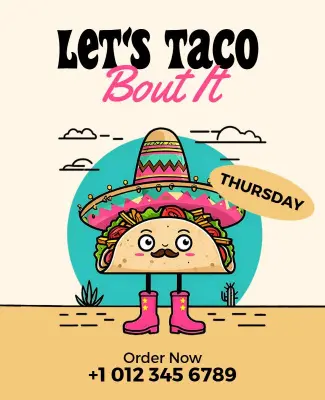
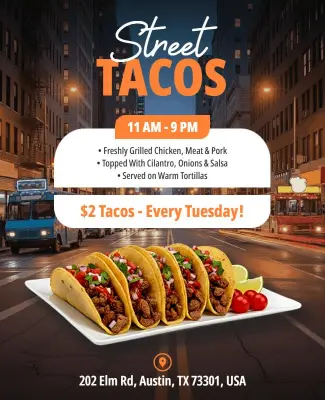
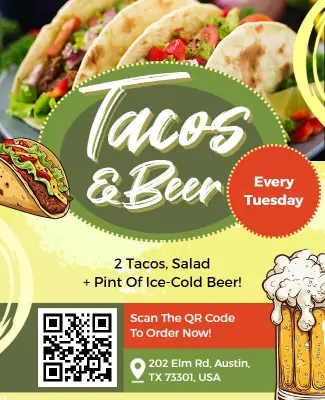
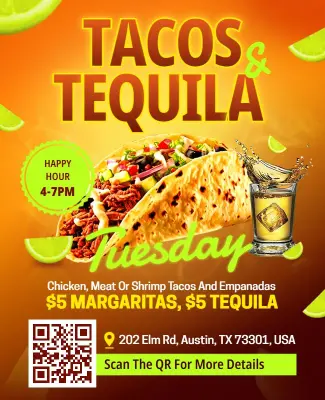
Use bold day-of-week typography as the headline so the recurring night gets recognized fast across social media and printed handouts. Include drink specials alongside taco pricing and add a time range so guests plan their arrival. For a Taco Tuesday event flyer, adapt bold fiesta Tuesday tacos and tequila flyer template and adjust the color palette to match your venue brand.
Fundraisers, potlucks, and community taco events
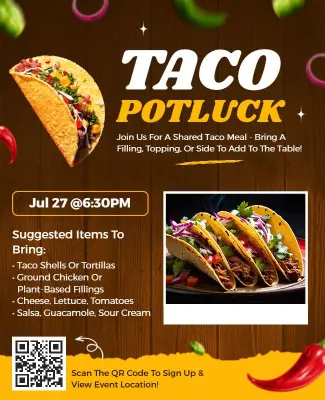
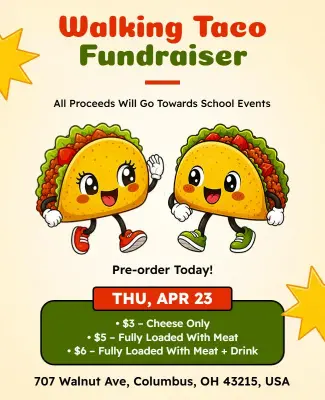
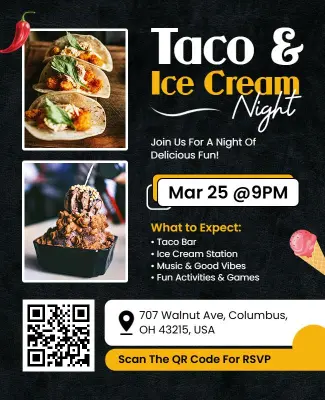
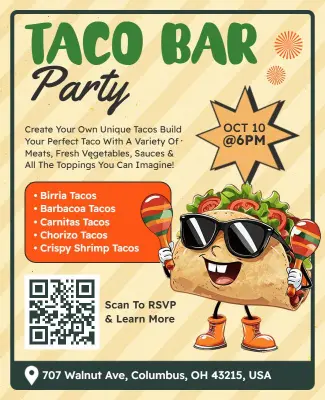
For community-driven events, lead with the cause or gathering theme before the food details, then make the contribution or ticket information easy to scan. Include a clear date, location, and contact name so attendees can confirm and share the flyer with others. For a taco fundraiser or potluck layout, explore community taco potluck event flyer template and update the event name, address, and bring-a-dish instructions.