


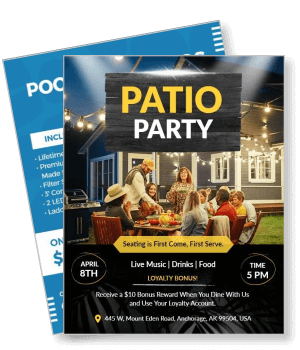
Patio Flyer Templates
DesignWiz patio flyer templates help restaurants, bars, and outdoor venues promote patio dining and services fast with warm inviting layouts for menus, events, and service details.

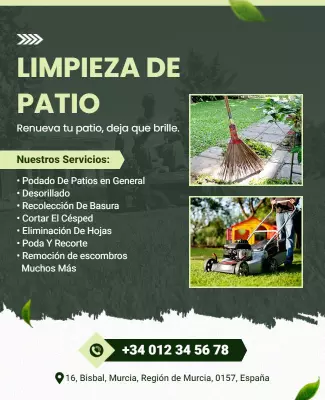
How to customize a patio flyer
No design skills needed. Choose a warm outdoor layout, add menu or service details, adjust colors for your venue brand, then export a file you can print or share online in minutes.

1. Pick a patio layout
Pick a patio flyer layout for dining events, product sales, or service promotions. Set the page size first, then add the venue name in warm typography that sets the outdoor atmosphere.
2. Add venue and event details
Add venue name, menu highlights or service list, event date, hours, address, and reservation or booking method. Keep wording warm and clear so guests are drawn to the outdoor experience.
3. Use warm outdoor colors
Use warm terracotta, sage green, and golden yellow tones for dining promotions. For service flyers, use clean professional colors with patio imagery to establish trust and reliability.
4. Check print layout
Confirm margins and safe area, keep venue name and event date away from edges, and export at print quality. Preview at full size so food photos look appetizing and text is clearly readable.
5. Export and share
Export a print ready PDF for venue display and handout distribution plus a square digital version for Instagram and Facebook. Share with guests and include the reservation link in all posts.
Trusted by Thousands
 Tata Consultancy Services
 Boston Consulting
 AT&T
AT&T
 Avelo Airlines
 Procter & Gamble
 Ministry Of Health, Malaysia
 Veterans Affairs
 Detroit Government
 New York University
 Texas A&M University
 Decathlon America
 Warby Parker
Tata Consultancy Services
Boston Consulting
AT&T
Avelo Airlines
Procter & Gamble
Ministry Of Health, Malaysia
Veterans Affairs
Detroit Government
New York University
Texas A&M University
Decathlon America
Warby Parker
Warby Parker
Tata Consultancy Services
Boston Consulting
AT&T
Avelo Airlines
Procter & Gamble
Ministry Of Health, Malaysia
Veterans Affairs
Detroit Government
New York University
Texas A&M University
Decathlon America
Warby Parker



Other Flyer templates
Patio Flyer Templates Design Ideas and Examples
Customize colors, photos, and text to highlight your patio atmosphere, then keep the layout warm and clear so guests find menu offerings, event dates, or service details in seconds. DesignWiz offers patio flyers across dining events, product sales, and landscaping services, so you can start from a ready made layout and tailor it for your venue or business. Use these ideas to decide visual style, photo placement, and what to emphasize for your audience, then browse flyer templates when you want more options beyond your first pick.
Patio dining and party event flyers
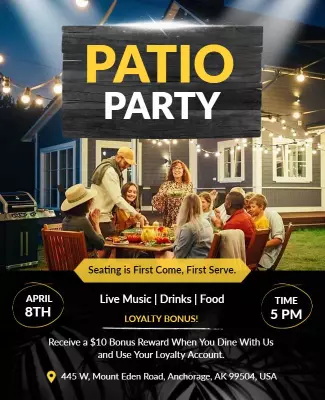
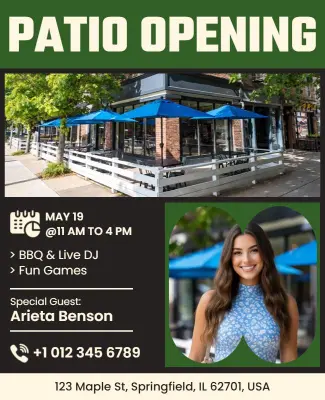
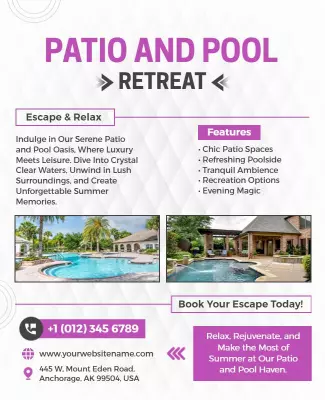
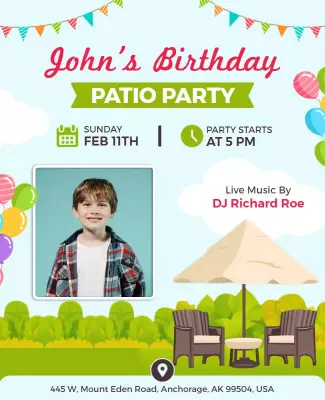
Use warm golden hour food photography, atmospheric string light imagery, and clear sections for menu highlights, happy hour specials, and reservation details. For a dining example, start from outdoor patio party with music and food flyer template and swap the event date and menu offerings. The restaurant patio opening event variant works well for seasonal openings with live music and drink specials prominently featured.
Patio product and installation sales flyers
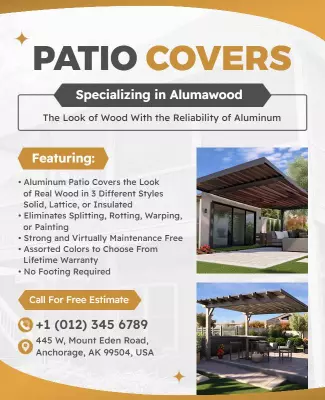
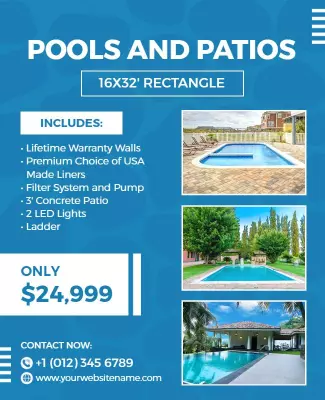
Use clean product photography, bold sale headlines, and clear sections for pricing, warranty details, and contact information. For a product layout, adapt backyard pools and patios sale flyer template and update the product features and pricing. The aluminum patio covers advertisement variant works for contractors promoting cover installations with material specs and warranty terms included.
Patio cleaning and landscaping service flyers
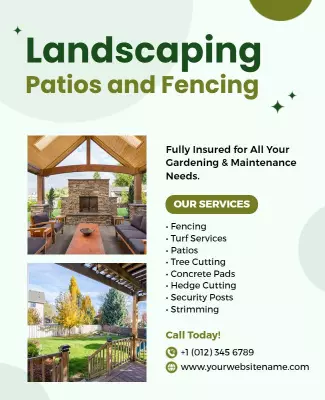
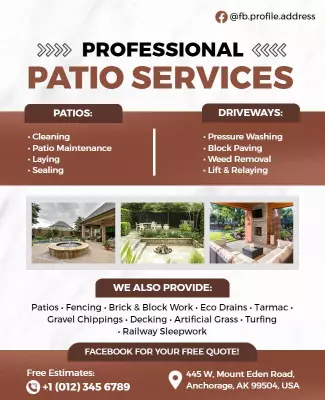
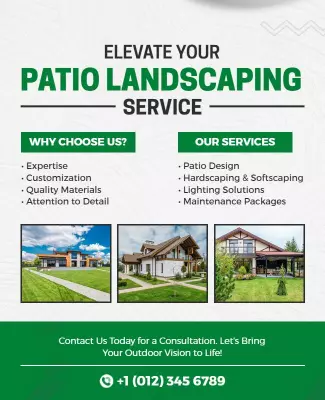
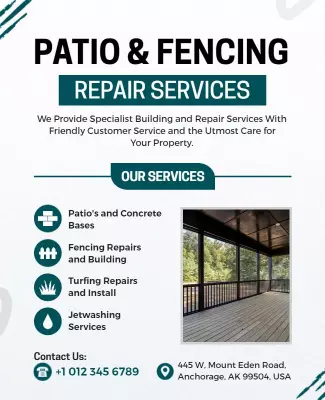
Use before and after imagery, service category icons, and clear sections for pricing packages and service area coverage. For a service layout, start from patio cleaning and maintenance services flyer template and replace the service list and contact details. The professional patio and driveway services variant works for hardscaping contractors with pressure washing and paving details prominently displayed.