


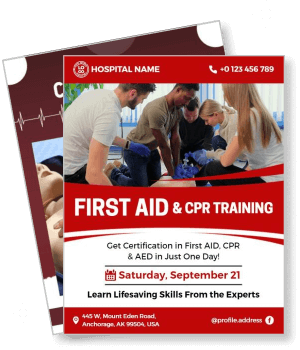
CPR Flyer Templates
DesignWiz CPR flyer templates help health organizations and training providers promote life-saving courses fast with medical layouts for class schedules, certification details, and registration info.
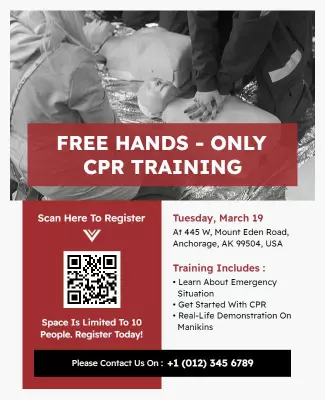
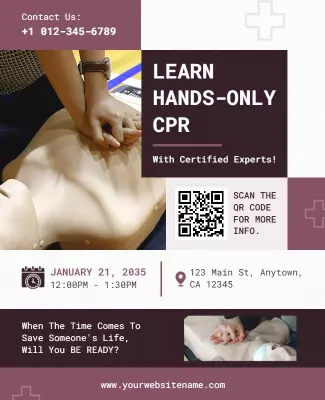
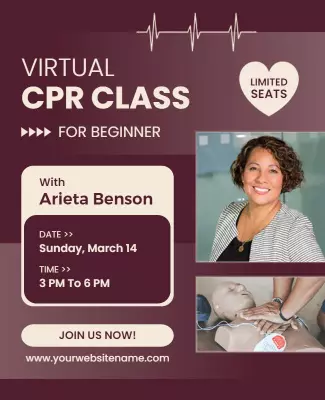
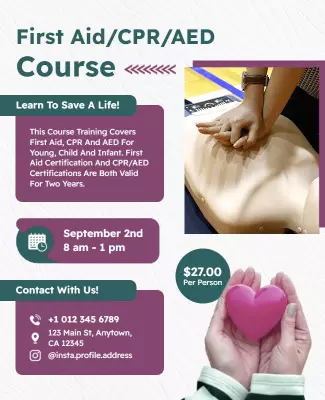
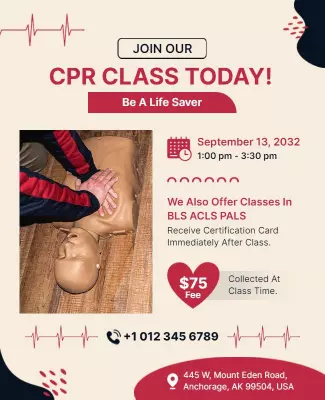
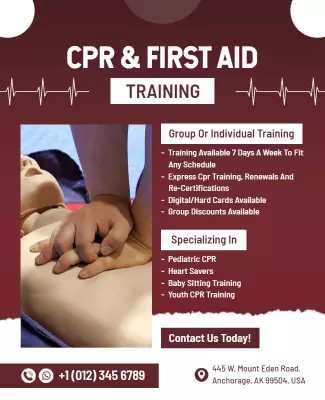
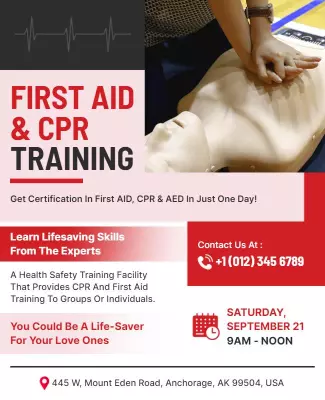
How to customize a CPR flyer
No design skills needed. Choose a medical layout, add course dates and certification details, adjust colors for your training brand, then export a file you can print or share online in minutes.

1. Pick a CPR layout
Pick a CPR flyer layout for certification courses, emergency response, or community workshops. Set the page size first, then add the course name in bold typography for a professional medical tone.
2. Add course and certification details
Add course name, certification type, training dates, venue, instructor credentials, and registration link. Keep wording clear so participants quickly understand the schedule and enrollment steps.
3. Use professional medical colors
Use clean white backgrounds with bold red accents for medical authority. Include certifying organization logos prominently and keep text high contrast so all course information remains readable.
4. Check print layout
Check margins and safe area, keep course name and training dates away from edges, and export at print quality. Preview at full size so certification logos and schedule details are readable.
5. Export and promote
Export a print ready PDF for community display and handout distribution plus a square digital version for social media and email. Share with local groups and include the registration link in posts.
Trusted by Thousands
 Tata Consultancy Services
 Boston Consulting
 AT&T
AT&T
 Avelo Airlines
 Procter & Gamble
 Ministry Of Health, Malaysia
 Veterans Affairs
 Detroit Government
 New York University
 Texas A&M University
 Decathlon America
 Warby Parker
Tata Consultancy Services
Boston Consulting
AT&T
Avelo Airlines
Procter & Gamble
Ministry Of Health, Malaysia
Veterans Affairs
Detroit Government
New York University
Texas A&M University
Decathlon America
Warby Parker
Warby Parker
Tata Consultancy Services
Boston Consulting
AT&T
Avelo Airlines
Procter & Gamble
Ministry Of Health, Malaysia
Veterans Affairs
Detroit Government
New York University
Texas A&M University
Decathlon America
Warby Parker



Other Flyer templates
CPR Flyer Templates Design Ideas and Examples
Customize colors, photos, and course details to match your training brand, then keep the layout clear and professional so participants find class schedules, certification info, and registration steps in seconds. DesignWiz offers CPR flyers across certification courses, emergency response training, and community awareness, so you can start from a ready made layout and tailor it for your program. Use these ideas to decide visual style, course highlights, and what to emphasize for your audience, then browse flyer templates when you want more options beyond your first pick.
CPR certification course flyers
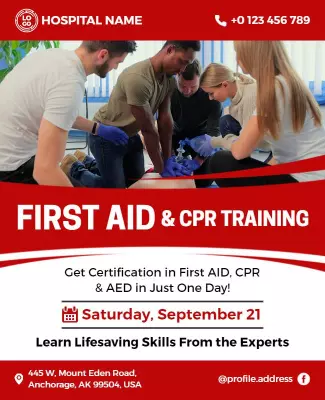
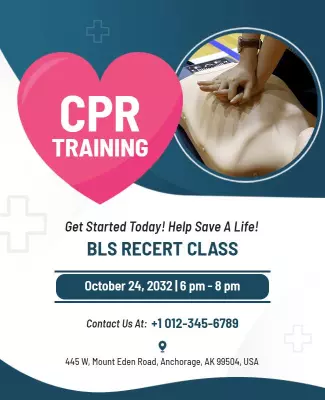
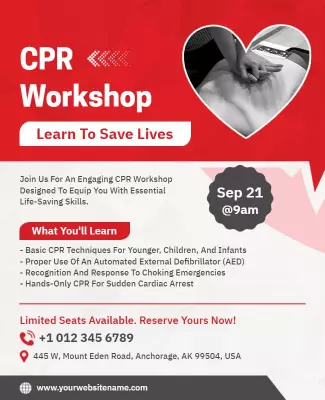
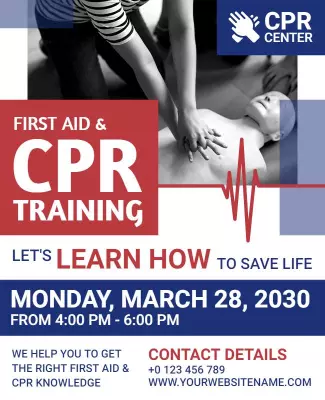
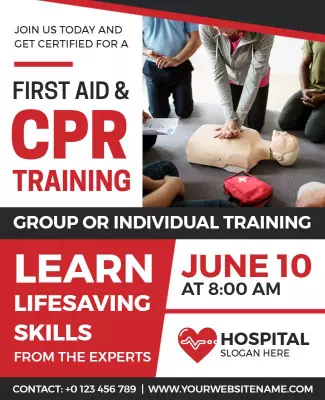
Use clean white backgrounds with bold red accents, certification logos from AHA or Red Cross, and clear sections for course levels, dates, pricing, and instructor credentials. For a course example, start from first aid and CPR training workshop flyer template and swap the schedule and certifying body details. The CPR training certification course variant works well for BLS and recertification classes with skill modules prominently outlined.
Hands-only and emergency response flyers
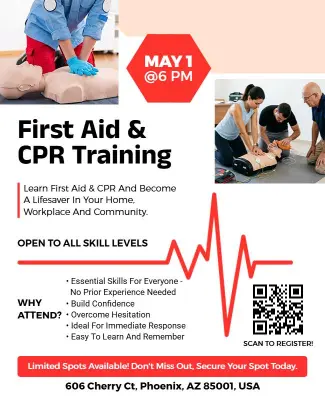
Use bold action-oriented headlines, emergency response imagery, and clear sections for class duration, format, and registration urgency. For an emergency layout, adapt hands-only CPR training event flyer template and update the date, time, and registration deadline. The beginner virtual CPR class variant works for online training promotions with limited seat availability and early bird pricing prominently featured.
Community CPR training and awareness flyers
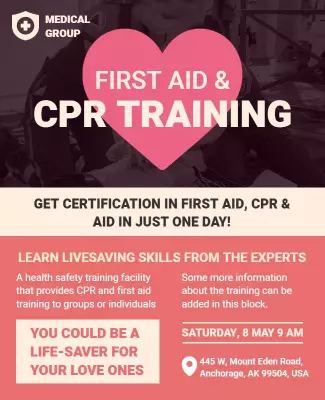
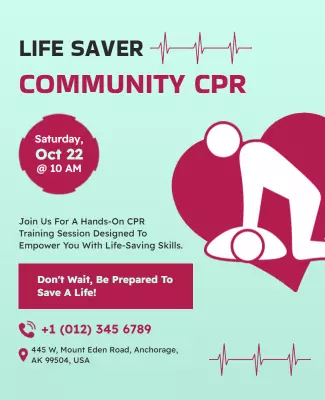
Use warm community-focused imagery, inviting color palettes, and clear sections for workshop topics, location details, and registration incentives. For a community layout, start from community CPR training workshop flyer template and replace the event date and workshop details. The heart-themed pink first aid variant works for health awareness campaigns with survivor stories and life-saving impact statistics included.