


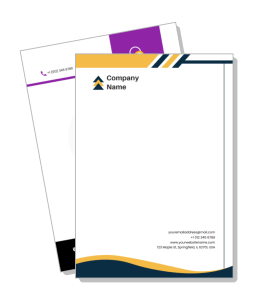
Blank Letterhead Templates
Blank letterhead templates give you a clean starting point for personal or business correspondence. Use a simple layout when you want full control over the header, spacing, and body text while keeping the page easy to read in print, PDF, or email.
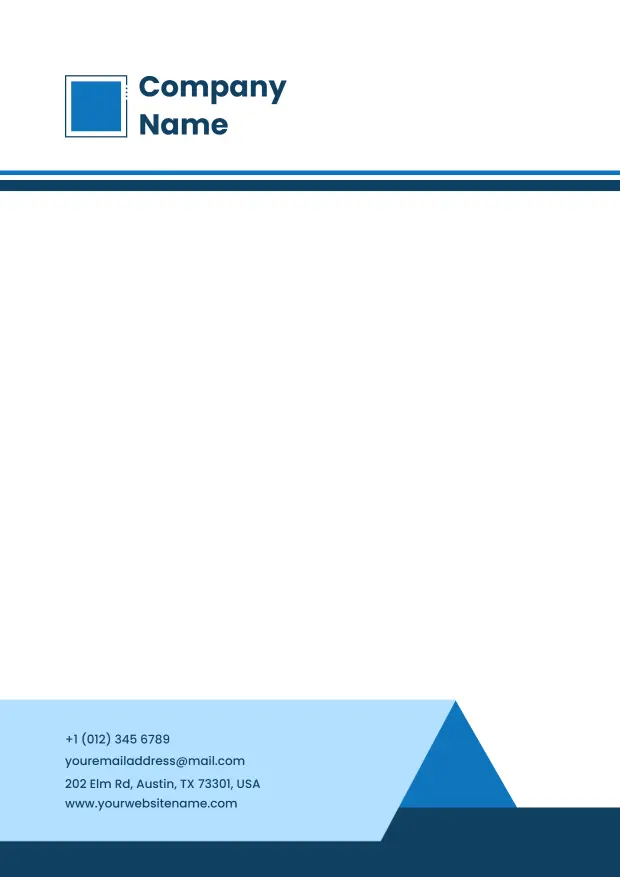
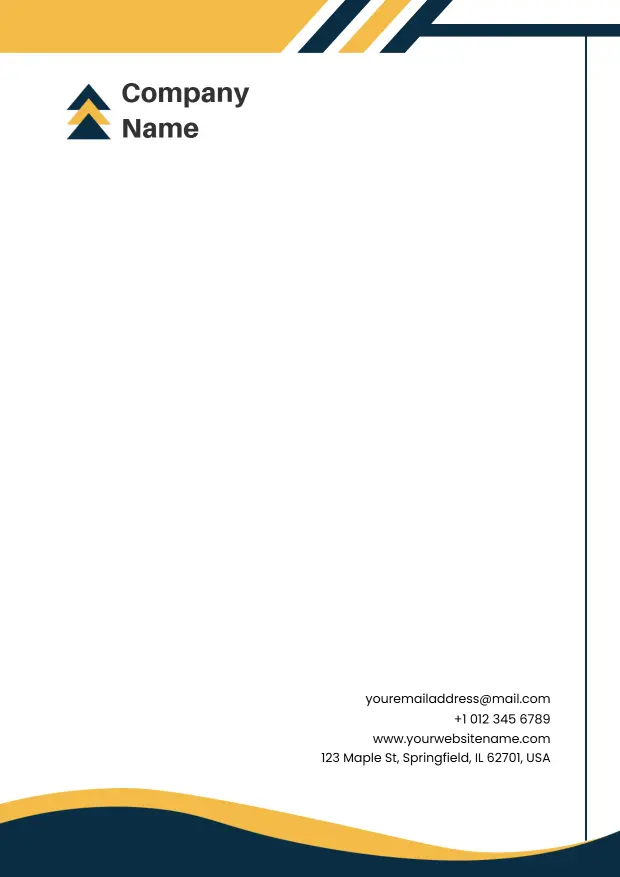
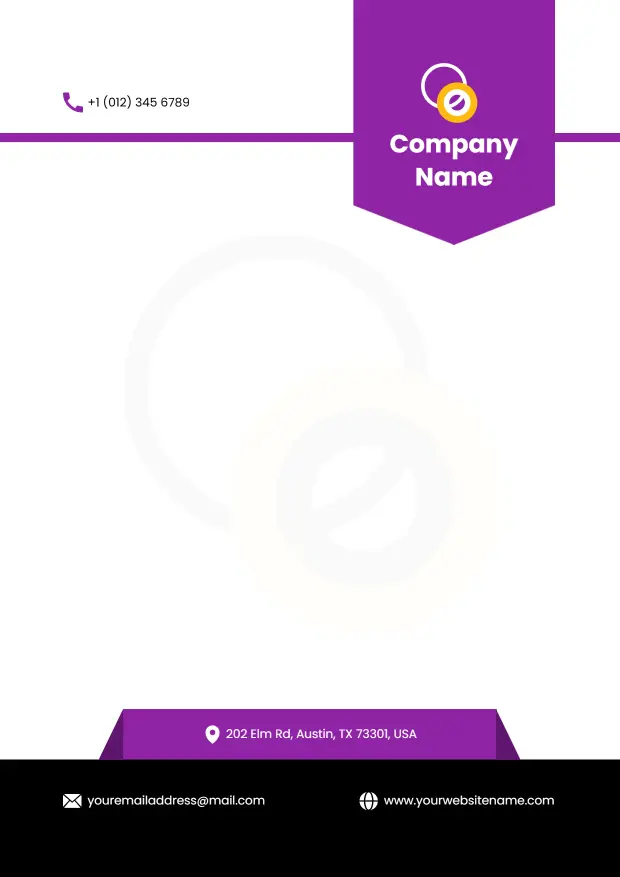
How to create a blank letterhead in 5 steps
Start with a simple layout, then add only the details you need so the page stays flexible for different kinds of correspondence.
1. Choose a clean base
Pick a layout with enough room for the header, body text, and signature area. A clean base makes the page easier to reuse for letters, notices, and notes without redesigning it each time.
2. Add only the essential details
Place the name, logo, contact block, or other core information where it is easy to see. Keeping the header short helps the blank layout stay open and adaptable for future use.
3. Keep the page visually open
Use spacing, simple typography, and a restrained color palette so the page feels uncluttered. Extra white space makes the document easier to read and more flexible for different messages.
4. Match the layout to your use case
Adjust the blank design for the type of document you send most often, such as office letters, personal notes, or business correspondence. Small changes make the same layout work in more situations.
5. Save print and digital copies
Export a print-ready PDF and a digital version so the same blank letterhead can be reused across paper and screen. Testing both formats helps you catch spacing issues before you share the file.
Trusted by Thousands
 Tata Consultancy Services
 Boston Consulting
 AT&T
AT&T
 Avelo Airlines
 Procter & Gamble
 Ministry Of Health, Malaysia
 Veterans Affairs
 Detroit Government
 New York University
 Texas A&M University
 Decathlon America
 Warby Parker
Tata Consultancy Services
Boston Consulting
AT&T
Avelo Airlines
Procter & Gamble
Ministry Of Health, Malaysia
Veterans Affairs
Detroit Government
New York University
Texas A&M University
Decathlon America
Warby Parker
Warby Parker
Tata Consultancy Services
Boston Consulting
AT&T
Avelo Airlines
Procter & Gamble
Ministry Of Health, Malaysia
Veterans Affairs
Detroit Government
New York University
Texas A&M University
Decathlon America
Warby Parker



Other Letterhead templates
Why blank letterhead templates work when you need a simple starting point
Blank letterhead templates are useful when you want a clean page that can adapt to different kinds of communication. The layout gives you room to add company details, contact information, or a personal name block without locking you into a heavy design, which makes it easier to reuse the same page for multiple purposes.
Flexible layouts for company information
If you need a header that can hold address details, department names, or a short identity block, a simple structure is usually the easiest choice. The Modern Company Information Display Blank Letterhead Template gives you a clean base that keeps the page organized without adding visual clutter.
Professional options for corporate correspondence
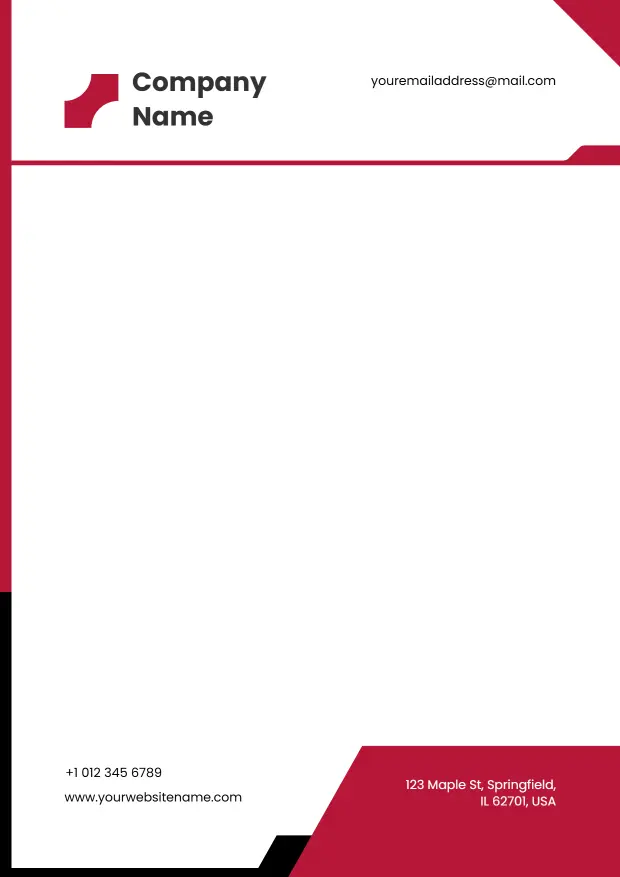
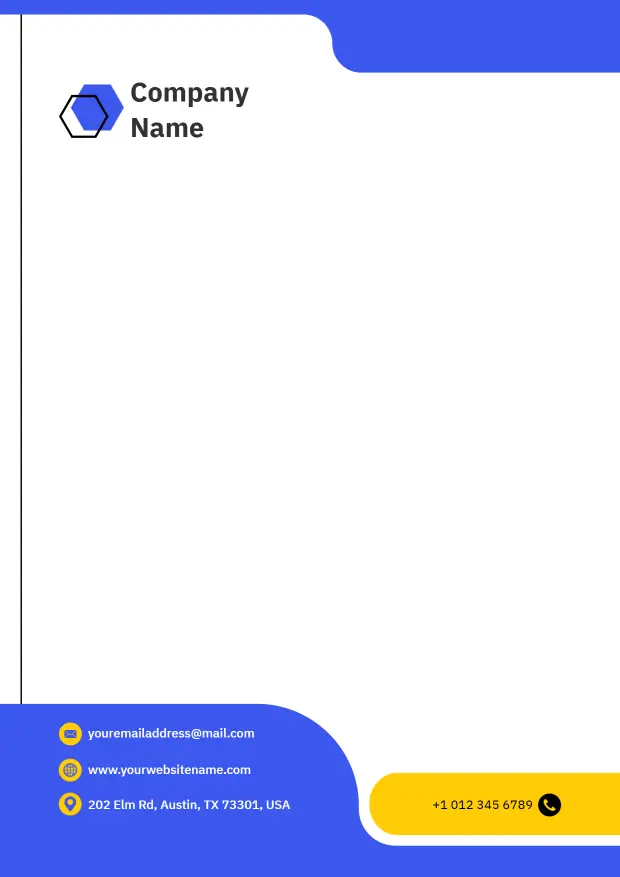
Blank layouts often work best when the document needs to look polished but still leave most of the page open for writing. The Modern Red Corporate Blank Letterhead Template and Professional Blue Corporate Blank Letterhead Template are both good fits for business letters, notices, and routine office communication.
Minimal styles that still feel branded
When you want something restrained but not plain, a geometric or color-led layout can add structure without making the page busy. The Professional Blue Geometric Corporate Blank Letterhead Template gives you a sharper visual frame that still leaves the writing area open and easy to use.
Use a standard letter size, keep contrast strong, and leave enough white space around logos, headings, and signature lines so the blank layout stays readable after export, printing, or email sharing.